Your first article, step by step
From sign-up to a published article in about 20 minutes, and what you can leave for later.
This is the shortest path to your first article. You need about 20 minutes, most of it waiting while QuickCreator researches and writes. The trial's 600 credits cover two full articles.
1. Create your Brand Profile (5 minutes)
In the sidebar, open Brand Center → Brand Profile, enter your website address and click Create Brand Profile and ICP. QuickCreator reads your website and fills in your products, value proposition and audience, and suggests Ideal Customer Profiles.
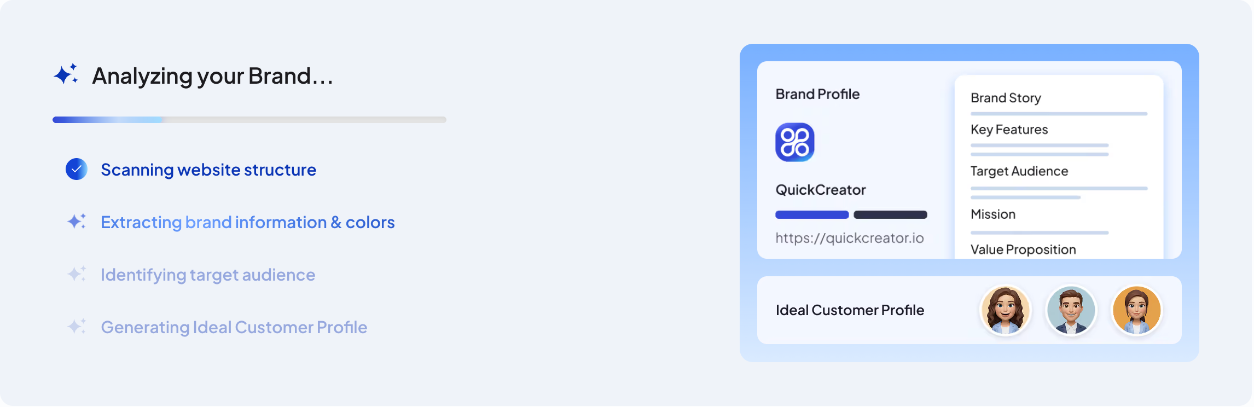
Every article is written with your Brand Profile in mind, so this is the one step worth doing first. See Set up your Brand Profile.
2. Start an article (1 minute)
On Home, type your topic in the writing box. One line is enough, for example How to choose a CRM for a 10-person sales team. Above the box, Select ICP picks the reader; leave Promote my brand on if you want your products mentioned where they fit.
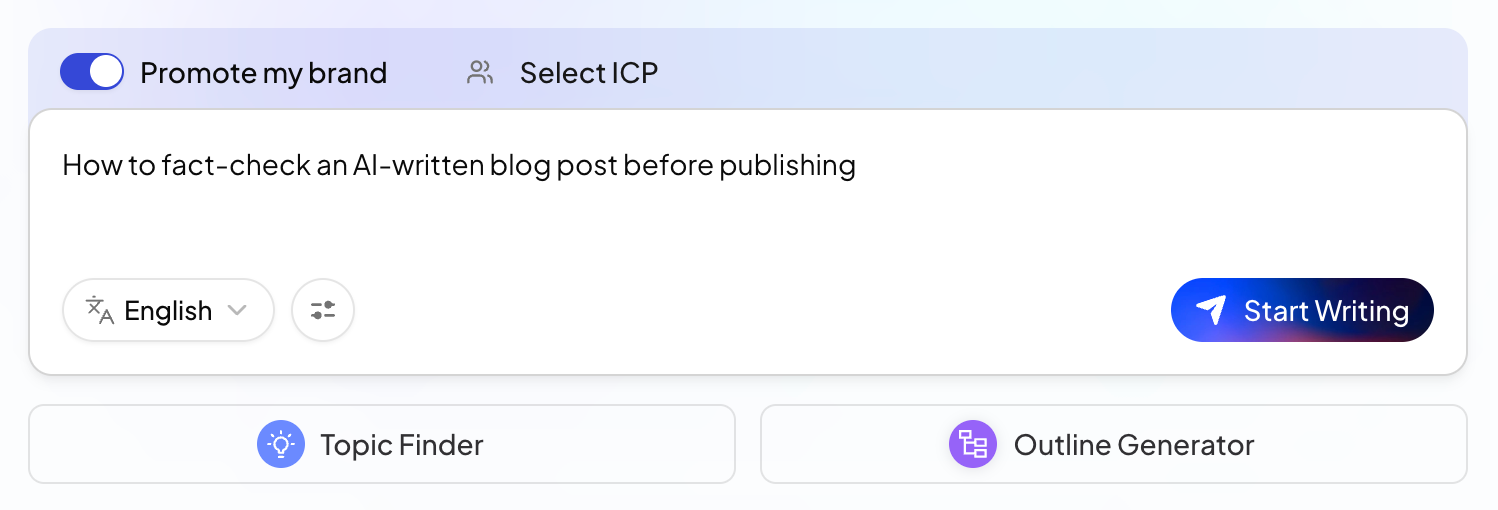
Click Start Writing.
3. Wait while it researches and writes (10–15 minutes)
QuickCreator analyzes the topic, reads sources, plans an outline, writes and checks the draft. If it asks a few questions first, answer them or click Skip. You can leave the page; the article keeps going and you can reopen it from History in the sidebar.
4. Review the draft (5 minutes)
When Your draft is ready! appears, the article opens with its Content Quality Score. Click Go to Edit/Publish to read and change it in the editor.
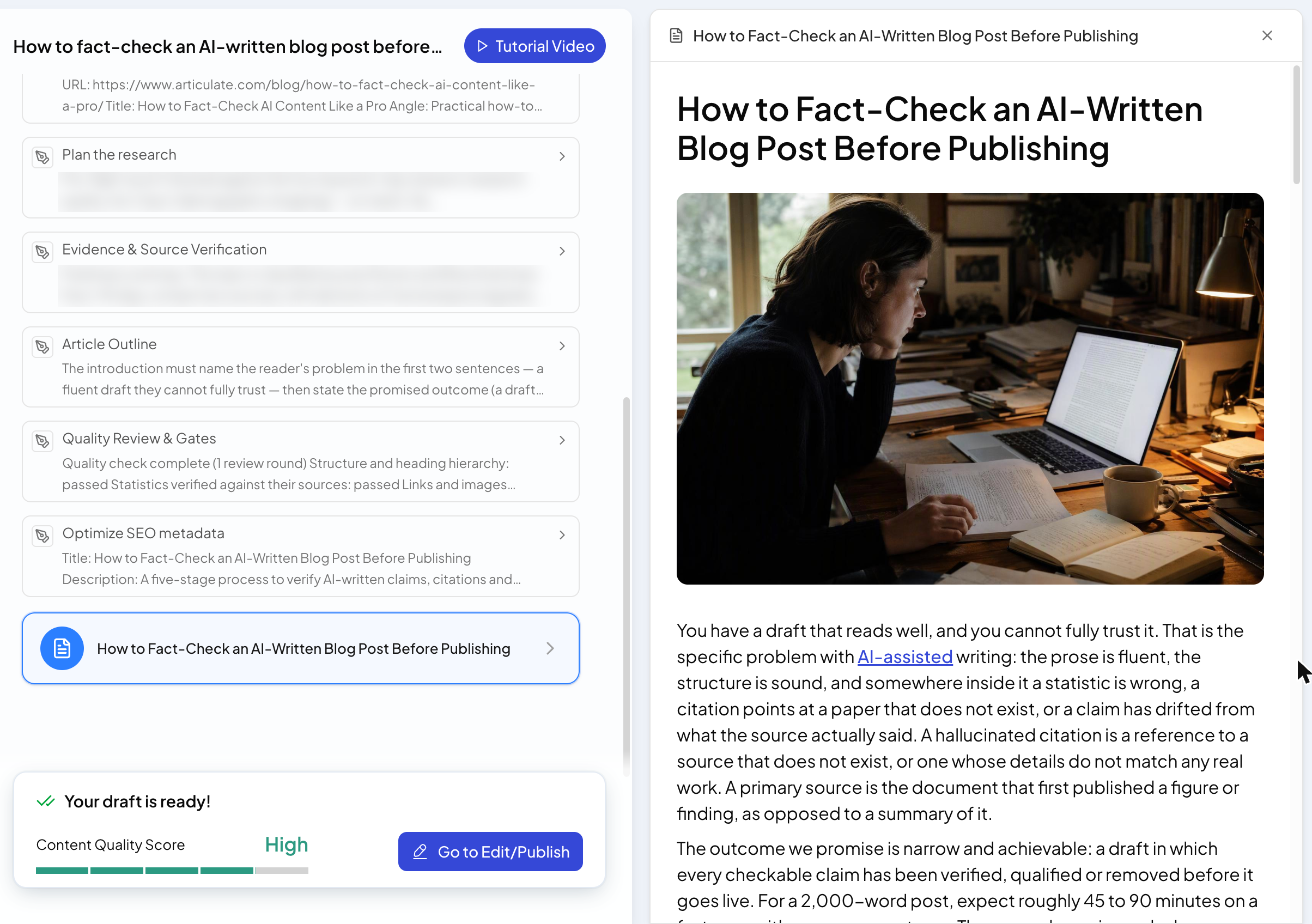
5. Publish or export
- No website connected yet? Export the article as HTML, Markdown or Google Docs, or create a hosted blog site in a few clicks.
- On WordPress? Connect WordPress once, then publish in one click.
See Publish, schedule and export.
What you can leave for later
These make articles better, but none of them is needed for your first one.
- Knowledge Base: product documents and pages, so articles get your facts right.
- Ideal Customer Profiles: refine the buyers QuickCreator suggested.
- Discovery and Topic Finder: ideas for what to write next.
- Content Generation Settings: region, sources and image style defaults.
The Quick Start Checklist at the bottom of the sidebar tracks these steps for you.
Related articles
- Key conceptsCredits, Brand Profile, ICPs, Knowledge Base and the other terms you'll see, in one page.
- Write a blog postGive QuickCreator a topic, check a few settings, and get a researched, SEO-ready draft.
- Publish, schedule and exportCheck the publish settings, publish in one click, schedule on WordPress, or export the article.