Set up your Brand Profile
Let QuickCreator read your website and build the profile every article is written from, then check and edit it.
Brand Center 2 min readUpdated 2026-10-20
Your Brand Profile tells QuickCreator who you are: what you sell, why it matters and who it is for. Every article is written with it in mind, and when Promote my brand is on, QuickCreator uses it to present your products correctly.
Create your Brand Profile
- In the sidebar, open Brand Center → Brand Profile.
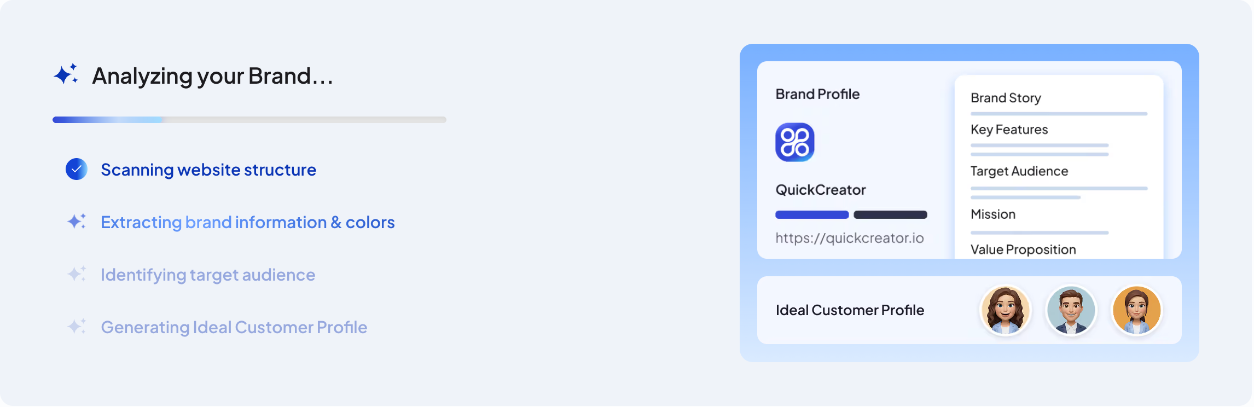
- Enter your website address and click Create Brand Profile and ICP.
- QuickCreator scans your website, extracts your brand information and colors, identifies your target audience and suggests Ideal Customer Profiles. This takes a few minutes.
What's in the profile
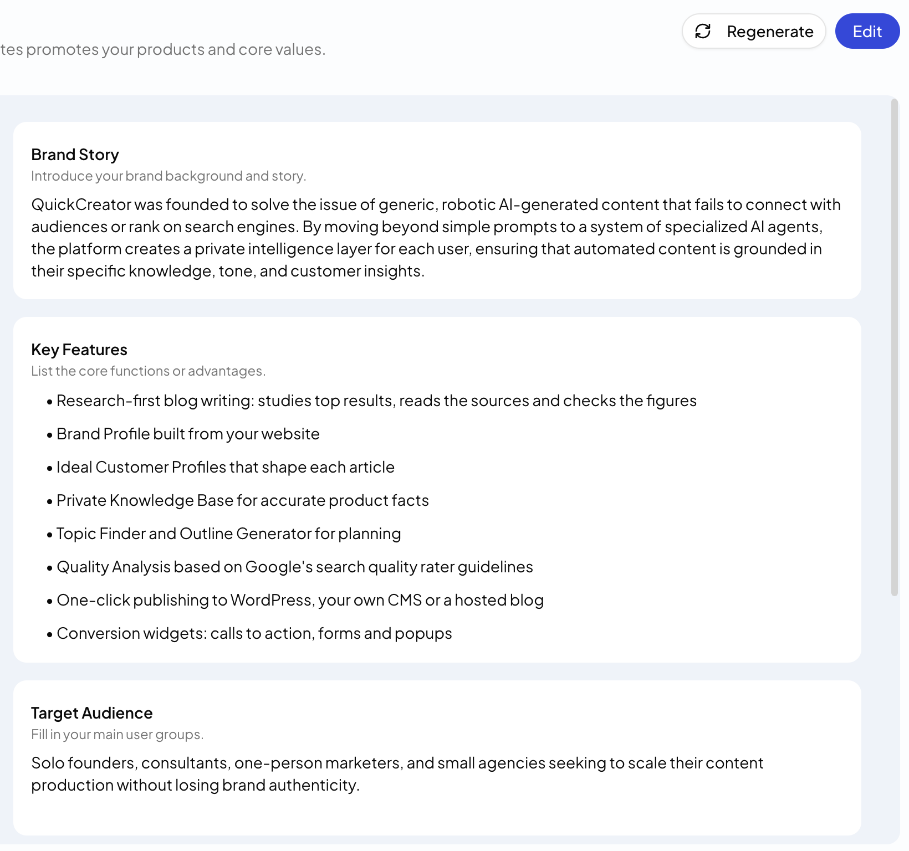
- Brand Logo, Brand Name and Brand Url
- Primary Color and Secondary Color, used by your hosted blog's theme
- Brand Story: your background, in up to 1,000 characters
- Key Features: up to 8 core functions or advantages
- Target Audience: your main user groups
- Mission and Value Proposition
Check and edit it
The profile is generated from your website, so read it once. Wording that is out of date on your site, or on pages saved in your Knowledge Base, can show up here.
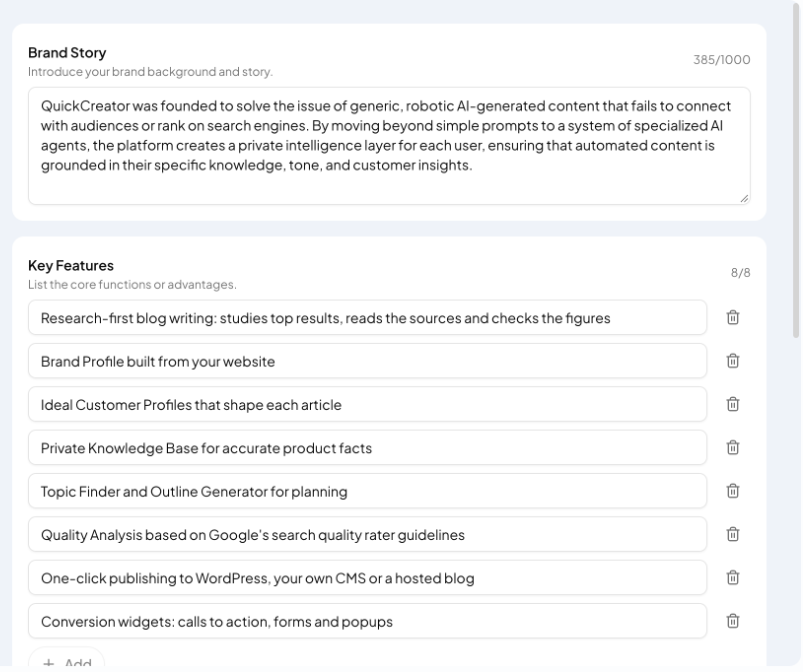
- Click Edit.
- Change any text, replace the logo, delete a key feature or add one with + Add.
- Click Save.
New articles use the latest version of the profile.
Regenerate it
When your products or positioning change, rebuild the profile from your website:
- Click Regenerate.
- Check the website address and click Confirm.
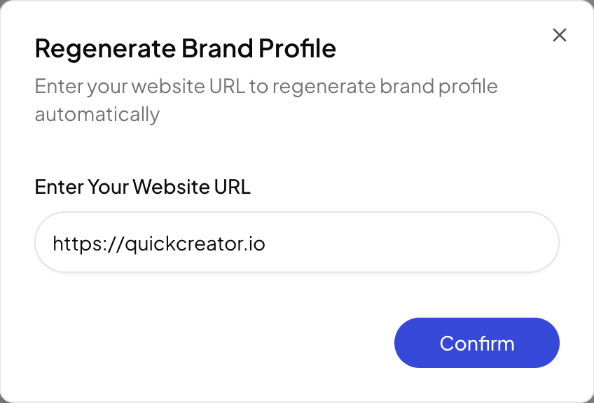
Regenerating replaces the current profile, including edits you made by hand.
Tips
- If your website changed, refresh the old pages in your Knowledge Base too (⋯ → Fetch again), so outdated details don't come back.
- To match a particular writing style, share an article you like when you write. The writer follows it.
Related articles
- Create an Ideal Customer ProfileDescribe a buyer to the market research assistant, then refine their goals, pain points, objections and preferences.
- Add documents and web pages to your Knowledge BaseUpload files or add website links so articles get your product facts right.
- Search and organize your Knowledge BaseFind items with AI Semantic Search, filter by type and tag, and manage each item.
- Fix Knowledge Base items that can't be readWhat each failure message means and how to get the content in.