Write LinkedIn and X posts
Connect your account, then describe a post and let QuickCreator write it.
Before you start
- A LinkedIn or X account
Under Social Media in the sidebar, LinkedIn and X each open a content creator for that network.
Connect your account
The first time, you'll see Authorization Required. Click Connect LinkedIn or Connect X and sign in to that network to allow access. Back in QuickCreator, click Refresh Status if the page hasn't updated.
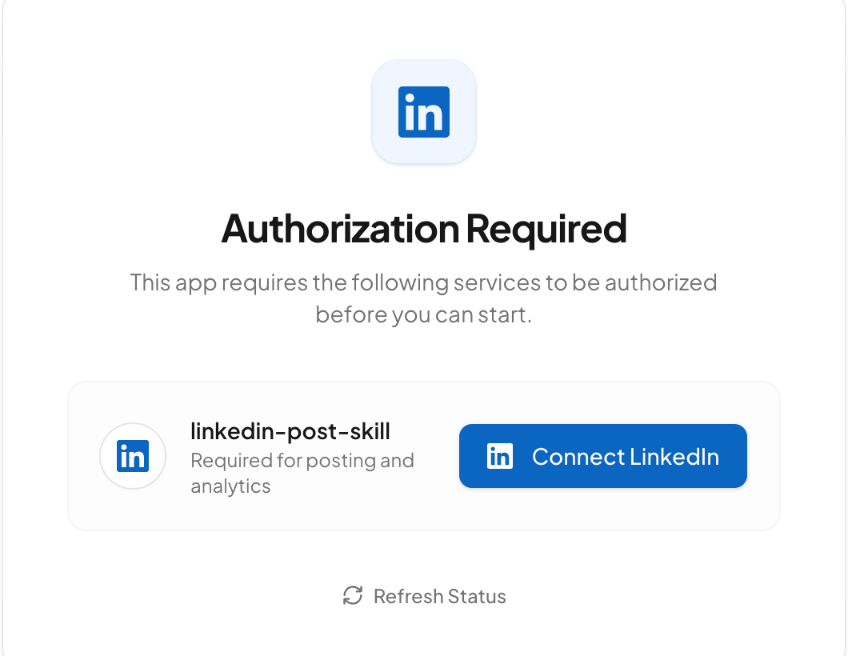
QuickCreator asks for access so it can post to your account. You can remove the access at any time in your LinkedIn or X settings.
Write a post
Once connected, the page asks What are we posting today? Describe the post, for example a short post about our new fact-checking guide, and QuickCreator writes it. Ask for changes in the same chat until you're happy with it.
Click New Session to start a new post.