Change the interface language and theme
Switch QuickCreator between English and Chinese, and between light and dark.
Account & billing 1 min readUpdated 2026-10-20
- Click your name at the bottom of the sidebar.
- Next to Language, choose English or 简体中文.
- Next to Theme, choose Light, Dark or System (follows your computer's setting).
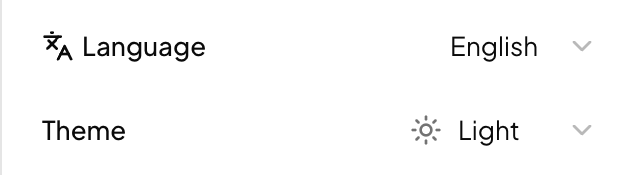
The interface language is saved to your account, so it applies wherever you sign in.
Interface language is not article language
The interface language only changes menus and buttons. The language an article is written in is set separately, in the language selector of the writing box on Home, in Topic Finder and in Outline Generator. You can use the English interface and write in Chinese, or the other way round. See Write in other languages.