
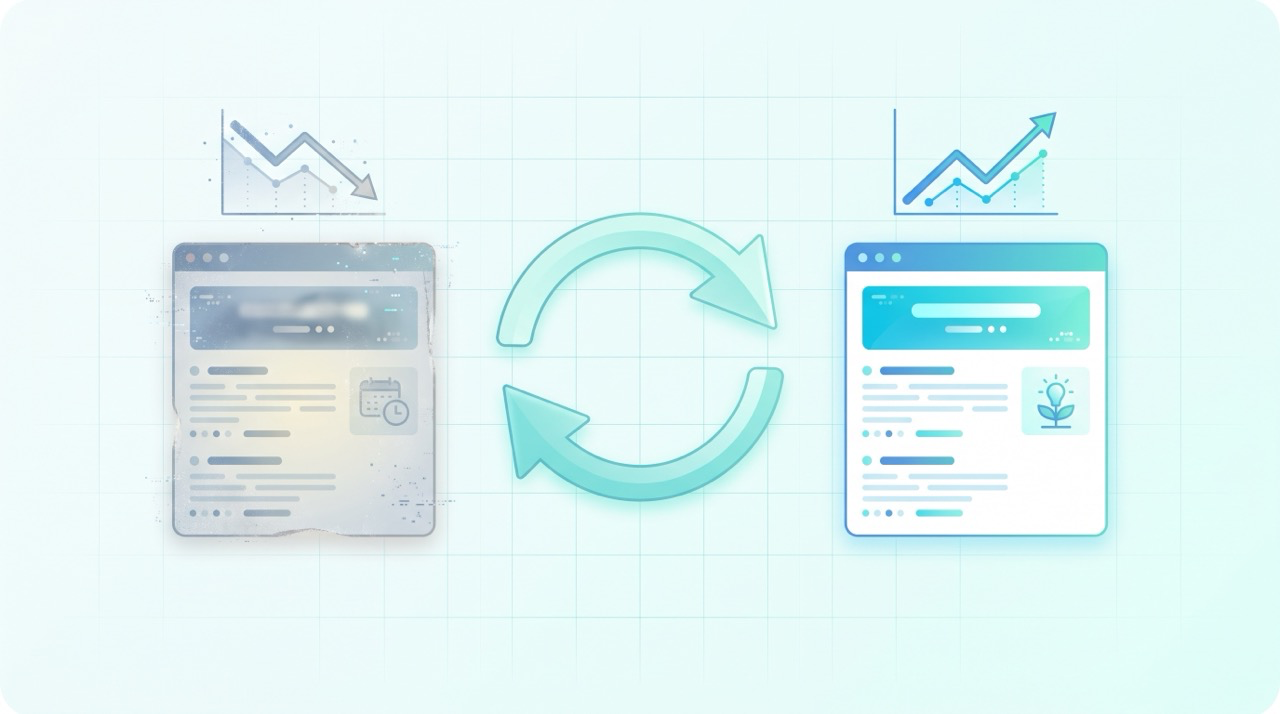
The cheapest traffic you'll ever win is traffic you almost had. Every blog accumulates posts that used to rank and quietly slid down the page — not because they were wrong, but because the web moved on. A content refresh is how you win those positions back: instead of writing something new and waiting months for it to rank, you improve a page Google already trusts. For a small team, an hour spent refreshing a decaying post routinely beats an hour spent drafting a brand-new one.
This guide sits under our beginner's guide to blog SEO and picks up where keyword research in Search Console leaves off. That post shows you how to find "striking-distance" queries — the ones where you rank 5–15. This one turns that list into a repeatable refresh routine: which pages to pick, what to change, how to republish safely, and how to prove it worked.
Why good posts lose rankings
Rankings decay even when nothing on your page changes, because everything around it does. Competitors publish fresher, deeper takes on the same query. Search intent drifts — the results Google rewards for a term this year may answer a slightly different question than the one you wrote for. And your facts age: screenshots go stale, tools get renamed, prices change, a "2024" in the title quietly tells searchers the post is old before they even click.
None of that means the post failed. It means it needs maintenance, the same way a good product does. Google's own helpful content guidance explicitly suggests auditing the pages that dropped: "What pages were most impacted and for what types of searches? Look closely at these to understand how they're assessed." A content refresh is exactly that audit, plus the fix. The goal is never to make a page look newer — it's to make it genuinely the best answer again.
Step 1: Find the pages worth refreshing
Don't refresh by gut feel. Open Performance → Search results in Google Search Console, switch to the Pages tab, and use the date comparison to look at the last 3 months versus the previous 3 months. You're hunting for two patterns:
- Declining pages. Posts where clicks and impressions trend down over the window. The page still has authority — it's losing ground, which means a refresh can recover it.
- Striking-distance pages. Posts sitting at average position 5–15 with real impressions. They're one good edit away from the top, and the queries they earn tell you exactly what's missing. If you don't have that list yet, our Search Console keyword research guide is the fastest way to build it; our Search Console walkthrough covers the dashboard itself if you're newer to the tool.
The four metrics in that report are your evidence — impressions, clicks, CTR, and average position, as Google defines them. A page with strong impressions but fading clicks usually needs a snippet fix; a page sliding from position 6 to 14 needs substance. Pick two or three pages per cycle. Refreshing is deep work, and a careful rewrite of two posts beats a shallow pass over ten.
Step 2: Diagnose before you rewrite
A decaying post has one of three problems, and each has a different fix:
- The information aged. Old examples, renamed features, dead links, stale screenshots. This is the easiest fix — bring the facts current.
- The intent shifted. Search your target query in an incognito window and read what ranks now. If the top results are step-by-step tutorials and your post is an opinion piece, no amount of polish will close the gap — you need to restructure around what the query now means.
- The page is thin compared to what's above it. The winners answer more of the question: sub-questions, comparisons, worked examples. Your job is to close that depth gap, not to add padding.
Skip this diagnosis and you'll rewrite the wrong things. A post decaying because intent shifted doesn't need newer screenshots, and a post decaying because it's thin doesn't need a new title.
Step 3: The refresh moves that matter
Once you know the cause, the rewrite menu is short:
- Update everything time-sensitive. Facts, figures, tool names, screenshots, examples. If the post recommends steps in a product that has since changed its UI, walk through it again.
- Expand the sections your queries point to. Take the striking-distance list from Step 1 and make sure each real query is answered head-on — ideally with its own heading. Our on-page SEO checklist is the reference for tightening titles, headings, and structure as you go.
- Rewrite the title and meta description for the click. If impressions held while clicks fell, your snippet is the problem. Add the current year only if the content genuinely earns it, and lead with the outcome the searcher wants.
- Add internal links both ways. Link the refreshed post to the relevant articles you've published since it first went live, and add links from those newer posts to it. A decaying post is often an orphaned one — our internal linking guide explains why those links redistribute authority you already own.
One line you should not cross: changing the date without changing the content. Google's helpful content guidance calls it out directly as search-engine-first behavior — "Are you changing the date of pages to make them seem fresh when the content has not substantially changed?" Update the date because you did real work, or don't update it at all.
Step 4: Republish without breaking anything
The mechanics matter as much as the edit:
- Keep the URL exactly as it is. The page's accumulated authority lives on that slug. Changing the URL throws away the rankings you're trying to recover — if a redirect is ever unavoidable, treat it as a last resort, not a cleanup.
- Keep the parts that already rank. A refresh is surgery, not demolition. If a paragraph earns impressions for a valuable query, improve it in place rather than replacing it.
- Tell Google the page changed. Inspect the URL in Search Console and use Request indexing so the new version gets crawled promptly. As the URL Inspection tool documentation notes, for many updated pages at once your best option is a sitemap with accurate
<lastmod>dates — and either way, indexing typically takes days, not minutes.
Step 5: Measure the lift
Before you touch anything, record the page's baseline: clicks, impressions, CTR, and average position for the last 28 days. Then give the refresh time to work — two to four weeks is a fair window, since the page needs to be recrawled and re-evaluated.
Compare the same 28-day window before and after in the Performance report's comparison mode. You're looking for impressions and position to recover first; clicks follow. If you also watch what visitors do after they arrive, our Google Analytics 4 guide covers the engagement side — useful for confirming the refreshed page actually satisfies the readers it wins back.
If nothing moved after a month, the diagnosis in Step 2 was probably wrong: the intent shifted further than you thought, or the depth gap is bigger than one edit. Iterate once more before concluding the topic itself is lost.
Where this connects to AI search
Refreshing matters beyond Google now. AI engines answering questions — ChatGPT, Perplexity, Gemini, AI Overviews — retrieve pages that already rank well and read as current. A post with last year's facts and last year's framing is a weaker citation candidate than the same post kept accurate and direct. In our own research on how AI engines decide which brands to recommend, the pages that surface are consistently the ones that answer the question thoroughly and unambiguously — which is exactly what a good refresh restores.
So a refresh cycle is doing double duty: it recovers Google rankings and keeps your pages quotable for AI answers. That dual payoff is the practical core of Generative Engine Optimization (GEO) — and if you want to see whether AI engines mention you at all, start with how to check if AI mentions your brand.
Common mistakes to avoid
- Changing only the date. Google explicitly flags fake freshness, and readers notice too. No substantial edit, no new date.
- Changing the URL. You forfeit the page's accumulated authority. Keep the slug; fix the content.
- Rewriting what's already winning. Sections that rank well should be preserved and polished, not replaced. Refresh around them.
- Refreshing pages with no impressions at all. A page that never earned visibility usually has a targeting or authority problem, not a freshness problem — that's a case for a new post, not a refresh.
- Judging results in three days. Recrawling and re-ranking take weeks. Compare month-over-month windows, not day-over-day noise.
Frequently asked questions
How often should I refresh old blog posts?
Review your top pages every 3–6 months and refresh the ones showing real decay — declining clicks or sliding positions. A light monthly Search Console check plus a deeper quarterly pass works well for most small blogs. Evergreen posts that hold their positions don't need touching.
Should I refresh an old post or write a new one?
Refresh when the page already earns impressions and rankings for the right query — you're building on existing authority. Write a new post when no page ranks for the query, or when the old post targets a different intent. Refreshing a page with zero impressions rarely works; there's no authority to recover.
Does updating the publish date help SEO?
Only when it reflects a genuinely substantial update. Google's helpful content guidance lists changing dates to seem fresh as a search-engine-first tactic. A real rewrite with an updated date is honest signaling; a date bump alone is a risk with no upside.
Will refreshing a post hurt its rankings?
Done carelessly, yes — changing the URL, gutting sections that already rank, or re-optimizing for a different keyword can all cost you. Done as surgery — same URL, winning sections preserved, real improvements added — a refresh is low-risk and usually the highest-ROI hour in content marketing.
How many posts should I refresh at once?
Two or three per cycle. A proper refresh means re-researching the query, rewriting sections, and checking every fact and link. Two careful refreshes will outperform ten shallow ones — and they're far easier to measure.
The bottom line
Content refresh is the other half of content marketing: not making more, but keeping what you made alive. Find decaying pages in Search Console, diagnose whether the problem is aged facts, shifted intent, or thin coverage, rewrite surgically, keep the URL, request reindexing, and measure against a baseline. Run that loop quarterly and your back catalog compounds instead of rotting.
The research and prioritizing are the judgment calls; the re-researching, rewriting, and re-optimizing are the grind — and that's what QuickCreator is built to accelerate: it turns a refresh list into updated, well-structured, publish-ready pages built to rank and get cited.
Try QuickCreator free and turn your decaying posts into pages that climb back to the top.