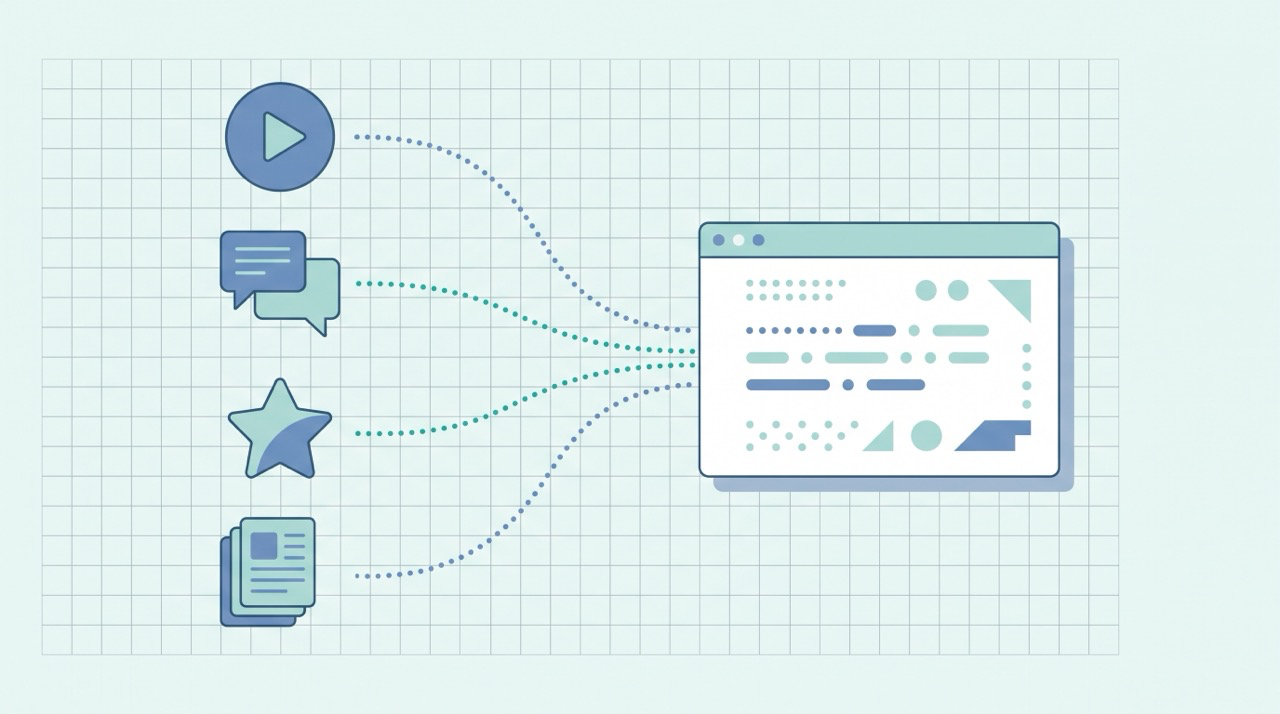
To check whether AI mentions your brand, ask engines like ChatGPT, Perplexity, and Google's AI Overviews the same questions your customers ask, and note whether your business is named, quoted, or linked in the answer. Repeat the same prompts every month and track the results in a simple spreadsheet. That manual check is free, takes about ten minutes, and is the most honest measure of your AI visibility there is.
More and more of your potential customers now research by asking an AI assistant instead of scrolling Google. If those answers never name you, you're losing customers silently — and you won't see it in your normal analytics. This guide shows you how to track your AI visibility yourself, for free, and how to know when it's finally worth paying for a tool.
(New to the idea of being cited by AI? Start with our explainer on what generative engine optimization is — this guide is the "how to measure it" companion.)
The 3-step quick self-check (do this in 10 minutes)
If you do nothing else, do this:
- Open ChatGPT and Perplexity. Type the exact question a customer would ask — e.g. "What are the best [your category] for [your audience]?"
- Look for your brand in the answer. Are you named? Quoted? Linked? Or is it only competitors?
- Write down what you saw — which engine, which prompt, whether you appeared, and who did get named.
That's your baseline. Everything below makes it systematic.
Why you can't see AI traffic in your normal analytics
Here's the trap that catches most small businesses: you assume that if AI were sending you visitors, you'd see it in Google Analytics. Often you won't.
When someone clicks a link inside an AI answer, the "referrer" information that normally tells your analytics where the visit came from is frequently missing or stripped. The result is that AI-driven visits get dumped into "Direct" traffic — the same bucket as people typing your URL by hand. So the impact hides in plain sight, and you conclude AI "isn't sending traffic" when it actually is.
This is exactly why you need to measure AI visibility deliberately, with the two methods below: a manual mention check (Steps 1–3) and a referral filter in GA4 (Step 4). One tells you if you're named in answers; the other tells you if those answers send clicks.
Step 1: Build a small prompt library
You can't measure consistently if you test random questions each time. Spend fifteen minutes once to build a small, fixed list of prompts — your "prompt library" — and reuse it every month.
Aim for 8–15 prompts across three types:
- Category prompts — "best [category] for [audience]," "top tools for [job your product does]"
- Problem prompts — the actual pain a customer types: "how do I [solve the problem you solve]?"
- Comparison prompts — "[competitor] alternatives," "[your brand] vs [competitor]"
Here's what a starter library might look like for, say, a small bookkeeping app for freelancers:
- "Best bookkeeping apps for freelancers"
- "Easiest accounting software for self-employed people"
- "How do I track income and expenses as a freelancer?"
- "What's the best tool for freelance invoicing and taxes?"
- "[Your brand] vs QuickBooks for freelancers"
- "Affordable alternatives to [big competitor]"
- "Bookkeeping software for one-person businesses"
- "How do freelancers handle quarterly taxes?"
Notice the mix: some name your category, some describe the customer's problem in their own words, and some pit you against a known competitor. Swap in your own category, audience, and rivals. Write them down once — the power is in asking the same questions over time so you can see movement, not in clever one-off prompts.
Step 2: Run the prompts across the major AI engines
Run your prompt library through the engines your customers actually use. Each behaves a little differently, so it helps to know what you're looking at:
- ChatGPT — type your prompt and, if it searches the web, watch for named brands and the small source links it cites. Turn web search on so it pulls live sources rather than answering from memory.
- Perplexity — built around citations, so it's the easiest place to see exactly which sources an answer is built from. Check whether your domain appears in the numbered citation list, not just the prose.
- Google AI Overviews — search each prompt on Google and read the AI summary at the top, including the sites it links in the expanded view. Google's own documentation on AI features confirms there's no separate opt-in — the same pages that can rank are the ones eligible to be surfaced here.
- Gemini and Microsoft Copilot — worth adding if your audience leans Google or Microsoft.
For each prompt on each engine, record three things: Were you mentioned? Were you cited or linked? Who else got named? That last one matters — knowing which competitors AI consistently recommends tells you who you're really up against in the answer box.
A note on accuracy: results vary by account, location, and over time, and AI answers are non-deterministic — the same prompt can give slightly different answers. Don't over-read a single run. The monthly trend is the signal, not any one result.
Step 3: Score it with a Share of Voice you can calculate by hand
You don't need software to put a number on this. The idea borrows from the original generative engine optimization research, which measured visibility by how often and how prominently a source was cited. You can approximate that by hand. Share of Voice (SoV) in AI search is simply how often you show up across all the prompts you tested:
AI Share of Voice = (number of answers that mention you ÷ total answers checked) × 100
If you tested 10 prompts across 2 engines (20 answers) and were mentioned in 5, your SoV is 25%. Run the same prompts next month and you can see whether that number is climbing.
What's a healthy number? There's no universal benchmark — it depends entirely on your niche and how established you are. So don't chase an absolute figure. Instead, track two things: your own SoV trend over time (is it rising?) and your SoV relative to the two or three competitors who keep showing up. Beating your past self and closing the gap on rivals is the real goal.
Also note sentiment — when you are mentioned, is it positive, neutral, or wrong? An inaccurate AI mention is its own problem to fix.
Step 4: Track AI referral traffic in GA4 (for free)
The manual check tells you about mentions. To catch the clicks that do come through — the ones hiding in "Direct" — set up a free filter in Google Analytics 4.
The reliable approach is a custom channel group that catches AI sources by their referrer domain. In GA4's Admin, you can create or edit a channel group and add a channel that matches AI referrers — using a condition like Source matches regex:
chatgpt.com|chat.openai.com|perplexity.ai|gemini.google.com|copilot.microsoft.com
Now visits that do carry an AI referrer get grouped together instead of scattered, and you can watch that channel grow month over month. It won't catch every AI visit (because of the stripped-referrer problem above), but it turns an invisible trickle into something you can actually see. Pair it with Google Search Console to keep an eye on traditional search at the same time.
Step 5: Check Search Console's AI performance report (if you have it)
The most authoritative measure is Google's own. In 2026, Google began rolling out a dedicated Generative AI performance report inside Search Console that shows your site's impressions in AI features like AI Overviews and AI Mode, broken down by page, country, and device — straight from Google, no manual prompting required.
Two caveats so you set expectations correctly: it's rolling out to a subset of sites over time, so it may not be in your account yet, and it currently reports impressions rather than clicks. Look under the Performance section of your Search Console — if the report is there, it's the best first-party signal you have of whether your pages are surfacing in AI answers. Until it reaches your account, the manual check and GA4 method above are your reliable stand-ins.
Keep a simple tracking sheet
A spreadsheet is all the "tool" you need to start. One row per check:
| Date | Prompt | Engine | Mentioned? | Cited/linked? | Competitors named | Sentiment |
|---|---|---|---|---|---|---|
| 2026-06-01 | best [category] for [audience] | ChatGPT | No | No | Rival A, Rival B | — |
| 2026-06-01 | [your brand] vs Rival A | Perplexity | Yes | Yes | Rival A | Positive |
Add a small summary cell for your monthly SoV % and AI-referral sessions from GA4. Run it on the first of every month — consistency beats frequency. A ten-minute check every month will teach you more than an obsessive week followed by silence.
What to do when AI isn't mentioning you (yet): the 4 visibility states
Measuring is only useful if it changes what you do next. Whatever your check shows, you're in one of four AI-visibility states — and each points to a different response:
- You're not mentioned anywhere, and neither is much content like yours. The engines don't have a good source to cite yet. This is an opportunity: publish a clear, well-structured page that directly answers that exact question, and you may become the source.
- Competitors are named but you aren't. Look at what gets cited. Often it's a page with a clean, quotable answer near the top, concrete facts, and clear structure. Match that — then make yours more useful.
- You're mentioned but never linked. You're on the engine's radar but not winning the click. Strengthen the page's authority and make sure your most quotable, self-contained answer is easy to lift.
- You're mentioned inaccurately. Fix the source of the confusion: clarify the facts on your own pages and your About/entity information so the engines have a correct, authoritative version to pull from.
In every case the fix is the same kind of work — clearer, more authoritative, better-structured content — which is exactly what earns AI citations in the first place. Our GEO explainer covers the specific moves; this guide just tells you whether they're working.
When is it worth paying for an AI visibility tool?
Honest answer: not yet, for most small businesses. Start free, and let two signals tell you when to upgrade:
- Scale — you're tracking more prompts, engines, and competitors than a monthly manual check can reasonably cover.
- Stakes — AI visibility is now tied to real revenue and you need daily monitoring, alerts, and historical trends rather than a monthly snapshot.
Dedicated AI-visibility platforms automate exactly the manual loop above — running large prompt sets daily across every engine, tracking sentiment and competitors, and charting your Share of Voice over time. Geneo is one such tool built for this job: it monitors your brand mentions across ChatGPT, Perplexity, and Google AI Overviews, analyzes sentiment, and benchmarks you against competitors — essentially the automated, always-on version of the monthly check in this guide. A tool like that earns its keep once the manual habit has proven the channel matters for you. Buying one before you've done the free version usually just means paying to track something you haven't yet confirmed is worth tracking.
Frequently asked questions
Can I really track AI brand mentions for free? Yes. The manual prompt test plus a GA4 custom channel group cost nothing and cover the two things that matter — whether you're named in answers and whether those answers send clicks. Paid tools add scale and automation, not a fundamentally different measurement.
How often should I check? Monthly is the sweet spot for most small businesses. AI answers shift gradually, and a consistent monthly check reveals the trend without eating your time. Check more often only around a big content push or product launch.
What is Share of Voice in AI search? It's the percentage of tested AI answers that mention your brand. Track it over time and against your recurring competitors rather than against an absolute target — your own trend line is what matters.
Why doesn't my AI traffic show up in Google Analytics? Because clicks from AI answers often lose their referrer information and get filed under "Direct." That's why you set up the custom channel group in Step 4 — to catch the AI visits that do carry a referrer.
Bottom line
You don't need an enterprise contract to know whether AI is recommending your business. A fixed prompt library, a ten-minute monthly check, a hand-calculated Share of Voice, and a free GA4 channel group will tell you where you stand — and whether the work you put into getting cited by AI is paying off. Start measuring this month, and you'll be ahead of nearly every competitor who still assumes AI "isn't sending traffic."
Of course, measuring is the easy half — consistently publishing the clear, well-structured content that earns those mentions is the hard part for a small team. That's the problem QuickCreator is built to solve: it runs the whole content workflow — research, drafting in your brand voice, optimizing for both search and AI engines, and publishing — as one connected system, so the visibility you're tracking actually has something to grow on. For more on doing both search and AI optimization as a team of one, see our guide to SEO and GEO for solopreneurs.
Try QuickCreator free and turn one content workflow into visibility you can measure — across search and AI.