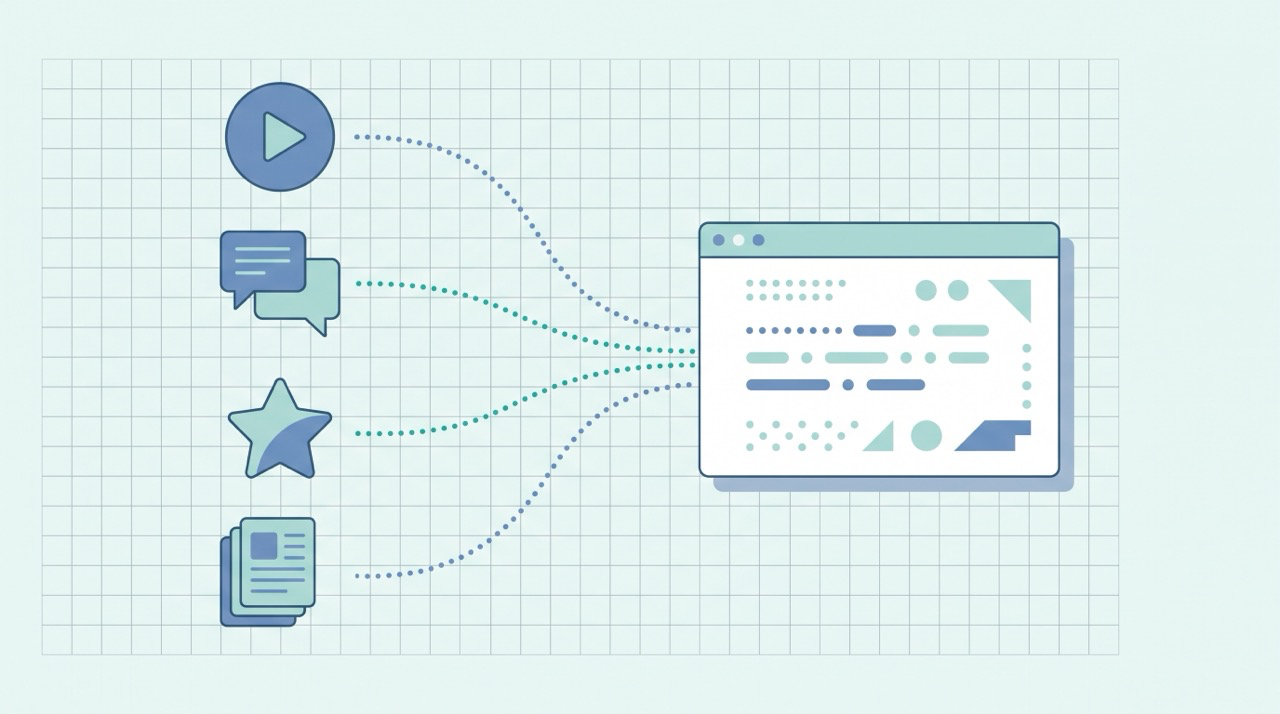

Internal linking is the practice of connecting the pages of your own site to each other with links — so readers can move between related posts, and search engines can crawl, understand, and rank the whole site as a connected body of work rather than a pile of unrelated pages. It's one of the few SEO levers you fully control, it costs nothing, and it's the difference between a blog that's a list of posts and one that's a structure.
This is the internal-linking companion to our beginner's guide to blog SEO, which covers the whole publishing routine, and it builds directly on the on-page SEO checklist, where internal links are item #7. Here we go deeper on the one element that turns individual posts into a site search engines reward.
What internal links are (and how they differ from backlinks)
An internal link points from one page on your site to another page on the same site. An external link (or outbound link) points to a different site. A backlink is the reverse — a link from another site to yours. The three are easy to mix up, so keep them straight:
| Link type | From | To | Who controls it |
|---|---|---|---|
| Internal link | Your site | Your site | You, completely |
| External / outbound | Your site | Another site | You, completely |
| Backlink | Another site | Your site | Someone else |
Backlinks are powerful but hard to earn — you're at the mercy of other people. Internal links are the opposite: every one is yours to place today, on every post you publish. That makes them the highest-leverage SEO work a beginner can do, and the most overlooked.
Why internal links matter for SEO
Internal links do three distinct jobs, and a good link does all three at once.
They help search engines discover your pages. Google finds new content mostly by following links. As its sitemaps documentation puts it, "Googlebot and other web crawlers crawl the web by accessing URLs found in previously crawled pages." A post with no internal links pointing to it is a page Google may struggle to find at all. Good internal linking means, in Google's words, "all pages that you deem important can be reached through some form of navigation."
They tell engines what a page is about. The clickable words in a link — the anchor text — describe the destination. Google's SEO Starter Guide explains: "Link text (also known as anchor text) is the text part of a link that you can see. This text tells users and Google something about the page you're linking to." Every internal link is a small vote, in your own words, for what the linked page should rank for.
They spread ranking authority between your pages. When one page earns authority (from backlinks or strong performance), internal links pass some of that strength along to the pages it links to. Link strategically and you can channel authority from your popular posts to the ones you most want to rank.
How to build internal links well, step by step
1. Link every new post to relevant existing ones
The simplest habit with the biggest payoff: whenever you publish, add links to two or three older posts that are genuinely related, and go back to add a link from a relevant older post to the new one. This second step is what beginners forget — it's how a brand-new post gets discovered and starts to rank instead of sitting orphaned.
2. Write descriptive anchor text
The words you link should describe where the link goes. Google's guidance on crawlable links is specific: "Good anchor text is descriptive, reasonably concise, and relevant to the page that it's on and to the page it links to." Its test is worth memorizing — "Try reading only the anchor text (out of context) and check if it's specific enough to make sense by itself."
So link the phrase "building an SEO content plan," never "click here" or "read more." Vague anchors waste the strongest signal a link carries.
3. Make sure the link is actually crawlable
A link only works if Google can follow it. The same documentation is blunt: "Generally, Google can only crawl your link if it's an <a> HTML element with an href attribute," and "Most links in other formats won't be parsed and extracted by Google's crawlers." In practice this means a normal text link — not a button driven by JavaScript, not a linked image with no context. If you write in Markdown or a normal editor, you get crawlable links for free; just be wary of fancy interactive elements that only look like links.
4. Organize around pillars and clusters (hub-and-spoke)
The most durable internal-linking structure is hub-and-spoke: one comprehensive "pillar" page on a broad topic, surrounded by narrower "spoke" posts that each cover one sub-topic in depth. Every spoke links up to the pillar, the pillar links down to its spokes, and related spokes link across to each other.
This blog is built that way. The beginner's guide to blog SEO is a pillar; this post, the on-page checklist, and keyword research for beginners are spokes that link up to it and across to each other. The structure concentrates authority on the pillar (helping it rank for the competitive head term) and gives engines a clean map of how your topics relate.
5. Link up to the pages you most want to rank
Decide which few pages are your priorities — usually your pillars and your most commercially important posts — and deliberately funnel internal links toward them. A page that many of your other pages link to, with relevant anchor text, reads to a search engine as an important page. Use that on purpose.
6. Find and fix orphan pages
An orphan page is one no other page on your site links to. Engines struggle to find it, and readers never stumble onto it. Periodically list your published posts and check that each has at least one or two internal links pointing in. For smaller sites this matters enormously — Google notes a sitemap may not even be needed if "Googlebot can find all the important pages on your site by following links starting from the home page." Comprehensive internal linking is what makes that true.
7. Keep it relevant, and don't overdo it
Internal links should help the reader, not paper every paragraph in blue. Link where a connection genuinely adds value — a related concept, a deeper guide, a logical next step. A handful of meaningful, contextual links per post beats a dozen forced ones. Relevance is the rule: link related things together, and let the structure mirror how your topics actually relate.
Where internal linking meets AI search
The same structure that helps Google increasingly helps AI answers cite you. AI Overviews, ChatGPT, and Perplexity favor sources that are clearly organized and demonstrate topical depth — and a tight web of internal links is exactly that signal: it shows an engine you've covered a topic thoroughly, from multiple angles, in a connected way.
So good internal linking pays off twice. If you want the second payoff, start with what Generative Engine Optimization (GEO) is, then see how the same foundational work feeds both classic and AI search in SEO and GEO for solopreneurs.
Common internal-linking mistakes to avoid
- Orphan posts. Publishing a new post and never linking to it from anywhere else means it may never be found. Always add an inbound link from a relevant older page.
- Generic anchor text. "Click here," "read more," and "this post" tell engines nothing. Describe the destination in the linked words.
- Linking everything to everything. Stuffing a post with internal links dilutes their value and annoys readers. Link where it genuinely helps.
- Forgetting to link up to pillars. If your spoke posts don't point to your main pillar pages, authority never concentrates where you most want to rank.
- Irrelevant links. Connecting two unrelated posts just to add a link confuses both readers and engines. Relevance first.
Frequently asked questions about internal linking
What is the difference between an internal link and a backlink? An internal link points from one page on your site to another page on the same site, and you control it completely. A backlink is a link from a different site to yours, controlled by someone else. Internal links are the easier, fully-controllable lever for a beginner.
How many internal links should a blog post have? There's no magic number — link wherever it genuinely helps the reader, usually a handful of relevant, contextual links per post. Quality and relevance matter far more than hitting a count.
What is anchor text, and why does it matter? Anchor text is the visible, clickable words of a link. It tells both readers and search engines what the linked page is about, so descriptive anchors ("keyword research for beginners") work far better than vague ones ("click here").
What is a pillar page? A pillar page is a comprehensive post on a broad topic that links out to, and is linked back from, a cluster of narrower "spoke" posts. This hub-and-spoke structure concentrates authority and helps search engines understand how your content connects.
What is an orphan page? An orphan page is a page that no other page on your site links to, which makes it hard for search engines and readers to find. Fix orphans by adding at least one internal link pointing to each published post.
The bottom line
Internal linking is the cheapest, most controllable SEO work you'll ever do: connect each new post to relevant existing ones, use descriptive anchor text, organize around pillars and spokes, funnel links toward the pages you most want to rank, and never leave a post orphaned. Do it consistently and your blog stops being a list of posts and becomes a structure — one that's easier to crawl, clearer to rank, and more likely to be cited in AI answers.
Doing that on every post, while also researching, writing, and optimizing, is the hard part when you're a team of one — which is exactly what QuickCreator is built for: it drafts in your voice and weaves internal links and pillar structure into your content automatically.
Try QuickCreator free and turn internal linking from a chore you forget into structure that ships by default.