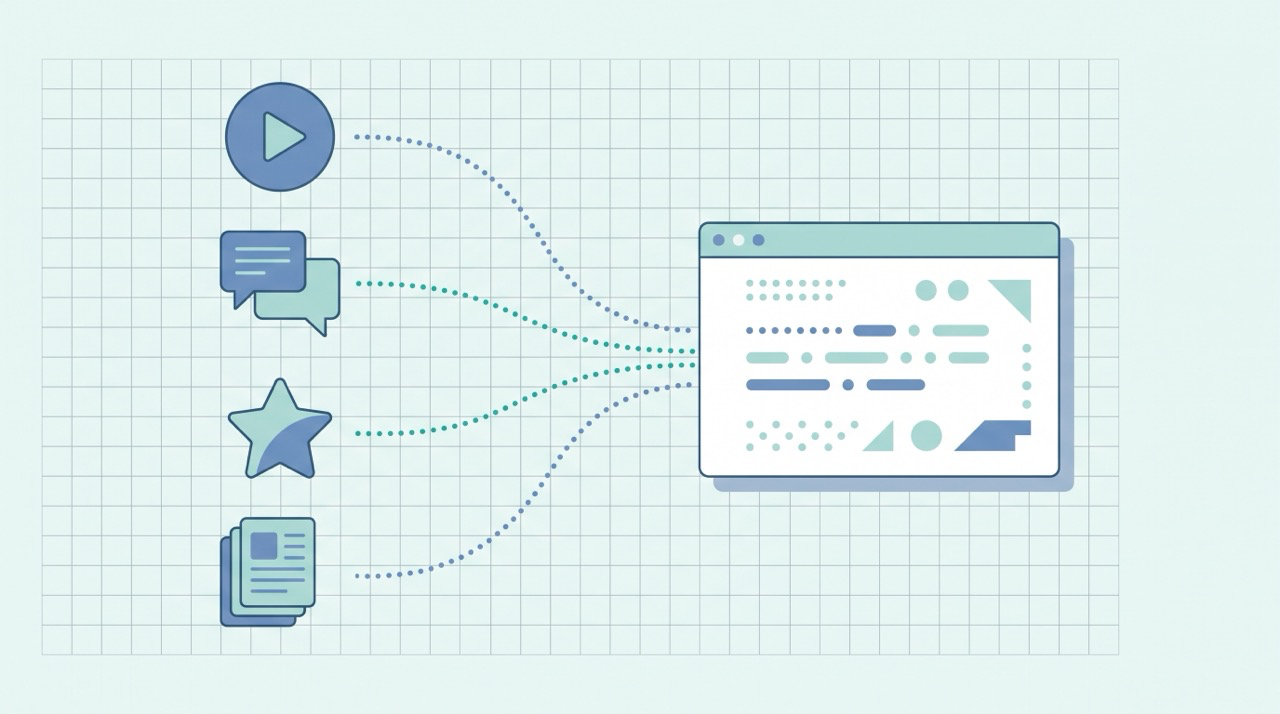
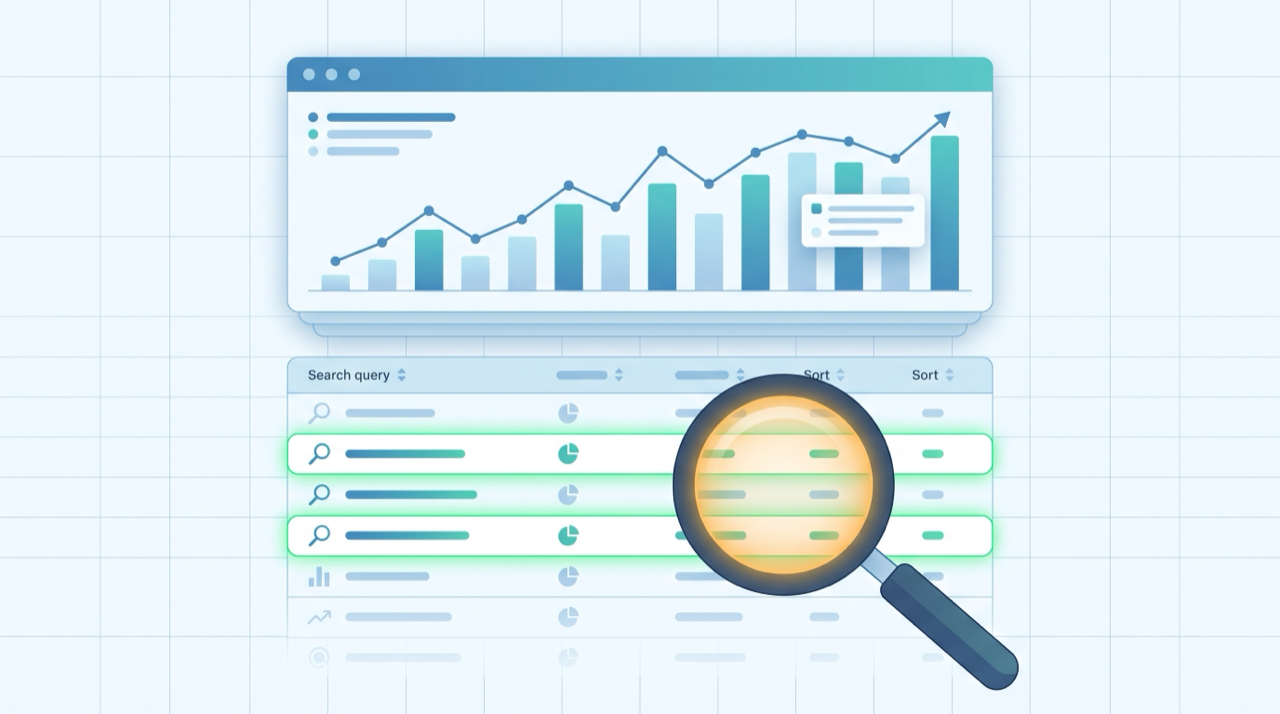
Most keyword research starts with a tool guessing what people might search. Google Search Console skips the guessing: it hands you the exact queries that already put your pages in front of searchers — real demand, from real people, matched to your real pages. It's the single most underused keyword source there is, and it's free. If a keyword tool tells you what could work, Search Console tells you what already is working — and, more usefully, what's one small edit away from working much better.
This is the applied companion to two guides. Our beginner's guide to keyword research covers finding brand-new keywords with tools; here we do the opposite — mining the keywords you've already earned. And our Google Search Console walkthrough tours the whole dashboard; this post zooms into one report and turns it into a repeatable research routine. Both sit under our beginner's guide to blog SEO.
Why Search Console beats a keyword tool (for pages you already have)
A keyword tool estimates search volume and difficulty for the whole web. Useful for planning what to write next — but it doesn't know you. Search Console does. As Google's overview puts it, it "helps you monitor, maintain, and troubleshoot your site's presence in Google Search results." The Performance report inside it is your own private keyword database: the actual terms Google has already tested your pages against.
That first-party angle matters for three reasons:
- It's real, not estimated. These are impressions Google actually served, not a third party's model of search volume.
- It's matched to your pages. Every query comes attached to the URL it surfaced, so you know exactly which page to improve.
- It surfaces terms you never targeted. Pages rank for phrasings you'd never think to research — long-tail questions, synonyms, related problems. Those are content ideas you can only get from your own data.
The catch: Search Console can only show queries for pages that already exist and get impressions. It's the perfect second research method, layered on top of tool-based research for new topics — not a replacement for it.
Set up the Performance report for research
Open Performance → Search results and set two things before you read anything.
First, widen the date range to the last 3 months (or 6) so you have enough data to spot patterns instead of daily noise. Second, click the Queries tab under the chart — this is the list of search terms that brought you impressions. Add the Average CTR and Average position toggles at the top so all four metrics show at once.
Those four metrics are the raw material. Google defines them precisely: impressions are "how often someone saw a link to your site on Google," clicks are "how often someone clicked a link from Google to your site," CTR is "the calculation of (clicks ÷ impressions)," and position is "a relative ranking of the position of your link on Google, where 1 is the topmost position." Keyword research in Search Console is really just reading those four columns with the right questions in mind. Here are the three that pay off fastest.
Method 1: Find "striking distance" queries
This is the highest-return move in the whole report. Striking-distance queries are the ones where your average position sits roughly between 5 and 15 — you're on page one or two, but not near the top. Google already considers your page relevant; it just isn't quite winning yet.
To find them, sort the Queries list and look for terms with a decent number of impressions and a position in that 5–15 band. Each one is a page you can nudge upward with a small, targeted edit — far cheaper than writing something new to rank from scratch:
- Work the query into the page more directly. If you rank #9 for "how to reduce blog bounce rate" but the phrase never appears as a heading, add a section that answers it head-on.
- Sharpen the on-page basics. A tighter title, a clearer H1, and a paragraph that directly resolves the query often move a striking-distance page several spots. Our on-page SEO checklist is the step-by-step for exactly this edit.
- Add depth where it's thin. Sometimes position 11 just means the page is lighter than the ones above it. A worked example, a comparison, or a short FAQ can close the gap.
Fixing a page that's already at position 8 is the closest thing SEO has to free traffic. Do this before you write anything new.
Method 2: Fix high-impression, low-CTR queries
The second pattern is queries with lots of impressions but a low click-through rate. People are seeing you in the results and choosing something else. You've done the hard part — ranking — and are losing the easy part: the click.
Almost always the fix is the title and meta description, because that snippet is your ad in the results. Rewrite the title to match the query's intent and add a reason to click (a number, a year, a benefit, a differentiator). Note that Google may rewrite your title link — its generation "is completely automated and takes into account both the content of a page and references to it that appear on the web" — so make the on-page title genuinely descriptive rather than keyword-stuffed, and it's more likely to be kept.
A useful gut check: compare a query's CTR to what's typical for its position. A #3 result pulling a 1% CTR is underperforming badly; a compelling snippet rewrite can multiply the clicks you're already qualified for — traffic you've earned but aren't collecting.
Method 3: Mine queries for brand-new content ideas
The third method turns Search Console into an idea generator. Scan the Queries list for terms that are only loosely related to the page ranking for them — questions and phrasings you never set out to target but picked up anyway.
Each of those is a signal that real people search that exact thing and Google finds your site relevant enough to show. If a post about email newsletters keeps getting impressions for "best time to send a newsletter," that's a dedicated post waiting to be written — validated by demand before you write a word. Group related queries into clusters and you've got a data-backed content calendar, sourced entirely from your own footprint.
Two filters make this faster:
- Filter queries by "questions." Use the query filter (contains: "how," "what," "why," "best") to isolate question-shaped searches — the format that both featured snippets and AI answers pull from.
- Filter by a single page. Click any URL under the Pages tab, then switch back to Queries, and you'll see every term that one page ranks for. Perfect for deciding whether to expand a post or split off a new one.
Turn it into a monthly routine
Keyword research in Search Console rewards a light, repeatable habit far more than a one-time deep dive. As Google's get-started documentation notes, Search Console offers "a broad range of reports to help you monitor and optimize your site performance on Google Search" — this is how you actually use one of them:
- Monthly, ~20 minutes: open Performance, set a 3-month range, and pull one list each of striking-distance queries, high-impression/low-CTR queries, and interesting off-target queries.
- Act on the cheapest wins first: rewrite two or three underperforming titles (minutes of work, fastest payoff), then pick one striking-distance page to strengthen.
- Feed the idea list forward: add the best off-target queries to your content calendar as future posts.
Three lists, a few edits, one new idea — every month, from data you already own.
Where this connects to AI search
The same Performance data is becoming an early read on AI visibility, too. The question-shaped queries you surface here are exactly the kind AI Overviews, ChatGPT, and Perplexity answer — and a page that already ranks on page one for a question is far likelier to be retrieved and cited by those engines. Strengthening a striking-distance page for Google often lifts its odds of being quoted in an AI answer at the same time.
Search Console won't tell you whether an AI engine actually cited you — that's a separate measurement problem we cover in how to check if AI mentions your brand. But the queries it surfaces are a map of the questions worth answering thoroughly, which is the foundation of Generative Engine Optimization (GEO).
Common mistakes to avoid
- Chasing volume you don't have yet. Search Console only shows queries for pages that already get impressions. New topics still need a keyword tool — use both.
- Ignoring average position. A query with huge impressions but a position of 40 isn't striking distance; it's a long-term project. Prioritize the 5–15 band.
- Rewriting titles blindly. Only rewrite for low-CTR queries where impressions are high enough to matter. Don't touch snippets that are already pulling clicks.
- Reacting to a single week. Query data wobbles. Compare a 3-month window to the previous one before concluding a page is rising or falling.
- Forgetting the Pages tab. Query-level data is richer when you scope it to one URL — that's how you decide expand-vs-split.
Frequently asked questions
Can I really do keyword research with just Search Console?
For pages you already have, yes — it's often better than a paid tool because the data is real and matched to your site. But it can't show demand for topics you haven't written about yet, so pair it with a keyword tool for planning new content.
What is a "striking distance" keyword?
A query where your page ranks roughly between positions 5 and 15 — on page one or two, but not at the top. Google already sees the page as relevant, so a small on-page improvement can move it up faster and cheaper than creating a new page.
How much data do I need before the report is useful?
Enough impressions to see patterns rather than noise — usually a few months of data on a site that gets at least some organic traffic. Widen the date range to 3–6 months so single-day fluctuations don't mislead you.
Why do some queries show impressions but almost no clicks?
Your page ranks well enough to be seen but the title and meta description aren't compelling for that search intent. Rewriting the snippet to match the query is usually the fastest way to recover those clicks.
Does Search Console show every keyword I rank for?
Almost, but not quite — Google omits some very-low-volume or privacy-sensitive queries, so totals may not add up perfectly. It's still by far the most complete first-party view of your search terms available.
The bottom line
Google Search Console is a keyword research tool hiding in plain sight. Open the Performance report, read four columns, and run three passes: find striking-distance queries to nudge up, fix high-impression/low-CTR titles to reclaim clicks, and mine off-target queries for your next posts. It's first-party demand data, matched to your pages, for free — the perfect complement to tool-based research for finding entirely new topics.
Reading the data is the easy half; researching, writing, and optimizing the pages that act on it is the work — and that's what QuickCreator is built for: it turns a query list into clean, well-structured, publish-ready content designed to climb from striking distance to the top.
Try QuickCreator free and turn your Search Console queries into pages that rank and get cited.