AI Text Summarizer
Generate intelligent summaries for your text or blog content in paragraph or bullet format.
Product Description
Free AI text summarizer to generate paragraph or bullet-point summaries from your text or blog URL. 30+ languages and tone options.
Tool Introduction
AI Text Summarizer is a free online tool that generates intelligent summaries for text or blog content. Enter your text or fetch content from a blog URL, then select language, tone, and summary type (paragraph or bullets). Get structured summaries to quickly extract key information.
Why Use AI Text Summarizer
Long articles and documents take time to digest. An AI text summarizer extracts key points in seconds so you can skim or share concise versions.
This AI text summarizer serves researchers, students, content teams, and readers. Use the link icon to fetch content from a URL, or paste text directly. Choose paragraph format for smooth reading or bullets for quick scanning. Supports 30+ languages and multiple tones. Processing may take up to 2 minutes for long content.
No signup required. Enter text or URL, configure options, click the generate button, and copy the summary.
How to Use AI Text Summarizer
Enter your text in the main input field, or click the link icon to fetch content from a blog URL. Fetched content populates the text area after you submit the URL.
Select generation language (30+ languages), tone (Professional, Casual, Friendly, etc.), and summary type: Paragraph or Bullets.
Click the "AI-text-summarizer" button to generate. Review the thought process and summary. Click Copy to use the result.
Configuration & Output Details
- Paragraph type: coherent paragraph summary
- Bullets type: bullet list format
- Language matches dropdown selection
- Tone reflects chosen voice style
- Optional URL content fetching
- Processing up to 2 minutes for long text
Use Cases
- Blog Summaries: Extract key points from articles
- Meeting Notes: Summarize notes into bullets
- Research: Generate summaries of reports
- News: Extract core info from long articles
- Documentation: Create concise versions of long docs
FAQs
What's the difference between summary types?
Paragraph produces a coherent summary for smooth reading. Bullets produce a list for quick scanning.
Can I fetch content from a URL?
Yes. Click the link icon, enter a blog URL in the dialog, and click Submit. Fetched content appears in the text area.
Will my text be stored?
Your text is used only to generate summaries. Do not paste sensitive information. See our privacy policy for details.
Can I generate summaries in different languages?
Yes. Select from 30+ languages. Summaries are generated in your chosen language.
How long can the input text be?
The tool supports longer text. Very long content may take up to 2 minutes; consider segmenting for best results.
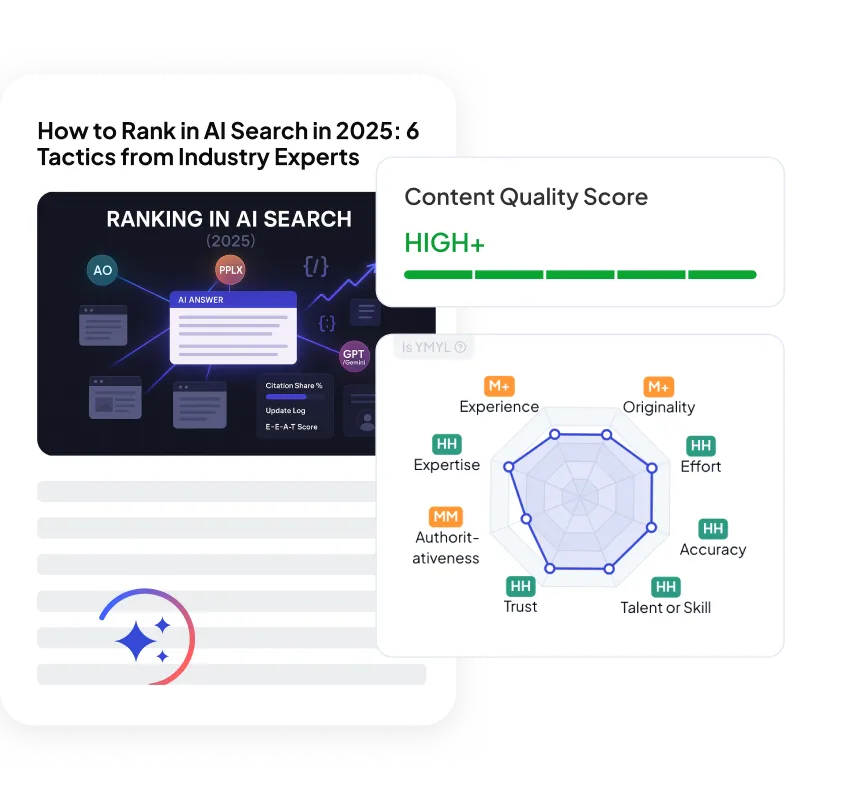
Looking for a powerful tool to improve your content?
Try QuickCreator to Create professional, unique, and personalized content without hiring, outsourcing, or managing complex workflows.
Other writing tools you may find helpful
Other free tools






Real SEO & GEO Growth for Small Teams.
Create professional, unique, and personalized content without hiring, outsourcing, or managing complex workflows.