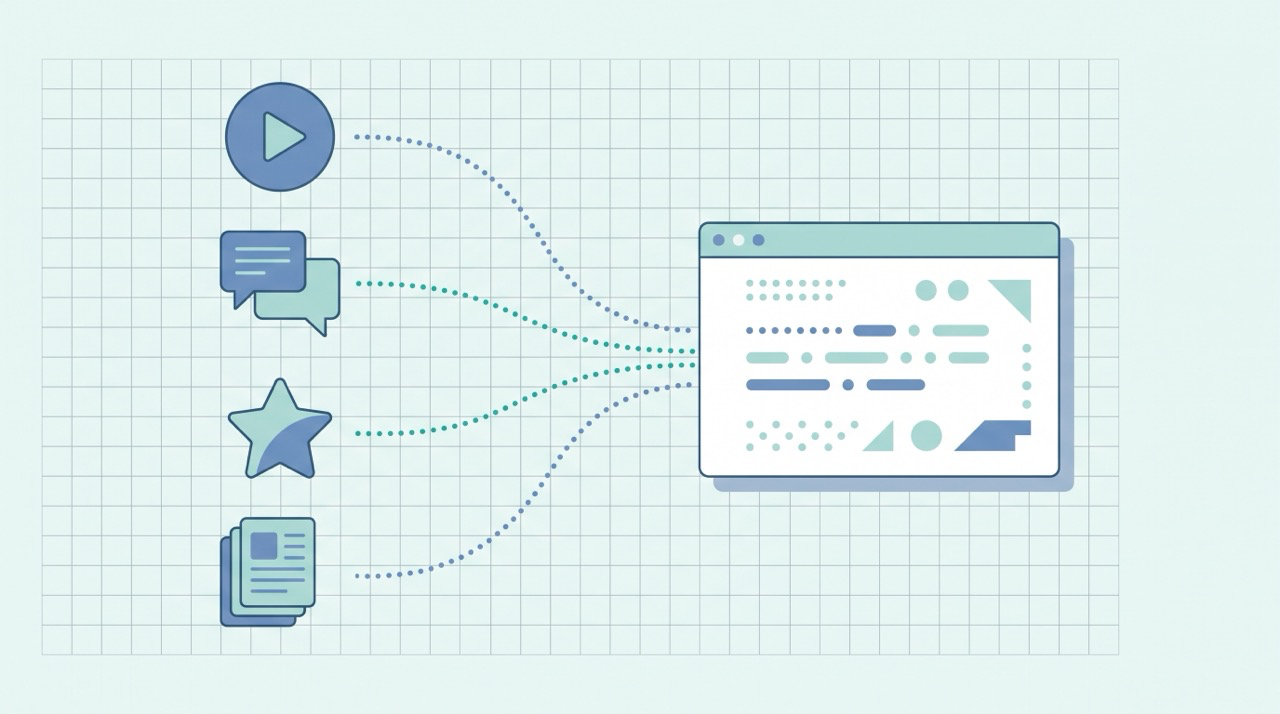

Technical SEO is the work that lets search engines find, read, and trust your site — crawlability, indexing, speed, mobile rendering, sitemaps, and security. It's the foundation under everything else: the best content in the world can't rank if Google can't crawl it, index it, or load it fast on a phone. The good news for a beginner is that most of it is a one-time setup you check rather than a daily chore, and almost none of it requires writing code.
This is the technical companion to our beginner's guide to blog SEO, and the third piece alongside keyword research (what to write) and the on-page SEO checklist (how to write it). Technical SEO is what makes sure all that work is actually reachable. You don't need to be a developer to get the basics right — you need to know what to check.
What technical SEO covers (and what it doesn't)
SEO splits into three buckets, and technical is the one most beginners skip:
- On-page SEO — the title, headings, content, and links on each page. Covered in our on-page checklist.
- Off-page SEO — external signals, mostly backlinks and mentions from other sites.
- Technical SEO — how your site is built and served: can engines crawl it, index it, load it quickly, and render it on mobile. This guide.
Think of it as plumbing. Nobody praises plumbing that works, but everything breaks when it doesn't. You don't need a perfect score — you need no blocking problems. Here's the whole checklist at a glance; the sections below explain each item.
| # | Technical element | The one thing to get right |
|---|---|---|
| 1 | Crawlability | Don't accidentally block Google in robots.txt |
| 2 | Indexing | Make sure important pages aren't set to noindex |
| 3 | Sitemap | Submit an XML sitemap in Search Console |
| 4 | Site speed | Pass Core Web Vitals — aim for a fast first load |
| 5 | Mobile-friendliness | The mobile version is the one Google ranks |
| 6 | HTTPS | Serve the whole site over a valid certificate |
| 7 | Site structure & URLs | Shallow, logical, clean URLs |
| 8 | Duplicate content | One canonical URL per piece of content |
| 9 | Structured data | Help engines understand what each page is |
Start with Google Search Console (your free dashboard)
Before fixing anything, get visibility. Google Search Console is free, official, and the single most important technical SEO tool — it shows which pages Google has indexed, which it couldn't, your crawl errors, your Core Web Vitals, and whether anything is blocking you. Verify your site once (a DNS record or an HTML tag), and you've turned technical SEO from guessing into reading a dashboard. Most of the checks below are things you confirm in Search Console.
1. Make sure Google can crawl you
Crawling is step zero: a bot has to fetch your pages before anything else can happen. The most common own-goal in all of SEO is accidentally telling Google to stay out via the robots.txt file.
A robots.txt file, as Google's documentation explains, "tells search engine crawlers which URLs the crawler can access on your site." A single stray line like Disallow: / blocks your entire site. This happens constantly when a site launches — the "block crawlers" setting from the staging site gets shipped to production. Check yours by visiting yoursite.com/robots.txt and confirming it isn't disallowing pages you want ranked.
2. Make sure Google can index you
Crawling lets Google read a page; indexing is Google storing it so it can appear in results. A page can be perfectly crawlable yet carry a noindex tag that quietly keeps it out of search forever. Like the robots.txt trap, a sitewide noindex left over from development is a classic launch disaster.
In Search Console, the Page indexing report tells you exactly which pages are indexed and the reason any aren't ("Excluded by 'noindex' tag," "Crawled — currently not indexed," and so on). Make this your first stop: if your money pages aren't indexed, no other optimization matters.
3. Submit an XML sitemap
A sitemap is a file that lists your important URLs so engines can discover them efficiently. Google's sitemaps overview notes a sitemap "helps search engines discover URLs on your site" — especially valuable for new sites with few external links, or larger sites where pages might otherwise be missed.
Most platforms (WordPress, Webflow, Shopify, and others) generate one automatically at yoursite.com/sitemap.xml. Your job is simply to submit that URL in Search Console's Sitemaps section once. It won't force rankings, but it makes sure nothing important goes undiscovered.
4. Make your pages load fast (Core Web Vitals)
Speed is both a ranking factor and a conversion factor — slow pages lose readers before they read. Google measures this through Core Web Vitals, a set of real-world metrics for loading, interactivity, and visual stability. Its page experience guidance is explicit that "Core Web Vitals are used by our ranking systems."
You don't need to memorize the metrics. Run your homepage and a key post through PageSpeed Insights (free), and act on the biggest wins it lists. For most beginner sites those are predictable: compress your images (often the single largest speed gain), don't load a dozen heavy plugins or fonts, and use a reputable host or CDN. Fix the obvious things; don't chase a perfect 100.
5. Be mobile-friendly — it's the version Google ranks
Google predominantly uses the mobile version of your site for indexing and ranking — it calls this mobile-first indexing. In practice: "Google uses the mobile version of a site's content, crawled with the smartphone agent, for indexing and ranking." If your site looks broken or unreadable on a phone, that's the version being judged.
Almost every modern theme is responsive (it adapts to screen size) out of the box, so this is usually a check, not a project: open your site on your phone, confirm text is readable without zooming, tap targets aren't cramped, and nothing overflows the screen. If you use a current template, you're likely fine — just verify.
6. Serve your whole site over HTTPS
HTTPS — the padlock in the address bar — encrypts the connection and is a baseline trust signal Google rewards; browsers also flag plain HTTP pages as "Not secure," which scares off visitors. Practically every host now offers a free TLS certificate (often via Let's Encrypt) with one click. Turn it on, and make sure the whole site redirects from http:// to https:// so there's no insecure version lingering.
7. Keep your site structure and URLs clean
A shallow, logical structure helps both readers and crawlers: aim for any page being reachable within a few clicks of the homepage, group related posts together, and connect them with internal links so authority flows and nothing is orphaned. Keep URLs short, readable, and keyword-bearing (/blogs/technical-seo-for-beginners, not /p?id=8842), and once a URL is live, avoid changing it — a changed URL breaks links and the ranking attached to them.
8. Avoid duplicate content with canonical URLs
When the same content is reachable at multiple URLs (with and without a trailing slash, http and https, tracking parameters), engines can get confused about which to rank. The fix is a canonical tag that names the one preferred URL. Google's guide to consolidating duplicate URLs explains you "can indicate your preference using a number of methods." Most CMS platforms set canonicals automatically; the beginner takeaway is to be aware of it and not publish the same article at two addresses.
9. Add structured data where it fits
Structured data (schema markup) is code that labels what a page is — an article, an FAQ, a product, a recipe — so engines can understand and sometimes show rich results. Google's intro to structured data calls it "a standardized format for providing information about a page and classifying the page content." You don't have to hand-write JSON: a free SEO plugin adds Article and FAQPage markup for you. It's optional polish, not a foundation — do the first eight items first.
Where technical SEO meets AI search
The same foundation that lets Google rank you increasingly decides whether AI answers can cite you. ChatGPT, Perplexity, and Google's AI Overviews retrieve from the live web, so if your pages are blocked, un-indexed, slow, or broken on mobile, those engines can't read or quote you either — the technical floor is shared. Crawlable, fast, well-structured pages are the price of entry for both classic rankings and AI citations.
There's one technical wrinkle specific to AI: many engines use their own crawlers (GPTBot, PerplexityBot, Google-Extended), so if you want to be cited, don't blanket-block them in robots.txt. Once the foundation here is solid, build on it with our explainer on what Generative Engine Optimization (GEO) is and how to get cited in Google's AI Overviews.
Common technical SEO mistakes to avoid
- Shipping a
Disallow: /or sitewidenoindexfrom staging. The most damaging and most common launch mistake — check both the day you go live. - Never opening Search Console. You're flying blind; it tells you exactly what's broken, for free.
- Ignoring mobile. The phone version is the one Google ranks — a desktop-only mindset judges the wrong page.
- Letting images tank your speed. Uncompressed images are the most common Core Web Vitals failure on beginner sites.
- Changing live URLs casually. A renamed URL without a redirect throws away the ranking it earned.
- Obsessing over a perfect score. Aim for no blocking issues, not a flawless 100 — diminishing returns past the basics.
Frequently asked questions about technical SEO
Do I need to know how to code to do technical SEO?
Mostly no. The core checks — crawlability, indexing, sitemaps, mobile, HTTPS — are settings you verify in Google Search Console and your CMS, not code you write. A few advanced fixes touch code, but a beginner can handle the high-impact basics without it.
What's the most important technical SEO tool?
Google Search Console, and it's free. It shows what Google has indexed, what it couldn't crawl, your Core Web Vitals, and any blocking issues. Verify your site there first; most technical checks are things you confirm inside it.
How is technical SEO different from on-page SEO?
On-page SEO is the content and tags on each page (titles, headings, keywords). Technical SEO is whether engines can reach and process the site at all (crawling, indexing, speed, mobile, security). On-page makes a page good; technical makes it reachable.
How often should I check technical SEO?
Most of it is set-up-once. After the initial pass, a monthly glance at Search Console for new crawl or indexing errors, plus a speed check when you make big site changes, is plenty for a small site.
Does site speed really affect rankings?
Yes. Core Web Vitals are confirmed ranking signals, and beyond rankings, slow pages lose visitors and conversions. You don't need a perfect score — just fix the obvious wins like image compression and avoid a bloated, plugin-heavy setup.
The bottom line
Technical SEO is the foundation the rest of your SEO stands on: make sure Google can crawl and index you, submit a sitemap, load fast, work on mobile, run on HTTPS, keep a clean structure, avoid duplicate URLs, and add structured data where it helps. Almost all of it is a one-time setup you confirm in the free Search Console — and it pays off twice, in classic rankings and in whether AI engines can cite you at all.
Getting the foundation right and then researching, writing, and optimizing every post on top of it is a lot for a team of one — which is what QuickCreator is built for: it bakes clean, crawlable, well-structured technical and on-page SEO into every post it drafts, so the plumbing is handled by default.
Try QuickCreator free and publish on a foundation that's built to rank and be cited.