Copy Page as Markdown
Convert any web page content into clean Markdown format instantly with this free URL to Markdown converter.
Product Description
Free URL to Markdown converter to extract web page content and convert it to clean Markdown. Removes ads and navigation. Preserves headings and formatting.
Tool Introduction
Copy Page as Markdown is a free online tool that extracts the main content of any web page and converts it to clean, readable Markdown. It removes ads, sidebars, and navigation, giving you the core text and structure for documentation, notes, or repurposing.
Why Use Copy Page as Markdown
Saving web content as readable text often means copying clutter. A URL to Markdown tool extracts the main body and preserves headings, lists, links, and basic formatting in standard Markdown.
This Markdown converter serves researchers, documentarians, and note-takers. Output is CommonMark/GFM compatible. Processing typically takes seconds. One-click copy to clipboard. No signup required.
Paste a URL, click Convert, and copy the Markdown result.
How to Use Copy Page as Markdown
Paste the web page URL you want to convert into the input field.
Click "Convert" to crawl the page and process the HTML into Markdown.
Review the generated Markdown in the text area. Use "Copy to Clipboard" to save it for notes or documentation.
Configuration & Output Details
- Format: Standard Markdown (CommonMark/GFM)
- Preserves: Headings, paragraphs, lists, links, bold/italic
- Removes: Ads, menus, sidebars, clutter
- Image links preserved in Markdown format; images not downloaded
- Uses readability algorithm to focus on main body
Use Cases
- Documentation: Pull content into README or wiki
- Note Taking: Save articles for Obsidian, Notion, or Roam
- Content Repurposing: Get text versions of blog posts
- Research: Collect articles in a uniform, searchable format
FAQs
Does this tool save images?
Image links are preserved in Markdown (![]()). Image files are not downloaded or hosted.
Why is some content missing?
The tool uses a readability algorithm to focus on the main body. Non-standard layouts may exclude some peripheral content.
Is the conversion accurate?
For most standard articles and blog posts, conversion is highly accurate. Complex or interactive pages may not convert well.
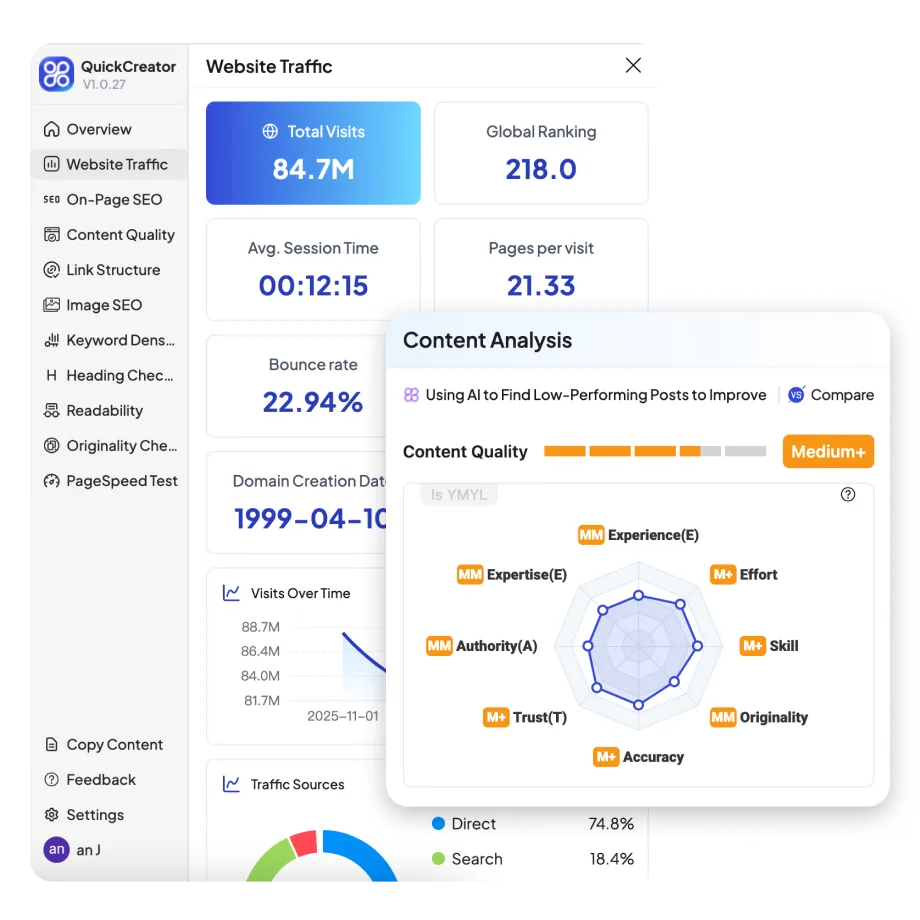
🚀 Is Your Content Truly SEO-Ready?
Stop guessing. Instantly audit your structure, content, and links to outrank competitors.


Other writing tools you may find helpful
Other free tools






Real SEO & GEO Growth for Small Teams.
Create professional, unique, and personalized content without hiring, outsourcing, or managing complex workflows.