“I recommend anyone interested to create a test account and less than half an hour later have a really good blog post that scores outstandingly well in various quality tests.”

Oli






For solo founders, consultants, and one-person marketers.
Articles that sound like you wrote them.
From $29/mo · No credit card · 7-day free trial
Brands publishing with QuickCreator













Brand voice, topic, research, drafting, optimization, publishing — each agent owns one role. You give the direction in plain language; they figure out the rest and check in when it matters.
Why it works
Ranking on Google, getting cited by AI search, and still sounding like you wrote it — three different problems. We build for all three.
Google's ranking signals are Experience, Expertise, Authoritativeness, and Trust — not keyword density. Every article is built on all four before you read it.
How we check
Every article is scored against Google’s E-E-A-T rubric before it publishes — not after the rankings come in.
rewrites what 50 other listicles say
shows the writer actually used the thing
surface-level definitions
real working knowledge, not Wikipedia
vague "studies show" claims
named sources the reader can click
invented stats, hallucinated quotes
every number and quote traceable to a URL
Why AI search cites this kind of writing
AI engines cite articles with sharp angles, named sources, and lines worth lifting. Generic AI writing — same intro, same 10-tool list, same neutral tone — rarely makes the cut.
Try it yourself
best newsletter platform for solopreneurs
Paste it into Perplexity. You’ll see articles like the one on the right show up in the cited sources.
Most “best email newsletter software” lists all blend into one long feature dump, and quietly ignore what actually makes or breaks results: deliverability, support, and how fast you can get from idea to revenue.
From Campaign Monitor’s 2026 newsletter comparison. The kind of sharp, named-source phrasing AI search engines tend to surface — and what QuickCreator writes toward.
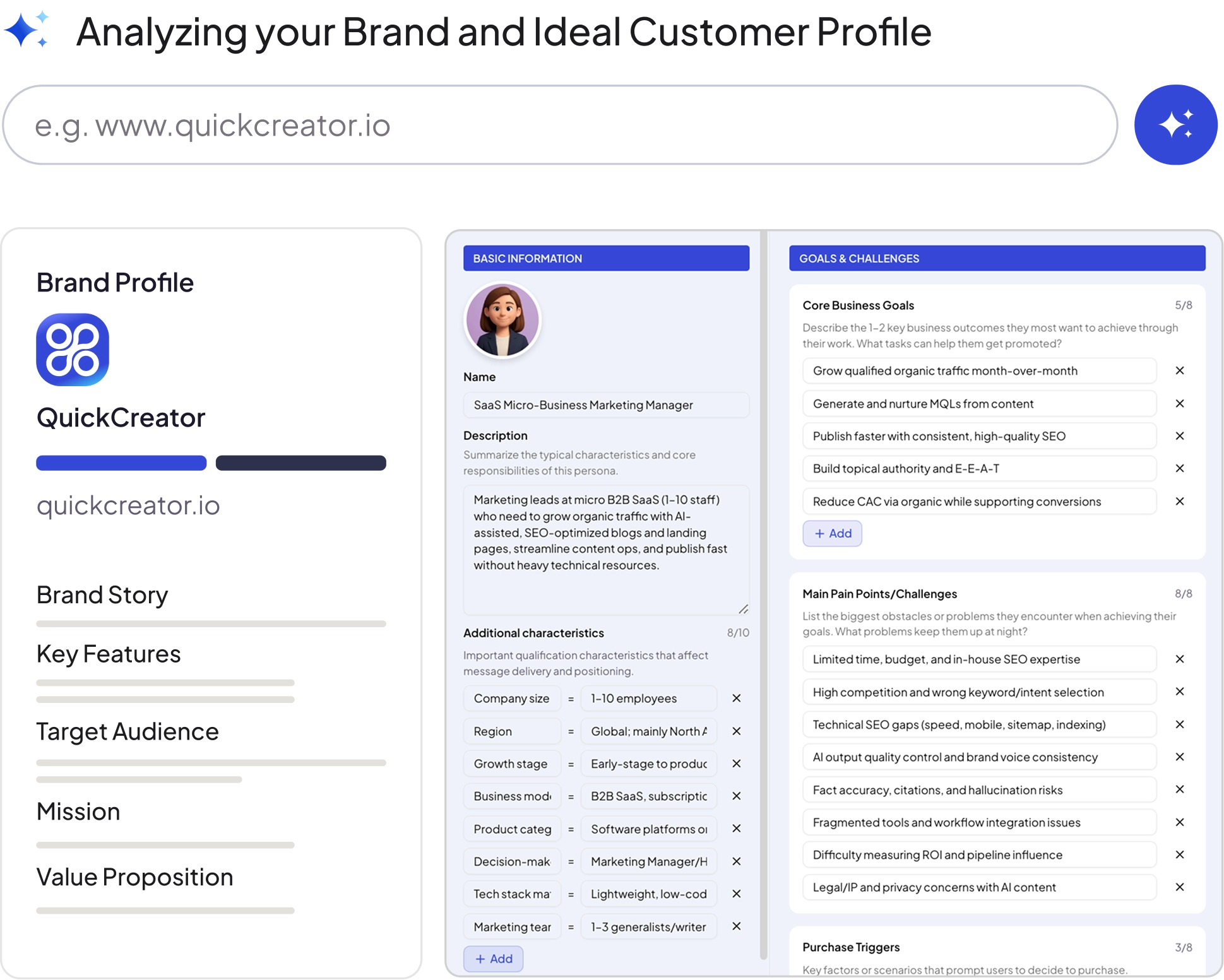
Your existing site, PDFs, and internal notes become a private brand brief. Every agent reads it before writing — so article #1 and article #200 sound like the same person wrote them.
Brand brief
From your existing site
Published article
Same voice, same phrase
Your signature phrase
“Most ‘best newsletter platform’ lists blend into one long feature dump.”
Brief (excerpt)
Our angle vs commodity roundups: point out that most lists blend into one long feature dump and skip what actually drives results.
Article (excerpt)
After comparing 19 platforms across real campaigns, one pattern was unmistakable. Most lists blend into one long feature dump — these stand out for what ships campaigns to the inbox.
“I recommend anyone interested to create a test account and less than half an hour later have a really good blog post that scores outstandingly well in various quality tests.”
“We use QuickCreator for our agency and our customers, as well as for our in-house projects. I wouldn't swap QuickCreator for any other tool to create our articles.”

“I have tried 15 different article writing tools. There was one feature that I always missed — the ability to instantly create a blog article that was SEO optimized and placed directly on the website.”

No credit card required. You get 600 credits — enough to take about 2 full articles from prompt to publish. Whatever you create stays yours, whether you continue or not.
About 10 minutes. Point it at your existing site once — it reads your brand voice automatically — then one prompt turns into a publish-ready draft you can ship.
One-click publish to WordPress, Shopify, and Strapi. For other platforms, export the article as HTML or markdown and paste it in.
Yes. Topic, outline, and draft are all editable at any stage. Nothing goes to your CMS until you click publish.
Yes — no long-term commitment. Everything you wrote stays yours and is exportable after you cancel.
For one person shipping about an article a week, yes. $29 gives you 1,500 credits/month (≈5 full articles), the Brand Positioning and Writer agents, content quality analysis, and a hosted blog on your own domain.
Free for 7 days. No credit card.
$29/mo after · Cancel anytime