If your team’s organic traffic is wobbling while rankings look “fine,” you’re not imagining it—you’re watching the discovery model change.
LinkedIn’s B2B organic growth team said Google’s AI Overviews contributed to non-brand awareness traffic dropping by as much as 60% in some topic areas, even when rankings stayed stable, as reported by Search Engine Land (Feb 2026) in “LinkedIn: AI-powered search cut traffic by up to 60%”.
That’s the shift: rankings can be stable while clicks fall.
So the new question for awareness-stage content isn’t only “How do we rank?” It’s also:
Are we being mentioned?
Are we being cited?
Are we being described correctly?
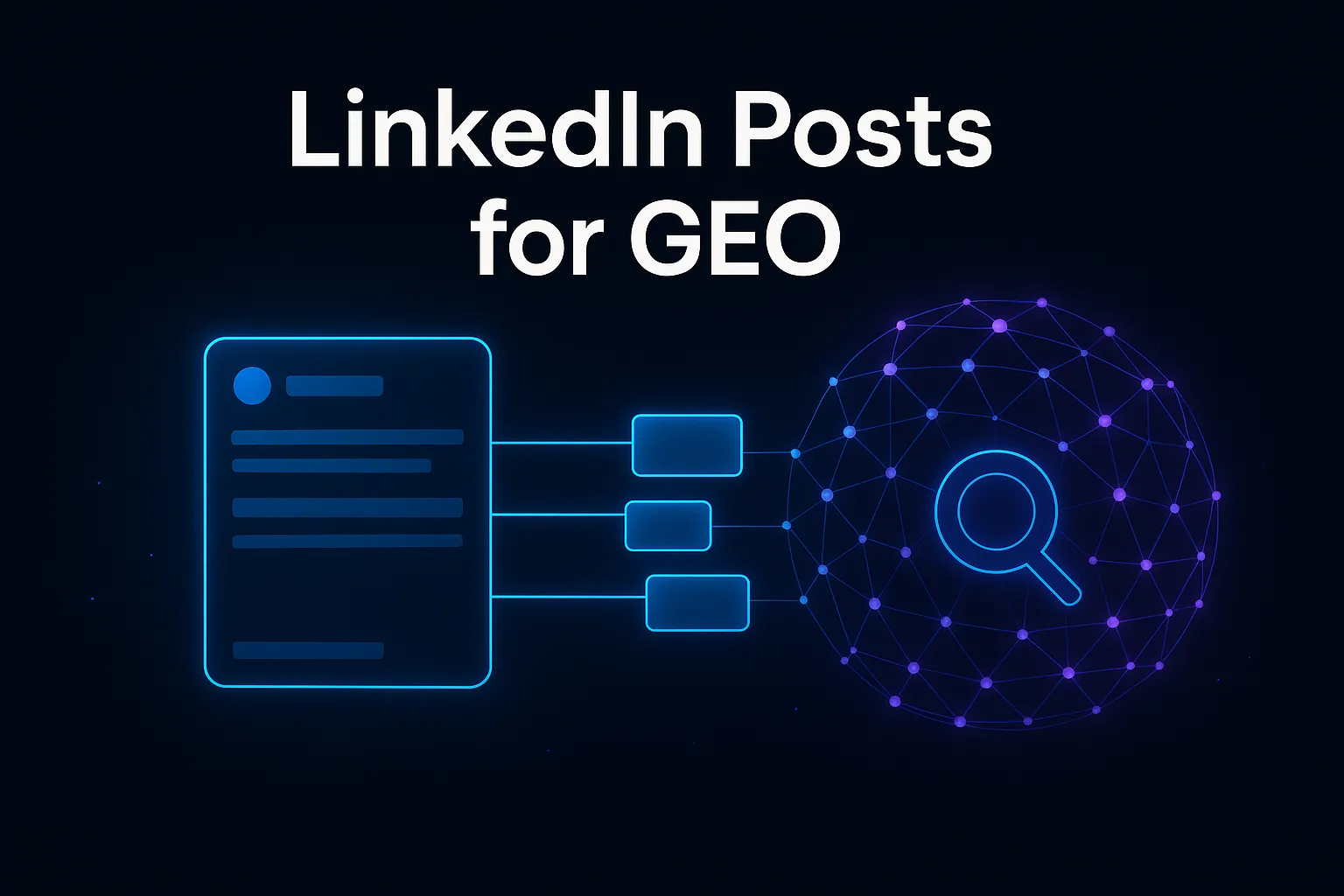
This is where LinkedIn posts for GEO becomes a pragmatic lever for small B2B SaaS teams.
What is Generative Engine Optimization (GEO)?
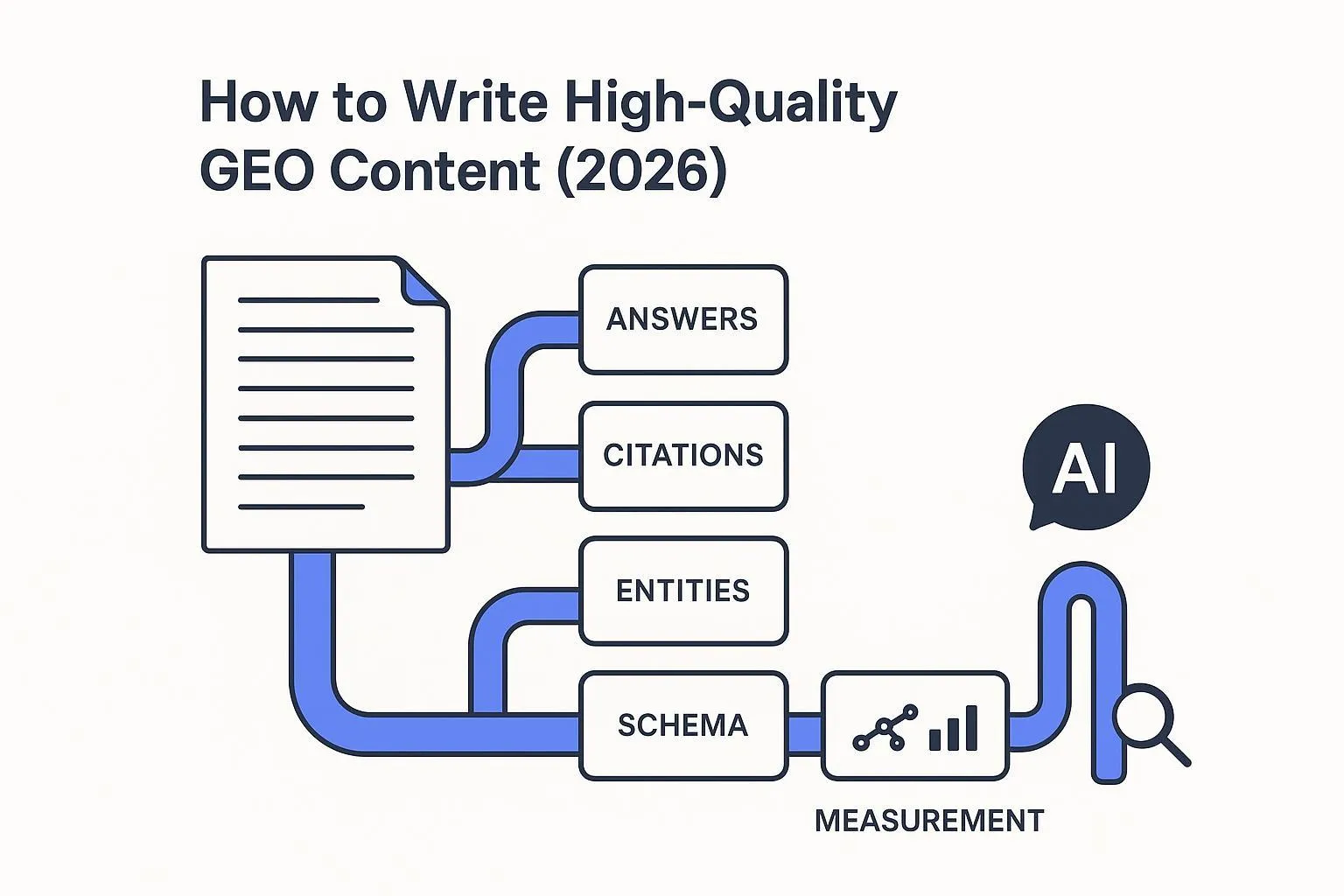
Generative Engine Optimization (GEO) is the practice of structuring and refining your content so “answer engines” and AI chat experiences can understand it and surface it reliably in AI-generated responses.
Conductor frames GEO as optimizing content for answer engines and AI chatbots so they can understand and present it to users—shifting the goal from “rank higher” to “be correctly represented and cited” in AI outputs; see Conductor’s GEO explainer.
GEO doesn’t replace SEO. It adds a new success metric: inclusion inside the answer.
Key Takeaway: If your content strategy is measured only by clicks, AI summaries will look like a loss. If it’s measured by mentions and citations, they’re a redistribution.
How AI answer engines choose sources (what you can actually influence)
You don’t need perfect knowledge of a model’s internals. You need a working picture of the constraints.
A third-party reverse-engineering analysis of AI Overviews describes a pipeline that can start with 200–500 candidate documents and narrow to 5–15 cited sources after multiple stages of relevance ranking, authority gating, and passage-level selection; see ZipTie’s analysis, “Google AI Overviews Source Selection”.
Whether every number is exact isn’t the point. The shape is.
To be selected and cited, your content typically needs to be:
Relevant (semantic alignment to the question)
Trusted (E‑E‑A‑T and corroboration)
Extractable (self-contained passages that answer something cleanly)
So your GEO job is to publish ideas that survive being lifted out of context.
LinkedIn posts for GEO: 4 mechanisms that make the channel matter
LinkedIn won’t replace your site as the canonical source of truth. But it can accelerate the signals that influence whether your ideas get repeated.
1) LinkedIn is a distribution layer for “citable units”
Most LinkedIn posts are mini-essays. For GEO, you want micro reference docs:
a definition that draws a boundary
a framework with stable components
a checklist that separates “done” from “not done”
a failure mode your ICP recognizes
These are the things humans quote—and the things AI systems can extract (and later turn into AI citations).
2) LinkedIn helps build entity signals and consistent associations
As AI search shifts toward entity understanding, you want your brand to become a stable “thing” with consistent attributes:
your category
your core use cases
what you’re best for (scoped, not hype)
what you are not
Entity-based SEO guidance typically emphasizes consistent entity definitions and structured data to help search engines understand who you are; Schema App’s overview, “What is Entity SEO and How Do I Implement It?”, is a practical starting point.
LinkedIn contributes by creating repeated public associations between your brand and your core topics—especially when those topics get discussed by multiple people, not just your company page.
3) LinkedIn content can be indexed by Google
LinkedIn profiles and certain content types can appear in Google results. Even standard posts can be indexable, though long-form formats often have better “web page” structure.
For a practical overview of how LinkedIn content can show up in Google search (and what types index best), see ViralBrain’s guide on LinkedIn posts showing up in Google search.
4) LinkedIn is a fast feedback loop for clarity
If your framework isn’t clear, it won’t be repeated.
If your example isn’t concrete, it won’t survive a comment thread.
That feedback is useful because it tells you what won’t become a durable, citable asset on your website either.

The LinkedIn post template built for citations
Here’s a template that works well for awareness-stage “teach + clarify” posts:
1) Hook: a specific shift or tension your ICP recognizes

2) Answer block (self-contained paragraph):
   - Define the thing
   - Draw the boundary (what it is / isn’t)
   - State why it matters

3) Proof:
   - a data point + year, OR
   - a concrete example, OR
   - a tradeoff / failure mode

4) Entity cues:
   - name the category
   - name the use case
   - name adjacent concepts (no keyword stuffing)

5) Conversation prompt:
   - one precise question that invites examples
Two rules that help in practice:
If your “answer block” can’t stand alone, rewrite it.
If your prompt invites only “agree/disagree,” make it more specific.
6 best practices for LinkedIn posts that improve AI search visibility
These practices translate AI selection constraints into human-readable posts.
1) Write in answer blocks, not vibes
Why: Extractability is a selection constraint.
How: After the hook, write one paragraph that fully answers a question without “this/that” references.
Failure mode: A thread of interesting thoughts with no quotable sentence.
2) Define the boundary explicitly (what it is and isn’t)
Why: Ambiguous concepts get misrepresented.
How: Include one sentence that draws the boundary: “X is not Y.”
Failure mode: Your brand gets filed into the wrong category.
3) Use a named, repeatable framework
Why: Frameworks are easy to repeat and easy to summarize.
How: Name it (simple is fine) and keep the components stable.
Failure mode: You publish 20 posts that never connect into an identifiable model.
4) Put proof next to the claim
Why: Trust is a gate; unsupported claims read like marketing.
How: Pair claims with a sourced data point (and year), a concrete example, or a tradeoff.
Failure mode: Your post gets engagement, but the idea doesn’t travel.
5) Engineer one “copy/paste sentence”
Why: The strongest signal isn’t that you posted—it’s that others reuse your model.
How: Add one short sentence that’s self-contained and specific.
Failure mode: People like your post but can’t paraphrase it.
6) Treat comments as a knowledge base, not applause
Why: Comments reveal what’s unclear, what’s missing, and what objections will surface later.
How: Ask for examples, reply quickly to early comments, then turn the best objections into an FAQ section on your site.
Failure mode: Your best “real questions” disappear in a thread and never become durable content.
A lean 4-week cadence for small B2B SaaS teams
You don’t need to post daily. You need a cadence that compounds.
Week 1: Build your entity spine
Publish two posts:
“What is X?” (definition + why it matters)
“What X is not” (boundary + common confusion)
Then consolidate them into a canonical on-site resource. If you want a GEO baseline for your site content, QuickCreator’s GEO best practices guide is a helpful reference.
Week 2: Publish one framework + one failure mode
Framework post: the model you want associated with your brand.
Failure-mode post: what breaks when teams apply the model incorrectly.
Week 3: Publish a “buyer translation” post
Write the post your buyer would forward internally:
- “If we don’t adapt, here’s what changes in our pipeline math.”
This is also where you can introduce your operating process (brief → research → write → distribute → measure). If you’re building an agentic workflow to do this across channels, QuickCreator’s guide to multi-channel marketing automation is a useful map.
Week 4: Consolidate into one canonical asset
Turn the best two posts into a single on-site piece:
- definition + framework + FAQ
This is where GEO compounds: your best thinking becomes a stable citation target.
Measuring progress without pretending attribution is perfect
Use a monthly scorecard that tells you whether your content is becoming repeatable.
Metric | What it indicates | How to measure (simple) |
|---|---|---|
Quote density | Whether your posts contain citable sentences | Count “standalone quotables” in your last 10 posts |
Second-order sharing | Whether others reuse your model | Track references to your framework in others’ posts/comments |
AI mentions (spot checks) | Whether AI tools surface your brand/topic pairing | Run 10 queries in an AI tool and log mentions/citations monthly |
Consolidation rate | Whether LinkedIn thinking compounds into web assets | # of posts converted into site pages per month |
Next steps
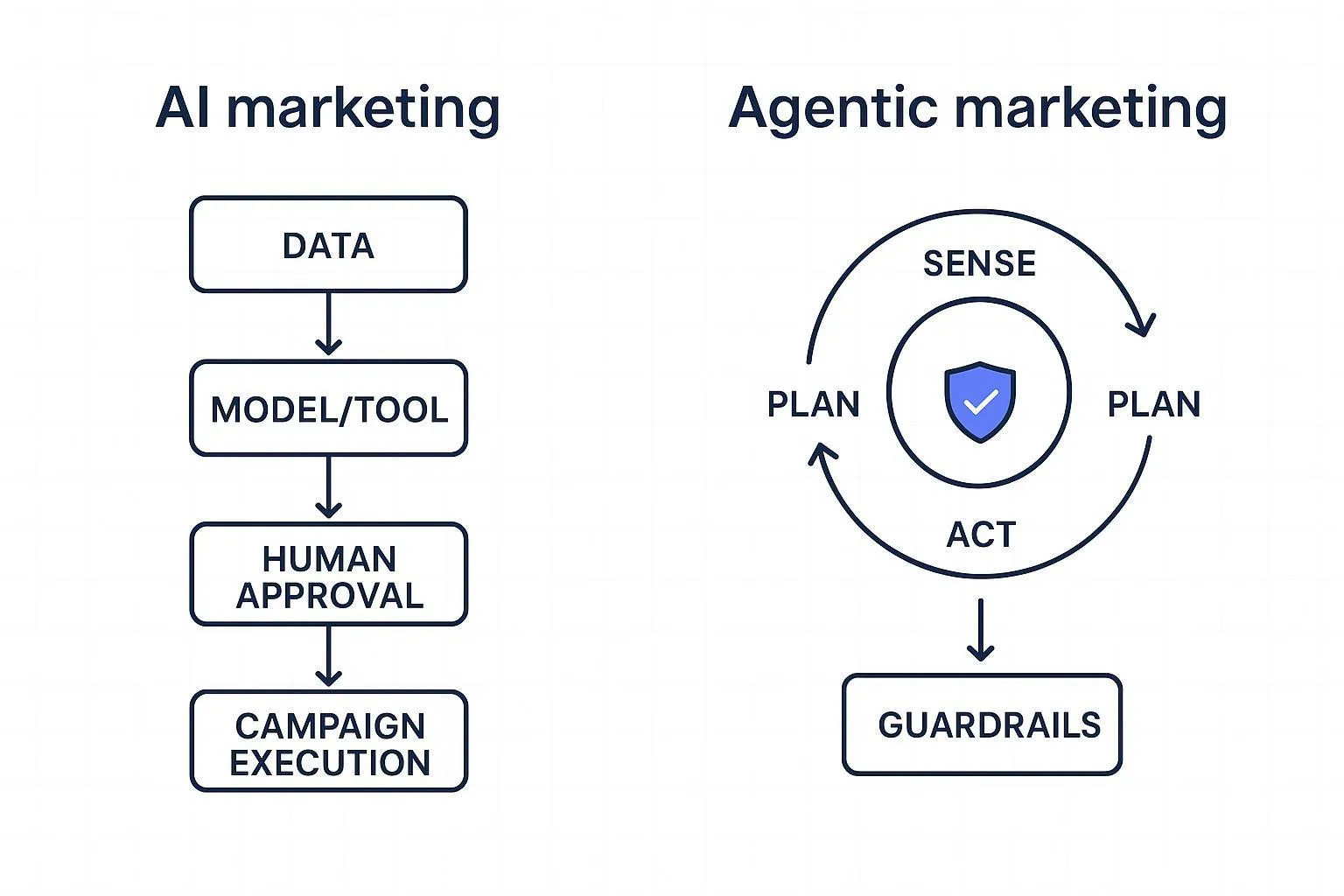
If you want to operationalize this without adding headcount, your priority isn’t “more posts.” It’s a governed workflow that reliably produces citable assets and then distributes them.
If that’s the direction you’re heading, start by mapping the roles in an agentic pipeline (strategy, research, writing, optimization, distribution). QuickCreator has a clear overview of AI agents for content marketing that can help you frame the workflow before you automate anything.