Most LinkedIn advice fails for one simple reason: it treats “engagement” like a hack.
LinkedIn’s own guidance points in the opposite direction. The feed is designed to surface relevant expertise and meaningful conversations—not whatever happens to spike reactions for a day (see LinkedIn’s guidance on getting content prioritized (2025)).
This matters because most “LinkedIn algorithm best practices” lists are really just guesses. In this guide, we’ll stick to what LinkedIn itself emphasizes, then translate it into a writing workflow.
If you run content for a small marketing team, that’s good news. You don’t need to be loud. You need to be useful—consistently.
This guide gives you a repeatable system: how to pick ideas, write hooks that earn attention, structure posts for reading (and saving), and turn comments into compounding distribution.
What LinkedIn actually rewards (and what it ignores)
LinkedIn’s official marketing guidance consistently highlights three themes:
Relevance: Is this post about topics the reader cares about—and that you’re known for?
Expertise: Does the content (and your profile) signal credible experience in the topic?
Meaningful engagement: Are people having real conversations, not drive-by reactions?
That’s why the fastest path to “better engagement” usually isn’t a new writing trick. It’s alignment:
Your profile says what you do.
Your posts consistently deliver that value.
Your comment section proves people found it useful.
For a practical checklist on building that consistency, use LinkedIn’s own resources: LinkedIn’s algorithm strategy checklist (2025) and their 2025 guide on getting content prioritized.
Key Takeaway: You don’t “beat” the algorithm. You make it easy for LinkedIn to classify your expertise and match it to the right people.
The 7-part anatomy of an engaging LinkedIn post
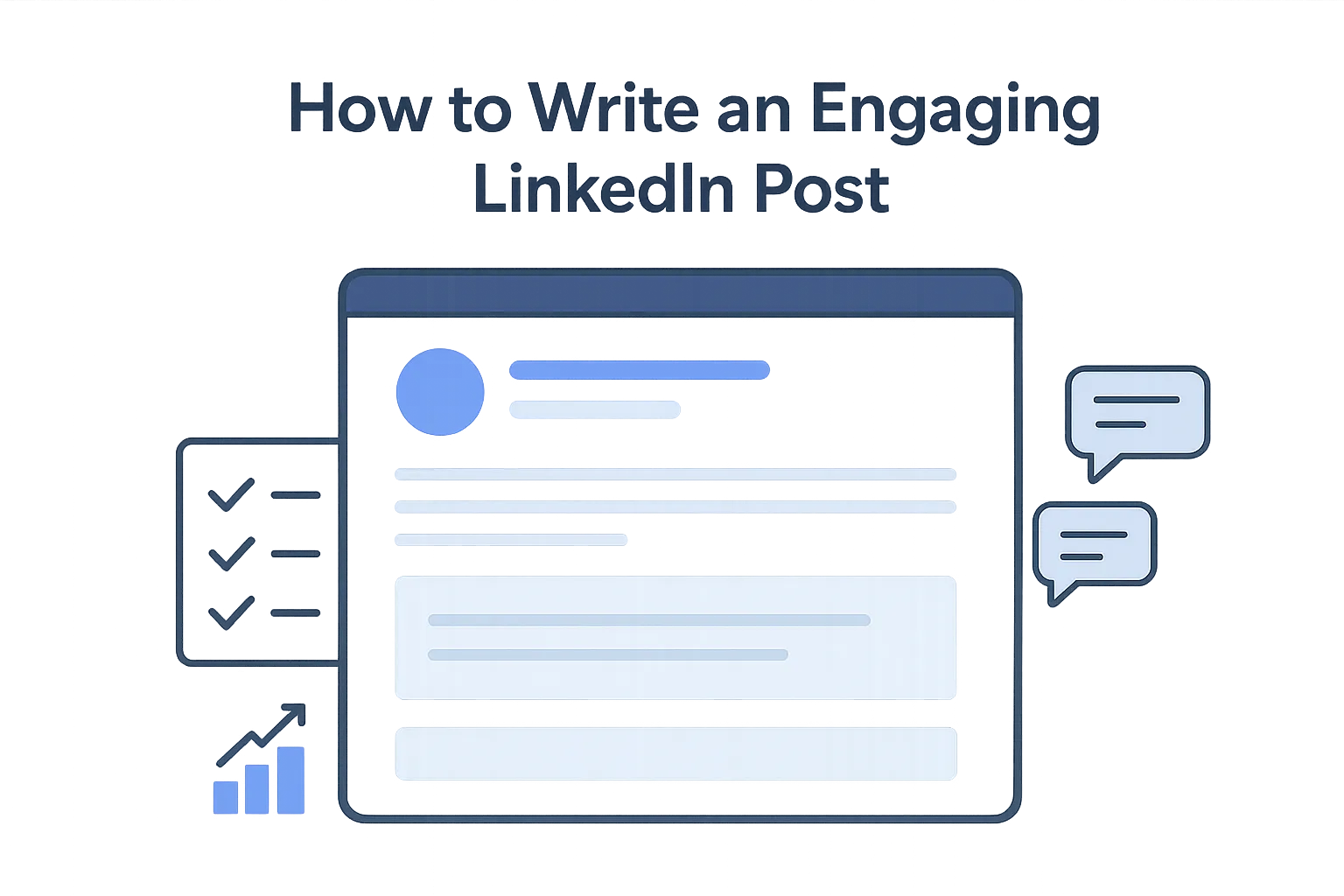
A strong LinkedIn post is short on paper, but it’s not simple. It has seven parts working together.
This guide will also map to a simple LinkedIn engagement strategy: write with relevance, invite real discussion, and treat comments as part of distribution.
1) A hook that earns the “first 2 seconds”
Your hook has one job: convince the right people to keep reading.
Good hooks are specific and opinionated:
A counterintuitive claim (“The fastest way to kill engagement is to post more.”)
A sharp observation (“Most ‘thought leadership’ is just vague advice with nicer formatting.”)
A clear promise (“Here’s a 10-minute workflow for writing posts your buyers actually save.”)
Weak hooks are generic:
“Sharing some thoughts…”
“A quick tip…”
“In today’s world…”
2) A clear “who this is for” signal
LinkedIn is a relevance machine. The more clearly your post signals the audience, the easier it is to route.
You can do this without saying “marketers” explicitly:
“If you’re the only content person on a small team…”
“If you’re shipping product updates and need demand without more headcount…”
3) One idea (not five)
Engagement usually drops when you cram multiple ideas into one post.
Pick one:
One problem
One belief
One framework
One mini case
If you have five ideas, you have a content series.
4) Proof: specificity, not volume
On LinkedIn, “proof” doesn’t need to be a peer-reviewed study every time.
But it does need to be concrete:
a real example
a clear constraint
a before/after
a named mistake you made
a metric (when you can share it)
Vague advice reads like AI.
5) A structure that creates dwell time
Dwell time isn’t a writing gimmick. It’s a byproduct of readability.
Structure that helps:
Short paragraphs (2–4 sentences)
A few intentional one-line breaks
Occasional “micro-headings” (a short bold line to signal the next point)
6) A conversation-starter (not engagement bait)
LinkedIn explicitly warns against spammy engagement manipulation (see LinkedIn Help: spam and engagement manipulation examples).
So instead of “Comment YES,” ask a real question:
“What’s the hardest part of staying consistent on LinkedIn for you?”
“If you had to delete 80% of your content, what would you keep?”
7) A next step that matches the reader’s intent
In MOFU content, your “CTA” should help the reader do the thing:
a template
a checklist
a simple SOP
If the only next step is “book a demo,” you’ll lose the trust you just earned.
Step-by-step: how to write an engaging LinkedIn post (repeatable workflow)
This is the operating procedure you can hand to a small team and run every week.
Step 1 — Pick a “pain with budget” topic
Input: Your ICP’s current constraints.
For scaling SMB marketing teams, the highest-engagement topics tend to look like:
“How we shipped X with 2 people”
“The workflow we use to avoid content bottlenecks”
“What we stopped doing and why”
“The simple decision rule that improved results”
Output: One sentence: “My post will help [persona] achieve [outcome] with [constraint].”
Done when: You can write the one-sentence promise without using buzzwords.
Step 2 — Choose the post type (don’t freestyle)
Input: Your one-sentence promise.
Pick one format based on what you’re trying to achieve:
Playbook (best for saves): step-by-step method
Myth vs reality (best for comments): strong viewpoint with contrast
Teardown (best for credibility): critique an approach with a better alternative
Mini case (best for trust): “what we did, what happened, what we learned”
Decision framework (best for buyer intent): criteria + tradeoffs
Output: A post “skeleton” (headline → 3–5 beats → question).
Done when: You can outline it in 5 bullets.
Step 3 — Write 10 LinkedIn post hooks (then pick 1)
Input: Post type + promise.
Write 10 hooks quickly. Don’t judge them yet.
Hook patterns that work reliably:
Contrarian: “Stop doing X. It’s costing you Y.”
Specific promise: “A 10-minute method to do X without Y.”
Hard truth: “If your posts don’t do this, they won’t travel.”
Story tension: “We almost stopped posting. Then we fixed one thing.”
Output: One final hook.
Done when: Your hook is specific enough that it couldn’t apply to every company.
Step 4 — Draft the body using the “3 proof blocks” rule
Input: Hook + skeleton.
Write three proof blocks. Each block should answer:
What’s the point?
Why should I believe it?
What do I do with it?
Here are examples of proof blocks:
A concrete example (“Here’s what this looked like in our calendar…”)
A list of criteria (not a long list—just the decision points)
A mistake + fix (“We did X, it failed because Y, so we changed Z.”)
Output: A complete draft.
Done when: You can highlight at least 3 sentences that only an experienced practitioner would write.
Step 5 — Add one conversation question
Input: Draft.
Choose one question that helps you learn something real:
“What’s your current posting cadence—and what breaks it?”
“What’s the one topic you want to be known for this quarter?”
Output: One question.
Done when: You’d be willing to answer the same question yourself.
Step 6 — Edit for scannability and “voice”
Input: Draft.
Run a fast edit pass:
Cut any line that sounds like it came from a slide deck.
Replace generic claims with specifics.
Break any 5+ line paragraph.
Remove filler openers.
Output: Final post draft.
Done when: The post reads like a person with a job wrote it.
Step 7 — Execute the engagement window
Input: Published post.
Your job after posting:
Reply to comments with real answers.
Ask one follow-up question in-thread.
Keep it professional—LinkedIn actively detects and suppresses spam patterns (see LinkedIn Engineering on viral spam detection).
Output: A comment thread with real back-and-forth.
Done when: You have 3+ mini conversations, not just “great post!” replies.
LinkedIn post templates: 7 formats your team can reuse
Below are templates you can copy/paste and fill.
Template 1 — The “decision rule” post
Hook: “If you’re deciding between X and Y, use this rule:”
Body:
“If [condition] → choose X.”
“If [condition] → choose Y.”
“If [condition] → do neither; fix [prerequisite] first.”
Close question: “What decision are you stuck on right now?”
Template 2 — The “mistake → fix” post
Hook: “We kept doing X. It hurt Y. Here’s what we changed.”
Body:
What you did (specific)
Why it failed (the real reason)
The change you made (simple)
What improved (no hype; be honest)
Close question: “What’s one thing you tried that didn’t work—yet?”
Template 3 — The “myth vs reality” post
Hook: “Myth: [common belief]. Reality: [truth].”
Body:
Why the myth is believable
What it misses
What to do instead
Close question: “What’s the most persistent myth in your space?”
Template 4 — The “3-part playbook” post
Hook: “If you want [outcome], run this 3-step playbook.”
Body:
Step 1 (action verb)
Step 2 (action verb)
Step 3 (action verb)
Close question: “Want the checklist version?”
Template 5 — The “teardown” post
Hook: “Most people do X like this. Here’s why it fails.”
Body:
The common approach
The failure mode
The better approach
A small example
Close question: “Where are you seeing this failure mode?”
Template 6 — The “behind the scenes” post
Hook: “Here’s how we actually do [thing] with a small team.”
Body:
Tools/process
Who owns what
Timeline
What you don’t do (the tradeoffs)
Close question: “Which part of this would you steal first?”
Template 7 — The “weekly lesson” post
Hook: “This week’s lesson: [specific].”
Body:
What happened
What you expected
What you learned
What you’ll do next week
Close question: “What did you learn this week?”
A practical editing checklist (before you hit Post)
Use this checklist to prevent the most common “looks fine but doesn’t land” failure modes.
Is the hook specific? Could it belong to any brand?
Is the audience obvious? Will the right people self-identify?
Is there one idea? If not, split it.
Is there proof? At least one concrete example.
Is the structure readable on mobile? Short paragraphs and breaks.
Is the question real? Not engagement bait.
Is it professional? LinkedIn policy is strict about spam and abuse (see LinkedIn Professional Community Policies).
Pro Tip: If you can delete 20% of the words with no loss of meaning, do it.
Engagement after posting: the comment strategy that compounds reach
LinkedIn’s playbook leans heavily on meaningful conversations. That’s not accidental: comments are a relevance signal and a credibility signal.
Use a simple approach:
Reply fast to the first few comments with real answers.
Pull people into specifics: “What’s your team size?” “What’s your posting cadence?”
Turn one good comment into a mini post: “That’s a great point. Here’s the framework I use…”
Comment on others’ posts daily in your niche. LinkedIn explicitly recommends consistent, meaningful engagement as part of an algorithm strategy.
Common mistakes that quietly kill reach
Mistake 1: Writing for everyone
If your post is “for leaders,” it’s for no one.
Mistake 2: Posting outside your lane
If your profile signals one niche but your posts wander, you’re making classification harder.
Mistake 3: Engagement bait
It’s tempting. It also trains the wrong audience and may suppress reach.
Mistake 4: External links in the post
If you must share a link, consider putting it in the first comment.
Mistake 5: Vague takeaways
Replace “build trust” with “reply to comments with a follow-up question within the first hour.”
Mistake 6: Overposting to compensate for weak ideas
More output doesn’t fix weak positioning.
FAQ
How long should a LinkedIn post be?
Long enough to deliver one complete idea with proof, short enough to read on mobile. If you can’t summarize the post in one sentence, it’s usually too long.
Are hashtags still useful?
They can be useful as a categorization cue when used sparingly. Use a small number of relevant hashtags and avoid stuffing.
Should we use AI to write LinkedIn posts?
Yes—if you treat AI as a drafting assistant, not a replacement for expertise. AI can help you generate hooks and structure quickly, but you still need real examples, constraints, and a human edit pass.
What’s the fastest way to get better engagement?
Write for a narrower audience, add more specificity, and treat comment threads as part of the post—not an afterthought.
Next steps
If you’re trying to publish consistently with a small team, the bottleneck is usually process, not ideas.
One way to operationalize this workflow is to use an “agent pipeline” approach: a system that turns your brand voice, audience, and post templates into repeatable outputs with human review.
For example, QuickCreator is designed to help SMB marketing teams scale content without adding headcount by combining brand intelligence, a private knowledge base for grounding, and human-in-the-loop approvals.
If you want, reply with:
your niche (1–2 topics)
your typical post goal (awareness vs leads)
one recent post that underperformed
…and I’ll turn this into a 4-week LinkedIn posting SOP + template library.