
Multi-agent workflow orchestration features: the 5 essentials for marketing teams
A ranked checklist of must-have orchestration features—memory, retries, audits, integrations, scheduling—plus a neutral comparison table.
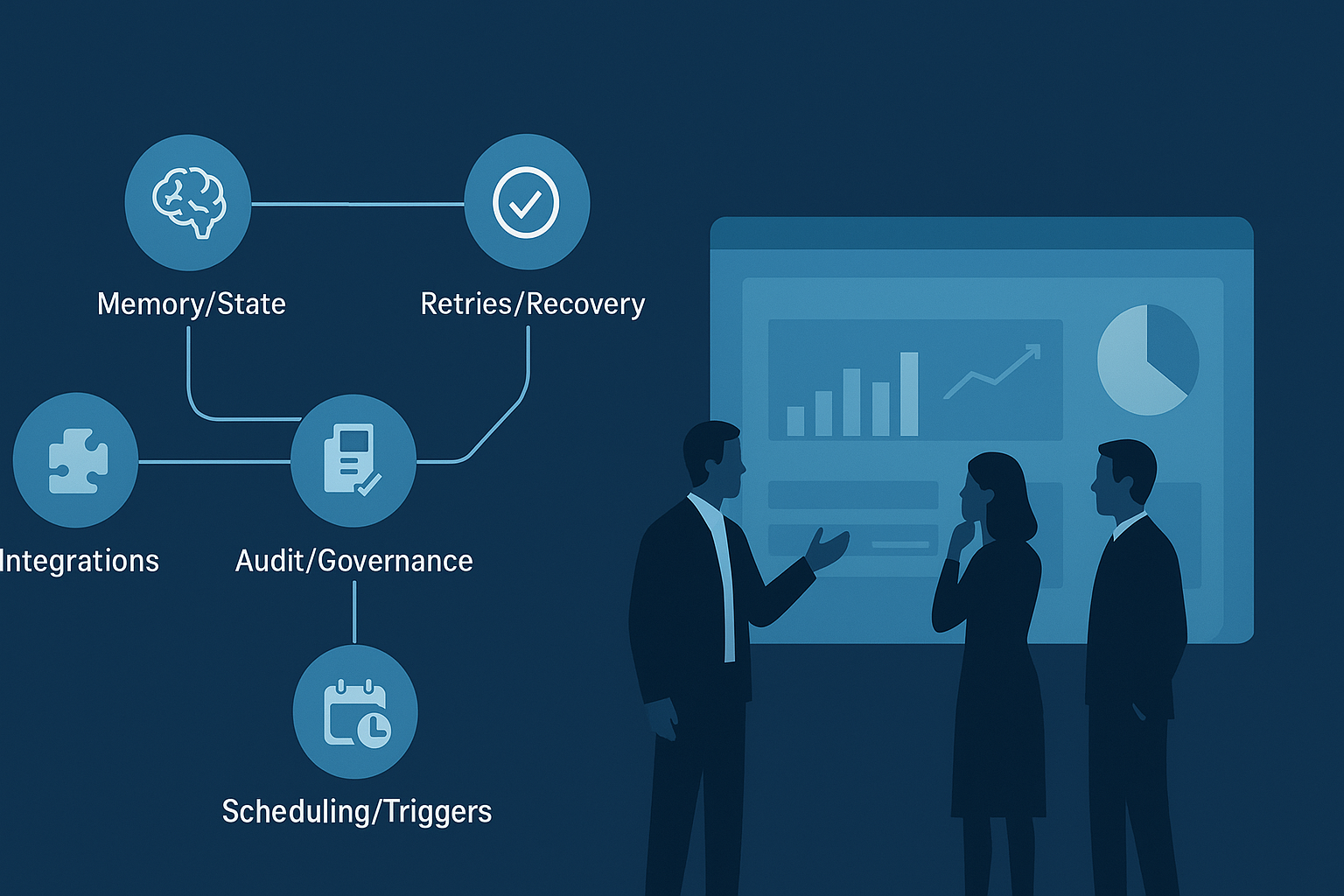
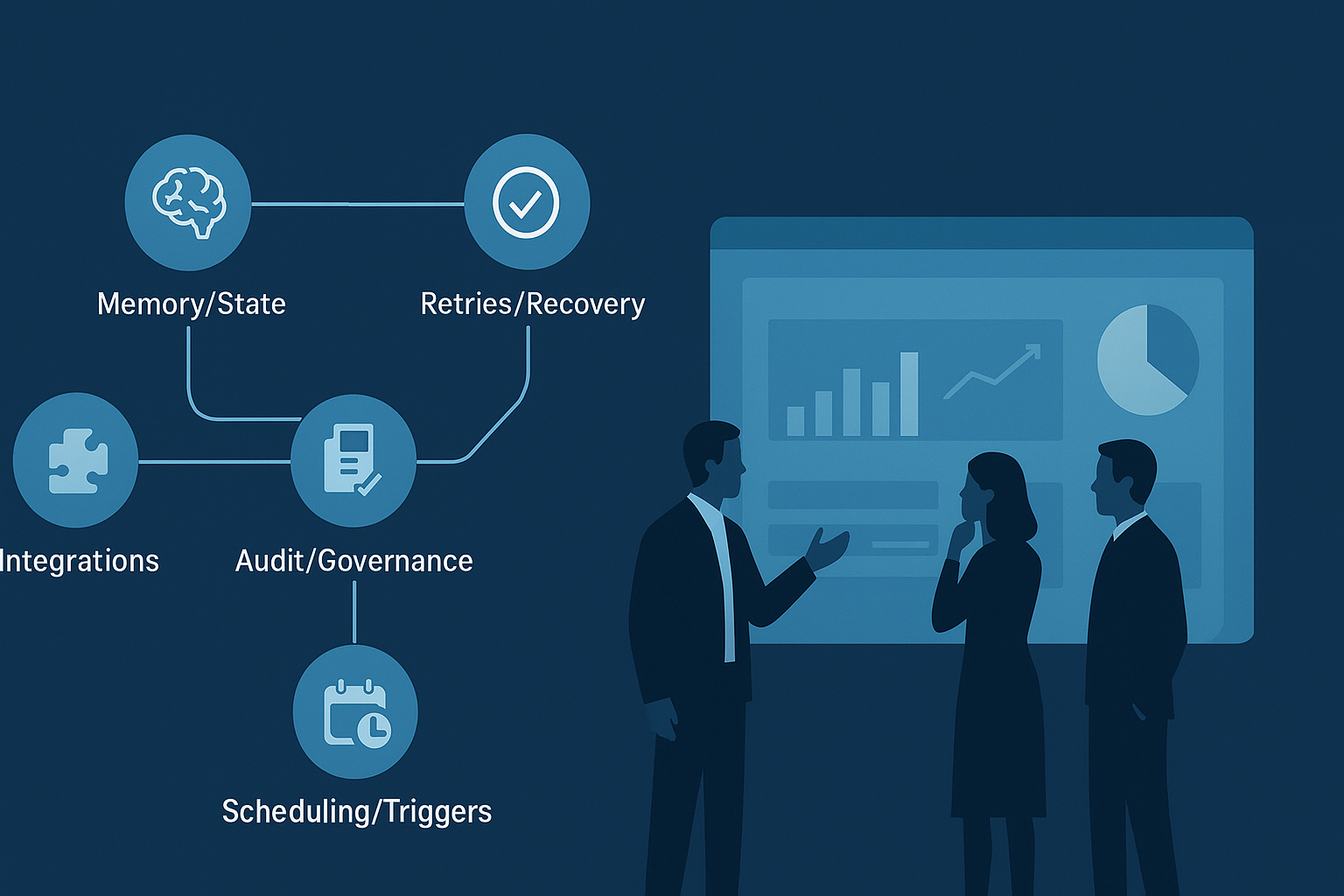
If you’re evaluating multi-agent orchestration for marketing (content ops, lifecycle, paid, SEO, web), the question isn’t “Can it run an agent?”
It’s: Can it run your workflow reliably, repeatedly, and auditably—without adding a second full-time job to your team?
This list ranks the must-have capabilities that separate demos from production systems. The ranking is based on a simple idea:
Higher = prevents expensive failure modes earlier (brand damage, compliance issues, broken automations, wasted spend).
Each item includes what it is, why marketing teams need it, and a vendor-demo checklist.
Pro Tip: Bring this page into your next vendor call and ask them to show—not tell—how each feature works in the product.
A neutral “orientation” table (not a verdict)
Some platforms below are general workflow engines; others are data orchestrators; one is marketing-specific. That’s intentional: marketing teams often end up comparing apples to oranges because different stakeholders bring different tools to the shortlist.
Two quick framing notes so the comparison stays honest:
Many “enterprise-grade” orchestrators assume engineering ownership. They’re powerful, but the marketing team rarely runs them alone.
Marketing-grade orchestration adds governance and brand context on purpose. That can reduce glue work, but it’s only valuable if it integrates with your stack.
Platform | Memory / shared state | Retries & recovery | Audits & governance | Integrations | Scheduling | Best fit (short version) |
|---|---|---|---|---|---|---|
QuickCreator | Brand + knowledge grounding across agents | Pipeline handoffs + approval gates | Human-in-the-loop approvals; brand governance | CMS + publishing workflows; designed for marketing stacks | Publishing/scheduling via distribution | SMB marketing teams scaling content with governance |
Temporal | Durable workflow history; code can rebuild state | Strong reliability model (“durable execution”) | Execution history for traceability | Build/operate connectors as code | Schedules + event-driven workflows | Engineering teams building long-running reliable workflows |
Apache Airflow | Stateless tasks (state via external stores) | Retries at task level | UI + logs; governance varies by setup | Huge connector ecosystem | Strong scheduling/backfills | Data/analytics teams orchestrating pipelines |
Prefect | Flow state + orchestration metadata | Retries + runtime controls | Logs/observability features | Growing ecosystem | Schedules + flexible runtime | Teams wanting flexible orchestration without heavy infra |
Dagster | Asset-centric state + lineage | Retries + data quality checks | Strong lineage/observability for data assets | Data-tool integrations (dbt, etc.) | Data pipeline scheduling | Data platforms prioritizing quality + lineage |
AWS Step Functions | State machine execution history | Managed retries/error handling | AWS execution history + IAM governance | Deep AWS-native integrations | Event-driven via AWS + schedules | AWS-centric teams orchestrating AWS services |
How to read this table in a way that’s useful:
If a vendor looks “weak” in a column, don’t disqualify them immediately.
Ask: Is this feature built in, or do we have to assemble it ourselves?
For scaling SMB marketing teams, “assemble it ourselves” is usually the real budget risk.
1) Memory & state management (multi-agent workflow orchestration features that prevent drift)
What it is
In multi-agent systems, “memory” isn’t a vibe. It’s state:
What the system knows (brand voice rules, product facts, customer context)
What the system has done (prior decisions, approvals, drafts, results)
What it should do next (the plan, constraints, and open questions)
Memory can live in different places (databases, logs, doc stores, vector stores), but the evaluation question is the same:
Can the system persist the right information, retrieve it reliably, and keep it consistent across agents and workflow runs?
Why marketing teams need it
Marketing workflows are state-heavy. A “simple” blog post depends on:
ICP and positioning
claims you’re allowed to make (and what you must avoid)
naming conventions (product, integrations, competitors)
past content (to avoid cannibalization and repetition)
Campaigns are even more state-dependent:
segments and exclusions
offer logic and eligibility
creative constraints and brand tone
analytics definitions (what counts as a conversion)
Without shared state, multi-agent orchestration becomes group chat: agents repeat work, contradict each other, and slowly drift off-brand.
What to look for (evaluation checklist)
Ask vendors to show you all of this on-screen:
Memory architecture and visibility
Shared memory across agents: when Agent B runs, can it reliably use what Agent A learned?
Readable memory artifacts: can you inspect what was stored (not just “trust the model”)?
Versioning: can you see when memory changed and roll back if it gets polluted?
Update rules and control
Write permissions: who/what is allowed to update memory (and when)?
Scoped memory: can you separate brand rules from campaign-specific notes from one-off experiments?
Conflict handling: what happens when two agents write incompatible updates?
Grounding and correctness
Source-of-truth grounding: can the system ground outputs in approved documents or a private knowledge base?
Citation or provenance hooks: can you trace where a claim came from (doc, link, or prior run)?
A practical example of marketing-grade state is a system that stores brand rules and knowledge grounding as first-class inputs across the pipeline—QuickCreator positions this under its Brand Intelligence Agent.
Red flags
“We have memory” but can’t show where it’s stored.
No way to quarantine or undo bad memory.
Memory is global and unscoped (“everything influences everything”).
⚠️ Warning: If a vendor describes “memory” but can’t show you where it lives, how it’s updated, and how it’s inspected, assume it becomes a reliability problem later.
2) Retries, idempotency & failure isolation (so one bad step doesn’t burn the whole run)
What it is
In production workflows, things fail constantly:
an API call times out
a connector rate-limits you
an agent returns an invalid output
a downstream tool changes behavior
Retries aren’t just “try again.” For orchestration, you want three capabilities:
Retries with policy (backoff, caps, and visibility)
Idempotency (re-running doesn’t create duplicates or corrupted state)
Failure isolation (one agent’s failure doesn’t cascade through the whole system)
Multi-agent systems are especially vulnerable to cascading failures, where one bad output triggers another agent to make it worse—Galileo describes how coordination issues can amplify errors across agent networks in production settings.Galileo — Why Multi-Agent AI Systems Fail
Why marketing teams need it
Marketing ops failures rarely show up as clean “errors.” They show up as:
duplicate posts scheduled
wrong segment emailed
stale offers promoted
UTMs broken in a way you only notice two weeks later
a “mostly correct” draft that sneaks in a compliance landmine
A retry system without guardrails can make this worse by repeating the wrong action.
What to look for (evaluation checklist)
Ask vendors to demo these scenarios end-to-end:
Retry behavior
Step-level retries: when a step fails, does the system retry only the failed step, or rerun everything?
Backoff and caps: can you configure max attempts and backoff windows?
Retry reasons: do you get a readable error cause (timeout vs auth vs validation)?
Idempotency and safe writes
Publish/send/spend protection: how does it prevent duplicate publishing, duplicate CRM updates, duplicate tickets?
Idempotency keys: do outbound actions support unique run IDs so repeats are safe?
State checkpoints: can you see the “last known good state” for resumption?
Isolation and fallbacks
Failure containment: does one bad agent output stop the workflow safely, or does it propagate?
Fallback paths: can you route around a failure (alternate connector, alternate agent, manual intervention)?
Escalation: can the system automatically create a ticket/Slack alert when it can’t safely proceed?
A canonical reliability framing comes from workflow engines built for long-running processes. Temporal’s concept of “durable execution” explains how workflows can survive failures by persisting execution history and replaying to rebuild state.Temporal — What is Durable Execution
A simple vendor question that exposes reality Ask: “If the publish step fails after the draft is approved, what happens next?” You’re looking for: clear state, safe resume, and a human gate on final actions.
3) Audit trails, provenance & governance (answer “who did what, when, and why?”)
What it is
For multi-agent marketing workflows, auditability has three layers:
Execution audit trail: every step taken, tool call made, and result returned
Decision provenance: why a decision was made (inputs, rules, approvals)
Governance controls: permissions, approval gates, and policy enforcement
Think of this as the difference between:
“The system produced a result.”
“The system produced a result, and we can prove what it used, who approved it, and what changed.”
Why marketing teams need it
Two reasons:
Risk management: brand safety, compliance/IP concerns, and the “who approved this?” question.
Operational scaling: when you grow, you can’t rely on tribal knowledge. You need a record that makes workflows repeatable—and fixable.
Auditability is also the antidote to internal skepticism. People trust systems they can inspect.
What to look for (evaluation checklist)
Ask vendors to show:
Run history and artifacts
End-to-end run timeline: what happened, in what order
Artifact versioning: drafts, edits, approvals, publish actions with timestamps
Attribution: which agent or human made which change
Governance controls
RBAC: who can publish, who can approve, who can edit brand rules
Policy rules: brand guardrails (terms to avoid, claim types to block, required disclosures)
Approval gates: can you require approval for specific actions (publish, email send, ad changes)?
Provenance
Inputs list: what sources were used (docs, URLs, past runs)
Traceability: can you connect a claim to a source or rule?
Replayability: can you rerun a workflow with the same inputs and get a traceable record?
Key Takeaway: If you can’t audit it, you can’t scale it.
4) Integrations & connectors (because your workflow lives in 10 tools)
What it is
Integrations are the difference between “AI helps with drafts” and “the workflow actually runs.” For marketing teams, orchestration usually needs to connect:
CMS (WordPress, Webflow, Shopify)
analytics (GA4, Search Console)
CRM (HubSpot, Salesforce)
ad platforms (Meta, Google Ads)
comms (Slack), ticketing (Jira), docs (Google Drive)
There are two integration layers to evaluate:
Read: pull the right data at the right time (performance, segments, product notes)
Write: take actions safely (publish, update, label, create tasks)
Why marketing teams need it
A small team can’t afford “integration debt.” If the platform requires constant glue work, your orchestration layer becomes another project.
Also: the more tools you integrate, the more you need governance. Connectors without permissions and audit logs are how you end up with accidental blasts.
What to look for (evaluation checklist)
Ask:
Coverage and effort
Connector coverage: does it natively connect to your top 5 tools?
Build vs buy: if you need a custom connector, how long does it realistically take?
Maintenance model: who updates the connector when the API changes?
Security and permissions
Auth options: OAuth, service accounts, secret storage
Permission scoping: least-privilege access (read-only vs write)
Environment separation: can you test safely before touching production?
Operational reality
Rate-limit handling: what happens when an API throttles you?
Data mapping: can you define schemas/fields (UTMs, campaign IDs, content taxonomy)?
Two-way sync: can it write back results (status, links, performance metrics)?
For marketing content workflows specifically, test a real publish path plus a rollback story. QuickCreator describes a marketing-oriented agent workflow that includes governance and content production steps—useful context for what “integrations that matter” look like in practice.AI marketing agents workflow guide
5) Scheduling & triggers (turn “run this sometime” into a system)
What it is
Scheduling is more than a cron job. In orchestration, you want:
time-based schedules (daily/weekly)
event triggers (new lead, new keyword opportunity, content decay)
SLAs (alerts when work doesn’t finish)
backfills and reruns (fixing missed windows)
This matters even more for multi-agent workflows because a run often includes multiple phases: planning → research → production → approval → distribution.
Why marketing teams need it
Most marketing value comes from consistency:
consistent publishing cadence
consistent refresh/optimization cycles
consistent follow-up sequences
Without scheduling and triggers, you’ll end up with ad hoc runs: good weeks and silent weeks.
What to look for (evaluation checklist)
Ask vendors to show:
Scheduling model
Time-based schedules: daily/weekly cadence with run history
Event triggers: “when X happens, start workflow Y”
Timezone control: critical for launches and regional segments
Dependencies and approvals
Dependencies: “run research, then draft, then require approval, then schedule publish”
Approval timeouts: what happens if approval isn’t given on time?
Pause/resume: can you pause a schedule during launches or incidents?
SLAs and backfills
SLA alerts: does the system warn you when a run is stuck?
Backfills: can you rerun missed cycles safely?
Safe reruns: do reruns preserve idempotency (no duplicates)?
For traditional orchestrators, scheduling maturity can be a differentiator. Airflow is widely discussed as strong for scheduling/backfills and has a large integration ecosystem, while Dagster emphasizes lineage/observability for data assets.Fivetran — Dagster vs Airflow
Conclusion: how to pick (without overthinking it)
Here’s a practical decision rule for scaling SMB marketing teams:
Start with memory + audits. If you can’t keep brand rules, claims, and approvals consistent, nothing else matters.
Then validate retries + safe writes. Marketing workflows fail in messy ways—your orchestrator must fail safely.
Only then optimize integrations and scheduling. These are huge multipliers after you trust the core.
A 10-minute demo script you can reuse
If you’re short on time, here’s a fast sequence of questions that reveals whether a vendor is production-ready:
Memory: “Show me where brand rules and campaign constraints are stored—and how I can inspect and version them.”
Recovery: “Force a failure mid-run. Now show me how you resume safely without duplicating publish/send/spend actions.”
Audit: “Open a past run and prove who approved what, and which inputs were used.”
Integrations: “Connect to our CMS/CRM in the demo environment. Show least-privilege access and what’s logged.”
Scheduling: “Schedule a run, pause it, and show what happens if approval is late. Then backfill.”
If you want a concrete, marketing-specific example of a coordinated agent workflow (brand governance → research → writing → optimization), this walkthrough is a good reference: How to produce GEO-ready, brand-safe content.