Top User Questions About Workflow Automation Tools in the United States Across ChatGPT, Perplexity, and Gemini

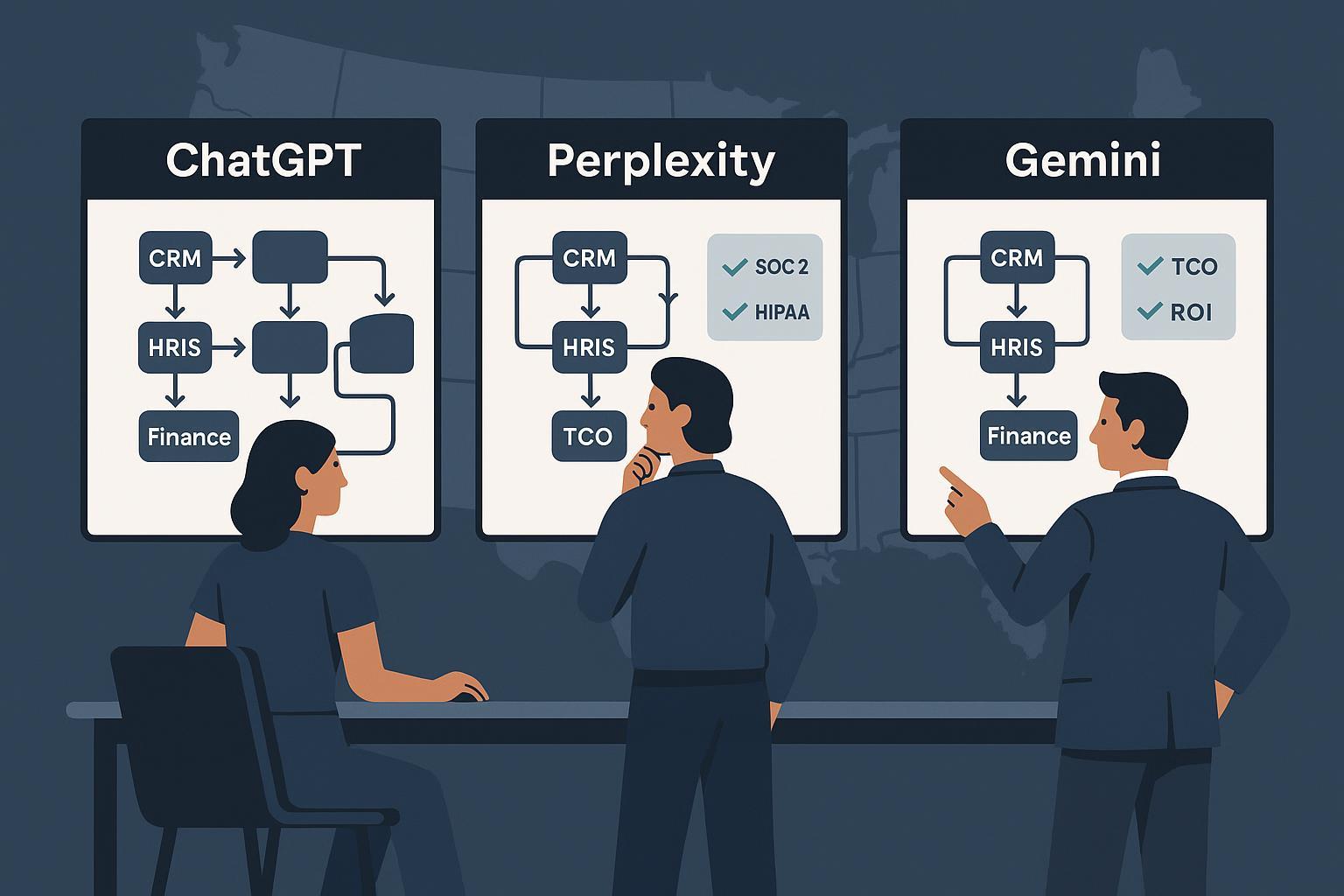
This FAQ brings together the questions US buyers and practitioners actually ask when researching workflow automation tools with AI assistants like ChatGPT, Perplexity, and Gemini. It’s organized the way real evaluations unfold: capability fit, integrations, security/compliance, pricing and ROI, scalability, migration, and governance.
Tip on authenticity: We include assistant-style question stems you can paste directly into ChatGPT, Perplexity, or Gemini to refine your search.
1) Where do workflow automation tools make the biggest impact for US organizations? (Decision Maker)
Short answer: They reduce manual, repetitive work across operations (sales handoffs, onboarding, finance reconciliations, IT provisioning) and improve consistency by standardizing processes.
You might also want to know:
- Typical first wins: lead routing to CRM, approval workflows (time-off, purchasing), ticket triage, invoice matching, and notifications across tools.
- Time-to-value: 2–8 weeks for a pilot if you start with a well-scoped process and a small group of champions.
- Measurement starter KPIs: hours saved per month, error rate reduction, time to approve, SLA adherence, and cost-per-transaction.
Copy/paste prompts:
- ChatGPT: “List 10 high-ROI workflows for an SMB sales + CS team using Salesforce, Slack, and Gmail.”
- Perplexity: “Show studies on time saved by automating finance approvals in 2024–2025 and cite the sources.”
- Gemini: “In healthcare operations, which workflows are commonly automated under HIPAA constraints? Provide examples.”
2) How do I check if a platform covers the apps and steps I need? (Workflow Designer)
Short answer: Verify native connectors, quality of triggers/actions, limits (steps, branching, concurrency), error handling, and whether you can build custom connectors.
Checklist to run:
- Integrations: Confirm your must-have apps, especially CRM/ERP/HRIS/ITSM.
- Triggers/actions: Look for event triggers (e.g., new record, status changes) and necessary actions (create/update/search).
- Multi-step logic: Branching, loops, variables, conditionals, lookups, and data transforms.
- Reliability: Retries, idempotency, dead-letter queues, and alerting.
- Customization: API-based custom connectors when native ones fall short.
Copy/paste prompts:
- ChatGPT: “Evaluate Make vs Zapier for multi-step CRM + Slack workflows with branching and retries. What are the trade-offs?”
- Perplexity: “Compare Zapier vs Power Automate connectors for Salesforce and NetSuite with 2025 docs and sources.”
- Gemini: “For a retail org, map an order-to-cash automation and note integration bottlenecks.”
3) What security and compliance frameworks should US buyers look for? (IT/Compliance)
Short answer: For commercial use, ask for SOC 2 (ideally Type II), ISO/IEC 27001 alignment, and healthcare-specific HIPAA considerations when applicable.
Why this matters:
- SOC 2 Type II demonstrates operating effectiveness of controls across security, availability, processing integrity, confidentiality, and privacy over time. See the AICPA’s official explanation in the AICPA 2025 SOC suite overview.
- HIPAA mandates administrative, physical, and technical safeguards for ePHI. The HHS Office for Civil Rights provides a clear summary in the HHS HIPAA Security Rule overview (2025).
- ISO/IEC 27001 sets requirements for building and improving an information security management system; see the ISO 27001 official overview (ISO, 2025).
Practical steps:
- Access control: Require SSO, automated provisioning (SCIM), and role-based access (RBAC).
- Data controls: Encryption in transit and at rest; data residency options; audit logs piped to your SIEM.
- Processes: Change management with approvals, incident response runbooks, and vendor risk reviews.
Copy/paste prompt:
- Perplexity: “Which workflow automation platforms have SOC 2 Type II and publish security whitepapers? Provide links to official docs.”
4) How do AI assistants (ChatGPT, Perplexity, Gemini) handle my data during evaluations? (IT/Compliance)
Short answer: Policies vary. Enterprise and business plans typically provide stricter data controls than consumer plans. Always verify official policy pages and your enterprise agreements.
Key points to verify in 2024–2025:
- OpenAI: Enterprise and API data are not used to train OpenAI models by default; see OpenAI’s official statement in the OpenAI Enterprise Privacy page (2025). Consumer settings and retention differ; consult their policy pages for details.
- Google Gemini: Google documents retention windows and when conversations may be reviewed to improve models in the Gemini Apps Privacy Notice (Google, 2025).
- Perplexity: Confirm using the app’s current privacy policy page (typically linked in the footer) and review any enterprise plan terms.
Actionable safeguard:
- Use enterprise/managed tenants for sensitive trials.
- Turn off chat history where available, scrub secrets, and use masked test data.
- Route sensitive PII/ePHI only through approved, compliant environments.
5) What pricing models should I expect, and where do hidden costs appear? (Decision Maker)
Short answer: Expect per-seat and/or usage-based pricing (tasks/operations). Hidden costs often show up in overages, premium connectors/add-ons, implementation time, training, and governance.
Examples to review during budgeting:
- Zapier: Tiers with task-based usage and enterprise options described on the Zapier pricing page (2025). Model overages if you exceed task allotments.
- Make (Make.com): Operations/month and seat-based tiers shown on the Make pricing page (2025). Check scenario and concurrency limits per tier.
- Microsoft Power Automate: Per-user or per-flow options, plus paid add-ons (e.g., process mining, AI features). Consult Microsoft’s official pricing and licensing materials during procurement.
Budgeting tips:
- Inventory candidate workflows; estimate monthly volume and peak loads.
- Include premium connectors, storage, and any RPA/AI add-ons.
- Plan for change management: training, documentation, and support.
Copy/paste prompt:
- Perplexity: “Build a TCO comparison for Zapier, Make, and Power Automate for 12 months, including overages and add-ons. Show assumptions and cite vendor pages.”
6) How can I estimate ROI and payback period for automation? (Decision Maker)
Short answer: Tie ROI to hours saved, error reduction, and faster cycle times; compare those benefits against all-in costs (licenses, overages, implementation, and maintenance).
Simple worksheet you can adapt:
- Hours saved: volume × minutes saved per task × wage rate.
- Error reduction: incidents avoided × cost per incident (rework, SLA penalties).
- Time-to-value: pilot setup time, training hours, and adoption curve.
- Costs: licenses + add-ons + overages + implementation + support.
- Payback period: total costs / monthly net benefit.
Tip: Validate with a 30–60 day pilot, track baseline vs. post-automation metrics, then present conservative, realistic ranges to stakeholders.
Copy/paste prompt:
- ChatGPT: “Create an ROI model template for automating monthly invoice approvals for a 100-employee company. Include sensitivity analysis.”
7) What limits and SLAs should I look for so workflows don’t break at scale? (IT Admin)
Short answer: Understand request quotas, concurrency, rate limits, retries, and SLAs. Test peak-time load with backoff and monitoring.
Examples to check:
- Microsoft Power Automate publishes request limits per user/environment; see the Microsoft Power Platform request limits documentation (2024–2025). Also review their SLA documentation during procurement.
- Vendors like Zapier and Make provide public status pages; check historical uptime and incident transparency.
Operational safeguards:
- Implement retries with exponential backoff; ensure idempotency for replays.
- Use queues for bursty workloads; set dead-letter handling.
- Add alerting and dashboards for failure rates, latency, and backlogs.
Copy/paste prompts:
- Gemini: “Draft a load test plan for my top 5 automations with peak-hour spikes and API rate limits.”
- Perplexity: “Find vendor docs on workflow retries and idempotency for major automation platforms; list the differences.”
8) How do I migrate from one automation platform to another without downtime? (IT/Operations)
Short answer: Inventory flows, map dependencies, run dual-run pilots, and cut over in controlled phases with rollback paths.
Migration playbook:
- Discovery: Export a list of workflows, connectors, secrets, schedules, and owners.
- Mapping: Match triggers/actions; identify gaps needing custom connectors or scripts.
- Dual-run: Rebuild critical flows in the new platform and run in parallel to compare outputs.
- Data integrity: Validate idempotency and deduping; reset webhooks carefully.
- Cutover: Phase low-risk flows first; keep rollback scripts and backups ready.
- Post-move: Monitor error rates and business KPIs for 2–4 weeks; update runbooks.
Copy/paste prompt:
- ChatGPT: “Plan a phased migration from Zapier to Power Automate for 30 workflows across Sales, Finance, and ITSM with dual-run validation steps.”
9) What AI features matter in 2024–2025, and how do I evaluate them responsibly? (Workflow Designer)
Short answer: Natural language-to-workflow builders, document understanding, summarization, and anomaly alerts can speed design and operations—evaluate alongside data privacy controls.
Evaluation checklist:
- Accuracy: Does the AI-generated workflow reflect your logic, data schemas, and compliance constraints?
- Guardrails: Human-in-the-loop approvals, environment-based policies, and change review.
- Data handling: Confirm retention, training usage, and redaction options (see relevant assistant privacy pages like OpenAI Enterprise and Google Gemini notices linked above). Consult your legal/compliance team for sensitive data.
Copy/paste prompts:
- Gemini: “Suggest a draft employee onboarding workflow with conditional paths for contractors vs. FTEs; include data privacy checkpoints.”
- Perplexity: “Compare AI-assisted workflow builders across three vendors, including how they handle sensitive data; cite vendor docs.”
10) What governance practices keep automations safe and maintainable? (IT/Compliance)
Short answer: Use environments (dev/test/prod), version control, RBAC, change approvals, audit logs, and policy-as-code where available.
Governance moves to implement:
- Access & identity: SSO, SCIM provisioning, least-privilege RBAC per workspace or environment.
- Environments: Separate dev/test/prod with approvals and deployment gates.
- Change control: Pull requests for complex flows, reviewers, and rollback procedures.
- Observability: Central logs, alerts, weekly error reviews, and monthly resiliency tests.
- Data loss prevention: Define connectors/data groups per environment; require encryption and secure secrets management.
Copy/paste prompt:
- ChatGPT: “Write a policy for promoting workflows from dev to prod with peer review, approvals, and audit logging requirements.”
11) How do US regulations like HIPAA influence design choices in healthcare automations? (IT/Compliance)
Short answer: If workflows touch ePHI, you must implement administrative, physical, and technical safeguards, maintain audit trails, and ensure BAAs where applicable.
Design implications:
- Minimize data: Pass only required fields; tokenize or pseudonymize where possible.
- Segmentation: Restrict access via RBAC and environment boundaries.
- Logging: Keep immutable audit logs; align retention with policy.
- Incident response: Document breach notification workflows and on-call procedures.
Authoritative reference: The HHS Office for Civil Rights summarizes key safeguards in the HHS HIPAA Security Rule overview (2025). Collaborate with your compliance officer for interpretation and enforcement.
12) Can you share a quick buyer’s checklist I can use with assistant tools? (Decision Maker)
Short answer: Yes—copy this into your assistant, fill in your context, and iterate.
Assistant-ready checklist:
- Use cases: List top 10 processes with volumes and pain points.
- Integrations: Must-have apps; any custom API needs.
- Security/compliance: SOC 2 Type II, ISO 27001, HIPAA/BAA needs; SSO/SCIM/RBAC; audit logs.
- Limits/scale: Rate limits, concurrency, SLAs, retries, idempotency.
- Pricing/TCO: Seats, usage, overages, add-ons, implementation/training.
- ROI targets: Hours saved, error reduction, SLA improvements; payback period goal.
- Governance: Environments, change approvals, monitoring, DLP.
- Migration plan: Inventory, dual-run, cutover, rollback, 30-day stabilization.
- Perplexity: “Using the checklist above, shortlist 3 platforms that meet my requirements and include links to their security and pricing pages.”
- ChatGPT: “Turn my checklist answers into a vendor RFP with measurable requirements and evaluation criteria.”
Sources and official documents referenced
- SOC 2 background and scope: AICPA 2025 SOC suite overview
- HIPAA Security Rule summary: HHS HIPAA Security Rule overview (2025)
- Information security management: ISO 27001 official overview (ISO, 2025)
- AI assistant enterprise data use: OpenAI Enterprise Privacy (2025)
- AI assistant app privacy: Gemini Apps Privacy Notice (Google, 2025)
- Scale and quotas example: Microsoft Power Platform request limits documentation (2024–2025)
- Usage-based pricing examples: Zapier pricing page (2025) and Make pricing page (2025)
Note: Each vendor’s terms and features change. Always confirm the latest details on official pages and with your legal/compliance team before making decisions.
