TikTok Bio Links (2025): Can you put your own domain in your profile?

Can I add my own domain to my TikTok bio in 2025?
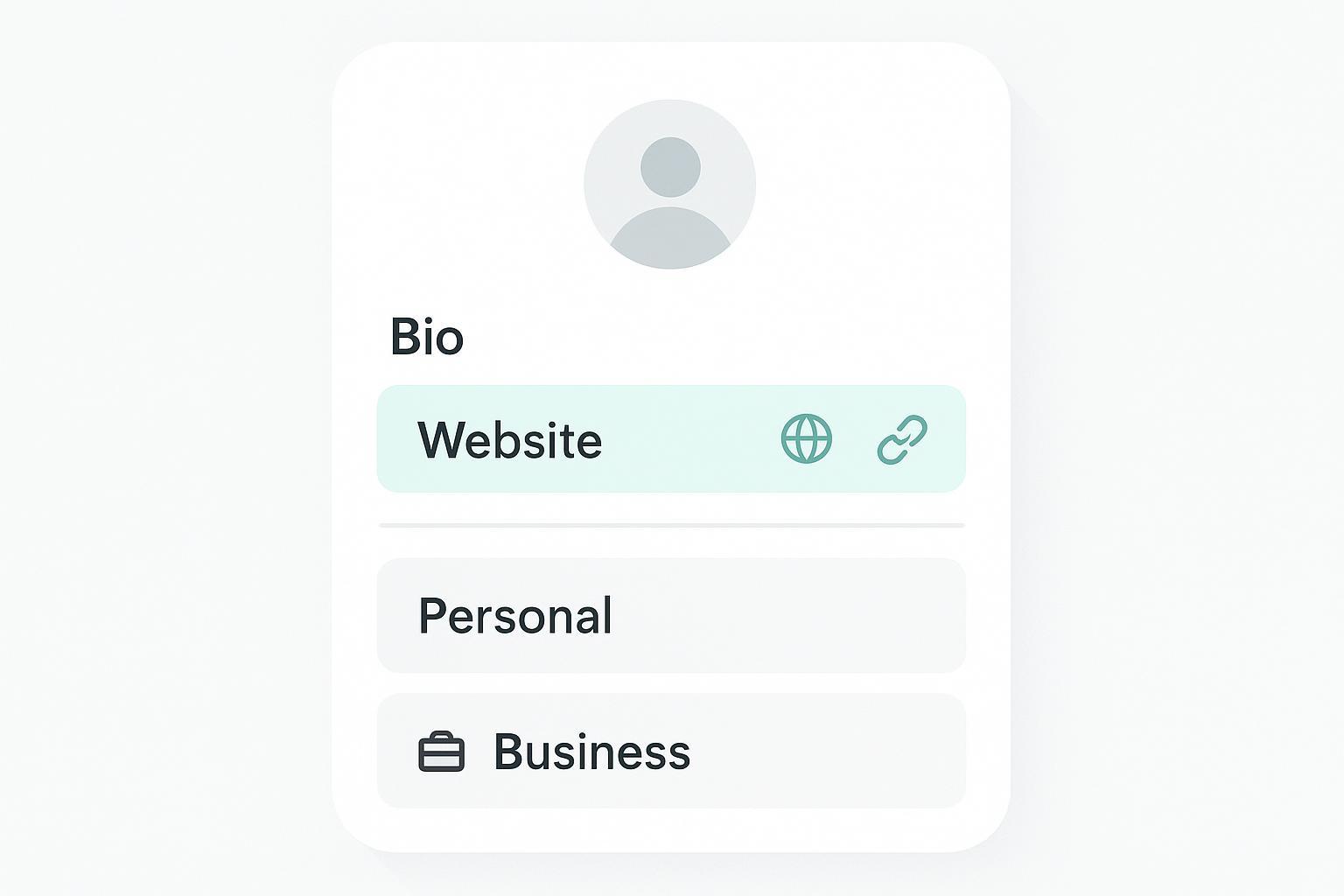
Yes—with conditions. You can place your own domain (e.g., yourbrand.com) in your profile. Whether it becomes a clickable link depends on your account type and, for many personal accounts, your follower count.
- Personal/Creator accounts: The clickable “Website” field is widely reported to unlock at around 1,000 followers. This threshold is not explicitly listed in public TikTok help pages, but several 2025 guides describe the behavior; for example, see the Shopify (2025) explainer in How to add a link to your TikTok bio.
- Business accounts: In most regions, Business accounts can add a clickable “Website” link without a follower minimum (feature availability can vary by market and over time). TikTok’s own documentation explains how to switch account types but does not specify clickability thresholds. See TikTok’s (2025) definitions and switching steps in TikTok Support — Account types.
You might also want to know: The “Website” field is different from the bio text. A URL in your bio text is usually not clickable; you must use the dedicated Website field when available.
Do I need a Business account for a clickable link?
Short answer: Often yes, unless your Personal/Creator account has the Website field enabled (widely reported at ≥1,000 followers).
- If you need a clickable link today and don’t want to wait to grow followers, switching to a Business account is the typical path. TikTok explains how to switch in the (2025) help article TikTok Support — Account types.
- Caveat: Some users report regional or rollout differences. If you switch and still don’t see the Website field, check again over time, ensure your app is updated, and confirm your region’s availability.
Quick comparison: account types vs. clickability
| Account type | Clickable Website field | Typical conditions |
|---|---|---|
| Personal/Creator | Sometimes | Widely reported at ~1,000 followers; not guaranteed in all regions |
| Business | Usually | Often available without follower minimum; subject to regional availability and policy compliance |
How do I add the link once I’m eligible?
Here’s the most common path in the app (2025 UI wording may vary slightly):
- Switch to Business (if needed): Profile → Menu → Settings & privacy → Account → Switch to Business Account. See the (2025) guide in TikTok Support — Account types.
- Add your link: Profile → Edit profile → Website → paste your domain → Save. As noted by Shopify (2025) in How to add a link to your TikTok bio, this is the dedicated field that creates a clickable link.
- Verify it’s clickable: View your profile from another account or log out to check the public view.
Tip: Use the canonical version of your domain with HTTPS, e.g., https://yourbrand.com, to reduce warnings and redirect hops.
Are there regional differences or follower thresholds I should know about?
- Follower thresholds: For Personal/Creator accounts, the 1,000-follower requirement for the Website field is widely reported by reputable guides, including Shopify’s (2025) overview in How to add a link to your TikTok bio. TikTok’s public help pages do not list a formal threshold.
- Regional variability: Feature availability and timing can differ by market and may change without notice. If your account meets typical conditions but the Website field is missing, it may be a regional rollout issue or temporary limitation.
Practical approach: If you need the feature urgently, switch to a Business account; otherwise, continue growing your following until the Website field appears.
What kinds of links or domains are disallowed?
Your bio link must comply with TikTok’s platform rules and local laws. While there isn’t a single public page listing every “bio link” restriction, the same policies that govern content and ads apply to outbound links.
- Adult/sexually explicit content: Disallowed in advertising and restricted by the platform’s rules; see the (2025) guidance in TikTok Ads Policy — Adult Content.
- Illegal or harmful activities, scams, or malware: Covered under platform safety and integrity rules; see the (2025) TikTok Community Guidelines.
- Deceptive practices and spammy behavior: Avoid misleading claims, cloaking, or aggressive/irrelevant redirects. The Community Guidelines (2025) set the baseline for safe, trustworthy behavior.
Best practices for safe linking:
- Use HTTPS and a trustworthy domain (avoid suspicious subdomains or excessive redirects).
- Keep the destination page fast, mobile-friendly, and free of intrusive interstitials.
- Ensure the on-page content matches what you promise in your profile and videos.
I switched to Business but still don’t see the Website field. What now?
Work through these checks:
- Update the app, then fully close/reopen it.
- Confirm your account type under Settings & privacy → Account; it should say Business.
- Try logging out and back in to refresh the profile editor.
- Consider regional rollout differences and check again in a few days.
- Verify that your profile and linked site don’t violate policies (adult content, illegal gambling, deceptive pages, malware) referenced in TikTok’s (2025) Community Guidelines.
If problems persist, revert to a non-clickable URL in your bio text and continue growing followers or explore alternative link surfaces (see below).
Will switching to a Business account affect my music choices?
Potentially. Many creators note that Business accounts have more limited access to commercial music. Before switching, weigh the trade-off between immediate link access and music library flexibility. TikTok’s public documentation focuses on account type definitions and switching steps; see the (2025) reference TikTok Support — Account types for what Business accounts are designed to do.
How can I track clicks on my bio link?
TikTok’s public help pages do not explicitly document a native “bio link clicks” metric in 2025. Use these reliable methods instead:
- Add UTM parameters to your URL (e.g., utm_source=tiktok&utm_medium=bio) and track sessions and conversions in your analytics platform (such as GA4).
- Use your own short, memorable domain to reduce friction. If you use a link shortener or link-in-bio tool, rely on its click metrics in addition to your analytics.
- Compare profile-link traffic to posting cadence and content themes to see what drives more taps.
What are my options if I’m not eligible yet?
- Place a readable, memorable URL in your bio text (not clickable, but still informative).
- Verbally mention “link in bio” in videos and add a clear call-to-action in captions. For practical phrasing ideas that increase clicks, see this internal guide on writing captions and descriptions for Reels and Shorts.
- Consider using TikTok-native surfaces as relevant to your goals (e.g., TikTok Shop for product listings, or paid ad formats that support links), subject to separate eligibility rules.
Do I need to register my business with TikTok to enable the bio link?
Not necessarily. TikTok’s (2025) business documentation describes what “business registration” is and the documents required to access additional business features; see TikTok Business Help — About business registration. However, TikTok does not publicly state that registration is required to enable the Website field in your profile. Many users add a Website link after switching to a Business account without going through registration, though access can vary by region and feature rollout. Treat registration as a way to unlock certain business tools—not a guaranteed prerequisite for the bio link.
Quick troubleshooting checklist
- Don’t see a clickable link? Ensure you added it in Edit profile → Website, not only in bio text.
- Personal/Creator account with no Website field? Grow to ~1,000 followers (widely reported) or switch to Business.
- Business account, still no field? Update the app, relaunch, and consider regional variability and policy compliance.
- Link removed or flagged? Review the (2025) TikTok Community Guidelines and remove problematic content, redirects, or trackers.
- Want better conversions? Use HTTPS, fast mobile pages, clear copy, and a strong CTA in captions and on-page.
Staying accurate in 2025: TikTok’s public pages explain account types and business registration but don’t publish every eligibility detail for the Website field. Where thresholds are “widely reported,” we cite a reputable 2025 overview (Shopify) and frame guidance accordingly. For core rules, defer to TikTok’s current policies and help docs linked above.
