Does adding a Table of Contents help SEO?

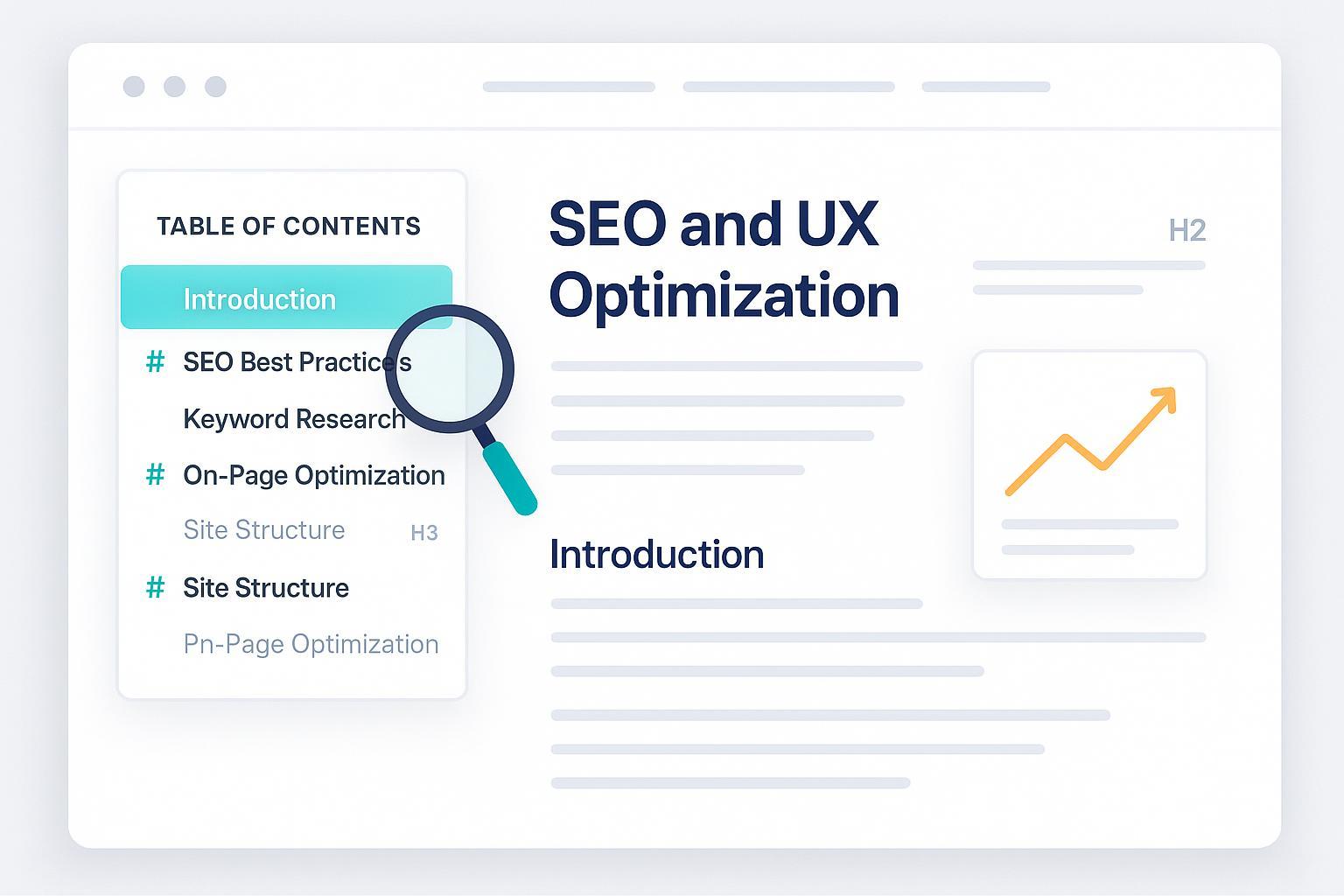
A Table of Contents (ToC) is one of those small UX decisions that can make or break how readers experience long-form content. In my audits, a well-implemented ToC consistently improves scannability and reduces friction. The SEO gains are mostly indirect—better engagement and clearer sectioning—but they’re real when executed correctly. This article distills what the evidence actually supports, where the boundaries are, and how to build a ToC that helps users without hurting performance.
What the evidence says (and what it doesn’t)
- Google’s guidance makes one thing clear: URL fragments (#) are treated as client-side navigation aids and are generally ignored for indexing. That means your ToC’s jump links won’t create separate crawlable URLs. See Google’s own statement in “Crawling December—Faceted navigation” (2024, Search Central Blog).
- Mobile-first indexing documentation also reiterates that content accessible only through fragments is “mostly not indexable,” especially when it’s rendered client-side. Reference “Mobile-first indexing best practices” (Google Search Central).
- On sitelinks, Google removed the Sitelinks Search Box feature in late 2024 due to low usage. Organic sitelinks remain algorithmic and cannot be forced. See “Farewell, Sitelinks Search Box” (2024, Google Search Central Blog).
- Industry consensus often suggests ToCs can support clarity and jump-to links in snippets, but there’s no official documentation describing the exact mechanism. Backlinko notes that a linked ToC can help Google better understand a page and “can result in sitelinks,” but provides no primary data; see “Google Ranking Factors” (2025, Backlinko).
Bottom line: A ToC is not a ranking factor. It helps users navigate, reflects good heading structure, and may correlate with better engagement, which can indirectly support SEO. Avoid claiming it “causes” sitelinks or rankings.
When a ToC helps most
- Long-form resources (1,500–5,000+ words): Guides, tutorials, technical documentation, and research articles benefit most. A ToC reduces cognitive load and gives readers quick access to relevant sections.
- Multi-topic posts: If your page covers several distinct subtopics, a ToC clarifies scope and paths.
- Mobile-heavy audiences: Use a collapsible/toggle ToC to avoid clutter. On small screens, a persistent sidebar wastes precious space.
- Multilingual content: Keep link text concise, mirror heading hierarchy per language, and ensure IDs are URL-safe.
When it’s optional or unnecessary: short posts (<800–1,000 words), pages with simple linear flow, or landing pages where a ToC could distract from conversion.
Platform-agnostic implementation that search and users appreciate
A durable ToC starts with clean, semantic HTML and accessible navigation. Keep the structure simple, render it server-side where possible, and avoid heavy JS.
<nav aria-label="Table of Contents">
  <h2>Table of Contents</h2>
  <ol>
    <li><a href="#introduction">Introduction</a></li>
    <li><a href="#getting-started">Getting Started</a></li>
    <li><a href="#conclusion">Conclusion</a></li>
  </ol>
</nav>

<main>
  <section id="introduction">
    <h2>Introduction</h2>
    <p>Content here...</p>
  </section>
  <section id="getting-started">
    <h2>Getting Started</h2>
    <p>Content here...</p>
  </section>
  <section id="conclusion">
    <h2>Conclusion</h2>
    <p>Content here...</p>
  </section>
</main>
/* Account for sticky headers during in-page jumps */
section { scroll-margin-top: 100px; }
Implementation tips:
- Use a with an aria-label to aid screen readers; see MDN’s guidance in “ARIA navigation role” (MDN).
- Mirror your heading hierarchy (H2/H3/H4) in the ToC. Avoid skipping levels.
- Make IDs unique, stable, and URL-friendly (lowercase, hyphens). Validate them after content edits.
- Prefer server-rendered/static HTML or progressive enhancement over JS-only rendering; it’s more reliable for indexing and performance.
- Keep anchor text descriptive; avoid “click here.” Moz’s primer on link text still applies; see “Anchor text” (Moz Learn).
WordPress and other CMS options
On WordPress, lightweight plugins can auto-generate ToCs from headings. Evaluate on stability, customization, and Core Web Vitals impact.
- Easy Table of Contents — popular, free, stable.
- Heroic Table of Contents — free, block-based, responsive.
- LuckyWP Table of Contents — free and customizable; verify current compatibility on the WordPress.org LuckyWP page.
- Ultimate Blocks — includes a ToC block within a broader toolkit.
- Rank Math — has a ToC block but is less customizable than dedicated plugins.
For Webflow, Wix, Shopify, or static sites, implement a simple HTML ToC with IDs on headings; add minimal CSS and optional JS for collapsible behavior.
Practical workflow: add and sustain ToCs without breaking things
- Decide ToC inclusion during outlining, not after drafting.
- Generate IDs and ToC links automatically where possible, but lock IDs before publishing to avoid breaks.
- Add QA steps to your content workflow: validate anchor targets, test mobile behavior, and check Core Web Vitals after enabling a plugin.
- Maintain a change log: if a heading changes, update the ToC and IDs (or maintain backward-compatible redirect fragments where feasible).
Many blog platforms like QuickCreator support automatic ToC generation alongside semantic heading structures and lightweight markup. Disclosure: QuickCreator is our product.
Common mistakes and how to fix them
- Broken anchors after edits: Re-run an anchor validation check before publishing and after updates. A broken ToC link is a UX failure and wastes crawl budget. Semrush’s overview of internal linking mistakes underscores this hygiene; see “Internal linking mistakes” (Semrush).
- JS-only rendering: If your ToC is injected solely via client-side JS, indexing may lag or fail. Render server-side or use progressive enhancement.
- Plugin bloat hurting Core Web Vitals: Excessive CSS/JS can inflate LCP/INP. Choose lightweight plugins and measure after installation.
- Mobile clutter: Use a collapsible ToC, limit default depth (e.g., H2/H3 only), and avoid sticky sidebars on small screens.
- Keyword-stuffed anchor text: Descriptive and natural is best. Over-optimization looks spammy and harms UX.
Measuring impact (realistically)
ToCs tend to move engagement more than rankings. Track:
- Scroll depth and time on page before/after adding a ToC.
- Click-through on jump links to see whether readers use the ToC.
- Bounce and exit rates on long-form posts.
- Core Web Vitals after plugin installation.
- Rich results or jump links occurrences in SERP snippets (anecdotally observed, not guaranteed).
Run A/B tests when you can: one long-form article with a ToC vs. a similar article without. Control for content quality and intent.
2025 AI search context: AI Overviews and passage understanding
In 2025, AI Overviews are increasingly present across queries, but their behavior varies by dataset. Public studies show variability and do not isolate ToC as a causal factor. For situational awareness:
- Semrush’s analysis of AI Overviews (2025) outlines how the feature surfaces consolidated answers across sources; see “Semrush AI Overviews study” (2025).
- seoClarity’s ongoing research tracks coverage and click impact; see “AI Overviews impact” (2024–2025, seoClarity).
What you can control: clear headings, concise sections, and well-structured content that’s easy for algorithms to segment. Passage ranking principles prioritize coherent sections within pages; see Search Engine Land’s summary of Google algorithm updates and passage ranking.
Accessibility and internationalization best practices
- Mark the ToC with a and a clear aria-label; this helps assistive technologies.
- Respect WCAG 2.1 guidelines for navigation and headings. See “WCAG 2.1” (W3C) and the WebAIM WCAG checklist.
- Provide a “Skip to main content” link to satisfy bypass-blocks guidance.
- Ensure keyboard accessibility, focus states, and adequate contrast.
- For multilingual sites, align ToC language to page language and ensure IDs are stable across translations (or create per-language IDs).
FAQ
- Does a ToC guarantee higher rankings? No. It’s a UX improvement that supports structured content. Rankings depend on relevance, quality, authority, and performance.
- Can a ToC hurt SEO? Yes, if it adds heavy scripts, causes layout shifts, or creates clutter on mobile. Keep it lightweight and collapsible.
- Will a ToC create separate indexed URLs via #links? No. Per Google, fragments are generally ignored for indexing.
- Can ToC help with AI Overviews or jump links? It can support structure, but there’s no proof it specifically triggers these features.
Action checklist you can implement today
- Decide ToC inclusion during outlining for any post ≥1,500 words or multi-topic guides.
- Use semantic HTML:
- Assign unique, URL-safe IDs to headings; validate after edits.
- Render ToC in HTML; avoid JS-only injection.
- Add scroll-margin-top to account for sticky headers.
- Make ToC collapsible on mobile; default to H2/H3 depth.
- Keep anchor text descriptive and natural.
- Audit Core Web Vitals after enabling any plugin.
- Track engagement and jump-link usage; iterate.
- Re-validate ToC links quarterly or after major content updates.
If you’re building content systems and want more context on headings and internal links, see what is SEO article writing and best AI SEO Chrome extensions 2025 for complementary frameworks and tooling considerations.
And for anchor-text fundamentals, Moz’s concise overview remains useful: “Anchor text” (Moz Learn).
