Shopify vs WordPress for SEO: Which Is More Advantageous in 2025?

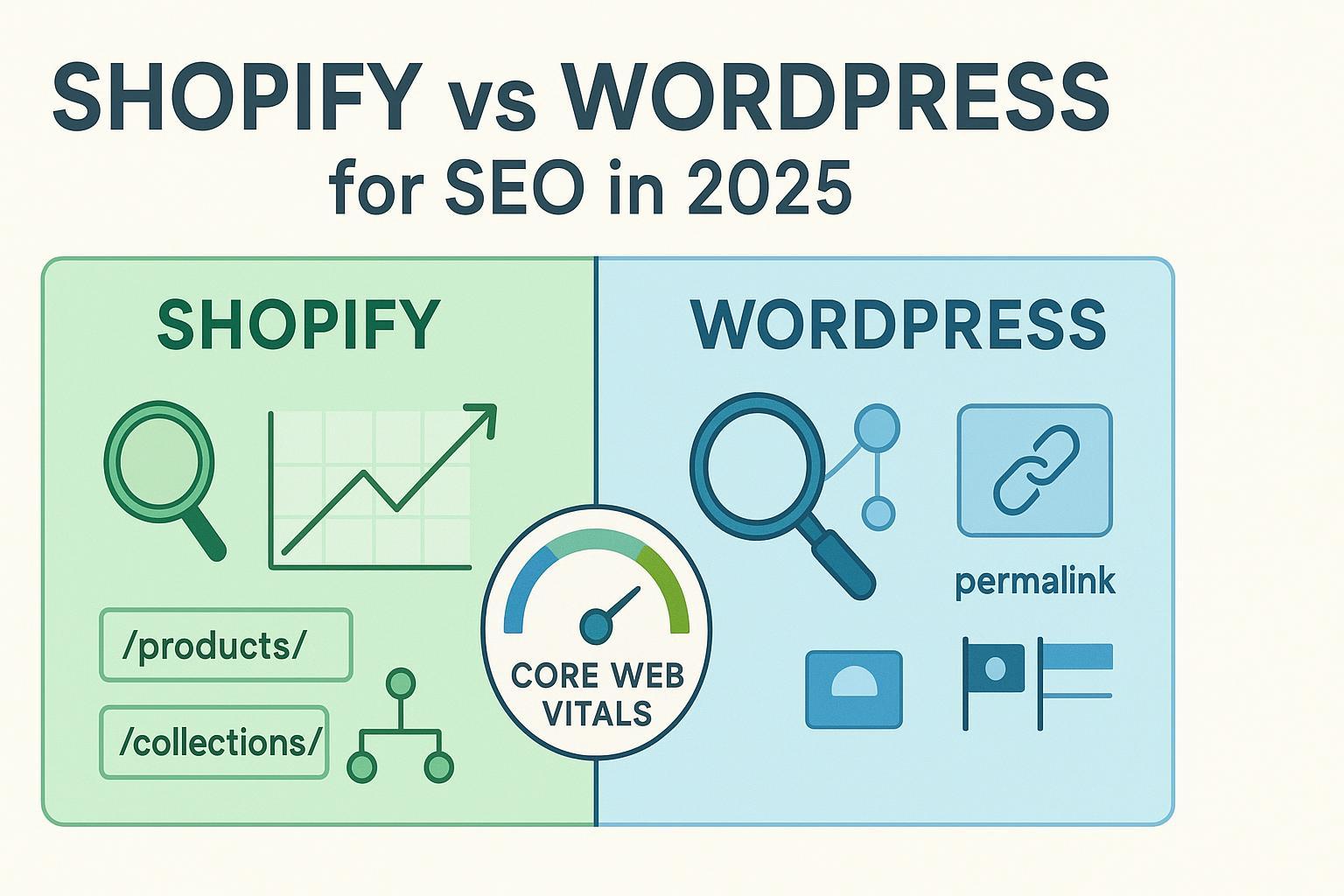
Choosing between Shopify and WordPress in 2025 isn’t about picking a universal winner—it’s about choosing the right SEO toolkit for your business model, team capacity, and growth plans. If you want swift eCommerce deployment with reliable technical basics preconfigured, Shopify is compelling. If you need deep control over URLs, schema, internationalization, and site performance tuning, WordPress (often with WooCommerce) offers unmatched flexibility—at the cost of more setup and maintenance.
Below, we compare the platforms on the SEO factors that actually move the needle and close with scenario-based recommendations.
Quick comparison (at a glance)
| Dimension | Shopify | WordPress (often with WooCommerce) |
|---|---|---|
| URL structure flexibility | Fixed base paths like /products/ and /collections/; editable slugs only | Fully customizable permalinks and product bases |
| robots.txt & XML sitemaps | robots.txt customizable via theme; sitemaps auto-generated, not split-editable | Full robots.txt control; core sitemaps customizable via plugins |
| Canonicals & duplicate handling | Auto canonicals for common duplicates; limited advanced overrides | Granular control via SEO plugins (per URL canonical) |
| Schema/structured data | Basic JSON-LD in many themes; advanced types usually via apps | Deep schema via SEO plugins and builders (FAQ, HowTo, Product, Article, Local, etc.) |
| Core Web Vitals optimization | Managed CDN/SSL; app/theme bloat can hurt; less low-level control | Hosting + caching/CDN + code-level optimization allows very fine tuning |
| International SEO (hreflang) | Markets automates much, but pitfalls exist; multi-region setup can be tricky | Mature multilingual plugins with explicit hreflang control |
| eCommerce SEO specifics | Strong out-of-box product/catalog handling; app store for gaps | WooCommerce + SEO/performance plugins reach enterprise-level sophistication |
| Maintenance burden | Low (SaaS-managed); app sprawl can creep | Medium–high; requires plugin hygiene, hosting and performance management |
| Cost to achieve advanced SEO | Plan + app subscriptions; predictable but can add up | Hosting + premium plugins/CDN; flexible but variable costs |
1) URL structure and redirects
- Shopify: Product and collection URLs live under fixed folders. You can change handles (slugs), but you can’t remove base paths like /products/ and /collections/.
- WordPress/WooCommerce: You can define custom permalink structures sitewide and per content type (including products), which helps align URLs with information architecture and keyword strategy, as documented in the official WordPress.org permalinks guide (ongoing core docs).
Redirects
- Shopify: Creating 301s for changed handles is built-in, but there’s no native regex/htaccess-level control for large, pattern-based migrations.
- WordPress: Plugins like Redirection or SEO suites enable regex-based, bulk rule management—useful for complex replatforming and URL hygiene.
2) Technical controls: robots.txt, sitemaps, canonicals
-
robots.txt
- Shopify allows customization by adding a robots.txt.liquid theme file; see the official Shopify Developers robots.txt documentation (2025 docs) for instructions and cautions.
- WordPress provides full control over robots.txt (virtual or physical), per the WordPress.org robots.txt documentation (core docs).
-
XML sitemaps
- Shopify auto-generates sitemaps at /sitemap.xml; merchants can’t split or manually edit them, per the Shopify Help Center sitemap article (updated 2024–2025).
- WordPress core provides /wp-sitemap.xml since 5.5; plugins (Yoast, Rank Math, AIOSEO) allow granular control, as outlined in the WordPress.org sitemaps documentation.
-
Canonicalization
- Shopify injects canonical tags for common duplicates (e.g., product-in-collection variants). Advanced cases may need theme-level adjustments.
- WordPress SEO plugins let you set canonicals per URL, which is helpful for complex editorial workflows and product variants.
3) Structured data and rich results
- Shopify: Many modern themes include Product and Organization schema. For FAQ, HowTo, or complex Article/Review schemas, merchants typically rely on apps or custom theme JSON-LD.
- WordPress: SEO plugins provide comprehensive schema support (FAQ, HowTo, Product, Article, Organization, Local). Builders in premium tiers let you create custom graph structures without coding.
Practical takeaway: If rich-result coverage (FAQ, HowTo, Article, Local) is central to your strategy, WordPress generally offers faster, finer control via established plugins. Shopify can achieve parity, but often via multiple apps or custom code.
4) Page speed and Core Web Vitals (CWV)
CWV affects rankings and revenue, especially on mobile. In 2025, Google continues emphasizing user-centric performance metrics. For a technical primer, see Addy Osmani’s Core Web Vitals overview (2025, Chrome Engineering), which explains metrics like LCP, CLS, and INP.
- Shopify: You get fast, secure hosting and a global CDN out of the box. However, heavy themes and app scripts can degrade LCP/INP. Keep apps lean, defer non-critical JS, and audit third-party scripts regularly.
- WordPress: Performance ranges from sluggish to lightning-fast depending on hosting quality, theme code, and optimization stack. With managed hosting, caching (e.g., WP Rocket or LiteSpeed), a CDN, and careful JS/CSS management, WordPress sites can achieve excellent CWV.
Want to balance performance and content depth? Measure what matters with a practical approach to quality. Our guide to Content Quality Score shows how to tie content improvements to outcomes, and this roundup of content quality tools (2025) offers options to benchmark your pages.
5) On-page controls and content workflows
Both platforms let you edit titles, meta descriptions, headings, alt text, and internal links. The differences are in workflow depth and templating:
- Shopify: Product, collection, and blog templates keep things streamlined. Apps can extend meta/structured data fields but may add scripts.
- WordPress: Block editor, custom fields (ACF), and SEO plugins create powerful editorial workflows, especially for content-heavy sites, topic clusters, and programmatic SEO. If you’re building a content-led funnel, a quick refresher on SEO fundamentals can help align your editorial templates with search intent.
If your strategy leans heavily on topic clusters and entity coverage, invest in solid keyword and topic modeling. This primer on keyword basics clarifies how keywords and topics differ, and how to use both in planning.
6) International SEO (hreflang, markets, multilingual)
- Shopify: Markets can manage multi-country domains, subdomains, or subfolders and auto-generate hreflang for configured market-language pairs. That said, there are recurring pitfalls (auto-redirects that block crawlers, misaligned language-country codes, duplicate URLs). An agency-tested breakdown in the Analyzify Shopify Markets SEO hub (2025) highlights common mistakes and mitigations.
- WordPress: Mature multilingual plugins (WPML, Polylang, TranslatePress, Weglot) provide explicit control over locale, URLs, and hreflang. WooCommerce Multilingual extends product translations, making multi-region catalogs more manageable.
Bottom line: For complex international footprints with strict hreflang and localization requirements, WordPress generally offers more direct control. Shopify can work very well, but configuration discipline is critical.
7) eCommerce SEO specifics
- Shopify: Strong product and collection architecture out of the box, robust faceted navigation options via apps/themes, straightforward Google Search Console verification and sitemap submission. The app ecosystem covers gaps (schema types, image optimization, redirects monitoring, etc.).
- WordPress + WooCommerce: Comparable product schema and meta control via SEO plugins; custom templates for PDP/PLP and editorial content enable advanced interlinking and content-commerce blends (e.g., buyers’ guides feeding PDPs).
8) Scalability and maintenance
- Shopify: SaaS-managed infrastructure minimizes maintenance. However, app sprawl can create hidden scripts and CSS bloat; conduct periodic audits.
- WordPress: You control hosting, caching, and security posture. This enables high performance and bespoke architecture but demands ongoing upkeep (updates, backups, performance audits, plugin hygiene).
9) Cost to achieve advanced SEO (2025 patterns)
Costs vary widely, but common patterns look like this:
- Shopify: Platform plan fees plus app subscriptions for schema, redirects monitoring, image optimization, and speed utilities. Predictable monthly costs, but advanced stacks can add up.
- WordPress: Hosting tier is the biggest driver. Add premium SEO plugins, caching, CDN, image optimization, and possibly multilingual licenses. Highly flexible, with both budget and enterprise pathways.
Tip: Model your 12–24 month total cost of ownership for the exact features you need (schema, multilingual, performance stack, redirects tooling), and include internal time for maintenance.
10) Migration considerations (Shopify ↔ WooCommerce)
Replatforming can work well when you respect URL integrity and redirects:
- Shopify → WooCommerce: Plan URL mappings from /products/ and /collections/ to your new product/category bases, implement 301s, and validate coverage in GSC. Kinsta’s step-by-step guide, Shopify to WooCommerce migration (2025), outlines the core process.
- WooCommerce → Shopify: Use reliable migration tools/services, re-create key templates, and manage 301s carefully inside Shopify. Test for duplicates and canonical consistency.
Which should you choose in 2025? Scenario-based guidance
-
You want speed-to-market, strong eCommerce defaults, and minimal maintenance
- Choose Shopify. You’ll get solid technical SEO foundations (SSL, CDN, canonical basics, auto sitemaps) with fewer moving parts. Mind app bloat and theme performance.
-
You’re building a content-led growth engine with a store attached
- Choose WordPress (+ WooCommerce). You’ll benefit from flexible permalinks, deep schema, programmatic templates, and robust editorial workflows. Pair with quality hosting and a disciplined performance stack.
-
You operate in multiple countries/languages with rigorous hreflang needs
- Lean WordPress. Shopify Markets can work well, but the room for configuration error is higher. If you stay on Shopify, follow a strict process for locale structures, localized content, and sitemap/redirect integrity (see Markets pitfalls link above).
-
You demand granular technical control (robots/sitemaps/schema/canonicals) and are comfortable maintaining a stack
- Choose WordPress. You’ll have fine-grained control over nearly every SEO lever, which is invaluable for complex catalogs and editorial ecosystems.
-
You’re budget-sensitive and want predictable monthly costs
- Shopify can be more predictable if your app needs are modest. If you already have WordPress expertise or a lightweight plugin stack, WordPress can be cheaper—but costs depend heavily on hosting and discipline.
Also consider: AI-assisted content and optimization tools
If content velocity and quality are your bottlenecks, AI-native writing and optimization platforms can complement either CMS. For example, QuickCreator can help teams generate articles, optimize for on-page SEO, and manage multilingual content workflows across Shopify or WordPress. Disclosure: QuickCreator is our product.
For rapid, iterative execution frameworks, see our guide to SEO sprints, which you can apply regardless of platform.
FAQs
-
Does Shopify let me edit robots.txt and sitemaps?
- You can customize robots.txt via a theme file, per Shopify’s developer docs; sitemaps are auto-generated and not manually split-editable (see Shopify Help Center sitemap article noted above).
-
Can WordPress match Shopify’s performance out of the box?
- Not typically “out of the box,” because WordPress performance depends on hosting, theme code, and plugins. With a modern stack (managed hosting, caching, CDN, image optimization, and lean plugins), WordPress can achieve excellent Core Web Vitals.
-
Which platform is better for rich results like FAQ, HowTo, and Product?
- Both can earn rich results. WordPress generally offers more direct control via SEO plugins. Shopify achieves parity with apps or custom JSON-LD—just keep an eye on script weight.
-
I’m planning a migration. What should I watch out for?
- Inventory your URLs, map them 1:1 to the new structure, use 301s, validate in GSC, and test for canonicals/duplicates. Expect some volatility during reindexing; plan for it.
