10 SEO Mistakes to Avoid During a Website Redesign (2025)

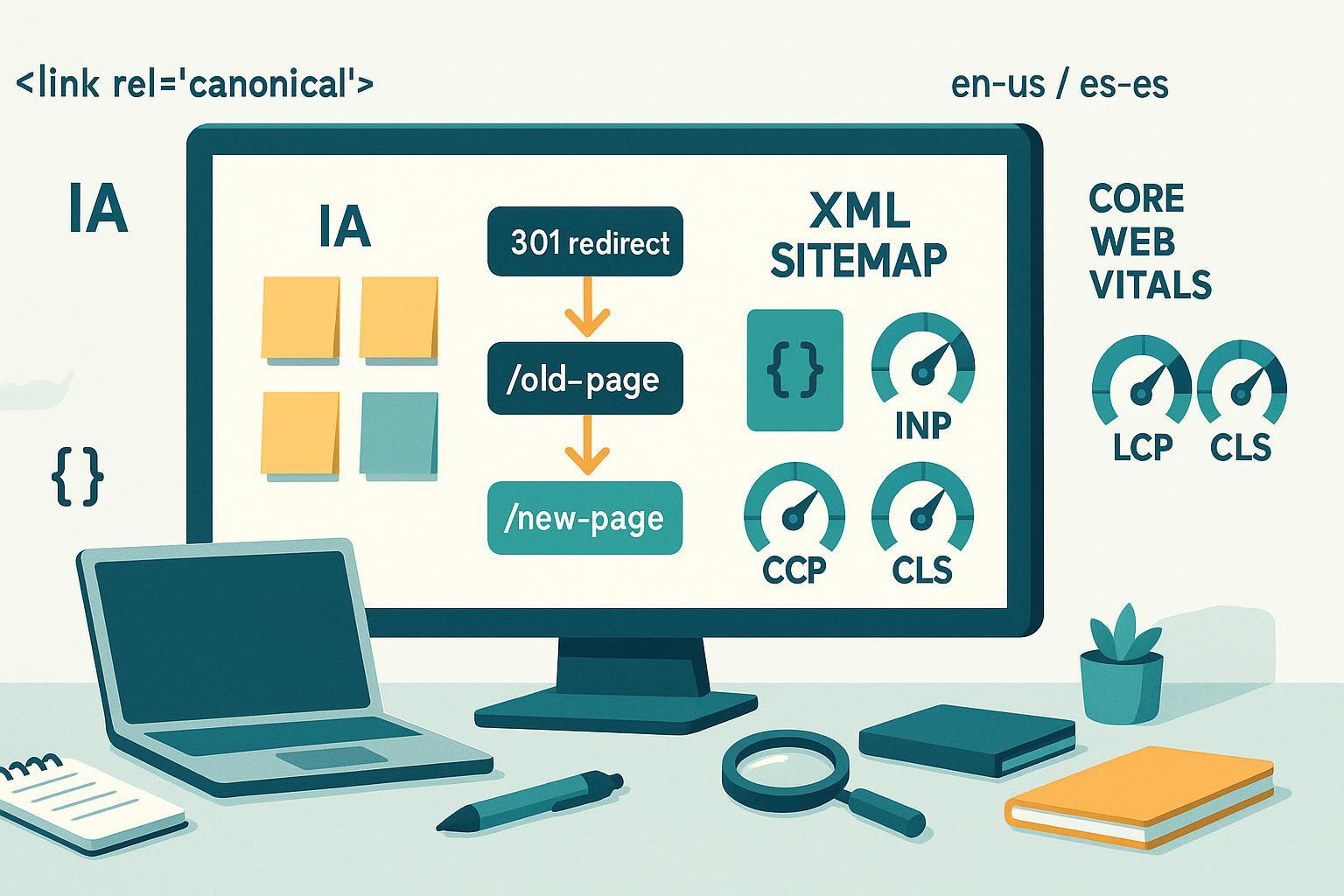
A redesign can refresh your brand—and accidentally tank organic traffic. The stakes are high because you’re changing templates, URLs, scripts, and sometimes information architecture all at once. Below are the high‑impact mistakes teams most often make, plus concrete prevention and validation steps so you can launch with confidence.
How we chose these mistakes
We prioritized issues that most commonly cause traffic loss during redesigns and that have clear, well-documented prevention paths. Criteria included risk to organic traffic, likelihood during redesigns, ease of prevention with standard processes and tools, and strength of guidance in official documentation.
1) Launching without a complete 1:1 301 redirect map
- What it is: Old URLs change or go away, but there’s no exact old → new mapping, or you rely on broad “catch‑all” redirects.
- Why it hurts: Link equity is lost, users hit irrelevant pages or soft 404s, and Google spends crawl budget on chains/loops.
- How to prevent
- Export all legacy URLs (from your CMS, crawler, logs, analytics). Prioritize top‑traffic and high‑value pages.
- Build a 1:1 redirect map to the most relevant destination. Avoid redirecting everything to the homepage.
- Implement server‑side 301s. Eliminate redirect chains/loops; target a single hop wherever possible.
- Keep redirects in place for the long term; update internal links to point directly to the new URLs.
- How to validate
- Crawl the legacy site list and the new site. Check redirect status, destination relevance, and hop count.
- Spot‑check top URLs in a browser and with a header checker.
- Monitor 404s and “Page with redirect” counts post‑launch in Search Console.
- Authoritative guidance: See Google’s process for moving sites and handling URL changes in the Site move with URL changes documentation.
2) Mixing up robots.txt Disallow and noindex—or leaving noindex on live pages
- What it is: You block important templates in robots.txt or ship pages with a lingering noindex from staging.
- Why it hurts: Search engines may not be allowed to crawl content (so they can’t see your noindex), or entire sections stay deindexed unintentionally.
- How to prevent
- Treat robots.txt as a crawl control, not an indexing control. Use meta robots or X‑Robots‑Tag for noindex and ensure the page is crawlable to read it.
- Remove staging Disallow rules before launch. Maintain a separate staging domain protected by auth.
- Don’t block critical resources (CSS/JS) needed for rendering.
- How to validate
- Review the live robots.txt carefully. Test representative URLs in Search Console’s URL Inspection to confirm crawlability and indexing signals.
- Crawl for pages returning “noindex” and verify they’re intentional.
- Authoritative guidance: Google explains how to control indexing using the Robots meta tag (noindex).
3) Breaking information architecture and internal links (orphaning pages)
- What it is: Navigation changes, URL updates, or template rebuilds remove crucial internal links or bury key pages.
- Why it hurts: Internal links help discovery, distribute authority, and clarify relevance. Orphaned pages become invisible to crawlers.
- How to prevent
- Preserve links to your highest‑value pages from navigation, hubs, and contextual content. Keep anchor text descriptive and natural.
- Use standard links (not JS‑only interactions) for critical paths.
- When consolidating content, redirect and update internal links—not just menus but also body links and footers.
- How to validate
- Pre‑ and post‑launch crawls to identify broken links, orphaned pages, and anchor text regressions.
- Compare top‑linked pages before vs. after to ensure coverage hasn’t dropped.
4) Mishandling canonical tags
- What it is: Missing self‑referential canonicals, canonicals pointing to non‑200 or noindex pages, or conflicts with redirects/sitemaps.
- Why it hurts: Duplicate pages can compete; Google may select the wrong canonical if signals are inconsistent.
- How to prevent
- Use a single, absolute, self‑referential canonical on indexable pages unless you explicitly consolidate variants.
- Align canonicals with redirects, internal links, and sitemaps. Don’t canonicalize to a URL that redirects or is noindexed.
- Standardize URL parameters and trailing slashes to reduce duplication.
- How to validate
- Crawl to flag multiple or missing canonicals, non‑200 canonical targets, and cross‑domain inconsistencies.
- Check Search Console’s indexing status for “Alternate page with proper canonical” trends after launch.
- Authoritative guidance: Google’s rules for consolidating duplicates are documented in Consolidate duplicate URLs (canonicalization).
5) Incorrect or missing hreflang on international sites
- What it is: Language/region versions don’t reference each other correctly, or targets point to the wrong URLs.
- Why it hurts: Users may see the wrong language, or signals split across duplicates.
- How to prevent
- Implement reciprocal hreflang annotations across all variants (including self‑references) using consistent URL formats.
- Use the right ISO codes (e.g., en‑US vs es‑ES) and ensure targets return 200 and are indexable.
- Keep canonicals self‑referential per locale; don’t canonicalize between languages.
- How to validate
- Crawl for hreflang return errors, invalid codes, redirected/404 targets, and mismatched canonicals.
- Review key templates manually in each locale post‑launch.
- Authoritative guidance: See Google’s requirements in Localized versions (hreflang and reciprocity).
6) Dropping or breaking structured data
- What it is: Redesign removes JSON‑LD or introduces mismatches between markup and visible content.
- Why it hurts: You can lose rich results eligibility, or trigger errors/warnings that reduce trust in your markup.
- How to prevent
- Re‑implement structured data for key templates (Articles, Products, Organization, Breadcrumbs) and ensure fields reflect on‑page content.
- Favor JSON‑LD for maintainability; keep IDs/URLs stable when possible.
- How to validate
- Test representative URLs with the Rich Results Test and monitor Search Console’s Enhancements section for errors/warnings.
- Authoritative guidance: Google’s introduction to markup and testing tools is covered in Intro to structured data.
7) Letting Core Web Vitals regress (LCP, INP, CLS)
- What it is: Heavier templates, unoptimized images, render‑blocking scripts, or third‑party tags slow down pages.
- Why it hurts: Poor user experience and weaker page experience signals; mobile users suffer most.
- How to prevent
- Set performance budgets in design/dev. Optimize images (modern formats, dimensioned placeholders, responsive sizing), defer non‑critical JS, and use CSS containment.
- Preload critical resources and serve HTML fast with efficient caching and CDN.
- Audit third‑party scripts; remove or lazy‑load non‑essential vendors.
- How to validate
- Track Core Web Vitals in Search Console and PageSpeed Insights; aim for LCP ≤2.5s, INP ≤200ms, and CLS ≤0.1 at the 75th percentile of real users.
- Use Lighthouse in CI for lab checks before each release.
- Authoritative guidance: Targets and measurement are outlined in Google’s Core Web Vitals overview.
8) Forgetting to update and submit XML sitemaps
- What it is: Old sitemaps remain in place, or new ones include non‑canonical, non‑200, or parameterized URLs.
- Why it hurts: Discovery lags, and mixed signals can confuse canonicalization.
- How to prevent
- Regenerate sitemaps at launch; include only 200, canonical URLs. Use a sitemap index for large sites.
- Keep lastmod accurate and meaningful; don’t inflate timestamps.
- Submit sitemaps in Search Console (and Bing) and fix reported issues.
- How to validate
- Review the Sitemaps report after submission; confirm “Success” status and discovered URL counts.
- Cross‑check sitemap URLs against a crawl export for status/canonical mismatches.
- Authoritative guidance: See Google’s Sitemaps overview.
9) Launching without analytics, Tag Manager, and Search Console continuity
- What it is: GA4 and GTM aren’t firing, conversions aren’t tracked, or Search Console verification breaks with the template swap.
- Why it hurts: You can’t measure impact, attribute issues, or see indexation and crawl warnings.
- How to prevent
- Migrate analytics and event tracking before launch; validate in GTM Preview and GA4 DebugView.
- Keep at least one durable Search Console verification method (e.g., DNS record) so access persists post‑launch.
- Document all measurement IDs, triggers, and conversions; test them on staging.
- How to validate
- Post‑launch, confirm real‑time data in GA4, verify GTM container status, and ensure Search Console properties still show fresh data.
10) Skipping disciplined post‑launch monitoring and rollback planning
- What it is: You ship and “hope for the best,” checking only traffic headlines.
- Why it hurts: Small technical issues (e.g., a stray noindex, redirect loops in one section) can silently compound for weeks.
- How to prevent
- Establish a 2–4 week hypercare window: daily checks of indexing coverage, 404/redirect spikes, sitemap processing, and critical rankings.
- Set alerts for server errors, significant drops in indexed pages, or Core Web Vitals regressions.
- Define a rollback/patch plan for high‑risk templates and deploy hotfixes quickly.
- How to validate
- Track trends in Search Console’s Page Indexing and Core Web Vitals reports.
- Compare pre‑ vs. post‑launch baselines for sessions, conversions, and top landing pages in GA4. Sample server logs to confirm healthy crawl behavior.
Practical QA workflow you can copy
- Before code freeze: complete URL inventory, draft redirect map, define performance budgets, and confirm measurement plan.
- Staging: validate noindex usage, robots.txt Disallow for staging only, structured data parity, and lab performance.
- Pre‑launch: upload redirects but keep blocked; final crawl diff; verify canonicals, hreflang, and sitemaps.
- Launch: enable redirects; swap robots.txt; submit sitemaps; verify analytics and Search Console data flow.
- First 2 weeks: daily checks on 404s, redirect errors, index coverage, and priority keywords. Fix fast; recrawl after patches.
Next steps
If your redesign is content‑heavy, an AI‑assisted editor can speed up on‑page updates and multilingual publishing while you focus on the technical QA. Consider using QuickCreator to draft and optimize pages across languages, then publish to WordPress while your devs handle redirects and templates. Disclosure: QuickCreator is our product.
Frequently asked quick checks
- How do I know if my redirects are correct? Crawl the old URLs and confirm a single 301 hop to the most relevant destination; spot‑check top pages manually.
- Which pages should be in my sitemap? Only 200‑status, canonical URLs you want indexed.
- What are passing Core Web Vitals? Target LCP ≤2.5s, INP ≤200ms, CLS ≤0.1 for at least 75% of visits.
- Can I use robots.txt to keep a page out of Google? Not reliably. Use noindex (and allow crawling so the directive can be seen).
