SEO Checklist for Small Businesses Redesigning Their Websites

·October 20, 2025
·9 min read
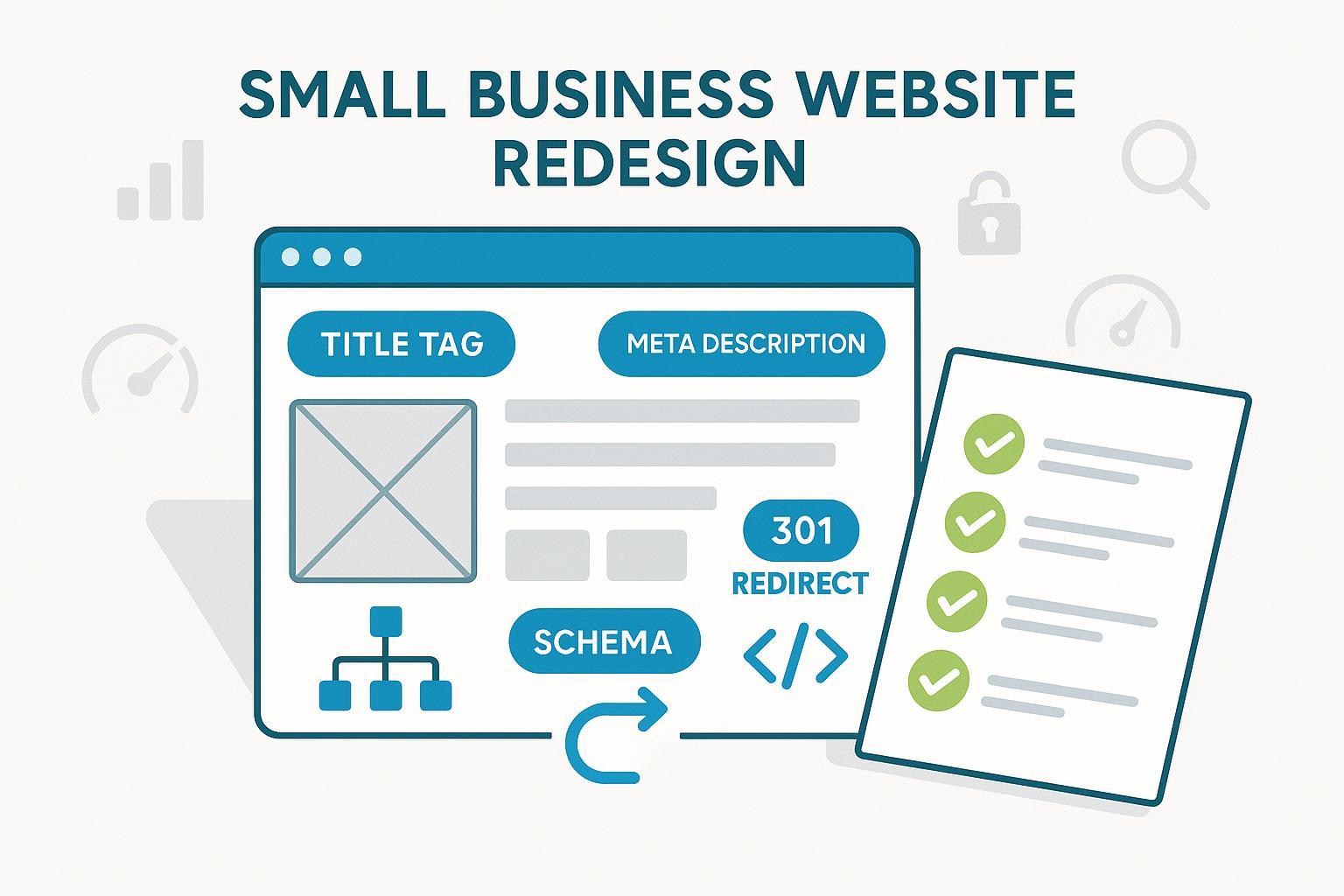
Redesigns and replatforms don’t have to tank your organic traffic. Use this phased, print-friendly checklist to preserve rankings, ship faster, and verify success at every step. Follow the sequence in order: Pre-Launch → Launch Day → Post-Launch.
Phase 1: Pre-Launch (Plan, Stage, Validate)
- Crawl and benchmark the current site
- Do: Run a full crawl of your legacy site to capture titles, meta descriptions, canonicals, hreflang, internal links, and status codes. Export your top traffic pages and queries from GA4/GSC as a baseline.
- Verify with: Screaming Frog (free up to 500 URLs), Google Search Console (GSC) Performance export, GA4 reports.
- Accept when: You have a complete URL inventory and a list of “must-protect” pages by clicks/impressions.
- Why it matters: You can’t protect what you haven’t inventoried. Google’s own guidance on migrations emphasizes planning and monitoring throughout a move; see the 2025 Google Search Central guidance in the site move with URL changes article.
- Inventory all URLs and create a 301 redirect map (pages, images, files)
- Do: Build a one-to-one mapping from every old URL (including image and file assets like PDFs) to its most relevant new URL. Decide on your canonical host (www vs non-www) and enforce HTTPS.
- Verify with: httpstatus.io bulk checks; Screaming Frog list mode; spot-check headers with curl -I.
- Accept when: 100% of legacy URLs have an intended target; all permanent changes use 301 (not 302); no planned chains >1 hop.
- Common pitfall: Using a homepage catch-all instead of mapping to the most relevant new page—this sacrifices relevance and link equity.
- Set up staging safely (block indexing without breaking rendering)
- Do: Protect staging with HTTP auth whenever possible. If you must rely on meta robots, use noindex (don’t combine Disallow with noindex) so resources can still render for testing.
- Verify with: Spot-check staging pages’ meta robots and headers; confirm no staging URLs appear in GSC.
- Accept when: Staging is not indexable, but pages fully render for QA.
- Define information architecture (IA) and internal linking updates
- Do: Map your hubs/pillars and key navigation paths. Update breadcrumbs. Plan in-body internal links to the new canonical URLs—avoid relying on redirects for internal links.
- Verify with: A staging crawl confirms navigation, breadcrumbs, and in-body links all point directly to final URLs.
- Accept when: Top-linked legacy pages retain strong internal link support to their new equivalents.
- Refresh on-page content and metadata
- Do: Review titles, H1–H3 structure, meta descriptions, copy quality, image alt text, and consolidate thin/duplicate pages. Align page intent to target queries. For fundamentals on titles, internal links, and content, see this concise primer: Beginner’s guide to AI writing tools and SEO. For metadata specifics, double-check best practices here: HTML meta tags for SEO.
- Verify with: On-page checks; staging crawl to confirm updated tags; manual review of anchor text relevance.
- Accept when: All target templates have unique, high-quality titles and meta descriptions; headings reflect a logical content outline; images have descriptive alt text.
Practical example — drafting on-page updates efficiently
- Disclosure: QuickCreator is our product.
- You can use QuickCreator to draft updated titles and meta descriptions, outline H1–H3 structures, and get internal link suggestions based on target keywords, then export to WordPress. This helps teams coordinate edits and keep a single source of truth while the redesign is in flight.
- Optimize Core Web Vitals (CWV) on staging
- Do: Improve LCP by optimizing hero media, preloading key resources, and inlining critical CSS; improve INP by reducing long tasks and deferring non-critical JS; reduce CLS by reserving space for images/components.
- Verify with: PageSpeed Insights (lab + field where available) and web.dev/measure; repeat on mobile and desktop.
- Accept when: You meet Google’s 75th percentile thresholds—LCP ≤ 2.5s, INP ≤ 200ms, CLS ≤ 0.1, as outlined in the Core Web Vitals overview by Google (2025).
- Context: Google confirmed INP replaced FID in 2024; build your performance budget accordingly.
- Implement structured data (JSON-LD)
- Do: Add Organization (logo), Breadcrumb, WebSite with SearchAction (sitelinks search box), and page-type markup such as Article/BlogPosting, Product, or LocalBusiness where applicable. Ensure markup mirrors visible content.
- Verify with: Google Rich Results Test and your template validator.
- Accept when: Key templates validate as eligible with no critical errors. Follow the Google Search structured data policies (2025) for eligibility and content requirements.
- Common pitfall: Marking up content that users can’t see or that doesn’t match the page.
- Finalize canonicalization, robots.txt, and XML sitemaps
- Do: Use self-referencing canonicals that match your final HTTPS preferred host. Allow critical resources (JS/CSS/images) in robots.txt. Generate XML sitemaps containing only canonical, indexable 200-OK URLs.
- Verify with: Staging crawl; robots.txt tester; sitemap validation.
- Accept when: Canonicals resolve 200 with no intermediate redirects; robots.txt references your sitemap; sitemaps list indexable URLs only, per Google’s sitemap guidance (2025).
- Analytics and tracking readiness
- Do: Install GA4, configure key conversions and events, link GSC, and prepare a launch-day annotation plan. If you’re changing domains, configure cross-domain measurement.
- Verify with: GA4 Realtime and DebugView; test conversions; confirm GSC property verification for both old and new sites.
- Accept when: Hits are recorded, conversions fire, and GSC is ready to monitor both properties. GA4 supports annotations (see Google’s GA4 annotations help, 2025).
- Security, HTTPS, and performance platform
- Do: Ensure your TLS certificate is valid; configure CDN/caching; plan single-hop redirects for http→https and to your preferred host. Prepare an HSTS rollout after launch stability.
- Verify with: SSL/TLS checkers; response header checks; redirect tests across all protocol/host variants.
- Accept when: All protocol/host permutations resolve in a single 301 hop to your canonical URL; pages serve securely. When ready post-launch, enable HSTS per MDN’s Strict-Transport-Security header reference.
- Special cases: internationalization and multilingual
- Do: If launching multiple languages/regions, plan reciprocal hreflang annotations, ensure each alternate returns 200 (no redirects), and keep self-referencing canonicals aligned.
- Verify with: Hreflang testing tool; sitemap-based hreflang where appropriate.
- Accept when: Alternates are reciprocal, use valid language/region codes, and align with canonicals per Google’s localized versions guide (2025).
- Tip: If you’re exploring multilingual rollouts for growth, this overview of beginner-friendly platforms touches on language support considerations: best free blog sites for beginners.
Phase 2: Launch / Migration Day (Cutover and Confirm)
- Activate 301 redirects for all legacy URLs
- Do: Deploy your redirect map covering pages, images, and files; enforce http→https and your preferred host.
- Verify with: httpstatus.io bulk tests; Redirect Path browser extension; sample server logs.
- Accept when: Old URLs 301 directly (single hop) to the intended new URLs; no loops; assets resolve correctly.
- Common pitfall: Missing image and PDF redirects—these break search visibility and external embeds.
- Remove staging blocks and enable indexing on production
- Do: Remove noindex from production templates; ensure robots.txt doesn’t block critical paths; publish your production sitemap URL.
- Verify with: GSC URL Inspection on key pages.
- Accept when: URL Inspection reports the page is indexable and fetchable.
- Submit XML sitemaps in GSC (new—and optionally legacy)
- Do: Submit the new sitemap index. Optionally submit a legacy sitemap once to help Google discover redirects faster.
- Verify with: GSC Sitemaps report shows successful processing.
- Accept when: GSC processes sitemaps without errors and begins reporting discovered/indexed counts.
- Validate GA4 tracking and add an annotation
- Do: Confirm analytics hits on production and add a “Launch/Migration” annotation with the date/time.
- Verify with: GA4 Realtime/DebugView; conversions fire.
- Accept when: Key events are recorded and the annotation is visible in reports (see GA4 reference linked earlier).
- Spot-check structured data and CWV on top templates
- Do: Run a quick pass in Rich Results Test and PageSpeed Insights for your homepage, a hub/category page, and a key article/product page.
- Accept when: Markup remains valid; no major performance regressions appear in PSI.
- Confirm canonical and navigation integrity
- Do: Ensure canonicals point to the HTTPS preferred host and that navigation, breadcrumbs, and in-body internal links point to final URLs (not relying on redirects).
- Accept when: A quick crawl shows no internal links to legacy paths.
Phase 3: Post-Launch (Days 1–60: Monitor, Fix, Optimize)
- Monitor daily in Week 1, then weekly through Week 8
- Do: Review GSC Page Indexing, Sitemaps, Crawl stats, Performance, and CWV reports; sample server logs for 404s/5xx.
- Verify with: GSC dashboards; log samples.
- Accept when: Indexing coverage trends positive; crawl errors and 404s are minimal and decreasing; redirect anomalies are eliminated.
- Why it matters: Google recommends sustained monitoring after changes to ensure proper discovery and indexing; see the 2025 site move documentation.
- Resolve coverage and indexing issues quickly
- Do: Fix “Alternate page with proper canonical,” “Crawled — currently not indexed,” or blocked resource issues. Use URL Inspection to request reindexing for fixed URLs.
- Accept when: Affected pages begin appearing in index coverage and performance stabilizes.
- Compare rankings and traffic to your baseline
- Do: Use GSC query/page reports and GA4 traffic trends (with your annotation) to compare to pre-launch. Expect some fluctuation; investigate steep drops tied to specific templates or redirect gaps.
- Accept when: Key pages recover or improve within the first several weeks; outliers receive targeted fixes.
- Monitor CWV with real-user data and iterate
- Do: Track origin-level and URL-level CWV in GSC as field data accrues. Continue optimizing LCP/INP/CLS.
- Accept when: Most URLs fall into the “Good” bucket over time, in line with Google’s Core Web Vitals overview (2025).
- Roll out HSTS once redirects/HTTPS are stable
- Do: Start with a small max-age (e.g., 300 seconds), monitor, then raise to 31536000 and consider preload after confirming all subdomains use HTTPS. Follow the MDN HSTS header guidance.
- Accept when: HSTS is active, no mixed content, and all hosts/subdomains are consistently secure.
- Validate internationalization (if applicable)
- Do: Confirm hreflang reciprocation, correct language/region codes, and that alternates return 200. Use sitemap-based hreflang for scale.
- Accept when: A hreflang checker reports valid pairs and GSC shows no significant international targeting errors, consistent with Google’s localized versions guidance (2025).
- Have a rollback/remediation plan
- Do: If you see severe traffic loss tied to technical faults (widespread 404s, blocked crawling, bad redirects), revert the offending change, patch redirects, or temporarily roll back deployment. Document root cause and prevention steps.
- Accept when: Traffic stabilizes and underlying issues are addressed.
Copy–Paste Mini Checklist (Quick Reference)
Pre-Launch
- [ ] Crawl legacy site; export top pages/queries (GSC/GA4)
- [ ] Map 301s for pages, images, files; enforce HTTPS and host
- [ ] Lock down staging (noindex or HTTP auth) and render fully
- [ ] Update IA, nav, breadcrumbs, and in-body internal links
- [ ] Refresh titles/H1–H3, meta, alt text; consolidate thin content
- [ ] Optimize CWV on staging (LCP, INP, CLS targets)
- [ ] Add JSON-LD (Org, Breadcrumb, WebSite/SearchAction, page types)
- [ ] Set canonicals, robots.txt, XML sitemaps (indexable 200 URLs)
- [ ] Prepare GA4/GSC (events, verification, annotation plan)
- [ ] Validate TLS/CDN/caching; plan HSTS post-stability
- [ ] Plan hreflang and alternates (if multilingual)
Launch Day
- [ ] Deploy 301s (single hop); include assets (images/PDFs)
- [ ] Remove noindex on prod; check robots.txt and sitemap
- [ ] Submit new sitemap(s) in GSC (optional legacy once)
- [ ] Confirm GA4/Conversions; add launch annotation
- [ ] Validate structured data and PSI on key templates
- [ ] Recheck canonicals; update any internal links still pointing to legacy
Post-Launch (Days 1–60)
- [ ] Monitor GSC coverage, performance, crawl stats, CWV; check logs
- [ ] Fix coverage issues; request reindexing after fixes
- [ ] Compare rankings/traffic vs baseline; investigate outliers
- [ ] Track CWV field data; continue performance tuning
- [ ] Roll out HSTS (progressive max-age, then preload if safe)
- [ ] Validate hreflang pairs and 200 status for all alternates
- [ ] Execute rollback/remediation if severe issues appear
Tooling Tips (budget-friendly)
- Crawling/QA: Screaming Frog (free tier up to 500 URLs) for inventories and redirect validation.
- Redirect checks: httpstatus.io for bulk status and chain detection.
- Performance: PageSpeed Insights for quick lab/field signals; WebPageTest for deep dives.
- Structured data: Google’s Rich Results Test for JSON-LD validation.
- Monitoring: GSC for coverage/performance and GA4 for traffic/conversions.
Common Pitfalls to Avoid
- Leaving noindex or staging Disallow on production. Always run URL Inspection on a sample set before you declare launch complete.
- Missing image/PDF redirects. Treat assets like pages in your mapping.
- Redirect chains and loops. Normalize http→https and host variants to a single canonical target.
- Sitemaps with non-indexable URLs. Include only canonical, 200-OK pages you intend to index.
- Canonicals pointing to redirected or non-canonical URLs. Canonicals should be self-referencing, HTTPS, and on your preferred host.
- Over-marking with structured data. Keep markup accurate and aligned with visible content and eligibility policies.
Sources and further reading
- Migration planning and monitoring: Google Search Central’s 2025 guidance on site moves with URL changes.
- Core Web Vitals thresholds and metrics: Google’s Core Web Vitals overview (2025).
- Structured data eligibility and rules: Google Search structured data policies (2025).
- XML sitemaps best practices: Build a sitemap (Google, 2025).
- International targeting: Google’s localized versions and hreflang guide (2025).
- HTTPS and HSTS: MDN’s Strict-Transport-Security header reference.
- GA4 project documentation: Google’s GA4 annotations help (2025).
Next steps
If you need help coordinating on-page updates and publishing during a redesign, you can try QuickCreator to draft metadata, structure headings, and centralize content collaboration for WordPress handoff.
