What to Do When SEO Traffic, Impressions, Clicks, or Leads Stagnate or Decline

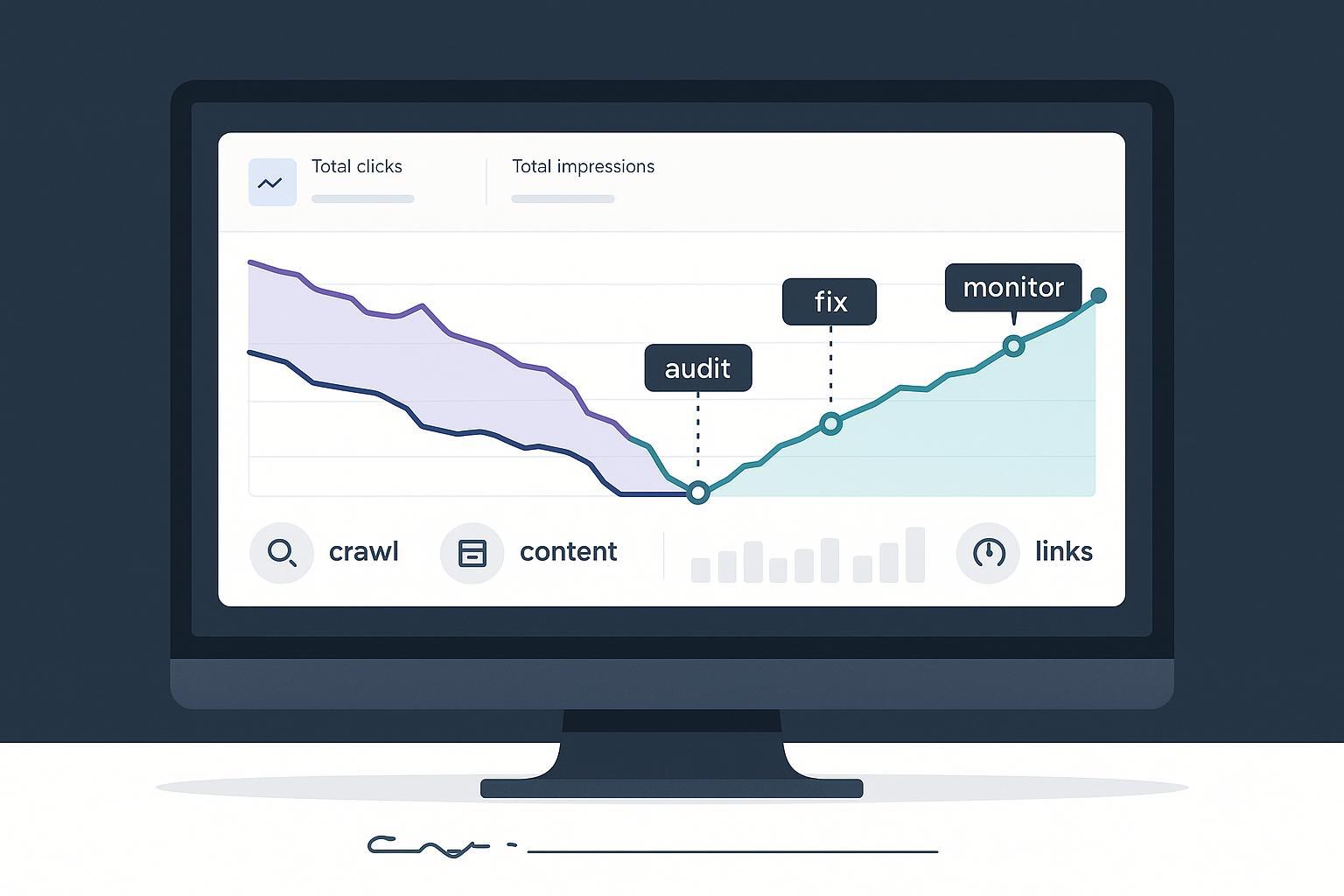
If your organic metrics have flatlined or started sliding, you’re not alone. Between ongoing Google core/spam updates, the rise of AI Overviews, structured data changes, and shifting user behavior, even solid sites can plateau. The playbook below distills what’s worked across B2B/SaaS and SMB sites in 2024–2025—actionable steps you can implement immediately, plus a 90‑day recovery plan with weekly checkpoints.
Step 1: Confirm the drop and segment it before you fix anything
You need clarity before action. Start by separating measurement noise from real SEO issues.
-
Google Search Console (GSC)
- Compare pre/post periods around the drop at the query, page, device, and country levels.
- Check average position vs. CTR. A flat position with falling CTR suggests SERP layout changes (e.g., AI Overviews or new SERP features); dropping positions indicates competitive or quality issues.
- Review Indexing (Pages) and URL Inspection for unexpected “noindex,” canonical changes, or deindexing.
-
GA4
- In Acquisition > Traffic Acquisition, isolate Organic Search and compare MoM and YoY to account for seasonality.
- Drill into Pages and Screens to see which landing pages lost engaged sessions and conversions.
-
Correlate with known update timelines
- If the drop aligns with a confirmed system update, document that as a working hypothesis and proceed with a quality/technical audit. Google records confirmed updates on the official Search Status Dashboard; for example, the June 2025 core update was logged there (Google, 2025): June 2025 core update incident entry.
Tip: Connect GSC to Looker Studio or your BI to visualize query-to-page impacts and speed up root-cause analysis.
Step 2: Run a technical audit (crawl, indexability, logs, and tracking)
Treat this as a checklist you can complete in 3–7 days for small-to-mid sites.
-
Crawl the site (Screaming Frog/Sitebulb)
- Find broken links, redirect chains, duplicate/thin pages, “noindex,” and canonical conflicts.
- Flag slow templates, heavy JS, or blocked resources.
-
Server log analysis (high-value on larger sites)
- Isolate Googlebot, check crawl frequency and distribution across templates, and watch for spikes in 4xx/5xx or crawl wasted on parameterized/duplicate URLs. A practical walkthrough is covered in Semrush’s guide (2024): log file analysis for SEO.
-
Indexing and network health
- Review Google’s guidance on HTTP/network errors and crawl behavior to fix systemic blockers like 5xx bursts or flaky CDNs (Google, 2025): HTTP and network errors in Search.
-
Verify analytics integrity
- Use GA4 DebugView to confirm events fire correctly; data gaps or double-counting can masquerade as SEO losses.
Boundary to note: Technical fixes alone rarely reverse a content-quality drop—but unresolved technical debt can cap recovery and mask wins.
Step 3: Audit content health and intent alignment
Most stagnation I see comes from content decay and intent drift rather than outright penalties.
-
Identify decaying assets
- In GSC, sort pages by declining impressions/clicks; add business value weighting (e.g., demo pages, product-led pages, high-LTV blog posts).
-
Refresh strategically (avoid “thin edits”)
- Update outdated stats/examples, tighten topical coverage, rework headers, and ensure answers appear above the fold.
- Align title/meta with the current dominant intent and SERP format; for a refresher on effective titles and descriptions, see this primer on understanding and implementing TDK.
-
Validate topical completeness
- Compare your coverage to top results. If you’re missing key subtopics, add them or create a related subpage and interlink.
- For structured content planning, many teams benefit from clarifying “keywords vs. topics vs. entities.” This doc walks through the distinctions: what keywords and topics mean in SEO writing.
-
Measure content quality systematically
- Use a consistent rubric/tooling to score freshness, authority, depth, and UX. A curated list of evaluators and checkers can help teams standardize reviews: 13 top SEO content quality analysis tools (2025).
Trade-off: Comprehensive rewrites take longer but usually outperform superficial “last updated” tweaks; prioritize pages with clear business upside.
Step 4: Account for AI Overviews and zero‑click SERPs
If impressions hold but clicks and CTR fall, your queries may be affected by AI Overviews or SERP feature crowding.
-
Evidence snapshots to set expectations
- Ahrefs reported in 2025 that on queries where AI Overviews appear, the top organic result’s CTR can drop substantially; see their analysis: AI Overviews reduce clicks.
- SparkToro’s 2024 US/EU clickstream study found a majority of searches end without a click, underscoring zero‑click dynamics: 2024 zero‑click search study.
- Semrush (2025) analyzed the prevalence of AI Overviews across queries and how it shifted over time: Semrush AI Overviews study.
-
Practical responses
- Target inclusion: Provide concise, well‑cited answer boxes, FAQs, and supportive schema; cite authoritative sources inline.
- Rebalance your portfolio: Emphasize commercial and brand queries less impacted by AI Overviews; strengthen email and brand demand capture for resilience.
- Track “Search appearance” in GSC to monitor SERP feature exposure on impacted pages.
Step 5: Update structured data for 2025 changes
Google simplified support for several schema types in mid‑2025. If your visibility relied on retired enhancements, you may see fewer rich results.
- Confirm what’s supported now and validate your markup using Google’s official guidance from June 2025: Simplifying search results (Search Central Blog).
- Continue to prioritize accurate FAQ, HowTo, Product/Review, Organization, Breadcrumb, and Author markup; validate with Rich Results Test and monitor GSC for errors.
Boundary: Schema helps search engines understand your content but won’t compensate for weak content or poor UX.
Step 6: Fix internal linking and cannibalization
Internal link architecture is one of the highest‑leverage levers for recovery.
-
Consolidate overlaps
- Use a cannibalization audit to find pages targeting the same intent; consolidate with 301s where appropriate and set canonical tags if near‑duplicates must coexist. A practical overview is outlined by Moz (2024): keyword cannibalization guide.
-
Strengthen clusters
- Build or refine pillar pages and link to focused subtopics with descriptive anchors placed high on the page. Search Engine Land’s best practices recap offers useful examples (2024): internal links that move the needle.
-
Fix orphans and excessive link gaps
- Ensure every important page receives contextual links; avoid burying key assets several clicks deep.
Heuristic: For long‑form pages, 5–10 contextual internal links per ~2,000 words is common; adjust to avoid spammy patterns.
Step 7: Audit backlinks—go easy on disavow
Toxic links rarely cause performance slides absent a manual action, and disavow misuse can harm you.
- Investigate with multiple tools (Ahrefs, Semrush, Moz, and GSC) and look for obvious PBNs, hacked sites, or irrelevant domains.
- Prioritize removal outreach and link reclamation first (e.g., fix 404s with live alternatives).
- Use Google’s official stance as your north star: the disavow tool is an advanced, last‑resort option mainly for manual actions or unfixable negative SEO (Google Help, 2025): Disavow links to your site.
Step 8: Page experience and Core Web Vitals (INP matters now)
Google emphasizes page experience as part of its ranking systems, with Core Web Vitals serving as key signals.
- Google’s current guidance acknowledges multiple UX signals; see the official page experience documentation (2025): Page experience for Search.
- INP replaced FID as a Core Web Vital in March 2024; review Web.dev’s explainer for thresholds and fixes: INP becomes a Core Web Vital.
Practical fixes to prioritize:
- LCP: serve optimized hero images (WebP/AVIF), preload critical assets, and reduce TTFB via caching/CDN.
- INP: reduce main‑thread work (code splitting, deferring noncritical JS), optimize event handlers, and trim heavy third‑party scripts.
- CLS: set explicit image aspect ratios, preload fonts, and avoid layout shifts above the fold.
Step 9: Local SEO branch (only if you compete in local packs)
Drops in local visibility often point to Google Business Profile (GBP) issues.
- If suspended, gather documentation (business license, utility bill, storefront photos) and submit a single, well‑documented appeal using the official workflow (Google, 2025): GBP Appeals Tool.
- Clean up NAP, categories, and on‑page local signals. Avoid repeated or duplicate appeals—those slow resolution.
A practical workflow you can copy (and adapt)
Here’s how I operationalize recoveries with a lightweight, collaborative stack.
- Prioritize a 4‑week “SEO sprint”: confirm the drop, run a focused crawl/log audit, and shortlist 10–20 high‑impact pages to refresh. This companion guide outlines sprint tactics: Implementing SEO sprints for quick results.
- Centralize briefs and drafts in a block‑based editor so writers, SEOs, and reviewers can collaborate on outlines, FAQs, schema, and internal links.
- Use consistent quality scoring to drive approvals and avoid thin edits. If you need a standardized rubric, review how teams apply a content quality score to ensure depth, evidence, and UX readiness.
- When you want AI‑assisted drafting and integrated publishing in one place, consider using QuickCreator to streamline planning, generation, optimization, and one‑click publishing.
Disclosure: QuickCreator is our product.
Keep this workflow under 200 words; scale it by adding a weekly ops cadence and shared dashboards for GSC/GA4/CWV.
A 90‑day recovery plan with weekly checkpoints
The goal is steady trajectory improvements, not overnight rebounds. Use this as a template and adjust to your site’s scale.
-
Days 0–7: Triage and prove the problem
- Correlate with update timelines; segment by query/page/device.
- Crawl + log sampling; fix critical indexability, robots, canonical, and 5xx issues.
- Flag AI Overview‑impacted queries; document baseline CTR and position.
-
Days 8–14: Ship technical wins
- Resolve top CWV issues on core templates; implement image optimizations and defer noncritical JS.
- Remove/merge cannibalized pages; add internal links to strengthen clusters.
- Validate structured data focusing on supported types; fix Rich Results errors.
-
Days 15–30: Refresh and relaunch priority pages
- Publish substantive updates on the 10–20 pages identified; add FAQs and concise answer boxes; improve titles/metas.
- Re‑request indexing for updated URLs; monitor GSC for early shifts.
- Start link reclamation and fix 404s with relevant redirects.
-
Days 31–45: Expand and measure
- Roll the refresh playbook to the next cohort of pages.
- Evaluate CTR deltas on AI Overview queries; test alternative title patterns aligned to intent.
- Review crawl stats and logs to confirm Googlebot redistributes toward refreshed templates.
-
Days 46–60: Fortify authority and UX
- Publish one high‑authority asset (original research, comparison study, or detailed case) and pitch for editorial links.
- Continue CWV enhancements; remove heavy third‑party scripts; trim CLS sources.
- If local, resolve GBP issues and recheck pack rankings.
-
Days 61–90: Iterate and document
- Re‑prioritize based on wins; double down on formats earning snippets or being cited in AI Overviews.
- Compare against baseline; document what moved the needle and standardize it in your content operations.
- Set the next quarterly cycle for ongoing refreshes (6–12 month cadence per page, adjusted by volatility).
Expectation setting: Technical fixes can show early effects in 2–4 weeks; content refreshes often take 4–12 weeks to peak; recoveries linked to core updates may only materialize after subsequent updates.
Common pitfalls that stall recoveries
- Treating AI Overview CTR compression as a penalty instead of a SERP shift—optimize for inclusion and diversify demand capture.
- Over‑relying on disavow without a manual action.
- Shipping cosmetic “last updated” edits instead of addressing missing subtopics and depth.
- Ignoring Core Web Vitals because “content is king”—UX is a tie‑breaker and affects engagement.
- Letting internal link equity rot: orphaned assets, weak anchor text, and deep click depth.
Decision matrix: What likely caused your drop?
- Positions down, impressions flat: competition/content quality gap; fix coverage depth, internal links, and E‑E‑A‑T signals.
- Positions flat, CTR down: SERP layout change (AI Overviews, new features); test titles/metas, target inclusion, shift focus to less‑impacted intent.
- Impressions down across many pages: indexing/crawl issues, structured data loss, or sitewide quality demotion; run technical + content audits.
- Local pack down: GBP status or category/NAP inconsistencies; follow the appeals and cleanup workflow.
Measurement cadence and dashboards
- Weekly: GSC query/page deltas, CTR by SERP feature presence, CWV template scores, crawl errors, priority page status.
- Biweekly: Conversion and lead quality checks from organic; SERP feature tracking on head terms.
- Monthly: Backlink health, link reclamation status, and structured data coverage.
Instrument once and reuse. A consistent dashboarding habit is what keeps teams from repeating the same fire drills each quarter.
Next steps
If you want a unified workspace to draft, optimize, and publish refreshed pages faster, try QuickCreator to systematize your recovery workflow.
