Does having multiple articles with overlapping content affect SEO rankings?

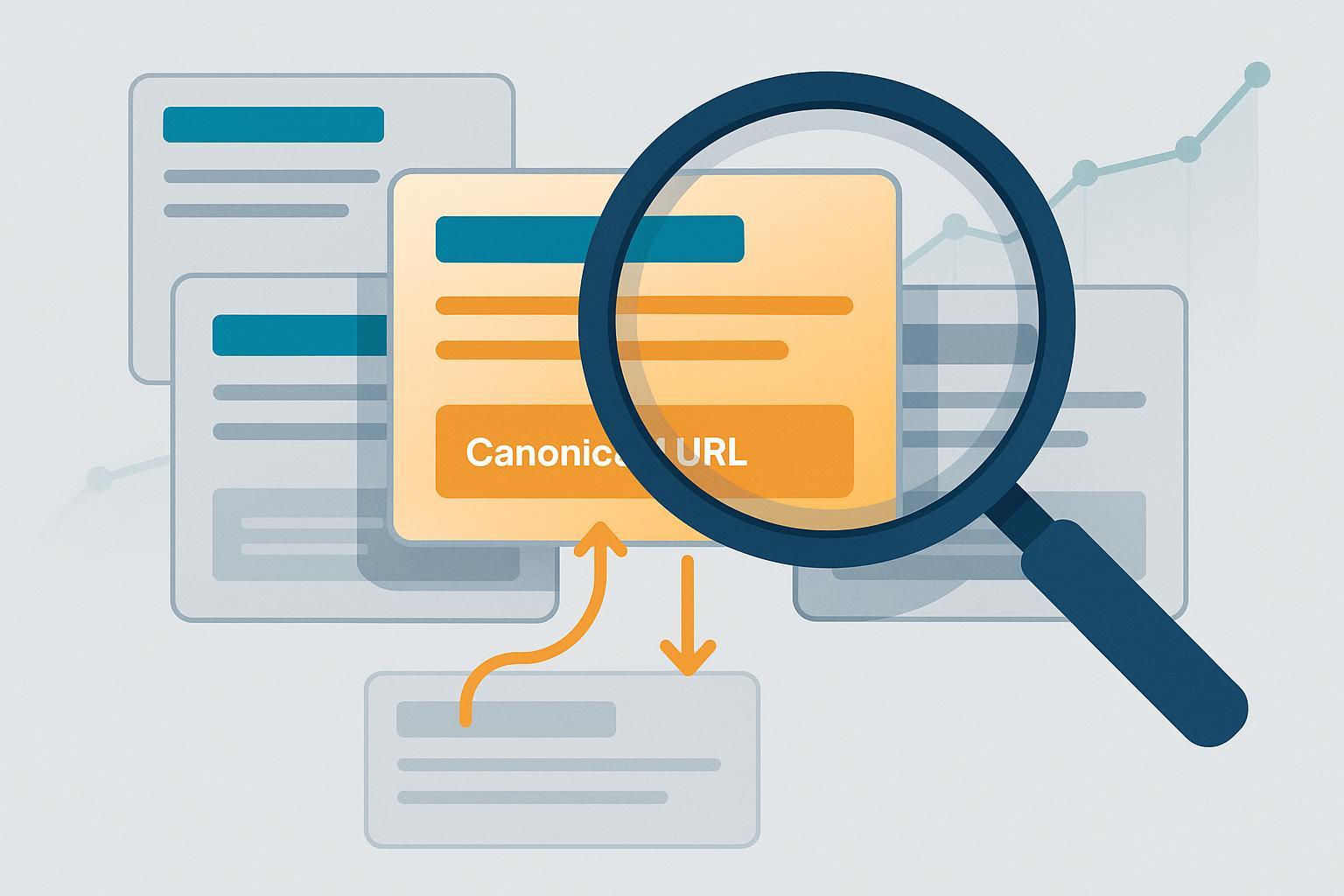
Publishing multiple pages that cover very similar ground is common—especially on growing blogs and e‑commerce sites. The good news: most overlap isn’t automatically “penalized.” The real risk is dilution and confusion, where Google picks one “representative” page and ignores the rest. This FAQ explains how that works, what crosses into spam territory, and practical steps to diagnose and fix it.
1) Will overlapping/duplicate content hurt my rankings?
Short answer: It can, but usually via dilution rather than a formal penalty. When Google finds similar pages, it clusters them and selects a canonical (representative) URL to index and show. Signals (links, relevance, structured data) may be split across copies, which can reduce the primary page’s strength.
Google’s documentation explains that for duplicate content, Google selects a canonical URL and uses many signals to decide it; the rest are considered duplicates and may not be shown in Search. See Google Developers: Consolidate duplicate URLs and Google Developers: How Search works (canonicalization).
You might also want to know: canonical selection isn’t a penalty; it’s Google choosing the best representative page from similar options.
2) Is there a “duplicate content penalty” in 2025?
Not as a blanket rule. Duplicate or overlapping content typically leads to canonicalization and ranking dilution, not an automatic penalty. However, if duplication is part of a spam pattern (for example, mass‑producing near‑identical pages to manipulate rankings), it may be affected by policy enforcement.
In March 2024, Google updated enforcement language around spam, including scaled content abuse and renewed attention to doorway pages. See Google Search Central blog: core update and spam policies (March 2024) and the current Spam policies for Google web search.
3) What counts as duplicate vs. near‑duplicate content?
- Duplicate: Pages that are substantively the same (e.g., print view vs. main article; URL parameters producing the same content; product pages with identical descriptions).
- Near‑duplicate: Pages with minor differences (e.g., slightly altered headings, swapped city names, or thin variations targeting similar queries).
Google treats both by clustering and choosing a canonical, guided by signals such as rel=canonical, redirects, internal links, and sitemaps. See Consolidate duplicate URLs for examples and signals.
4) How do I find keyword cannibalization caused by overlapping pages?
Keyword cannibalization happens when multiple pages target the same query or intent and compete with each other.
Practical steps:
- In Google Search Console: Go to Performance → filter by the target query, then switch to the Pages tab. If multiple URLs appear for the same query, you likely have cannibalization. For GSC basics and setup, see Google’s “Use Search Console” docs.
- Use the
site:operator in Google (e.g.,site:example.com "your keyword") to spot similar titles/meta. - Crawl your site to list matching titles/H1s and extract canonical tags. Many teams use Screaming Frog; here’s a walkthrough on how to crawl your site for duplicates with Screaming Frog.
- For conceptual grounding, see Moz’s overview of keyword cannibalization.
5) Should I merge pages, use 301 redirects, rel=canonical, or noindex?
Use the simplest option that aligns with user experience and signals.
- 301 redirects: Best when two pages are substantively the same and you want one to rank. Redirect the weaker to the stronger to consolidate signals and avoid confusion. See Google Developers: Redirects and Google Search.
- rel=canonical: Use when duplicates must remain accessible (e.g., print versions, sorted views, parameters), but you want one primary page to be indexed. Canonical is a strong hint, not a command; align other signals (internal links, sitemaps) to reinforce it. See Consolidate duplicate URLs.
- noindex: Use for pages that should be accessible but not appear in Search (e.g., internal search results, low‑value filter combinations). This prevents indexing without blocking crawling.
Example canonical tag:
<link rel="canonical" href="https://example.com/preferred-url/" />
You might also want to know: after implementing redirects/canonicals, update internal links to point to the preferred URL and refresh your XML sitemap.
6) What patterns cross the line into penalties (doorways, scaled content abuse)?
- Doorway pages: Many near‑identical pages targeting similar queries (often city or service permutations) that funnel users to the same destination and provide little unique value. These violate spam policies. See Google’s spam policies for web search.
- Scaled content abuse: Mass production of low‑value content—human or automated—primarily to manipulate rankings. The March 2024 enforcement update emphasized actions against these patterns; see Google’s core update and spam policies (March 2024).
If your similar pages each deliver distinct, genuine value to users, they generally fall under canonicalization/deduplication rather than penalties.
7) How does overlap affect rich results and reporting?
- Only the canonical URL is typically eligible for rich results; non‑canonical duplicates may be crawled but often aren’t shown.
- In Google Search Console, performance data is frequently aggregated under the canonical. If you see fewer impressions on a variant, it may simply be non‑canonical.
For background on canonicalization behavior, see How Search works (canonicalization).
8) What about pagination and faceted navigation?
Pagination and filters can explode into many similar pages. Aim to avoid crawl traps and ensure pages that provide unique value remain indexable.
- Keep paginated series crawlable and usable; avoid infinite scroll without proper linking. See Google’s guidance on Pagination and incremental page loading.
- Prefer self‑referencing canonicals on each paginated page when deeper pages have unique listings; if pages are truly equivalent variants, canonicalize to the main page.
- For filters/sorting, index only combinations that represent demanded landing pages; otherwise use rel=canonical to the base category or noindex for low‑value parameter views.
Note: Google no longer uses rel=prev/next; focus on crawlable pathways and good UX. Test canonicals in your context—there’s no one‑size‑fits‑all.
9) Are similar location/city pages acceptable?
Yes—if each page offers substantial, locally relevant value (unique services, local testimonials, regulations, pricing, examples) beyond swapping city names. Google representatives have clarified that localized duplicates can be fine when genuinely useful; see SEJ’s coverage of John Mueller’s clarification (2024).
If city pages are thin and near‑identical, they risk being treated as doorway pages under the spam policies.
10) How should I handle international/multilingual versions?
Use hreflang with self‑referencing canonicals for each language/region, and link alternatives bidirectionally. Don’t canonicalize all locales to one language; that conflicts with hreflang and can suppress the right regional version.
See Google Developers: Localized versions (hreflang).
11) How do I measure and monitor recovery after consolidation?
- In Google Search Console, track:
- URL Inspection on the preferred page to confirm canonical selection.
- Performance → queries and pages for consolidated clusters (watch clicks/impressions trend and query‑to‑page mapping).
- Indexing and coverage after redirects/canonicals.
- In analytics, compare landing‑page performance and conversion after merges.
- Crawl periodically to ensure no orphaned duplicates remain and that internal links point to the preferred URL.
For setup and ongoing use, see Google’s “Use Search Console” docs. You may also find it helpful to review troubleshooting around canonicalization in this explainer on how to fix Google Search when your results did not match any documents.
12) What’s a practical workflow to resolve overlap without hurting SEO?
-
Triage and map intent
- List pages targeting the same parent topic; note their primary intent (informational, tutorial, transactional).
- In GSC, filter by key queries; on the Pages tab, identify multiple URLs per query.
- Crawl to flag near‑duplicate titles/H1s and extract current canonicals.
-
Decide per group
- Merge and 301 redirect when pages are substantially the same and one should rank.
- Keep multiple pages only if they serve distinct intents; rewrite and differentiate.
- Use rel=canonical for versions that must exist (print/parameters), and ensure internal links/sitemaps reinforce the primary.
- Apply noindex for low‑value parameter views or internal search results.
-
Implement and monitor
- Update internal links to point to the winner; refresh XML sitemaps.
- Validate redirects (no chains); re‑fetch in GSC; watch canonical selection and performance.
If you’re migrating or consolidating sections at scale, follow Google’s domain move guidance, including 1:1 redirects and Change of Address when applicable: Move a site with URL changes.
Quick glossary
- Canonical URL: The page Google chooses as the representative among similar pages.
- rel=canonical: An HTML hint telling Google which URL is preferred.
- Keyword cannibalization: Multiple pages on your site targeting the same query/intent.
- Doorway pages: Near‑identical pages created to rank for similar queries and funnel to one destination.
- Scaled content abuse: Mass production of low‑value content to manipulate rankings.
Common pitfalls to avoid
- Relying on rel=canonical but leaving internal links and sitemaps pointing to duplicates.
- Canonicalizing all paginated pages to page 1 when deeper pages add unique value.
- Publishing thin city pages that differ only by the place name.
- Blocking duplicates via robots.txt instead of using noindex (blocked pages can still be discovered and may not consolidate signals).
Further reading (optional)
- Canonicalization and duplicate handling basics: Consolidate duplicate URLs.
- Keyword cannibalization concept: Moz’s overview.
- Crawl‑based duplicate detection: Exploring Screaming Frog for audits.
If any recommendation is unclear in your context (e.g., pagination canonicals), test and validate in Search Console—there’s no universal rule that fits every site.
