New Site, Zero Traffic: Is It Normal — and How Long Until SEO Results?

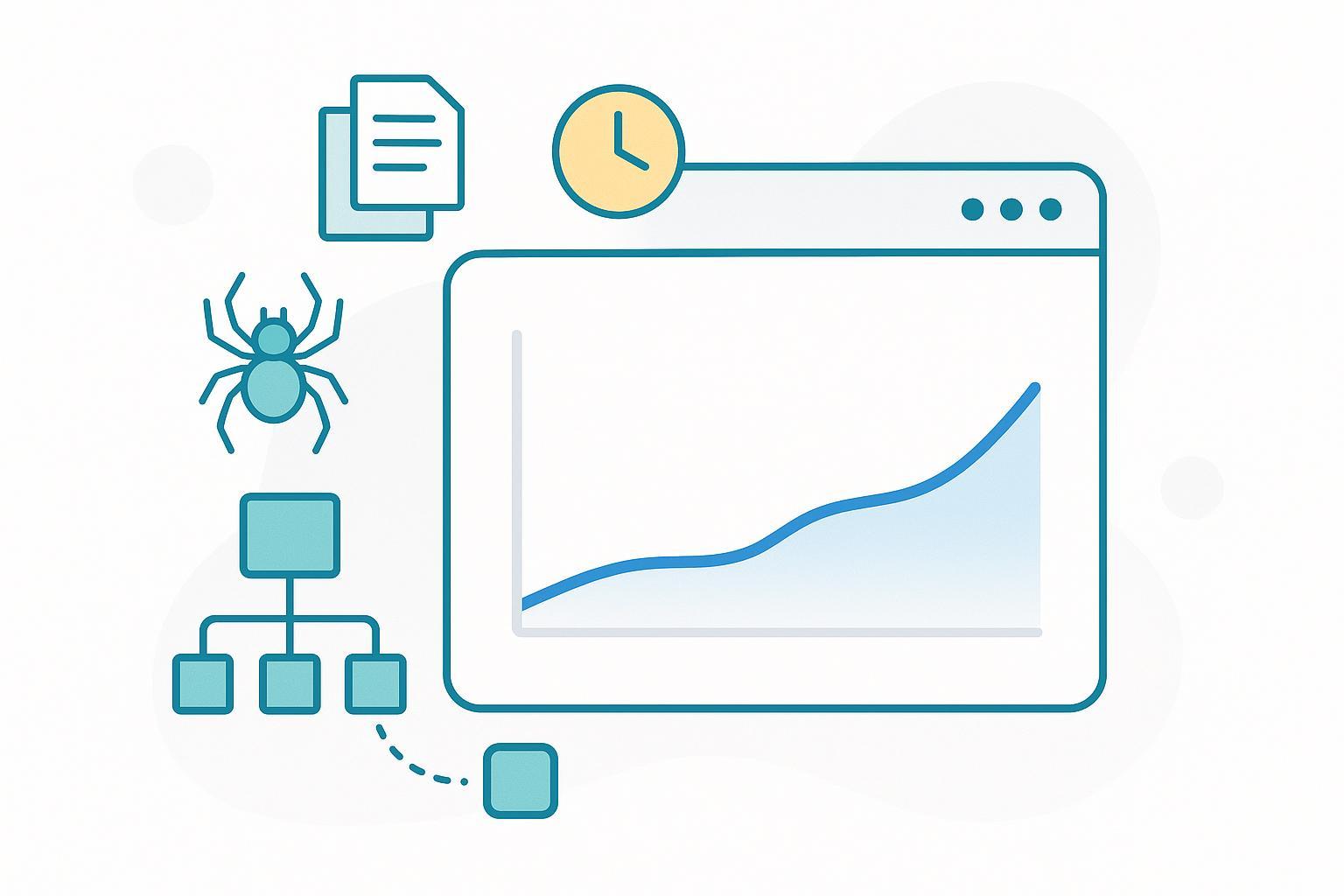
1) Is it normal for a brand‑new website, blog, or page to show zero traffic, impressions, or keywords?
Yes—especially in the first few days, and sometimes the first couple of weeks. A page must be discovered (crawled), processed (indexed), and then actually shown for a query (serve an impression) before you’ll see any numbers. Even after that, impressions can be tiny at first.
Two more points that help set expectations:
- Google Search Console recently added a “last 24 hours” view with only a small delay, so “no data yet” often just means it hasn’t accumulated enough to show. See the December 2024 announcement from Google Search Central: Recent data in Search Console (2024).
- Early data is noisy. Small day-to-day swings are normal; don’t overreact to the first week’s numbers.
You might also want to know: what exactly are crawl, index, and impressions? See the next question.
2) What’s the difference between crawling, indexing, and impressions?
- Crawling: Googlebot discovers your URLs by following links or reading sitemaps.
- Indexing: Google processes and stores the page so it can potentially appear in results.
- Impressions: Your page actually appears on a results page that a user views.
For an authoritative overview of the process, read Google’s How Search Works. And for what counts as an impression in reports, Google explains in the Performance data deep‑dive (2022) that impressions occur when a link to your site is shown on a viewed search results page.
3) How long does it take for Google to index a brand‑new page?
There’s no guaranteed timeframe. Practically speaking, it can take anywhere from hours to several weeks depending on factors like site health, internal linking, content uniqueness, and overall demand for crawling.
Because Google doesn’t publish exact timelines, most teams rely on industry observations. A commonly reported range is “hours to weeks,” with many healthy pages picked up within about a week under normal conditions (see the StoryChief indexing time overview (2024)). Treat this as a benchmark, not a promise.
4) What should I do right after publishing to speed up discovery and indexing?
Here’s a quick, 10‑minute post‑publish checklist:
- Submit or refresh your sitemap in Search Console so Google can find new URLs. See Sitemaps overview — Google.
- Add internal links from already‑indexed pages (ideally your homepage, category pages, or relevant posts) to the new page.
- Use Search Console’s URL Inspection tool to “Request indexing” for the new page, especially if it’s strategic or updated significantly. It’s not a guarantee, but it signals priority. Reference Google’s Ask Google to recrawl.
- Confirm there’s no accidental noindex tag, that robots.txt allows crawling, and that canonical tags are correct.
- Check that the mobile version renders all your primary content and links.
You might also want to know: how do I confirm whether a page is actually indexed? Jump to question 6.
5) I still see zero impressions—what should I check first?
Start with a focused diagnostic pass:
- URL Inspection in Search Console: Check whether Google reports “URL is on Google,” the last crawl date, selected canonical, and any coverage reasons. Pay attention to statuses like “Discovered—currently not indexed” (Google knows the URL but hasn’t crawled it yet) or “Crawled—currently not indexed” (crawled but not added to the index yet). These often resolve as you strengthen internal links and demonstrate quality.
- Technical blockers: Ensure robots.txt isn’t disallowing key paths; remove any unintended noindex; make sure the page returns a 200 status and loads fast; confirm mobile parity (same primary content/links on mobile and desktop).
- Site quality signals: Thin or highly similar pages, duplicate content, and weak internal linking can slow indexing or reduce eligibility to rank. Consolidate or improve thin pages where possible.
If the page remains unindexed with the same status for multiple weeks, revisit content quality, link structure, and server health. Consider simplifying templates to get core content visible fast.
6) How do I confirm if a page is actually indexed?
Use these steps:
- In Search Console, open the URL Inspection tool for the exact URL. If it says “URL is on Google,” the page is indexed and eligible to appear (not guaranteed for every query).
- Optionally, run a site: search (e.g., site:example.com "your page title"). Treat this only as a rough check—the site: operator doesn’t return a complete list and can be misleading. Google documents site: operator limitations.
- If the page isn’t indexed, use “Test live URL” to confirm it’s reachable and request indexing after fixes.
7) When should I start worrying? (Practical timelines and thresholds)
Use these pragmatic checkpoints (not official deadlines):
- 0–3 days after publish: Seeing zero impressions is common. Make sure the sitemap is submitted and at least one strong internal link points to the new page; optional “Request indexing.”
- ~1–2 weeks: Many healthy pages start showing initial impressions. If you still see nothing, verify noindex/robots/canonical issues, confirm mobile rendering, and check URL Inspection for live fetch and coverage.
- 3–6+ weeks: Persistent “Discovered—currently not indexed” or “Crawled—currently not indexed” signals deeper issues. Strengthen internal links, improve content depth/uniqueness, reduce duplication, fix server errors, and ensure pages load fast. For larger sites, review crawl budget and error rates.
If a mission‑critical page remains unindexed after 6 weeks with no clear technical reason, it’s time for a thorough audit of templates, rendering, and content quality.
8) Why do I see impressions but no clicks or query keywords yet?
- Impressions mean your page appeared for some viewed queries, but often at low positions initially. Low ranks and long‑tail queries can generate impressions without clicks.
- The “Queries” list in Search Console may be sparse early on; as rankings stabilize, you’ll see more distinct queries and clicks.
- Improve click‑through by refining titles/meta descriptions, aligning search intent, and adding richer on‑page context. Keep building internal links so Google better understands where the page fits.
You might also want to know: how long until meaningful traffic? It depends on competition and content quality—consistent publishing and optimization compound over weeks and months.
9) Is there really a “Google sandbox” for new sites?
Google doesn’t confirm an official “sandbox.” What many people observe is that brand‑new sites lack signals (links, history, engagement), so visibility accumulates slowly. Think of it as a ramp‑up period while Google evaluates quality and relevance. Your job is to supply clear signals: crawlable architecture, useful content, and steady internal linking.
10) Advanced cases: JavaScript, mobile, international, and large sites
- JavaScript rendering: Heavy client‑side rendering can delay indexing if critical content requires scripts or user actions. Ensure primary content and links are accessible to crawlers quickly—server‑side rendering or pre‑rendering can help.
- Mobile‑first indexing: Google primarily uses the mobile version. Maintain content and link parity between desktop and mobile; responsive designs typically fare better.
- International/hreflang: For multi‑language sites, use reciprocal hreflang annotations and correct language/region codes. Keep each language version fully crawlable.
- Large sites and crawl budget: If you have tens of thousands of URLs, prioritize performance, reduce duplicate/parametric pages, fix errors, and keep sitemaps clean. This helps Google allocate crawl resources efficiently.
11) A simple weekly routine while you wait for results
- Publish or improve 1–3 pages targeting distinct topics with clear search intent.
- Add internal links from relevant, already‑indexed pages to each new page.
- Check Search Console’s “last 24 hours” for early signals, but judge progress weekly, not hourly.
- Tighten technical hygiene: fast pages, clean templates, no accidental noindex, valid canonicals.
- Iterate titles and intros to match what searchers seem to want based on emerging queries.
Next steps and further learning
If you want a streamlined way to draft and publish SEO‑friendly posts consistently, consider using QuickCreator to support your workflow. Disclosure: QuickCreator is our product. It helps teams create, optimize, and publish content with sensible on‑page defaults and WordPress syncing—useful for building steady signals over time.
For structured learning and practical how‑tos:
- Understand the basics of keywords vs. topics and how they differ.
- Learn pragmatic on‑page steps in our SEO publishing overview.
Citations (selected)
- Process and definitions: Google — How Search Works
- Impressions definition context: Google — Performance data deep‑dive (2022)
- Search Console “recent data” update: Google — Recent data in Search Console (2024)
- Request indexing guidance: Google — Ask Google to recrawl
- Sitemaps fundamentals: Google — Sitemaps overview
- site: operator caveats: Google — site: operator limitations
- Industry time range (benchmark, not a promise): StoryChief — How long does Google indexing take? (2024)
