Can a newly registered website run Google Ads?

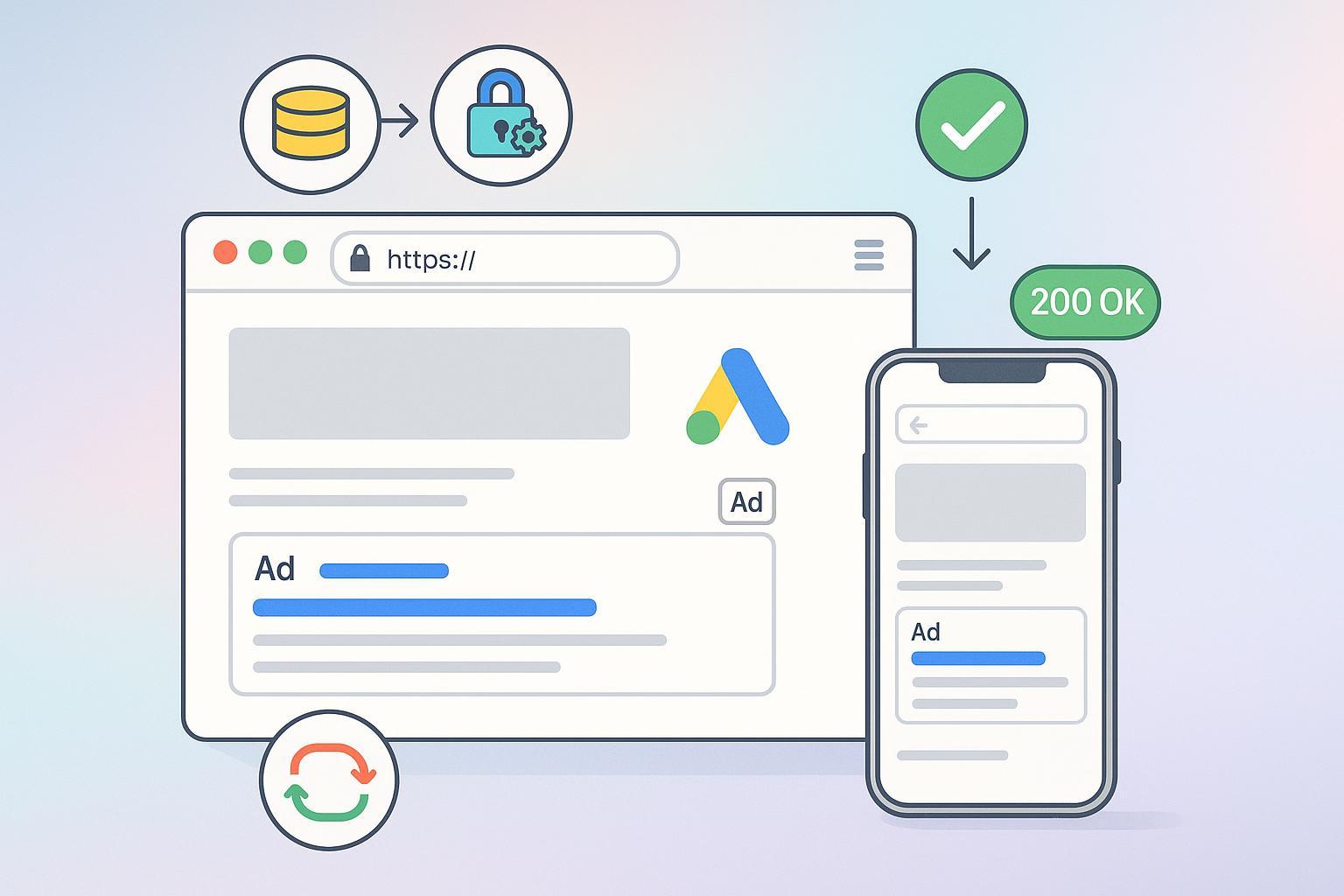
1) Quick answer: Can a brand-new domain advertise on Google Ads?
Yes. Google Ads does not publish a minimum domain age or traffic requirement. What matters is that your landing page (the “destination”) works reliably and follows Google’s destination and ad policies. Google’s focus is the user’s experience on the page—functionality, transparency, and safety—outlined in Google’s Destination experience policy (Advertising Policies Help, 2025). See the policy overview in Destination experience standards.
- There’s no “wait X days” rule for new domains.
- Ads can run as soon as your site passes policy checks and reviews.
- Most early disapprovals on new sites come from broken pages, placeholders, redirects, or security issues.
You might also want to know: If your industry is restricted (for example, certain healthcare or financial services), additional verification or local policies may apply.
2) How do I know my new site is “ready” to advertise? (10‑minute preflight)
Short answer: Make sure the page is reachable, complete, secure, and consistent with your ad. Use this mini checklist before submitting ads:
- Technical availability
- The final URL loads globally with an HTTP 200 (no outages or geoblocks)
- Valid SSL/TLS; clean HTTP→HTTPS redirect; no loops
- Mobile rendering is fast enough and stable; no endless spinners
- Page completeness and trust
- Real content (no “coming soon” or lorem ipsum); clear value proposition
- Basic trust signals: contact method, business details, and a privacy policy when collecting data
- Links and forms work; no broken navigation
- Policy hygiene
- Display URL domain matches the final URL domain
- No prohibited content; claims are accurate and verifiable; prices and availability are current
For on-page fundamentals that also help ad landing pages, skim Make SEO Simple with QuickCreator.
If you need a fast way to assemble a functional landing page and keep basics like SSL, navigation, and content blocks tidy, consider using QuickCreator. Disclosure: QuickCreator is our product. It helps you produce a clean, mobile-friendly page quickly; you are still responsible for complying with Google’s advertising policies.
3) Why do brand-new domains often get “Destination not working,” and how do I fix it?
This disapproval means Google couldn’t reliably reach or render your landing page. According to Google’s 2025 policy explainer, common causes include server errors, timeouts, blocked regions, or broken tracking templates. Review specifics in Destination not working.
Quick fixes:
- Confirm the exact final URL in your ad is correct and live; remove typos or unnecessary parameters
- Ensure the page responds with HTTP 200 for both Google and users (no IP/geo blocking of Google reviewers)
- Repair or remove tracking templates causing redirect chains or errors
- Confirm SSL is valid and not forcing bad redirects; test both http/https and www/non‑www to your canonical
- After fixing, request a review in Google Ads
Pro tip: New domains sometimes fail during DNS or SSL propagation. Give it a little time (often minutes to a few hours) and retest.
4) What is “Destination mismatch,” and how do I avoid it with tracking and redirects?
Short answer: The display URL domain must match the domain of the final landing page. If your ad shows example.com but the user ends up on otherdomain.com (even via tracking or cross‑domain redirects), you’ll get disapproved. See Google’s 2025 guidance: Destination mismatch.
How to stay compliant:
- Keep your tracking and redirects on the same primary domain (or use subdomains consistently)
- Canonicalize http→https and www↔non‑www to a single version
- Avoid cross‑domain hops in ad URLs; move affiliate or partner parameters server‑side where possible
5) My site is “under construction.” Can I still run ads?
Not yet. Placeholder or “coming soon” pages typically fail the destination experience standards because they don’t provide functional, useful content. Google emphasizes easy navigation and meaningful content for users (Advertising Policies Help, 2025) via the Destination experience standards.
What to do:
- Publish a real page with working navigation, a clear offer, and basic trust info
- Remove lorem ipsum, blank sections, and “under construction” banners
- Ensure forms and CTAs function end‑to‑end (thank‑you page, confirmation email, etc.)
6) Do parked domains or domain parking affect my ads?
For advertisers, the bigger news is placement, not eligibility. In October 2024, Google announced that new Google Ads accounts are automatically opted out of serving ads on parked domains, with rollout to existing accounts starting March 2025. See Google Ads Help (2024–2025): Parked domain site notes.
What it means:
- Your ads won’t show on parked domain placements by default if you created the account after Oct 2024
- This doesn’t prevent your own new domain from advertising; it’s about where your ads may appear across the network
7) What about security issues like “Compromised site” or malware flags?
If Google detects hacked code, malicious scripts, or suspicious redirects, your ads can be disapproved or your account restricted. Keep plugins, themes, and CMS up to date, and scan your site if anything looks off. Google’s 2025 policy pages explain enforcement and remediation paths in Compromised sites and Malicious or unwanted software.
Fix it fast:
- Remove malicious code, update credentials, and patch software
- Re‑test your pages and confirm clean rendering
- If applicable, verify “Security issues” are resolved in Search Console before requesting an ad review
8) Is Google Ads approval different from AdSense site approval?
Yes—these are different products with different reviews.
- Google Ads (you are the advertiser): There’s no site‑level approval requirement; Google reviews your ads and destination for policy compliance and user experience.
- AdSense for Search (you are the publisher): Since March 2024, AdSense introduced site‑level approval via the Sites page; every new site must be added and pass checks before ads can serve. See AdSense Help (2024) on AFS Sites approval.
Why this matters: Don’t confuse an AdSense site review with your ability to run Google Ads campaigns. They’re separate.
9) My ad was disapproved. What’s the fastest path to resolution?
- Identify the specific policy reason in the ad’s status panel
- Fix the root cause (for example, resolve server errors; align display and final URL domains; remove placeholder content)
- Resubmit for review inside Google Ads (select “I made changes to comply with policy”)
- If you believe the decision is wrong, you can appeal (choose the dispute option). Keep your appeal concise, factual, and include what you changed
Extra quality tip: Keep your claims accurate, add disclosures where needed, and ensure pricing matches the landing page. If you want a practical mindset for trustworthy content, skim our short E‑E‑A‑T‑style checklist notes in this compact comparison article.
Quick scenarios (so you can spot issues fast)
- DNS/SSL propagation after domain setup
- Symptom: Works on your home network but fails Google’s check
- Fix: Wait a bit and retest; confirm A/AAAA/CNAME and TLS are fully live, then request review
- Redirect loop from http↔https or www↔non‑www
- Symptom: Browser flashes multiple times; page never settles
- Fix: Set a single canonical and ensure only one 301 hop to the final URL
- Tracking template adds cross‑domain hop
- Symptom: Final landing domain doesn’t match display domain
- Fix: Keep tracking on your main domain or shift parameter handling server‑side
Bottom line
- A newly registered site can run Google Ads once the landing page is functional, policy‑compliant, and reachable
- Start with the 10‑minute preflight; most early disapprovals are quick to fix
- Use Google’s official policy pages for specifics and appeal if needed
External policy references used above include Google’s 2025–2024 guidance: Destination experience standards, Destination not working, Destination mismatch, Parked domain site notes, and AFS Sites approval.
