How to Make Your Content Work on LinkedIn and Other Social Platforms — 2025 Best Practices

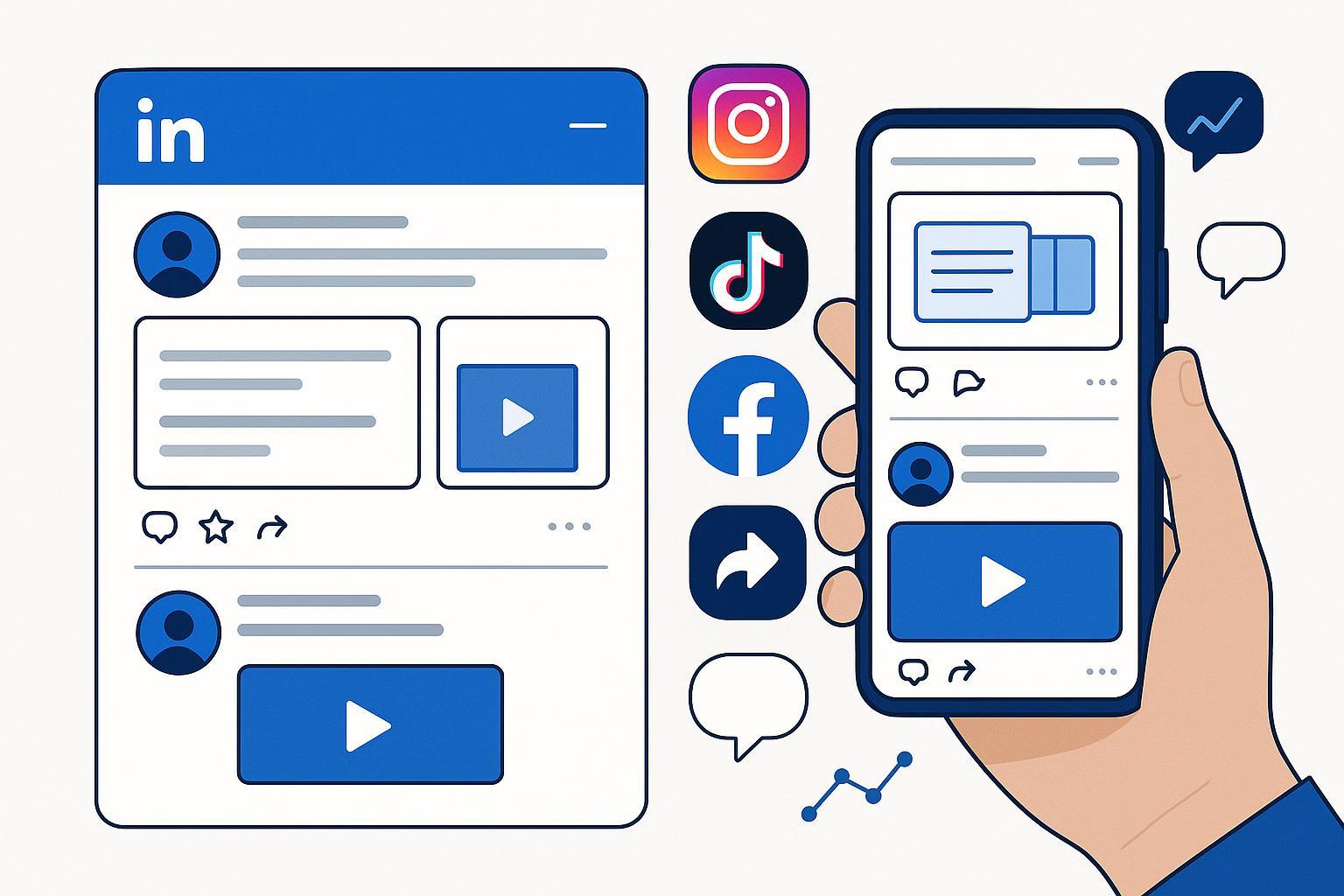
If you’re publishing in 2025, you already know this: algorithms reward native, conversation-rich, mobile-first content. The playbook that works is less about “posting more” and more about crafting formats that drive dwell time, spark meaningful comments in the first hour, and feel designed for the feed. Below is the practice-first guide we use with teams to consistently earn reach, engagement, and business outcomes on LinkedIn—then adapt across Instagram, X, TikTok, Facebook, and YouTube.
What Actually Works on LinkedIn in 2025
LinkedIn has become a format game. Across large-sample studies, multi-image carousels/documents and native video lead performance. Mid-2025, global averages show engagement rate by impressions around the 5% mark, with multi-image and documents typically edging video for pure engagement while video leads impressions growth. See the aggregated view in the SocialInsider 2025 LinkedIn benchmarks; dataset notes vary by industry, so treat these as directional.
- Carousels/Documents (PDF uploads): Hook with a bold promise in slide 1, deliver one actionable idea per slide, close with a concise CTA. Aim for 8–12 slides; prioritize readable, high-contrast text overlays.
- Multi-image posts: Sequence 3–10 images to tell a mini-story; each visual should carry a single insight.
- Native video: 30–90 seconds is the sweet spot for most business topics. Use burned-in captions and mobile framing. Video impressions are rising year-over-year, with many cohorts seeing strong discovery; Hootsuite’s explainer summarizes why signals like dwell time and early comments matter according to their LinkedIn algorithm guide (2025).
Practical caption pattern:
- Line 1: A sharp, audience-centric hook (a problem or counterintuitive insight)
- Body: 2–4 compact lines; one key takeaway per line
- Call-to-action: A simple question that invites experience-sharing, not yes/no answers
Post specs that reduce friction
- Image sizes: For square, use 1080×1080; portrait 1080×1350; landscape around 1200×627 or 1080×566. Quick reference in Hootsuite’s social image sizes guide (2025).
- Video: Support exists for 16:9, 1:1, 4:5, and 9:16; MP4/H.264 recommended. See Sprout Social’s 2025 video specs guide for ranges.
- Accessibility: Always add alt text, captions/subtitles, and keep overlays high-contrast. We align with WCAG-informed practices and in-app prompts.
The First-Hour Engagement Routine (and why it’s pivotal)
The first hour after publishing is where momentum is won or lost. While exact weights aren’t disclosed, most credible analyses point to early meaningful comments and time-on-post as distribution accelerators, as summarized in Hootsuite’s 2025 algorithm explainer.
A routine that works:
- Publish during your audience’s workday peak.
- Seed 2–4 thoughtful comments from teammates/advocates within 10–20 minutes. These should add insights, not “great post!” fluff.
- Tag only people/companies directly relevant to the topic; avoid spam tagging.
- Respond to substantive comments within minutes; ask follow-up questions.
- If the post includes a document/carousel, reference specific slides in replies to encourage deeper reading.
Guardrails:
- Don’t form engagement pods that only swap generic praise; the algorithm is sensitive to low-quality patterns.
- Avoid outbound links in the post body; if essential, place the link in a top comment and prioritize native formats to maximize on-platform signals.
For deeper tactics on comment quality and routines, see our practical explainer on commenting for better reach (CFBR).
Repurposing Workflow: Turn One Blog Into a Carousel and a Short Video
This is the fastest path to reliable LinkedIn performance without creating from scratch. Here’s the exact workflow we use with teams.
- Pick an evergreen blog with strong analytics (top quartile by organic traffic or average time-on-page).
- Extract 8–12 discrete insights—each becomes a slide with one idea and one visual.
- Design slides in Canva/Figma using brand colors, high-contrast text, and ample whitespace; add alt text in the export step.
- Export a PDF and upload it as a LinkedIn Document post. Write a 2–3 line intro, then invite experiences with an open question.
- Record a 30–90s native video that summarizes the top 3 insights; add burned-in captions.
- Schedule during peak windows, then run the first-hour engagement routine.
- Monitor saves, shares, and comment depth; iterate the next version within a week.
For a practical overview of turning long-form content into social-native assets, Buffer’s explainer on repurposing blogs into LinkedIn formats shows workable examples.
Practical example: Repurposing with an AI blogging platform
Here’s how we’ve executed the above in under an hour, end-to-end:
- Draft a carousel outline directly from your source blog, then refine with AI to tighten hooks and slide-level takeaways.
- Auto-generate a short video script and caption variants, then export captions.
- Schedule both assets and set reminders for first-hour engagement.
We use QuickCreator for this workflow because it combines AI writing, block-based editing, and one-click publishing to WordPress with social-ready assets. Disclosure: This is our own product and we’re referencing it to demonstrate the workflow we apply in practice.
If you want a deeper walkthrough of the tooling steps, the step-by-step guide to using QuickCreator for AI content covers drafting, optimizing, and repurposing routines.
Cross-Platform Adaptations: Format Priorities and Cadence
Different platforms reward different behaviors. Treat LinkedIn as your professional hub, then adapt assets natively to the others.
| Platform | Format Focus (2025) | Practical Cadence Range |
|---|---|---|
| Carousels/Documents; multi-image; native video | 5–10 posts/week (1–2 per weekday) | |
| Carousels for engagement; Reels for reach; Stories for daily presence | 3–5 feed posts/week; Reels ~6/month; Stories most days | |
| X (Twitter) | Text/status threads; visuals help but engagement down overall | 3–7 posts/day including replies |
| TikTok | Short vertical video still dominant; 60–120s often sweet spot | 1–3 posts/day |
| Albums outperform single images; short native video viable | 1–2 posts/day | |
| YouTube | Video-centric; consistency beats volume | 1–3 videos/week |
The cadence ranges above reflect aggregate guidance synthesized from widely used scheduling analyses; when in doubt, validate against your audience’s tolerance and engagement. For weekday/time windows, Sprout’s 2025 analysis highlights Tuesday–Thursday daytime as common peaks; see the Sprout Social best times to post (2025) for specifics.
Evidence of cross-platform trend shifts, including Instagram carousel strength and broader engagement declines, is summarized in the Rival IQ Social Media Industry Benchmark Report (2025). Use these as starting points, then adapt to your niche.
Adaptation tactics
- Instagram: Rework LinkedIn carousels with richer visuals and tighter copy; CTA can invite saves. Reels versions should prioritize the first two seconds.
- X: Convert carousel insights into a thread; each tweet is one slide-level idea. Include one striking visual to anchor attention.
- TikTok: Translate the top insight to a short, high-energy explainer; hook in 1–2 seconds; captions and on-screen text are non-negotiable.
- Facebook: Turn carousels into album posts with concise captions per image; close with a question.
- YouTube: Expand into a 6–10 minute explainer, then cut a Short as a teaser.
Measurement That Drives Iteration (and pipeline)
Measure what matters to distribution and value, then iterate weekly.
- Engagement rate by impressions = total engagements ÷ impressions × 100; benchmarks on LinkedIn hover around 5% mid-2025, with multi-image and documents often higher. See the SocialInsider dataset noted earlier for breakdowns.
- Shares and saves rates are leading indicators of real value; track by post type.
- Comment depth (average words per comment) helps gauge conversation quality.
- Follower growth rate: compare to your own baseline and peer medians; absolute targets vary widely by niche.
- CTR applies mainly to paid or link-in-comment strategies; keep organic posts native-first.
On ROI, multiple years of the Edelman–LinkedIn studies quantify the business impact of consistent thought leadership among B2B buyers. For example, decision-makers in 2025 reported thought leadership prompting them to research previously unconsidered solutions—summarized in the Edelman–LinkedIn B2B Thought Leadership Impact Report (2025). Treat those outcomes as the north star for organic programs focused on trust and pipeline.
Weekly review loop
- Tag every post by format (carousel, video, multi-image, text), theme, and CTA type.
- Review top 10% by shares/saves and comment depth; replicate structure in the next week’s calendar.
- Identify low performers by format; improve hooks, visual contrast, or simplify the message.
- Update your platform-specific cadences based on fatigue signals (slowing ER, more hides, fewer saves).
- Publish a monthly “what we learned” internal memo; turn highlights into a public post or newsletter.
Pitfalls We See Most Often (and how to fix them)
- Link stuffing: Outbound links in the post body suppress reach on LinkedIn; keep content native and place essential links in the comments.
- Low-contrast visuals: Small fonts and light text on light backgrounds kill mobile readability; adopt an accessibility checklist and test on your phone.
- Shallow engagement: “Great post!” comments don’t move the needle; seed thoughtful replies and ask follow-up questions.
- Over-posting: Cadence beyond audience tolerance reduces ER; adjust frequency when metrics dip.
- Ignoring accessibility: Always add alt text and captions; this improves usability and distribution signals.
- Generic hooks: Replace vague claims with specific, outcome-oriented hooks and a concrete promise.
For help crafting mobile-first, accessible visuals, see our multimedia content best practices.
LinkedIn Post Checklist You Can Use Today
- Hook: One sentence clearly stating the problem or promise
- Format: Carousel/document for depth; video for discovery; multi-image for storytelling
- Visuals: High-contrast, large text; generous whitespace; branded but minimal
- Caption: 2–4 lines, each with one takeaway; close with an open question
- Accessibility: Alt text + captions/subtitles
- First-hour plan: Teammate comments, relevant tags, rapid replies
- Metrics to watch: ER by impressions, shares/saves, comment depth
Cross-Platform Cadence Checklist
- LinkedIn: 1–2 posts per weekday
- Instagram: 3–5 feed posts/week; Reels ~6/month; Stories most days
- X: 3–7 posts/day including replies
- TikTok: 1–3 posts/day
- Facebook: 1–2 posts/day
- YouTube: 1–3 videos/week; consistency first
If you’re currently below these ranges, increase gradually and watch for fatigue signals.
Build Your Growth Engine
It’s easier to drive reach when you also grow the right audience. For LinkedIn-specific follower growth tactics that complement everything above, our practice-oriented guide 12 proven tips to grow LinkedIn followers in 2025 covers hooks, cadence, and engagement routines.
Next Steps and Resources
- Start with one evergreen blog and publish a LinkedIn document plus a 60-second video this week.
- Run the first-hour routine; measure shares/saves and comment depth.
- Expand to Instagram and TikTok with native adaptations.
If you want a streamlined way to draft, repurpose, and ship social-native assets, consider using QuickCreator to combine AI drafting, block-based editing, and one-click publishing. It’s the same workflow we described above, applied in practice. Disclosure: QuickCreator is our product; we’re sharing it here as a helpful option for teams prioritizing speed and consistency.
Additional deep dives:
References used in this guide include SocialInsider’s LinkedIn benchmarks (2025), Hootsuite’s LinkedIn algorithm explainer (2025), Rival IQ’s 2025 industry medians, Sprout’s best times to post (2025), and the Edelman–LinkedIn 2025 thought leadership report. We recommend re-checking these sources quarterly as platforms evolve.
