Image Compliance for Independent Websites: What “Conservative” Really Means

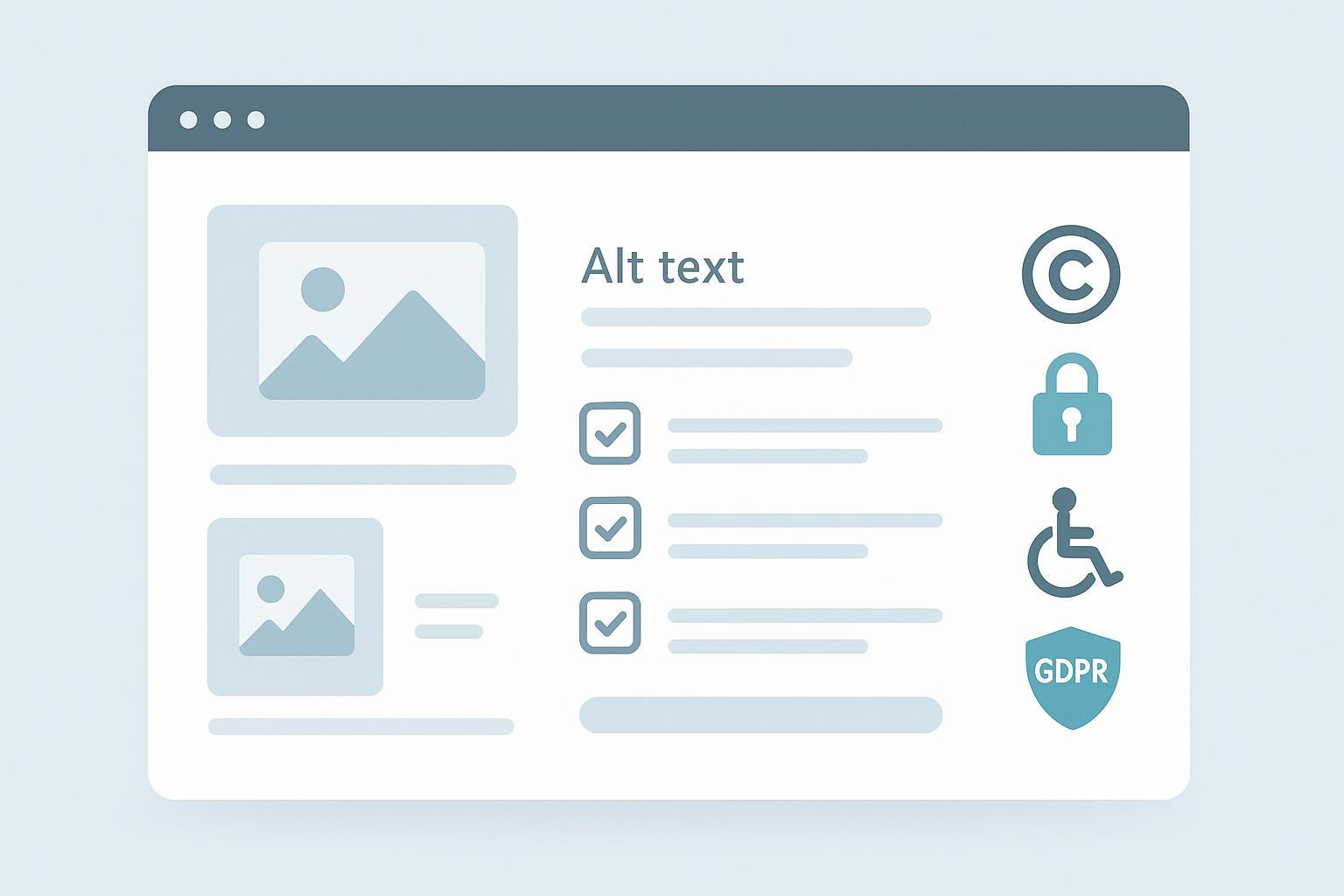
If you run an independent website, you might wonder whether your images need to be “more conservative.” In practice, conservative should mean compliant—lawful, ethical, accessible, and properly disclosed—not bland or boring. You can absolutely use bold, creative visuals. The key is ensuring those images are sourced and used within a clear compliance framework.
What Is “Image Compliance”?
Image compliance is the practice of using visuals in ways that respect copyright and licensing, individual and property rights, accessibility standards, advertising disclosure rules, and data protection laws. In other words, your images should be legally obtained, respectful of people’s rights, usable by those with disabilities, transparent when promotional, and aligned with privacy obligations.
What It Is—and Isn’t
- Image compliance is: a multi-pillar framework for lawful, ethical, and accessible image use.
- Image compliance isn’t: a mandate to pick “safe-looking” pictures or avoid creative imagery.
Why It Matters
- Legal exposure: Misuse can trigger takedowns, fines, or lawsuits.
- Trust and brand reputation: Respecting rights and accessibility signals professionalism.
- Accessibility and reach: Proper alt text and disclosures help more people access and understand your content.
The Seven Pillars of Image Compliance (with Practical Steps)
1) Copyright and Licensing (including AI-generated images)
- Obtain valid licenses or permissions and keep records (source, terms, date). Honor attribution if a license requires it (e.g., Creative Commons BY).
- AI-assisted images: Copyright protection hinges on meaningful human authorship. Purely AI-generated images are not registrable; human-authored contributions may be registrable with AI portions disclaimed, per the U.S. Copyright Office’s guidance in its AI initiative hub.
- Practical actions:
- Centralize license files/receipts in your media library notes.
- Document your human creative process for AI-assisted works.
- Train editors on permitted uses for each stock source.
2) DMCA Safe Harbor (if you host user uploads)
If your site allows users to upload images (UGC), you may qualify for DMCA safe harbor to limit liability for user infringements—if you do specific things: register a designated agent, publish and follow notice-and-takedown procedures (including counter-notice and putback), and reasonably implement a repeat-infringer policy. See the EFF’s overview of DMCA safe harbor for the core conditions.
- Practical actions:
- Register a DMCA agent and publish takedown instructions.
- Act expeditiously on valid notices; track repeat infringers.
- Avoid financial benefit from infringing activity you control.
3) Privacy, Right of Publicity, and Releases
- People: For commercial uses (ads, endorsements, product pages), obtain a model release when a person is identifiable. Editorial/news uses often have different standards, but avoid publishing images captured where subjects had a reasonable expectation of privacy without consent.
- Property: For private property featured prominently in commercial imagery, consider a property release to reduce risk of implied endorsement or contractual issues.
- Practical actions:
- Use a release checklist: identify recognizable persons; determine use (editorial vs. commercial); collect signed releases for commercial use; store releases with the asset.
- Add a “privacy review” step before publishing street or event photos.
4) Trademarks and Logos
Using trademarks (logos) in images can imply endorsement if styled or placed prominently. Minimize risk by using only what’s necessary to identify goods/services and avoid presentation that suggests sponsorship.
- Practical actions:
- In product reviews, show logos minimally and add a neutrality disclaimer if needed.
- Avoid stylized, front-and-center logo imagery for unrelated products.
5) Accessibility (WCAG/ADA)
Accessibility starts with meaningful text alternatives. WCAG requires text alternatives for non-text content so assistive technologies can convey purpose and information. See W3C’s specification for WCAG 2.1 Success Criterion 1.1.1: Non-text Content. In the U.S., ADA enforcement increasingly references WCAG Level AA; the Department of Justice’s 2024 Title II web rule fact sheet explains how missing alt text blocks access, referencing WCAG 2.1 Level AA requirements: ADA.gov web rule fact sheet.
-
Alt text examples:
- Decorative: alt="" for purely visual flourishes.
- Informative: alt="Bar chart showing Q3 sales up 15% year-over-year."
- Functional: alt="Search icon" for a magnifying glass button.
- Complex: brief alt plus a nearby paragraph describing the full chart.
-
Practical actions:
- Provide alt text for every informative/functional image; use null alt for decorative images.
- Add long descriptions for complex images.
- Review contrast and avoid conveying meaning only by color.
- For SEO context on alt tags and image search, see SEO explained.
6) Advertising and Disclosures (FTC Endorsement Guides)
If an image itself conveys an endorsement or sponsorship—say, a prominent product placement by a creator—you must disclose any material connection clearly and conspicuously near the image. The FTC’s plain-language FAQ explains placement and wording expectations, including that platform tools may not suffice and disclosures should sit close to the endorsement: see the FTC Endorsement Guides FAQ (updated 2023).
- Practical actions:
- Use plain captions like “Paid partnership with Brand X,” placed adjacent to the image.
- Ensure disclosures are readable on mobile and desktop.
7) Data Protection (GDPR/CCPA/CPRA)
Images can be personal data when individuals are identifiable. Under the GDPR, biometric data processed to uniquely identify a person (e.g., face recognition) is “special category” data requiring a lawful basis and often explicit consent. See the official text via EUR-Lex: GDPR.
- Practical actions:
- Avoid processing biometric identifiers unless you have explicit consent or another valid legal basis.
- Treat children’s images with heightened care; obtain parental consent when required by applicable law.
- Provide notice at collection and respect deletion/opt-out rights under state laws (e.g., CCPA/CPRA in California).
Operationalizing Image Compliance: A Quick Checklist
- Sourcing and licensing
- Verify license terms for every image; store receipts/agreements.
- Record required attribution; add credits in captions or dedicated credits pages.
- Accessibility
- Provide alt text for informative/functional images; use null alt for decorative ones.
- Add long descriptions for charts/diagrams.
- Privacy/publicity
- Identify recognizable people; obtain model releases for commercial use.
- Avoid images from private spaces without consent.
- Trademarks/logos
- Use marks only as needed to identify goods/services; avoid endorsement implications.
- Advertising/disclosures
- Place clear, conspicuous disclosures adjacent to image-based endorsements.
- Data protection
- Limit biometric processing; get explicit consent where required.
- Apply special rules for minors; provide notice and honor opt-outs.
- DMCA (if hosting UGC)
- Register a DMCA agent; publish takedown and counter-notice processes.
- Track and enforce a repeat-infringer policy.
Examples and Workflows You Can Adopt
- Alt text QA: Build a weekly audit where editors review pages for missing or weak alt text. For practical ideas on weaving images into content effectively, see 5 ways AI blog writers enhance content with images.
- Release management: Store signed model/property releases in the same folder as the image; note release status in the media library metadata.
- DMCA flow for UGC: Publish a DMCA page with agent contact; verify notices meet statutory elements; remove content expeditiously; notify uploaders; accept counter-notices; reinstate content absent suit; and track repeat infringers.
- Creativity with compliance: Bold visuals are welcome—just keep licensing, releases, and alt text in order. For balancing storytelling and compliance, see visual storytelling in blogging.
Next Steps
If you’re setting up workflows for alt text, licensing notes, and disclosure captions, a modern CMS or blogging platform helps keep everything consistent. QuickCreator supports accessible content practices like alt text fields and media library notes to track licensing and releases. Disclosure: QuickCreator is our product.
Final Notes
This article is informational and does not constitute legal advice. Laws and enforcement (especially around deepfakes and nonconsensual intimate imagery) are evolving. For edge cases or high-risk scenarios, consult qualified counsel and check current regulations as of 2025.
