How to Use SEMrush (and Similar SEO Tools) for Keyword Research and Competitor Analysis

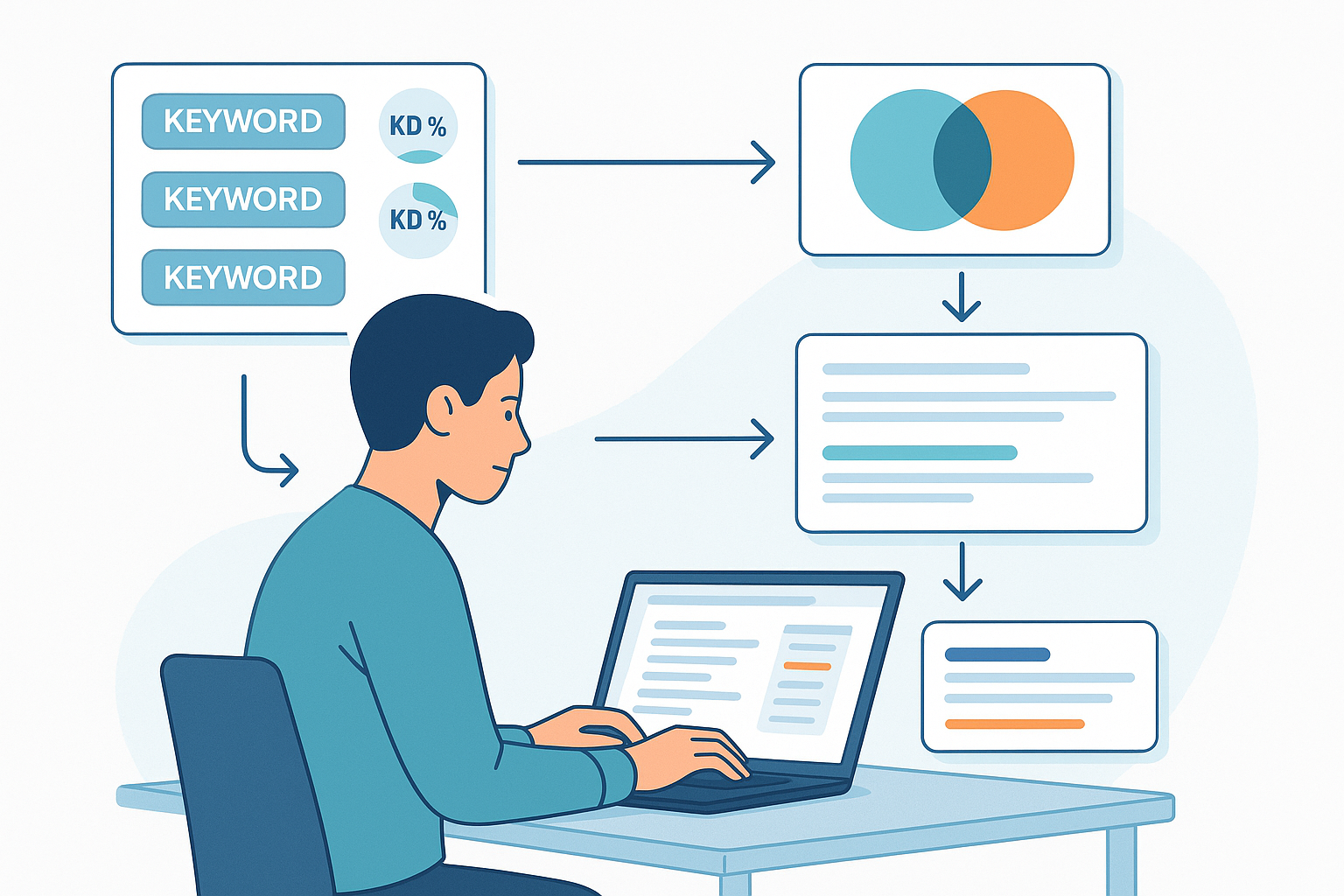
If you need a reliable, repeatable workflow to find the right keywords and understand what competitors rank for, this guide walks you through SEMrush step-by-step and shows equivalents in Ahrefs and Moz. By the end, you’ll have a prioritized keyword list, clean clusters, identified gaps, and two content briefs ready to go.
- Estimated time: 60–90 minutes for a first pass
- Difficulty: Intermediate (beginner-friendly instructions)
- Prerequisites: A SEMrush account with access to Keyword Magic Tool, Organic Research, Keyword Gap, and Content Marketing toolkit features; seed topics or a few competitor domains
- Deliverables: Prioritized keyword spreadsheet, 3–6 clusters, competitor gap list, and 2 content briefs
Pro tip: If you’re new to keyword basics and intent, skim this short primer on keywords vs. topics and keep it handy.
Prep: Set up your workspace and avoid common data traps
-
Set the correct database and locale.
- In SEMrush, set the country/language before every query. Volumes and KD% shift by market.
- Quick check: Run the same seed in two countries—notice how volume can differ dramatically.
- According to the official SEMrush guidance in the Keyword Magic Tool manual (KB, updated regularly), filters apply per database.
-
Decide on branded vs. non-branded.
- For market growth work, focus on non-branded keywords first. You can track branded terms separately for reputation.
- SEMrush’s 2024–2025 guidance in the branded vs non-branded keywords explainer recommends segmenting them to avoid mixed insights.
-
Create naming conventions.
- Use a spreadsheet with columns: keyword, cluster/topic, primary/secondary flag, intent, volume, KD%, CPC, SERP features, trend, target URL (planned), funnel stage, notes.
- You’ll export into this schema later.
Checkpoint: Your locale is set, you know whether you’re filtering branded terms, and you have a spreadsheet template ready.
Step 1: Discover and interpret your seed in Keyword Overview
Do this:
- Open Keyword Overview in SEMrush.
- Enter a seed keyword and select the correct country.
- Review:
- KD% (0–100 difficulty), search intent labels, volume, CPC, and SERP features.
- Click the SERP link and scan the top 10: page types, content formats, and features (e.g., featured snippet, local pack).
Why it matters:
- KD% ranges help you gauge competitiveness. SEMrush outlines practical bands in its Keyword Difficulty explanation (Semrush Blog, 2025), from “Very Easy” (0–14) to “Extremely Difficult” (85–100).
- Intent labels (Informational, Navigational, Commercial, Transactional) appear throughout SEMrush. See the 2025 overview in the search intent guide.
What good looks like:
- A seed with clear intent alignment to your business, KD% that’s realistic for your domain, and SERP results you can match or exceed in format and depth.
Troubleshooting:
- Intent mismatch? If top results are product/category pages, don’t target with a blog post—reframe the keyword or plan a product page. SEMrush’s intent guidance in the 2025 intent article clarifies this.
Step 2: Expand with Keyword Magic Tool (filters and groups)
Do this:
- Open Keyword Magic Tool.
- Enter your seed and set the location.
- Use filters:
- Match types (Broad, Phrase, Exact, Related)
- Intent (I/N/C/T)
- KD% (start with 0–29 for newer sites; 30–49 for growing domains; only go higher if your authority supports it)
- Volume thresholds based on your niche and resources
- Exclude branded terms if needed
- Explore the themed groups on the left; they often hint at natural clusters.
- Save promising keywords to lists or the Keyword Strategy Builder.
Reference: Paths, filters, and exports are documented in the Keyword Magic Tool manual (KB, 2025).
Checkpoint: You have 50–150 candidate keywords across a handful of groups, with intent and KD% filters applied.
Pro tip: For intent foundations and how they influence content format, see this brief overview on the power of user intent.
Troubleshooting:
- Too many high-KD results? Widen match type and add modifiers (e.g., “best,” “for beginners,” “near me,” “vs”) to surface longer tails.
- Volumes seem off? Double-check the country database; SEMrush’s Keyword Research Checklist (Semrush Blog, 2025) emphasizes locale accuracy.
Step 3: Prioritize and cluster into topics
Do this:
- Export your Keyword Magic Tool results (CSV/XLSX). Include columns for KD%, volume, intent, CPC, SERP features.
- Group by theme (parent topic) and intent.
- Assign one primary keyword per page and 4–6 secondaries that share similar SERP results.
- Label funnel stage (Top/Middle/Bottom) and proposed page type (blog post, category page, product page, comparison, guide).
How to set thresholds:
- New/low-authority sites: Focus on KD% up to ~29 and volumes that are realistic for your niche.
- Growing domains: Consider KD% 30–49 where SERP competitors are attainable; ensure strong on-page and some backlinks.
- Established sites: Pursue 50–69 selectively if business value and SERP parity justify. SEMrush explains KD use cases in the 2025 KD explainer.
Checkpoint: Each cluster has one primary keyword, a handful of secondaries, consistent intent, and a planned page type.
Prevent cannibalization:
- Make sure two clusters aren’t targeting the same primary keyword or identical SERP. SEMrush covers detection in the keyword cannibalization guide (2024–2025).
Step 4: Validate SERP and finalize page format
Do this:
- For each cluster’s primary keyword, open the SERP view from Keyword Overview.
- Scan the top 10 results and note:
- Dominant page type (blog vs. product vs. category)
- Content format (how-to, list, comparison, glossary)
- SERP features (featured snippet, videos, local pack)
- Decide your content format accordingly; don’t try to force a blog post into a transactional SERP.
Checkpoint: Every cluster has a clear page type and format that matches the dominant intent and SERP.
Step 5: Analyze competitors and find quick wins
Do this in SEMrush:
-
Domain Overview
- Enter your domain and key competitors.
- Review Authority Score, organic/paid traffic, top keywords/pages.
- Drill into widgets to Organic Research. The Domain Overview report (KB, 2025) explains each widget.
-
Organic Research → Positions and Competitors
- Positions: See what competitors rank for, URLs, movements.
- Competitors: Find overlap and potential targets; use Topics if available to spot clusters. SEMrush’s Organic Topics report (KB, 2025) outlines clustering views.
-
Keyword Gap
- Enter your domain and up to four competitors.
- Filter by intent and positions to surface “Missing” or “Weak” keywords you should target.
- SEMrush’s 2025 tutorials on keyword gap analysis detail workflows.
-
Backlink Analytics / Backlink Gap
- Identify high-value referring domains and common anchors.
- Use Backlink Gap to see domains linking to competitors but not you.
-
Traffic Analytics (directional insights)
- Review Visits, Sources, Geography, and Traffic Journey for competitors.
- Treat numbers as estimates; methodology is documented in the Traffic Analytics overview and the Semrush Data & Metrics page (KB, 2025).
Checkpoint: You have a list of “Missing” keywords from Keyword Gap and a few backlink opportunities. You understand competitors’ top pages and channel mix directionally.
Troubleshooting:
- Traffic Analytics seems off? Use it for trends and comparisons, not absolute counts; corroborate with your GA4/GSC if analyzing your own site.
- Branded noise in gap results? Use advanced filters to exclude your brand terms.
Step 6: Turn research into content briefs
Do this in SEMrush’s Content Marketing toolkit:
-
Topic Research
- Enter a seed topic and scan cards for headlines, questions, and subtopics. This helps refine clusters and angles.
-
SEO Content Template
- Enter your primary keyword. SEMrush analyzes the top 10 and suggests semantically related keywords, recommended headers/entities, average text length, and readability. See SEMrush’s 2025 overview of the SEO Content Template.
Brief fields to fill:
- Page type and angle
- Primary keyword + 4–6 secondaries
- Questions to answer (including People Also Ask)
- Expected word range and reading level
- Entities/topics to include
- Internal links to parent pillar or related pages
Checkpoint: You have at least two briefs complete, aligned to clusters and SERP intent.
Extended reading: For on-page execution details and a checklist, use this guide on writing SEO-optimized articles.
Example workflow: From SEMrush export to brief and draft
- Export a cleaned cluster as CSV.
- Open your writing environment and paste the brief fields at the top.
- Option A (manual): Draft the outline, incorporate secondaries and entities, and add internal links according to your site structure.
- Option B (assisted): Tools like QuickCreator can ingest your cluster and brief to generate a first draft with intent-aware structure and on-page suggestions. Disclosure: QuickCreator is our product.
Either way, keep the brief visible while drafting and use a checklist before publishing.
Cross-tool equivalents (Ahrefs and Moz)
- SEMrush Keyword Overview → Ahrefs Keywords Explorer SERP overview; Moz Keyword Explorer SERP analysis
- Keyword Magic Tool → Ahrefs Keywords Explorer suggestions and parent topics; Moz Keyword Explorer suggestions and “Group Keywords” logic
- Organic Research (Positions/Competitors) → Ahrefs Site Explorer Organic Keywords/Top Pages; Moz Pro Rank Tracker and Competitive Research
- Keyword Gap → Ahrefs Content Gap; Moz Keyword Gap
- Backlink Analytics/Gap → Ahrefs Site Explorer Backlinks/Referring Domains; Moz Link Explorer and Link Intersect
- Traffic Analytics → Ahrefs Similar tools unavailable at the same granularity; Moz focuses on rank tracking and link data
Links to official product pages for reference:
- Ahrefs: Keywords Explorer, Site Explorer
- Moz: Keyword Explorer, Link Explorer
Common pitfalls and how to fix them
-
Wrong country or database
- Fix: Set the right locale in Keyword Overview and Keyword Magic Tool before evaluating volume/KD. The 2025 Keyword Research Checklist calls this out.
-
KD too high for your domain
- Fix: Start with lower-KD clusters and build authority. SEMrush’s KD% ranges show when to step up.
-
SERP intent mismatch
- Fix: Match page type to dominant SERP intent. See intent definitions in SEMrush’s 2025 intent guide.
-
Cannibalization across pages
- Fix: Map one primary keyword per page and audit regularly. Use Position Tracking’s cannibalization view; see the cannibalization guide.
-
Branded vs. non-branded confusion in analysis
- Fix: Segment branded terms with filters and keep non-branded for growth targeting. SEMrush’s branded vs non-branded overview explains use cases.
-
Over-trusting competitor traffic numbers
- Fix: Use Traffic Analytics for directional comparisons; methodology is documented in the Traffic Analytics overview and Semrush Data & Metrics.
Verify your work: Quick checks
-
KD/Volume/Intent triangle
- Each cluster balances realistic KD, sufficient volume, and a clear intent that your page type can satisfy.
-
SERP parity
- Your planned content format matches the top results. You have a way to stand out (angle, structure, depth, entities, examples).
-
Cluster uniqueness
- No two clusters target the same primary keyword or identical SERP.
-
Export integrity
- Your spreadsheet has complete columns and consistent labels; filters applied per locale.
Next steps: Track and sprint
- Set up Position Tracking for your target keywords and monitor cannibalization and movement.
- Batch your clusters into 2–4-week sprints, publish on a predictable cadence, and review performance monthly.
- Revisit Keyword Gap quarterly to catch new opportunities.
If you want a structured approach, consider this primer on SEO sprint planning to batch research and publishing.
Appendix: Export schema example
Use this simple table header in your spreadsheet or export template:
| keyword | cluster/topic | primary/secondary | intent | volume | KD% | CPC | SERP features | trend | target URL (planned) | funnel stage | notes |
|---|
Fill it as you go, and avoid duplicates in the “target URL” column.
References and authoritative training
-
SEMrush workflows and definitions:
- Keyword Magic Tool manual (KB, updated through 2025)
- Keyword Difficulty ranges (Semrush Blog, 2025)
- Keyword Research Checklist (Semrush Blog, 2025)
- Search intent overview (Semrush Blog, 2025)
- Domain Overview report (KB, 2025)
- Organic Topics report (KB, 2025)
- Keyword gap analysis (Semrush Blog, 2025)
- Traffic Analytics overview and Semrush Data & Metrics (KB, 2025)
- Keyword cannibalization guide (Semrush Blog, 2024–2025)
- SEO Content Template / brief creation (Semrush Blog, 2025)
-
Ahrefs and Moz product pages:
