How to See How Many Keywords an Article Ranks For

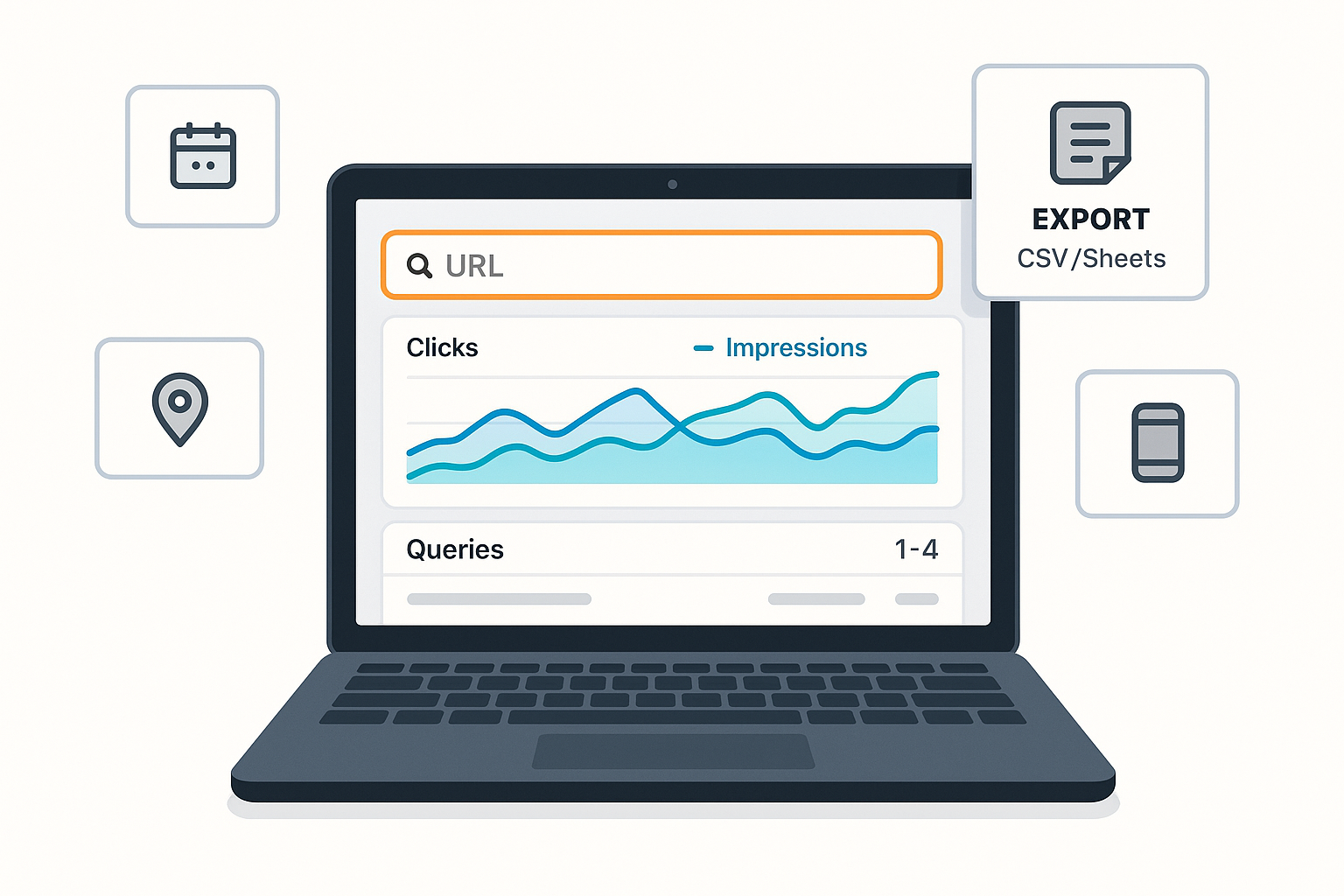
Want a clear count of how many search queries a single page ranks for? This guide shows three reliable ways—starting with Google Search Console (free), then Ahrefs and Semrush—for listing and counting keywords per URL. You’ll also learn how to export results, align filters, and troubleshoot differences.
- Time needed: 5–15 minutes per method
- Difficulty: Easy
- Prerequisites: Access to your site’s Google Search Console property; optional access to Ahrefs or Semrush
Method 1 — Google Search Console (free and closest to the source)
Google Search Console (GSC) shows the actual queries that generated impressions and clicks for your pages. Google details the Performance report’s dimensions and filters in the official guide: see the Performance “Search results” report in the Search Console getting started documentation (Google Developers, 2025).
Follow these steps to see the keyword count for a single article:
-
Open GSC and go to Performance > Search results.
-
Set your Date range (for example, Last 3 months). Keep this range consistent for comparisons.
-
Click + New (or “New”) > Page, paste the article’s exact URL, and Apply.
- Tip: Use the canonical URL. If unsure, run Page inspection to confirm which URL Google treats as canonical.
-
Click the Queries tab just under the chart (next to Pages, Countries, Devices, etc.).
-
Read the keyword count.
- The Queries table lists all queries that generated impressions/clicks for that URL in the selected date range. The number of rows equals the number of queries (keywords) currently visible.
- GSC may not display some very low‑volume queries for privacy. As Google explains, anonymized queries are omitted from the table, so totals in charts can exceed listed rows. See Google’s Performance data deep‑dive (Search Central blog, 2022).
-
Export and count for precision.
- Click Export (top right) and choose Google Sheets, CSV, or Excel. Open the export and count the non‑header rows to get your keyword count for this URL and date range.
- Note: The GSC interface typically caps visible/exportable rows per view. For larger datasets, use the API.
-
Keep filters aligned if you plan to compare with third‑party tools.
- Set Search type = Web (unless you’re analyzing Image/Video/News).
- Optionally add Country and Device filters so you can match the same scope in Ahrefs or Semrush.
Checkpoints you should see now:
- The chart reflects only your chosen URL.
- The Queries tab shows a list of search terms with Clicks, Impressions, CTR, and Average position.
- Your export file contains one row per query for that URL.
Pro note on larger exports:
- The Search Console API allows larger pulls with pagination limits per request/day. See the Search Console API export limits page (Google Help, 2025) for row caps and pagination parameters.
Common mistakes and fixes:
- Wrong property selected (e.g., URL‑prefix vs Domain): switch to the correct, verified property.
- Incorrect date range: extend to last 3–6 months if your page is new or seasonal.
- Not using the canonical URL: confirm via Page inspection and re‑run the filter.
- Very small sites/new pages: expect few rows; some rare queries are intentionally hidden per Google’s deep‑dive on privacy filtering (2022).
Workflow tip (optional tooling): If you draft and optimize content in QuickCreator, you can pair its real‑time SERP/topic suggestions with the GSC method above to audit each article’s keyword spread after publishing. Disclosure: QuickCreator is our product.
Method 2 — Ahrefs: Site Explorer (Exact URL > Organic keywords)
Ahrefs estimates rankings from its own database and can surface long‑tail queries GSC may omit due to privacy filtering. To list and count keywords for a single page:
-
Open Site Explorer and paste the exact page URL.
-
Choose the Exact URL (or “URL” mode) so results apply strictly to that page.
-
Open the Organic keywords report for that URL.
-
Set filters if needed (Position range, Country database, Device if available).
-
Export the keyword table to CSV/XLSX and count rows.
Notes:
- Ahrefs’ database coverage and update cycle differ from Google’s reporting; counts may be higher or lower than GSC depending on the page and locale.
- Your subscription tier may limit rows or export volume.
If you’re new to Site Explorer’s modes and reports, see the Ahrefs Academy overview of Site Explorer (2025) for how URL modes and Organic keywords behave.
Method 3 — Semrush: Organic Research (Pages or URL filter)
Semrush provides country‑level organic data and per‑page keyword lists.
-
Open Organic Research and enter your domain.
-
Go to the Pages tab and click the specific URL you want to analyze (or use Positions and filter by the URL).
-
Review the keyword table for that page; keep the country database selection consistent with your GSC comparison.
-
Export to CSV/XLSX and count rows to get your keyword count.
For more technical detail on Semrush’s Pages/Organic Research reports, see the Semrush developer documentation for Domain reports (API, 2025). While that page covers API endpoints, it mirrors how Pages/Positions data is structured in the UI and exported.
Optional alternates: Bing and GA4 (what they can and can’t do)
- Bing Webmaster Tools: The Search Performance report shows page‑level clicks, impressions, CTR, and position with filters, but strict, per‑URL query tables aren’t as direct as GSC. Useful as a secondary lens for Bing traffic.
- GA4 linked to GSC: After linking, GA4 adds query and landing page reports with Search Console metrics, but it’s less flexible than native GSC for per‑URL query exploration. See the GA4 “Google organic search traffic” report overview (Google Help, 2025) for what appears once linked.
Why the counts differ (and how to compare apples to apples)
- Privacy filtering and anonymized queries in GSC: Some very low‑volume queries are hidden from the table, so chart totals may exceed listed rows. Google explains this in the Performance data deep‑dive (Search Central blog, 2022).
- Filters and scope: Align Date range, Country, Device, and Search type across tools before comparing counts.
- Canonicalization: GSC reports at the canonical URL level; make sure your Page filter targets the canonical.
- Database coverage and recency: Ahrefs/Semrush rely on their crawls and models; they may show keywords that GSC hides for privacy or miss very fresh queries.
Troubleshooting playbook
If GSC shows zero or very few queries for the page:
- Confirm you’re in the correct property and the page is indexed.
- Verify the canonical URL via Page inspection and use that exact URL in the Page filter.
- Expand the date range (e.g., Last 3–6 months) and ensure Search type is Web.
- Remember that rare queries may be hidden by GSC’s privacy safeguards (per Google’s 2022 explanation).
If counts suddenly drop:
- Re‑check the date range and filters.
- Compare with a wider date window to smooth daily noise.
- Inspect indexing or coverage changes; if Google can’t match content to queries well, the list shrinks. For broader troubleshooting on visibility issues, see our guide to fixing the “No results found for match any documents” Google error.
When comparing GSC with Ahrefs/Semrush:
- Match country/device as closely as possible.
- Expect differences: GSC hides some low‑volume queries; third‑party tools estimate and may surface long‑tail terms GSC doesn’t show.
Exporting large datasets:
- If you hit UI limits, use the Search Console API and paginate to pull more rows. See the Search Console API export limits (Google Help, 2025) for current caps and parameters.
What to record and how often
- Record the keyword count and the filters used (date range, country, device, search type) alongside a CSV/XLSX export for traceability.
- Track counts monthly for each important article; investigate large swings by checking indexing, content changes, and competitors.
- For reporting, include both the count and quality indicators: Clicks, Impressions, and Average position in the same date window.
Quick recap: your reliable workflow
- In GSC, Page filter → switch to Queries → export and count rows for your exact URL.
- Optionally cross‑check in Ahrefs (Exact URL > Organic keywords) and Semrush (Organic Research > Pages/URL) and align filters.
- If numbers don’t match, review privacy filtering, filters/scope, canonicalization, and tool coverage.
By following these steps and keeping your filters aligned, you’ll get a dependable count of how many keywords any article ranks for—and a repeatable process for ongoing SEO reporting and optimization.
