How to Implement Multilingual Translation on Your Website Using Plugins and Tools

·November 5, 2025
·0 min read
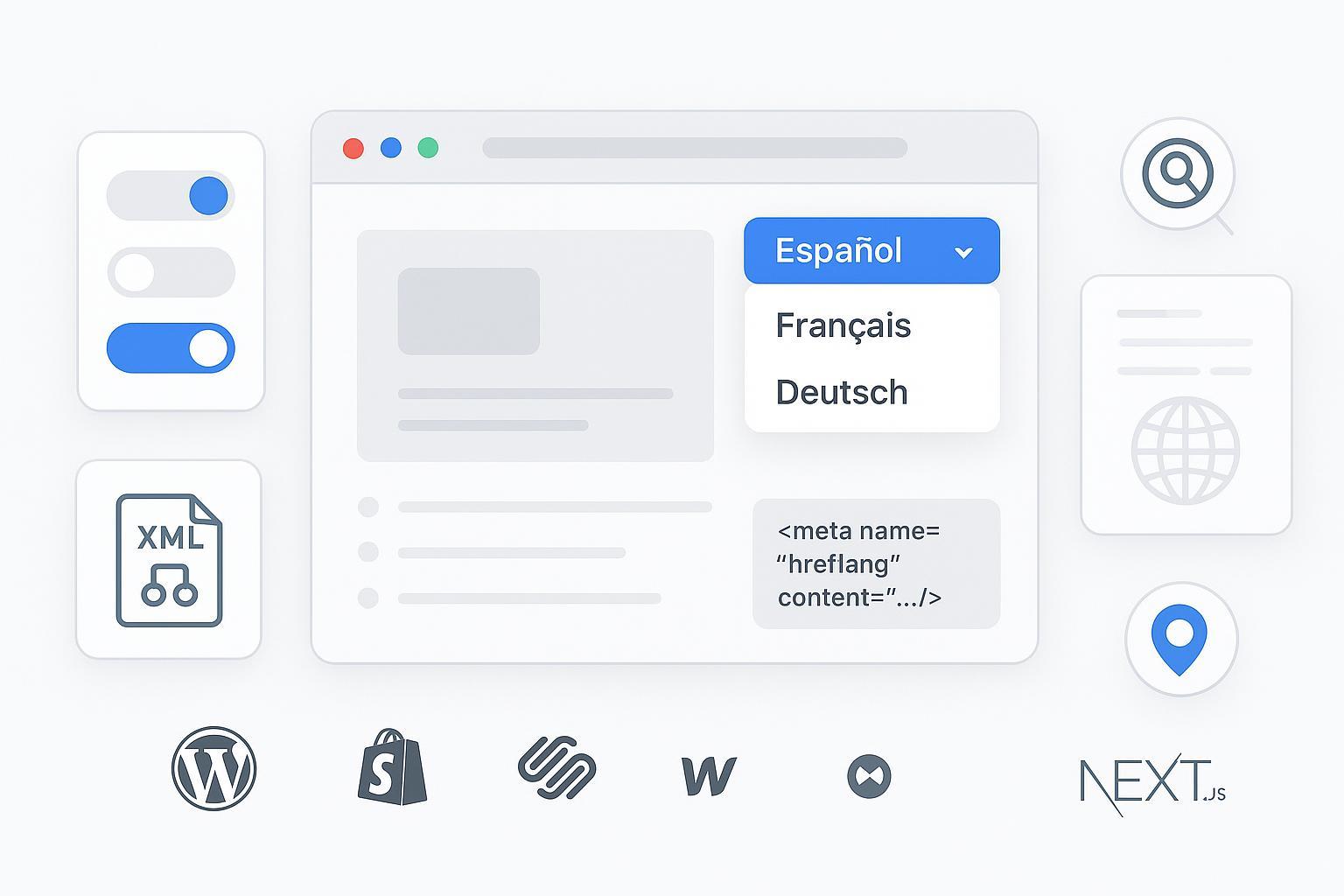
Implementing multilingual translation isn’t just flipping a switch—it’s a combination of the right URL structure, solid plugin/app configuration, accessible UX, and SEO signals that search engines can reliably parse. This guide walks you step by step through planning, setup, verification, and troubleshooting on WordPress, Shopify, Squarespace, Webflow, and Next.js.
- Estimated time: 1–3 hours for basic setup; 1–2 days for full SEO and QA across multiple locales
- Difficulty: Intermediate (beginner-friendly with patience)
- Prerequisites: Admin access to your CMS/platform, ability to edit site settings and install plugins/apps, Google Search Console property access
From experience: most multilingual SEO problems stem from incorrect hreflang, non-unique URLs per language, or inaccessible language switchers. We’ll help you avoid those.
Step 1: Choose the right URL structure (before you install anything)
Pick one structure and stick to it:
- Subfolders: example.com/es/ (best default for most SMBs; shares authority, easy to maintain)
- Subdomains: es.example.com (flexible, but often needs more SEO effort)
- ccTLD
