How to Implement Automatic Website Translation Using Plugins and Tools (WordPress, Shopify, Webflow, Wix, and Custom Sites)

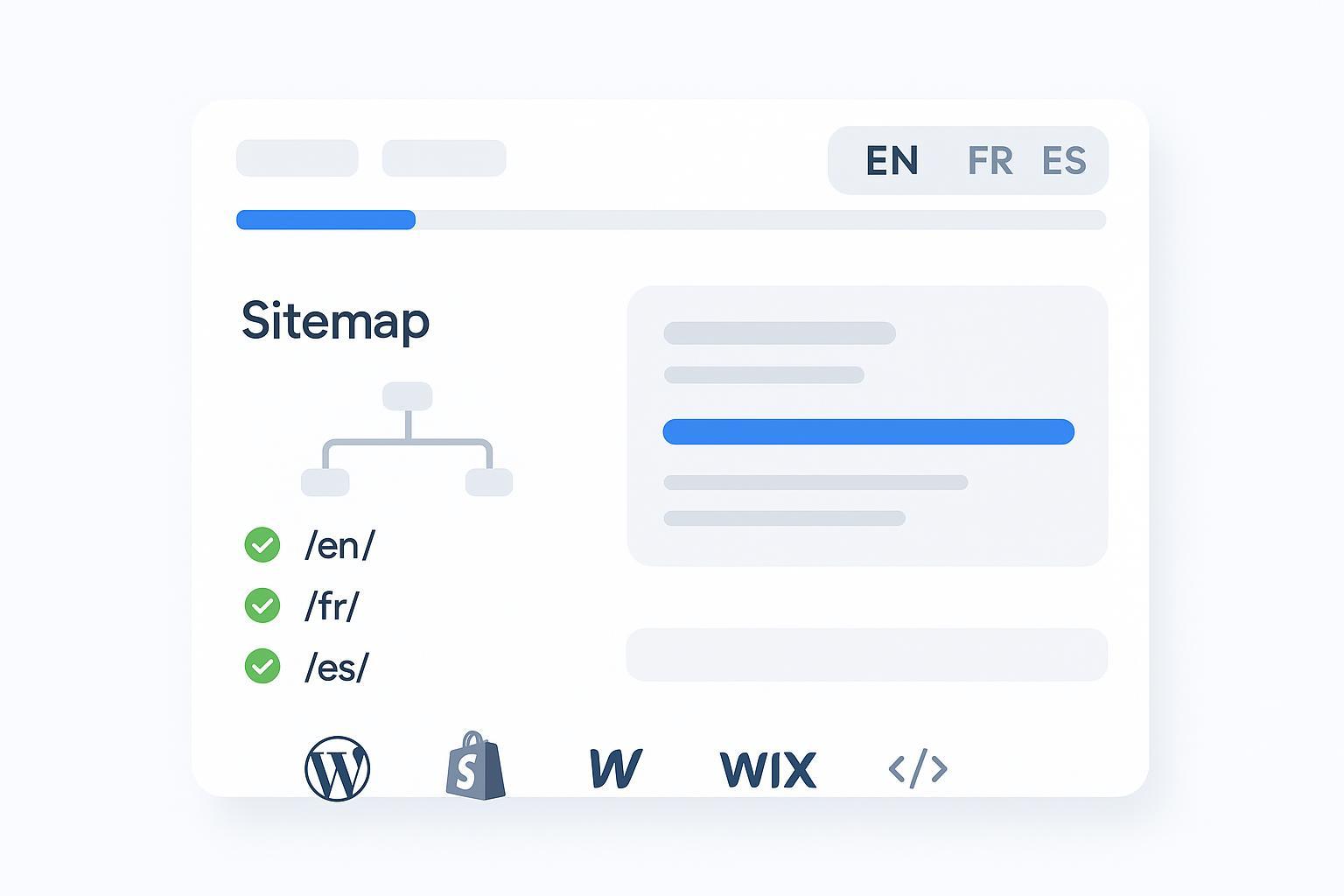
Launch a working multilingual site—complete with automatic translations, crawlable language URLs, correct hreflang tags, a visible language switcher, and basic QA—in about 30–60 minutes per platform.
- Difficulty: Beginner to intermediate
- You’ll need: Admin access to your site, permission to install plugins/apps, and (for many tools) a paid plan. For custom builds, access to hosting/CDN and your code repo.
Pro tip: If this is your first multilingual rollout, start with 1–2 target languages, localize the homepage and top-converting pages first, then expand.
Before you start: Non‑negotiable multilingual SEO rules
- Use separate, crawlable URLs per language (prefer subdirectories like /fr/ or /es/). Google documents this in its localized versions guidance (Search Central, 2024) in the page on localized versions and language-specific URLs.
- Implement hreflang correctly. Each localized page should link to all alternates (including itself) with proper language/region codes; consider x-default. See Google’s guidance on managing multi‑regional and multilingual sites (Search Central, 2024).
- Don’t auto‑redirect users (or bots) based solely on IP or Accept‑Language. Provide a clear language selector and let users choose. Google’s internationalization docs (2024) reiterate this in the same guidance above.
Verification checkpoint:
- After enabling translations, view source on a localized page and confirm rel="alternate" hreflang annotations; visit the localized URL directly (should return 200 and show translated content).
WordPress: Two reliable paths
Choose one path to get live fast, then layer in quality.
Path A — Fast (cloud-managed): Weglot
- Install the Weglot plugin (Plugins > Add New), create a Weglot account, and paste your API key. Set source and target languages.
- Choose your URL structure (subdirectory recommended). Publish and let Weglot auto‑generate localized URLs, hreflang, and a multilingual sitemap. Follow the official Weglot WordPress setup guide (Docs, updated regularly).
- Add and style the language switcher (header/footer). Ensure it’s keyboard accessible.
- SEO checks: Open a localized page and verify translated HTML is rendered server‑side. In your SEO plugin, ensure sitemaps include localized URLs (or use the one Weglot supplies). Submit to Search Console per locale.
Common pitfalls and fixes:
- URLs like ?lang=fr aren’t ideal for SEO—prefer subdirectories.
- If hreflang warnings appear, double‑check return links and correct locale codes (e.g., fr vs fr‑FR).
Path B — Flexible (on your server): TranslatePress
- Install TranslatePress and set the default/target languages (Settings > TranslatePress > General).
- Enable Automatic Translation (Settings > Automatic Translation). Choose your engine (Google Translate or DeepL via API keys) or TranslatePress AI (premium). See the official TranslatePress automatic translation docs.
- Use the visual editor to adjust key pages, slugs, and SEO meta. TranslatePress outputs hreflang automatically.
- SEO checks: Ensure localized slugs/meta exist, hreflang pairs are present, and your SEO plugin’s sitemap exposes localized URLs. Submit per‑locale sitemaps in Search Console.
Alternative (advanced): WPML supports directories/subdomains/separate domains per language and integrates with major SEO plugins. Review the WPML language URL format if you need enterprise control.
Verification checklist for WordPress:
- Localized routes (/fr/, /es/) return 200 and display translated HTML.
- rel="alternate" hreflang includes self‑referencing and reciprocal links.
- Your sitemap(s) contain localized URLs and are submitted for each locale.
Shopify: Use Markets with Translate & Adapt (plus apps when needed)
Recommended baseline — Shopify Markets + Translate & Adapt
- In Shopify admin, go to Settings > Languages to add languages. Install the free “Translate & Adapt” app to machine‑translate base content and then edit as needed. See Shopify’s app page: Translate & Adapt (Shopify, 2024).
- Configure Markets and choose your URL approach (custom domains, subdomains, or subfolders). Shopify’s Markets documentation covers setup and SEO considerations; start at the Shopify Markets overview (Help Center, 2024).
- Turn on the language selector in your theme and test storefront and checkout for each market/language.
Notes:
- Shopify localizes checkout natively; third‑party translation apps do not replace checkout localization.
- Markets helps manage international SEO signals (including hreflang) for languages and regions configured in your store.
When to add a translation app
- For advanced automation, glossary/term control, or team workflows, consider apps like Weglot, Transcy, or Langify. Keep Markets as the source of truth for URLs and checkout.
Verification checklist for Shopify:
- Each language has unique URLs (prefer subfolders) and renders translated content.
- Hreflang exists on localized templates; sample pages indexable in Search Console.
- Checkout language behavior matches your market settings.
Webflow: Prefer native Localization for SEO
Native Localization (recommended)
- In Project Settings > Localization, activate Localization, add locales, and define subfolders (e.g., /fr/).
- Translate content (manual or via integrations/APIs) and customize per‑locale SEO titles, descriptions, and slugs.
- Build a language selector in Designer, publish, and verify that localized URLs and hreflang exist. See Webflow University’s Localization overview (2024).
Alternatives (trade‑offs)
- Widget approach (e.g., client‑side Google‑powered widgets) is quick but often not SEO‑friendly because it doesn’t create crawlable localized URLs with hreflang. Use only for non‑SEO‑critical sites.
- TMS integrations (e.g., Phrase) can streamline workflows; ensure localized URLs/hreflang remain intact.
Verification checklist for Webflow:
- Localized pages exist under subfolders and are included in the sitemap.
- Hreflang links are present and reciprocal.
- The switcher is visible, accessible, and does not cause layout shifts.
Wix: Use Wix Multilingual
- Add Wix Multilingual (Settings > Multilingual). Choose the main and secondary languages and enable auto‑translation credits if desired.
- Wix generates language subdirectories (e.g., /en, /es). Customize per‑language SEO metadata and content.
- Place the language switcher and publish. Wix handles hreflang for multilingual setups. Read the overview: About Wix Multilingual (Help Center, updated).
Verification checklist for Wix:
- Localized URLs load translated content and return 200.
- Hreflang annotations appear on localized pages.
- The switcher is keyboard accessible and labeled for screen readers.
Custom sites: Scripted vs. API build
Option 1 — Managed script (fastest): ConveyThis
- Add their script to generate language subdirectories, hreflang, and editable translations through a dashboard—useful when you need speed plus crawlable URLs without a CMS. See the ConveyThis integrations page on their site.
Option 2 — Build with translation APIs (scalable)
- Routing: Serve language variants under subdirectories (/fr/, /de/). Configure server or CDN rules accordingly.
- Translation pipeline: Extract content, translate via a provider API, store results, and cache aggressively (edge/CDN or Redis) to minimize latency and cost.
- Output: Pre‑render translated HTML (SSG/SSR) where possible for crawlability and Core Web Vitals.
- hreflang: Generate per‑page rel="alternate" hreflang links for all locales (self‑referencing + reciprocals). Add x‑default if you have a global fallback.
- Sitemaps: Provide a sitemap index plus per‑locale sitemaps that include alternate links and submit them in Search Console.
Example hreflang block:
<link rel="alternate" href="https://example.com/" hreflang="en" />
<link rel="alternate" href="https://example.com/fr/" hreflang="fr" />
<link rel="alternate" href="https://example.com/es/" hreflang="es" />
<link rel="alternate" href="https://example.com/" hreflang="x-default" />
Verification checklist for custom:
- Localized pages serve pre‑rendered HTML (not JS‑only) and are indexable.
- Hreflang pairs are complete and correct across locales.
- Per‑locale sitemaps are submitted and show coverage in Search Console.
Verify your setup (do this right after launch)
- Hreflang & URLs: Confirm self‑referencing and reciprocal pairs. Spot‑check a handful of pages across languages.
- Sitemaps & indexing: Inspect localized URLs in Search Console; the canonical should not point back to the source language.
- Language selector UX: Use native language names (Français, Español), ensure keyboard access, and avoid flag‑only labels.
- Performance: Measure Core Web Vitals (LCP/CLS) before and after installation. If a client‑side widget added layout shifts, reserve space for the switcher and defer non‑critical scripts.
- Accessibility & compliance: Set the html lang for each locale and ensure switcher ARIA labels. WCAG 2.1 requirements are summarized in the W3C WCAG 2.1 specification (W3C, 2018+ updates).
Troubleshooting: Quick fixes for common issues
- Hreflang warnings (missing return links or invalid codes): Fix the language/region codes (e.g., en vs en‑US) and ensure every localized page links to all alternates, including itself. Consider moving hreflang delivery to sitemaps for scale.
- Translated pages aren’t indexing: Make sure localized URLs exist (not parameter‑only), remove noindex, check robots.txt, and confirm the canonical is the localized page. Submit per‑locale sitemaps.
- Language switcher breaks layout or is hard to use: Place it in the header or footer, label in native names, and test on mobile and keyboard.
- Shopify checkout shows the wrong language: Recheck Markets settings and test as a user from that market. Ensure translations are published; third‑party apps don’t control checkout.
- Layout shifts (CLS) after enabling a widget: Reserve CSS space for the switcher and defer non‑critical scripts; prefer server‑rendered or pre‑rendered translations for SEO‑critical pages.
Quality uplift: Add an AI + human review loop
- Prioritize top‑impact pages (homepage, pricing, PDPs/PLPs, legal). Lock brand terms in a glossary, then review those pages in the translation dashboard or CMS.
- Improve titles and meta descriptions per locale; avoid literal translations for idioms and CTAs.
- Index high‑quality locales first. Consider temporarily noindexing thin sections until reviewed.
Practical workflow tip:
- QuickCreator can help generate initial localized drafts and meta descriptions for key pages, which you then review in your translation tool or CMS. Disclosure: QuickCreator is our product.
- For step‑by‑step guidance on creating multilingual blog posts and on‑page metadata, see the concise AI Blog Writing docs.
Platform-by-platform mini checklists
WordPress
- [ ] Localized subfolders live and indexable
- [ ] hreflang pairs present (self + reciprocals)
- [ ] Localized slugs/meta set; sitemap updated and submitted
Shopify
- [ ] Markets configured; Translate & Adapt installed
- [ ] Language selector active; checkout language correct
- [ ] Localized URLs indexable; hreflang present
Webflow
- [ ] Localization enabled with subfolders
- [ ] Localized titles/descriptions/slugs set
- [ ] Hreflang present; sitemap includes localized URLs
Wix
- [ ] Wix Multilingual enabled; subdirectories live
- [ ] Switcher accessible; page lang attributes correct
- [ ] Hreflang present; pages indexable
Custom
- [ ] Pre‑rendered localized HTML; caching in place
- [ ] Correct hreflang block and per‑locale sitemaps
- [ ] Search Console shows coverage for each locale
References for core behaviors and setup
- Google Search Central (2024): Localized versions and hreflang implementation — localized versions and language URLs and managing multi‑regional and multilingual sites
- WordPress translation tooling: Weglot WordPress setup; TranslatePress automatic translation; WPML URL formats
- Shopify (2024): Translate & Adapt app; Shopify Markets overview
- Webflow University (2024): Localization overview
- Wix Help Center: About Wix Multilingual
- Accessibility: W3C WCAG 2.1
