How to View and Analyze Competitors’ Keywords, Advertising Terms, and Traffic

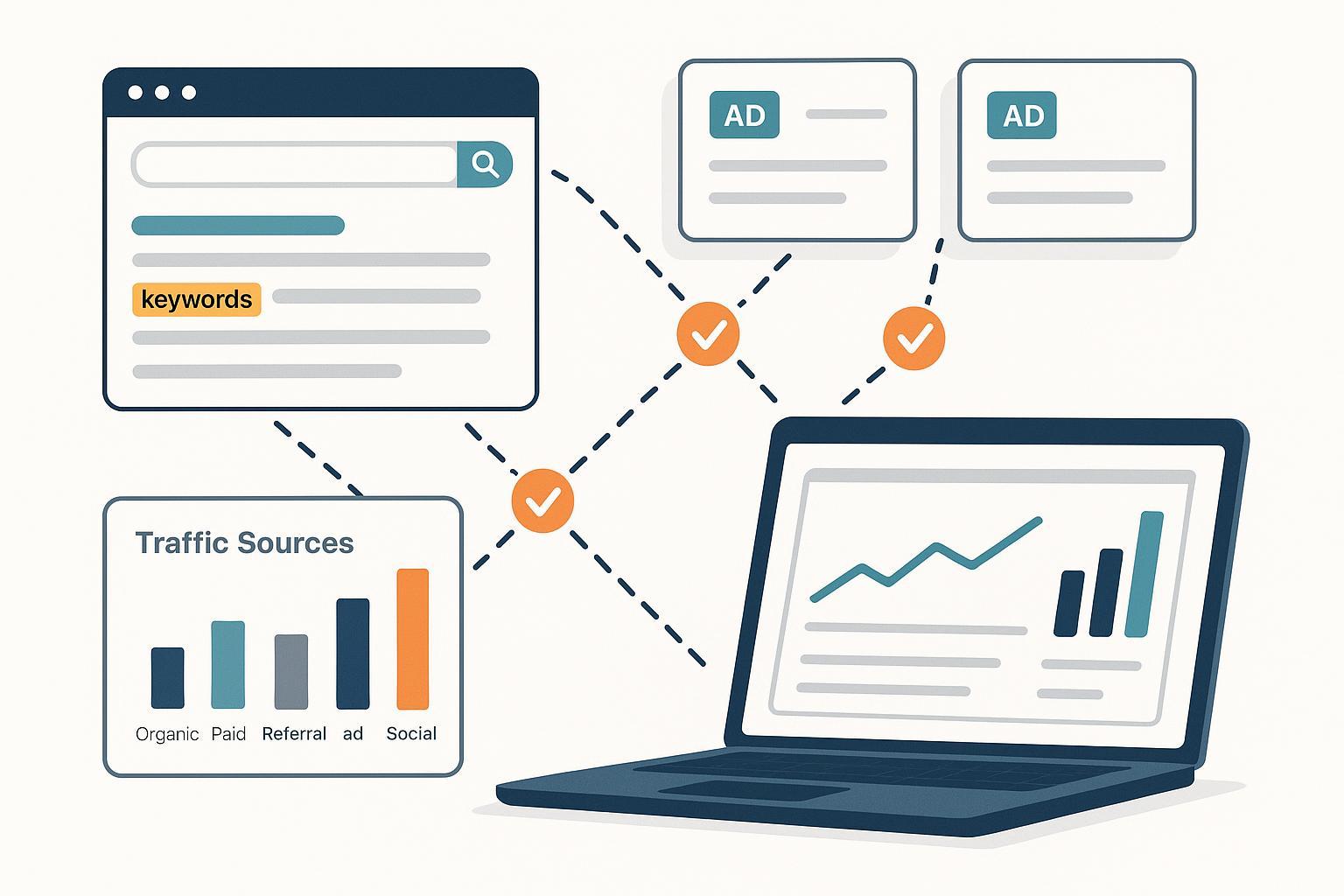
Whether you’re launching in a new niche or scaling an existing program, this guide shows you exactly how to uncover competitors’ organic keywords, PPC advertising terms, and traffic patterns—and then turn those findings into action. Expect a practical, tool-driven workflow with verification and troubleshooting baked in.
- Time: 2–4 hours for a first pass; 1–2 hours for monthly updates
- Difficulty: Intermediate (you can do this without deep technical skills)
- Prerequisites: Access to at least one SEO tool (Semrush or Ahrefs), one PPC intelligence tool (SpyFu or Semrush Advertising), a Google Ads account for official data checks, and a traffic benchmarking tool (Similarweb or Semrush Traffic Analytics)
- What you’ll get: A prioritized list of keyword opportunities, visibility into competitors’ paid terms and ad angles, and directional traffic/channel benchmarks
From experience, the most reliable results come from cross-tool triangulation and careful verification, not from relying on a single dataset.
Workflow 1: Organic Keyword Discovery and Gap Analysis
Follow these steps to see what terms your competitors rank for and where you can win.
-
Identify primary competitors
- List 3–5 competitor domains you see in your SERPs or in your niche.
- Tip: Separate direct competitors from authoritative publishers that happen to rank in your space.
-
Extract competitors’ ranking keywords
- In Semrush, open Domain Overview, then Organic Research. Enter a competitor domain, select the country database, and open Positions to view ranking keywords and filters. Semrush’s features are documented in the Domain Overview knowledge base by Semrush (KB page maintained continuously) — see their concise explainer in the Semrush Domain Overview.
- Alternative: In Ahrefs Site Explorer, check Organic keywords for the domain; apply country filters and export.
-
Run a content gap analysis
- In Ahrefs, go to Competitive Analysis > Keywords > Content Gap. Enter your domain vs up to 10 competitors, set country and thresholds, and click Show opportunities. Ahrefs describes this workflow in their 2025 help article How to use Content Gap.
- Alternative: Use Semrush’s Keyword Gap with your domain vs competitors; sort by Missing and Untapped.
-
Segment by branded vs non‑branded and intent
- Branded: Queries containing competitor brand names. Log them but do not chase them for organic unless comparison content fits your strategy.
- Non‑branded: Your highest opportunity for net-new traffic.
- Intent: Group keywords by informational, transactional, and navigational intent to align content formats and CTAs.
-
Prioritize by feasibility and potential
- Weigh keyword volume, difficulty, SERP features, and your ability to satisfy intent.
- Verify top candidates manually on the SERP to confirm the real ranking page types and content depth.
-
Verify on the SERP (reduce bias)
- Use private/incognito mode and set the correct country; check the actual ranking URLs.
- Make sure your proposed content angle matches the dominant intent of the top results.
-
Export and create your action list
- Export “Missing/Untapped” keywords; add columns for search intent, content format, and feasibility score. Create 3–5 high‑impact targets per cluster.
A simple prioritization table
| Keyword | Volume | Difficulty | Intent | Feasibility (1–5) | Notes |
|---|---|---|---|---|---|
| competitor monitoring tools | 2,400 | Medium | Informational | 4 | List with comparison section |
| audit insights google ads | 200 | Low | Informational | 3 | Glossary + screenshots |
| best ppc keyword tools | 1,000 | Medium | Research/Commercial | 4 | Tool roundup; internal links later |
How to check your work
- Did you separate branded vs non‑branded?
- Do your top choices match the SERP’s dominant intent?
- Can you produce content that genuinely satisfies the query better than the current top 3?
Common pitfalls and fixes
- Pitfall: Chasing keywords with mismatched intent. Fix: Reassess SERP; change format (e.g., tutorial vs listicle) or choose different terms.
- Pitfall: Overvaluing low‑volume hyper‑specific terms. Fix: Cluster them and build a comprehensive piece; target a parent topic.
- Pitfall: Ignoring SERP features (People Also Ask, video, shopping). Fix: Incorporate FAQ sections or multimedia where appropriate.
Workflow 2: PPC Advertising Terms, Ad Copy, and Auction Insights
Here’s how to see competitors’ paid keywords, ads, and auction overlap—and make smarter choices.
-
Discover competitor paid keywords and ad copy
- Use SpyFu to search a domain, then open PPC Research > Ad History for historical ad copy and landing pages; their overview of Google Ads competitor research explains these capabilities in SpyFu’s competitor research guide (2024–2025 updates).
- Alternative: Semrush Advertising Research > Positions and Ads. Filter by country, match type, and device; export.
-
Corroborate CPC and volume with official data
- Open Google Ads > Tools & Settings > Keyword Planner to validate ranges for top‑of‑page bids and volume. Google’s 2025 Help overview clarifies features and filters in Keyword Planner (Google Ads Help). Treat volumes and bid ranges as directional estimates, especially in low‑spend accounts.
-
Validate ad visibility without affecting metrics
- Use Tools & Settings > Ad Preview and Diagnosis. Set search term, location, language, and device to confirm if ads are eligible to show. Google states explicitly in their 2025 Help page that Ad Preview lets you see the SERP “without affecting your ad statistics,” documented in About text ads — Ad Preview note (Google Ads Help).
-
Read Auction Insights for competitor overlap
- In Campaigns/Ad groups/Keywords, select items and choose Auction insights. Examine impression share, overlap rate, position above rate, and top‑of‑page rates. Google’s metric definitions are maintained in Auction Insights (Google Ads Help) and align across 2024–2025.
- Decision tip: If a competitor consistently outranks you, evaluate bid strategy, quality score factors (ad relevance, expected CTR, landing page experience), and ad extensions.
-
Apply negative keyword hygiene
- Add negatives (campaign or ad group) to exclude irrelevant queries; match types follow familiar syntax. The 2025 basics are outlined in Negative keywords (Google Ads Help). Review Search terms reports weekly to catch waste.
-
Build a paid terms shortlist
- From SpyFu/Semrush lists, keep only terms that match your conversion intent and margins.
- Group by match type strategy: exact for high‑intent, phrase for expansion, and broad only with strong negatives.
How to check your work
- Did you corroborate CPC/volume with Keyword Planner for your target geography and language?
- Does Ad Preview show eligibility for your test ads in priority locations?
- Are your negatives preventing irrelevant impressions without blocking valuable variants?
Common pitfalls and fixes
- Pitfall: Overreliance on broad match inflates costs. Fix: Shift high‑value terms to exact/phrase; strengthen negatives.
- Pitfall: Misreading Auction Insights at the wrong level. Fix: Check both keyword‑level and campaign/ad group views; extend date ranges when volume is low.
- Pitfall: Copying competitors’ ad angles blindly. Fix: Test distinct value propositions and landing page messaging; prioritize relevance and clarity.
Workflow 3: Traffic Benchmarking and Channel Insights
Use traffic analytics tools to estimate competitor sessions, sources, and geos, then triangulate.
-
Estimate traffic and engagement
- In Similarweb, open a competitor domain to see total visits, channel shares (organic, paid, referral, social, email, display), and geography splits. The metrics are defined in Similarweb Support’s 2024–2025 documentation: Performance Metrics (Similarweb Support).
- Alternative: Semrush Traffic Analytics > Overview for sessions, channels, geos, and device split. See Semrush’s concise feature explainer in Traffic Overview (Semrush KB).
-
Triangulate across tools
- Compare Similarweb vs Semrush Traffic Analytics. Expect variance in absolute numbers; use directionality and relative differences to guide decisions.
- If available, cross‑check your own GA4 data to calibrate expectations for sites of similar scale.
-
Identify growth channels and referrers
- Look for channels where competitors are over‑indexed (e.g., referral or social). Inspect top referring domains and replicate viable partnerships.
- Note countries with rising share; adjust your content and PPC geo‑targeting.
-
Create a quarterly benchmarking snapshot
- Capture sessions, channel mix, top geos, and notable referrers for your top 3 competitors. Repeat monthly or quarterly to spot shifts.
How to check your work
- Do two tools agree directionally on the top traffic channels?
- Are your target geos reflected in competitor growth? If not, re‑assess your targeting.
- Did you log referrers you can realistically partner with or earn links from?
Common pitfalls and fixes
- Pitfall: Treating estimates as exact. Fix: Use ranges and trends; decisions should be based on relative changes and corroboration.
- Pitfall: Ignoring device differences. Fix: Segment by desktop vs mobile for SERP and ad experience.
- Pitfall: Overlooking seasonality. Fix: Compare YoY, not only MoM; annotate promos or events.
Turn Findings into Action: SEO and PPC Plan
Use this lightweight template to move from analysis to implementation.
Action Plan Template (copy/paste)

SEO Content Sprints (6–8 weeks)
- Target clusters: [list 3–5]
- Top pages to create/refresh: [list URLs]
- On-page essentials: H1/H2s aligned to intent; FAQs; internal links; schema where applicable
- Publishing cadence: [weekly/biweekly]
- SERP verification cadence: [weekly]

PPC Campaign Adjustments (4–6 weeks)
- Exact-match core terms: [list]
- Phrase-match expansion: [list]
- Broad-match (with negatives): [list]
- Negative keyword list review: [weekly cadence]
- Auction Insights watchlist: [competitors]
- Ad tests: [messages/LP variants]

Traffic/Channel Benchmarks (Quarterly)
- Sessions & QoQ trend: [value]
- Channel mix shift notes: [observations]
- Top geos & referrers to activate: [list]

KPIs & Verification
- SEO: rankings for top 10 target terms; clicks; conversions
- PPC: impression share; CPA/ROAS; search terms hygiene
- Traffic: directional alignment across tools; referrer growth
Implementation tips
- Keep branded vs non‑branded segmentation in both SEO and PPC to avoid skewed conclusions.
- For PPC, set “stop‑loss” rules (e.g., pause any term with CPA > target by 50% after 200 clicks unless conversion rate improves).
- Re‑verify top SERPs after major algorithm updates or seasonality shifts.
Troubleshooting and Edge Cases Cheat‑Sheet
- Auction Insights shows limited data: Expand date range; check at keyword and campaign levels; ensure the entity has enough impressions.
- Ads don’t appear in Ad Preview: Confirm approvals, budgets, schedules, geo/language/device targeting, and negative keyword conflicts.
- Keyword Planner returns sparse ideas: Broaden seed terms; try industry modifiers; validate with third‑party tools; remember official volumes are approximate.
- Traffic tools disagree widely: Default to trend and channel shares; if critical, corroborate with first‑party analytics or adjust expectations by country.
- SERP intent conflict: If top results are product/category pages and you planned a blog, pivot to a landing page or a comparison guide.
Closing: Operationalize Faster
If you want to turn prioritized keywords and insights into publishable content quickly—drafts, on‑page optimization, and one‑click publishing to WordPress—consider using QuickCreator to speed up execution across languages and formats. Disclosure: QuickCreator is our product.
You can map your analysis into content sprints, build consistent meta elements, and keep publishing momentum while your SEO and PPC monitoring continues.
