How Do Search Engines Work? All You Need To Know To Rank Higher

Last updated: 2025-10-12
Author: Tony Yan — Cofounder of QuickCreator, SEO lead
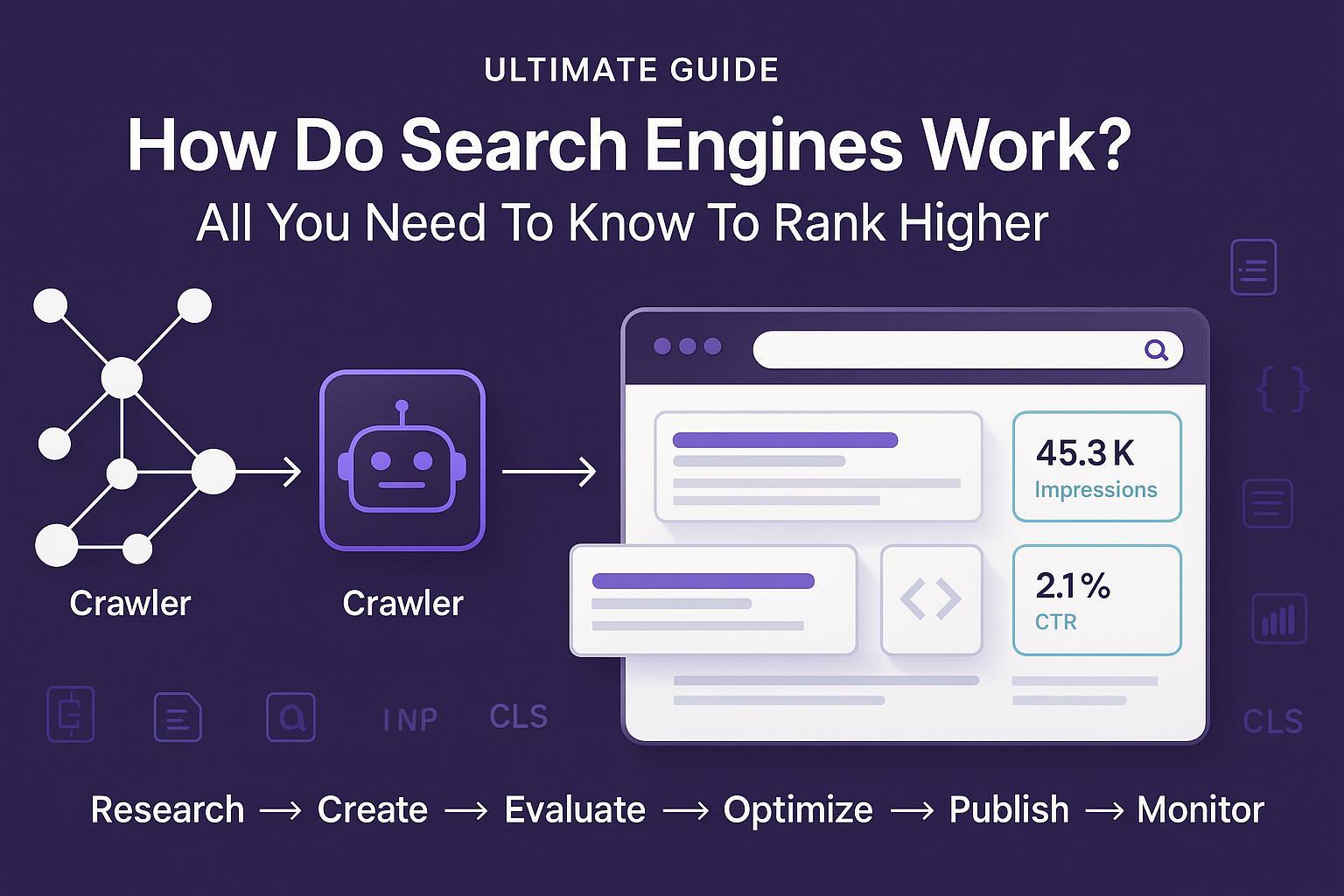
If you understand how search engines actually crawl, index, and rank content, you can design a simple workflow that reliably earns visibility—without juggling six tools or guessing what “the algorithm” wants. In this guide, I’ll demystify search mechanics in plain English, then give you the exact six-step process growth-focused SMB marketers use to publish helpful content and improve rankings over the next 30/60/90 days.
Who this is for: beginner–intermediate marketers, founders, and agency generalists who need an actionable, low-friction SEO system that fits into a busy week.
What you’ll walk away with:
A clear mental model of crawl → index → rank
A pragmatic, tool-agnostic workflow (with a transparent product example panel)
Checklists for on-page SEO, publishing QA, and monitoring
KPIs and a 30/60/90-day iteration plan
1) How Search Engines Work (and what actually matters for rankings)
At a high level, search engines like Google do three things: crawl the web, index useful pages, and rank the best matches for a searcher’s intent. If the concept of SEO is new, skim this short primer on SEO explained and come back here.
Crawl: how Google discovers your pages
Discovery sources include links, sitemaps, and known URLs. Submitting a sitemap can help Google find new or updated content faster, especially for new or large sites, according to Google’s Sitemaps documentation.
Access control: Robots.txt controls crawl access but does not guarantee non-indexing of a known URL; use robots meta or X-Robots-Tag for indexing control as clarified in Google’s robots.txt overview and robots meta tags guide.
Mobile-first crawling: Google primarily uses the mobile version of your content for crawling and indexing since the completion of mobile-first indexing noted in the “Mobile-first is here” announcement (2023). Ensure content, metadata, and links are equivalent on mobile and desktop per mobile-first best practices.
Plain-English takeaway: Make it easy to discover your pages (submit a sitemap), don’t accidentally block important content, and ensure your mobile experience is complete and consistent.
Index: how Google understands and stores your pages
Canonicalization and duplicates: Google clusters similar/duplicate URLs and selects a canonical URL using signals such as rel=canonical, redirects, internal linking, and sitemaps. See Consolidate duplicate URLs.
Structured data: Add schema markup to help Google understand page type and enable rich results—following policies from Structured data guidelines and the Search Gallery.
Images: Use descriptive alt text, responsive images, and consistent image URLs when reusing the same visual, per Google Images best practices.
Plain-English takeaway: Avoid unintentional duplicates, give clear canonical signals, and use structured data to clarify what your page is about.
Rank: how Google selects and orders results
Intent match and helpfulness matter most. Google’s guidance emphasizes people-first content and quality over tricks; see the SEO Starter Guide and context around core updates in the Core updates explainer.
Helpful content and spam policies: In March 2024, Google refined core systems and updated spam policies (scaled content abuse, site reputation abuse, expired domain abuse). See the March 2024 core update and spam policies announcement. Google later reported reducing low-quality results by 45% during that period in the consumer-facing post on The Keyword (2024).
E-E-A-T is a lens, not a single factor. Show experience, expertise, authoritativeness, and trustworthiness (E-E-A-T) in your content and presentation. Google’s recent guidance on people-first content in AI-driven search (2025) reiterates this framing; see Succeeding in AI search (Google Search Central, 2025). For a friendly primer on terminology, see the difference between E-A-T and E-E-A-T.
Page experience and Core Web Vitals: Improve user experience (LCP, INP, CLS). INP replaced FID in 2024; good thresholds are LCP ≤ 2.5s, INP ≤ 200ms, CLS ≤ 0.1 per Core Web Vitals and web.dev’s INP article. Use PageSpeed Insights for diagnostics.
Links: Internal links help discovery and clarify topic relationships; descriptive anchor text is encouraged. See Google’s link best practices.
Plain-English takeaway: Satisfy intent with helpful, trustworthy content, present it cleanly, and ensure a fast, stable experience on mobile. Links still matter, but helpfulness and relevance do the heavy lifting.
2) The Rank-Higher Workflow (six practical steps)
Below is a tool-agnostic process you can implement this week. Then you’ll see an example panel showing how one platform can consolidate steps.
Step 1 — Research: find topics you can win
Objectives
Identify achievable topics with clear intent and aligned SERP features
Cluster related queries; map primary/secondary entities and user questions
Actions
Use a research tool (e.g., SEMrush) to shortlist keywords with manageable difficulty and healthy intent-fit.
Use Google Keyword Planner to gauge demand, then read top-ranking pages to confirm search intent (informational vs commercial, required depth, SERP features like FAQs or lists).
Use a conversational assistant to expand entity coverage and FAQs; capture terms and concepts you must address.
Document: primary keyword, secondary variations, entity list, outline ideas, and internal link targets.
Outputs
Topic cluster doc, prioritized target keyword, draft outline, entity/FAQ list
Helpful references and further reading
Clarify the differences between keywords and topics in this primer on what keywords are (and how to group them).
Build topical authority with a hub-and-spoke plan, outlined in this authority-building guide.
Watch for
Chasing volume over intent
Ignoring SERP reality (e.g., list-heavy pages when you plan a narrative essay)
Step 2 — Create: draft an intent-satisfying article
Objectives
Produce a complete, trustworthy, and easy-to-read draft that covers entities and answers the key questions
Actions
Turn your outline into clear H2/H3 sections that align with intent and SERP norms.
Add unique angles: examples, mini-case anecdotes, charts, or original screenshots. Name your author and include relevant experience.
Prepare images with descriptive alt text and compress before upload.
Draft an Article schema (JSON-LD) including headline, author, datePublished, and image as advised in Article structured data.
Draft 2–3 title and meta description options; avoid keyword stuffing in titles per the SEO Starter Guide’s title link advice.
Outputs
Polished draft, images, schema snippet, title/meta options, internal link plan
Step 3 — Evaluate: pressure-test your draft
Objectives
Confirm information gain vs current SERP; verify on-page elements and internal links
Actions
Checklist: headings clarity; entity coverage; authoritative citations with descriptive anchors; internal links to related pages; external links to original sources (sparingly); image alt text; table/diagram if it clarifies.
Validate schema in Rich Results Test; spot CWV risks with PageSpeed Insights.
Prepare final title and meta description; ensure the first paragraphs align with searcher needs so Google can craft a good snippet per snippet guidance.
Outputs
Final draft with gaps addressed, validated schema, and on-page SEO ready
Step 4 — Optimize: tighten and enrich
Objectives
Resolve remaining gaps; improve clarity, depth, and UX speed
Actions
Add missing entities/FAQs; prune fluff; improve subhead specificity.
Lay down internal links from high-traffic related pages using descriptive anchors; follow Google’s link best practices.
Compress and lazy-load images; implement responsive images.
Address CWV issues—target LCP ≤ 2.5s, INP ≤ 200ms, CLS ≤ 0.1 per Core Web Vitals thresholds.
Outputs
Publication-ready page that’s clear, complete, and user-friendly
Step 5 — Publish: ship with technical basics covered
Objectives
Deploy to your CMS with correct technical signals and site-wide health
Actions
Use HTTPS, concise descriptive URLs, rel=canonical as needed, and a clean, mobile-first template per mobile-first best practices.
Generate/submit a sitemap and confirm robots.txt isn’t blocking important paths, following the Sitemaps and robots.txt overview guidance.
Cross-link from relevant legacy posts to your new page.
Further reading
If you’re comparing CMS options or hardening your stack, this checklist of CMS SEO best practices and key features can help you avoid common pitfalls.
Step 6 — Monitor & iterate: treat SEO like a product
Objectives
Verify indexing; measure impressions, clicks, CTR, and position; iterate based on data
Actions
In Search Console, use URL Inspection to check index status; use the Performance report to track queries/pages; watch the Indexing report to resolve Excluded/Error patterns; refer to the Search Console start guide.
Use the relatively new Recommendations module (Aug 2024) on the Overview tab to spot Issues/Opportunities, as described in the Search Console recommendations announcement (2024).
Improve CTR with better titles/meta; add internal links from related content; consider a content refresh when impressions plateau.
Track Core Web Vitals via the report and PageSpeed Insights.
Outputs
A running log of improvements, internal link additions, and title/meta tests
Pro tip
Keep a short “Changelog” at the bottom of each article detailing what you improved and when. It helps future you—and establishes transparency for readers.
Example panel — consolidating the Create/Evaluate steps (transparent product example)
Disclosure: QuickCreator is our product.
After following the neutral steps above, some teams streamline drafting and evaluation in one place. For example, you could draft from a target keyword, generate an outline, and produce a first-pass article; then run an evaluator that checks entity coverage and E-E-A-T signals against top SERPs. A content quality score guide like this one explains typical criteria: content quality score (Help Center). If you want a lightweight way to audit E-E-A-T presentation, see this AI E-E-A-T checker.
If you prefer an all-in-one approach, you can use QuickCreator to draft with its AI Blog Writer and evaluate with its Chrome Extension before publishing via managed hosting or CMS integrations.
3) Common Myths vs Reality (the contrarian playbook)
Myth: “Aim for 2–3% keyword density.”
Reality: Google does not recommend a percentage. Over-optimization risks spam signals. Focus on clarity, intent, and comprehensive topic coverage per the SEO Starter Guide and people-first guidance referenced in recent updates.Myth: “Backlinks first; content second.”
Reality: Links are a signal, but manipulative schemes violate Google’s link spam policies. Helpful, intent-satisfying content earns citations naturally; it’s also more resilient to updates.Myth: “Publish once and it will keep ranking.”
Reality: Search evolves. Use Search Console to monitor performance and iterate. Google’s core updates explainer and monitoring guidance encourage maintaining content usefulness over time.Myth: “Page experience doesn’t matter anymore.”
Reality: Content relevance remains primary, but poor experience hurts users and can be a tiebreaker. Track LCP/INP/CLS using Core Web Vitals and PageSpeed Insights.
4) Measurement & Benchmarks: what “good” looks like
Key KPIs to track in your first 90 days
Time to index: aim for 3–14 days. If a page isn’t indexed by day 30, investigate in the Indexing report and check robots/noindex and canonicals (use URL Inspection from the Search Console start guide).
Impressions: should climb before clicks; indicates you’re eligible to show.
Clicks and CTR: refine title/meta; ensure the intro satisfies the query so Google can create an attractive snippet per snippet best practices.
Average position: look for a steady upward trend over 60–90 days; use internal links to lift relevant pages.
Content quality score uplift: log pre/post evaluation results and the changes you made.
Internal link additions: count new links from relevant pages after publishing.
Core Web Vitals: target Good status on LCP/INP/CLS; use PageSpeed Insights for diagnostics.
30/60/90-day iteration plan
Day 1–7: Confirm indexing via URL Inspection. Fix any Indexing report issues. Add 2–3 internal links from existing pages.
Day 14–30: Review Performance report queries; test improved titles/meta to raise CTR. Add a missing FAQ or example to increase information gain. Check the Recommendations module for quick wins per the 2024 Search Console recommendations.
Day 31–60: Expand the cluster with one supporting article targeting an adjacent intent. Add cross-links between the hub and spokes. Re-check CWV.
Day 61–90: Full content refresh if impressions or position stall. Add a diagram or table; improve entity coverage; re-promote.
Operational tip
Standardize your process with a living SOP so your team (or future hires) can reproduce wins. For a broader process perspective, see these content workflow best practices.
5) On-Page Templates & Checklists
Use these directly in your workflow. Copy them into your doc or task manager.
On-Page SEO Checklist (before publishing)
Intent confirmed; outline matches SERP norms (list/how-to/guide)
H1 is unique and descriptive; H2/H3 are scannable and specific
Entities and FAQs covered; authoritative citations included with descriptive anchors
Internal links to relevant pages; a small number of authoritative external links
Images compressed; descriptive alt text; responsive
Article JSON-LD validated; optional FAQ only when truly helpful (and note that visibility is limited since Aug 2023 per Google’s FAQ changes announcement)
Technical basics: HTTPS, canonical, sitemap updated, robots.txt OK; mobile parity verified
CWV pre-check: LCP/INP/CLS within good thresholds using PageSpeed Insights
Publishing QA
Final title/meta selected; intro aligns with snippet needs
Internal links from older posts queued and added after publish
URL is short, descriptive, and stable
Add author name and brief bio; last updated date
Monitoring SOP (lite)
Week 1: Confirm indexing with URL Inspection; review Indexing report
Week 2–4: Review queries and CTR; improve titles/meta; add internal links
Month 2: Add a supporting article; cross-link
Month 3: Refresh if growth stalls; consider adding a diagram, data point, or case example
Note on CMS selection
Your CMS should make SEO basics easy. Use this CMS SEO best-practices checklist to pressure-test platforms before you commit.
6) FAQs
Q: How long does it take to rank?
A: It depends on competition, content quality, and site authority. Focus on getting indexed within 3–14 days and growing impressions first; then improve CTR and depth. Google’s guidance on core updates and the Search Console start guide support continuous monitoring and improvement rather than fixed timelines.
Q: What if my page doesn’t index?
A: Use URL Inspection to confirm status, check robots/noindex, and look for canonical conflicts and duplication. Investigate exclusion reasons in the Indexing report. See robots meta tags and canonicalization guidance.
Q: How many words do I need?
A: There’s no fixed word count. Write enough to satisfy intent and cover key entities without fluff. Google emphasizes helpful, people-first content in the SEO Starter Guide and recent guidance.
Q: Do entities really matter, or should I just repeat keywords?
A: Entities help you cover the topic comprehensively and match user intent. Avoid keyword stuffing; aim for clarity and completeness, consistent with the SEO Starter Guide.
Q: Do I still need backlinks?
A: Quality links remain useful signals, but manipulative link building can backfire per Google’s link spam policies. Create content that earns citations; use internal links wisely.
Closing: Your next steps
Put the six-step workflow into motion this week. Start with one high-intent topic and follow the checklists above. If you want to consolidate research-to-publish in one ecosystem with built-in evaluation, start a free trial of QuickCreator or book a short demo to see E-E-A-T scoring, entity coverage checks, and technical automation in action.
Author bio
Alex Chen is a technical SEO and SaaS content strategist who has led content programs for startups and SMBs across B2B tech and eCommerce. He specializes in building practical SEO workflows that combine human expertise with AI-assisted tools, with a focus on E-E-A-T and sustainable growth. He occasionally writes about content operations and measurement for busy marketing teams.
