Google Alerts Guide: How to Monitor Your Brand’s Online Presence

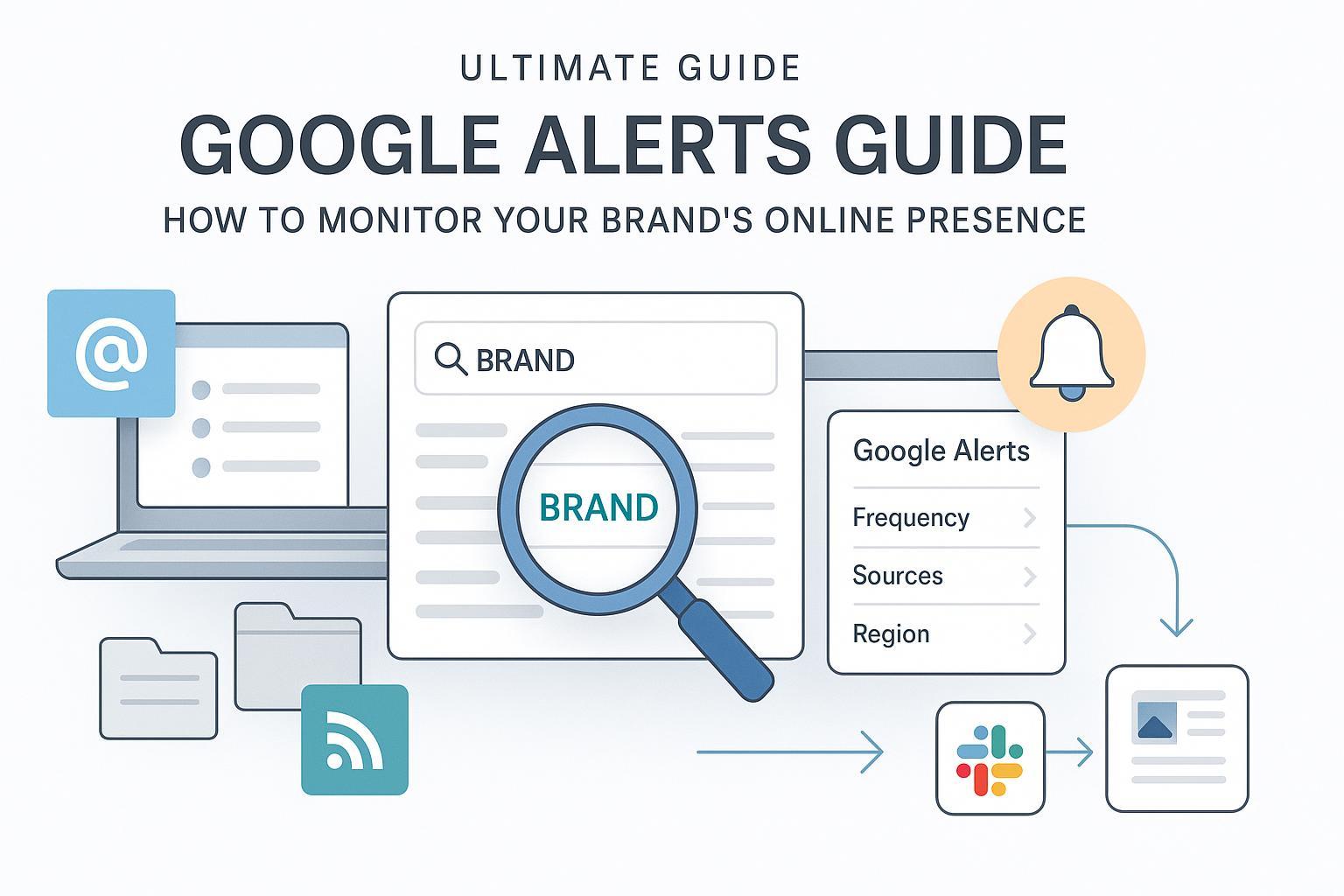
If you run a brand—even a small one—you need a simple way to know when people mention you online. Google Alerts is free, fast to set up, and, when configured well, surprisingly effective for web and news monitoring. In this guide, I’ll show you exactly how to set up high-signal alerts, route them to the right place, and turn them into timely responses or content—without drowning in noise.
I’ll be candid upfront: Google Alerts is not a complete social listening suite. It’s best at catching newly indexed web content and news, not private social posts or paywalled pages. Used correctly, though, it’s the 80/20 solution for early-stage brand monitoring and a great companion to your broader reputation workflow.
What Google Alerts can (and can’t) do
Before you set anything up, calibrate expectations.
- What it monitors well
- Newly indexed or updated web pages, news sites, blogs, some videos, public discussions, and even books and finance pages. You configure alerts from the live interface at Google Alerts.
- Where it’s limited
- Social platforms: Coverage is inconsistent because many networks restrict indexing. Timing can lag, and duplicates can creep in. This is echoed by neutral industry reviews like Brandwatch’s 2025 overview of brand monitoring capabilities and limits in its Brandwatch brand monitoring primer (2025), and by Determ’s practical discussion of Alerts’ gaps in Determ’s “6 key things you should know” (2024).
In short: Treat Alerts as your free “web radar.” If you need real-time social streams, sentiment analysis, and dashboards, you’ll eventually combine it with a dedicated tool (we’ll cover options later).
Step-by-step: Set up Google Alerts the right way
You can create your first alert in under a minute, but a few choices determine whether you later see pure signal or lots of noise.
- Go to Google Alerts and sign in
- Head to the official interface at Google Alerts. In the “Create an alert about…” box, type a query like your brand name.
- Open advanced options
- Click “Show options” under the query. You’ll see:
- How often: As-it-happens, At most once a day, At most once a week
- Sources: Automatic, News, Blogs, Web, Video, Books, Discussions, Finance
- Language and Region
- How many: Only the best results vs. All results
- Deliver to: Email or RSS feed
- These labels are consistent with recent walkthroughs such as the 2024 SE Ranking guide to setup and options in its SE Ranking “How to Set Up Google Alerts” (2024).
- Choose smart defaults
- Frequency: Daily is a good starting point for most brands; switch critical alerts to As-it-happens.
- Sources: Start with Automatic, then narrow if you notice noise.
- How many: Only the best results is safer early on; move to All when you trust your query.
- Deliver to: Email is standard; RSS is useful for team routing and automation.
- Save and test
- Click “Create Alert,” then watch the first week’s messages. If irrelevant results creep in, refine your query (we’ll get to operators next) and, if needed, adjust Sources or How many.
Pro tip on RSS delivery
- The “Deliver to” menu includes an RSS feed option. You can pipe that feed into automation tools. Zapier explains the flow and downstream routing in its practical article “Track Google Alerts in any app” by Zapier (2024). If the RSS path doesn’t appear in your account, you can still route alert emails into these tools (details below).
The 80/20: Craft precise queries with Google operators
Most of your success comes from crafting queries that cut the noise but still catch true mentions. Google Alerts follows Google Search syntax for core operators. You can reference Google’s official list in Google Search Central’s search operators documentation.
Below are field-tested patterns I use for brand monitoring. Copy, paste, and adjust the names.
- Exact brand name
- "Acme Widgets"
- Variants and misspellings (catch common typos and stylistic variations)
- ("Acme Widgets" OR AcmeWidgets OR "Acme Widget Co" OR Acme Widgeets)
- Reduce hiring/job noise
- "Acme Widgets" -jobs -hiring -careers -site:acmecareers.com
- Constrain to a specific site or community
- site:reddit.com "Acme Widgets"
- High-intent research and comparisons (page titles)
- intitle:("Acme Widgets review" OR "Acme Widgets vs")
- Catch review URLs
- inurl:review "Acme Widgets Pro"
- Grouped sentiments or issues
- ("Acme Widgets" OR AcmeWidgets) ("review" OR "complaint" OR "refund" OR "scam")
- Wildcard for phrase variations
- "Acme Widgets * warranty"
- Public documents mentioning your brand
- "Acme Widgets" filetype:pdf
- Discover competitors similar to your domain
- related:acmewidgets.com
- Executive monitoring (exclude your own site)
- "Jane Q. CEO" -site:acmewidgets.com
Operator hygiene tips
- Start narrow (quotes + a minus or two). If you miss items, loosen gradually.
- Avoid over-nesting. Some complex stacks behave inconsistently in Alerts compared to live Search—test and iterate.
- Keep a “scratchpad” doc with your current strings; revisit monthly.
Use-case recipes you can copy today
Here are working strings for common scenarios. Replace names and domains with your own.
- Brand mentions (general)
- ("Brand Name" OR BrandName) -jobs -hiring -careers -site:brand.com
- Product feedback and reviews
- "Product Name" (review OR "how to" OR "vs" OR "unboxing")
- Executive mentions (avoid self-noise)
- "Firstname Lastname" -site:brand.com
- Complaints and risk signals
- "Brand Name" ("complaint" OR "refund" OR "scam" OR "lawsuit" OR "recall")
- Competitor watch (issues and opportunities)
- "Competitor Name" (outage OR price OR lawsuit OR recall)
- Link reclamation (find unlinked mentions/contact pages)
- "Brand Name" -site:brand.com (contact OR email OR press) OR intitle:"Brand Name" -site:brand.com
- Content ideas (industry monitoring)
- "your industry topic" (trends OR statistics OR "report 2025")
How to tune frequency and sources per use-case
- Crisis or safety topics: As-it-happens, Sources = News/Web, How many = All results.
- Content ideation: Daily or weekly digest, Sources = News/Blogs, How many = Only the best results.
- Link reclamation: Weekly, Sources = Web/Blogs, How many = All results.
Route alerts where your team actually works
You’ll save hours by labeling and routing alerts from day one. Here’s a proven approach.
Gmail labeling and filters (5 minutes)
- Create labels: In Gmail, you can nest labels like “Alerts/Brand,” “Alerts/Critical,” and “Alerts/Review.”
- Create filters to auto-label and triage. Google’s help page details the process to create rules in Gmail in its Gmail “Create rules to filter your emails” help. Practical criteria I use:
- From: googlealerts-noreply@google.com
- Subject contains: your brand name
- Then: Apply label “Alerts/Brand,” Mark as read (for low-priority), or Star (for high-priority). Consider “Skip the Inbox” for bulk ideation feeds.
Outlook rules (if your org uses Microsoft 365)
- Set up a folder structure (Alerts > Brand, Alerts > Critical, etc.). The Outlook on the web help covers rule creation flows in Microsoft’s “Rules in Outlook on the web” documentation.
RSS to automation (Slack, tasks, Sheets)
- If you chose “Deliver to: RSS,” paste the feed into an automation or reader. Zapier provides straightforward recipes to send each new item into Slack, a spreadsheet, or your PM tool in its guide “Track Google Alerts in any app” (2024). If RSS isn’t available, use the email trigger from Gmail/Outlook instead.
Daily/weekly routine (lightweight but effective)
- Daily, skim the “Alerts/Brand” label or Slack channel. Tag anything sensitive as “Critical.”
- Weekly, prune noisy alerts, adjust operators, and check whether “Only the best results” is hiding legit mentions.
- For structured response timing across scenarios, see this practical primer on escalation and speed in Understanding Timely Response Across Various Scenarios.
Crisis mini-playbook (use and adapt)
- Create an always-on alert for risk language:
- ("Brand Name" OR BrandName) ("scam" OR "lawsuit" OR "recall" OR "data breach")
- Set frequency to As-it-happens; route to a team channel with on-call coverage.
- Draft response templates in advance (press note, customer update, holding statement). Keep legal/compliance in the loop.
- After the event, log what fired, what was noise, and adjust the query.
Turn alerts into responses and content
In practice, a good alert should lead to one of three actions: respond, log, or create.
- Respond
- If a customer is asking for help or a journalist mentions your brand, respond quickly with empathy and facts. For YouTube-specific mentions or reviews, it may help to brush up on video-specific optimization so your official response and updates get discovered—see Mastering YouTube SEO Tutorial.
- Log
- Track mentions in a simple sheet for trends and wins. Note source, sentiment, and whether you followed up.
- Create
- Turn a recurring question or misconception into a short FAQ, a blog post, or a product update note. Align these with your broader content goals so you’re not just reacting—see the strategy primer CMI Marketing Strategy Development Guide.
A neutral, realistic workflow example
- When an alert surfaces a new third-party review of your product, copy the key points and draft a clarifying post. A practical way to do this is using an AI blog editor that supports SEO suggestions and easy publishing. For example, you can create a draft inside QuickCreator, use SERP-informed suggestions to structure the post, and export to WordPress. Disclosure: QuickCreator is our product. You can achieve a similar workflow in Google Docs, Notion, or your CMS—use whatever your team already prefers.
Maintenance: keep signals sharp and sustainable
Monthly (30 minutes)
- Prune or pause stale alerts that never produce useful items.
- Review noise sources and add minus-terms (-jobs, -hiring, -template, etc.).
- Check whether “All results” is overloading you—dial back to “Only the best results” for broad topics.
Quarterly (60 minutes)
- Revisit brand variants and executive names; add new products and remove discontinued ones.
- Audit precision vs. recall: Are you missing meaningful mentions (recall)? Are you flooded with irrelevant items (precision)? Adjust operators accordingly.
- Refresh triage rules: Labels, folders, stars/importance flags, and routing destinations.
Governance and privacy
- Monitor public, indexed content only and respect platform terms. Stay away from sensitive personal data queries. If your organization has legal or compliance guidance on monitoring terms (e.g., litigation-related phrases), adhere to it.
Limitations and when to upgrade beyond Google Alerts
Common limitations you’ll notice over time
- Social coverage is thin; many posts aren’t public or indexed.
- Alerts aren’t truly real-time; sometimes they arrive in batches or with duplicates.
- No built-in sentiment, dashboards, or historical analytics.
- These realities are reflected in independent industry discussions like Brandwatch’s 2025 overview in its Brandwatch brand monitoring primer (2025) and Determ’s guidance in Determ’s “6 key things you should know” (2024).
Balanced upgrade paths to consider
- Talkwalker Social Listening: Enterprise-grade web + social monitoring with real-time streams and sentiment. See the product overview in Talkwalker Social Listening.
- BrandMentions: Monitors web and many social sources with alerting and reporting. Explore capabilities at BrandMentions.
- Determ (formerly Mediatoolkit): Real-time media monitoring and PR metrics. Find details at Determ.
These tools add richer coverage, alerts tuned for social, dashboards, and team workflows. If you’re running PR at scale, or your brand is frequently discussed on social communities, Alerts will be a companion—but not your only source of truth.
Troubleshooting and pro tips
- Getting too much noise?
- Add minus-terms (-jobs -hiring -template -theme). Constrain Sources to News/Blogs. Use quotes for exact matches.
- Missing important items?
- Switch “How many” to All results temporarily. Add misspellings and variants via OR. Remove overly strict operators.
- RSS option missing?
- Use email delivery and route via Gmail/Outlook automation into Slack/Sheets/PM tools. Zapier’s 2024 guide shows how to bridge email to destinations in “Track Google Alerts in any app”.
- Duplicates showing up?
- This sometimes happens with syndicated articles or page updates. Prefer “Only the best results” for broad queries and narrow your operators.
- Want to check what operators are valid?
- Refer to Google’s own list in Search Central’s search operators documentation and test your queries in Google Search before saving them in Alerts.
Quick reference: setup checklist
- Create base alerts for brand, product(s), executive(s)
- Add complaint/risk and competitor alerts
- Pick frequency and “How many” based on use-case
- Route via Gmail labels/Outlook rules or RSS→automation
- Establish daily skim + weekly tuning routine
- Maintain a content/response backlog fed by relevant alerts
With these pieces in place, Google Alerts becomes a reliable early-warning and opportunity system for your brand—without adding another big tool to your stack.
