Facebook (Meta) Ad Account Restrictions and Bans: Practical FAQs for 2024–2025

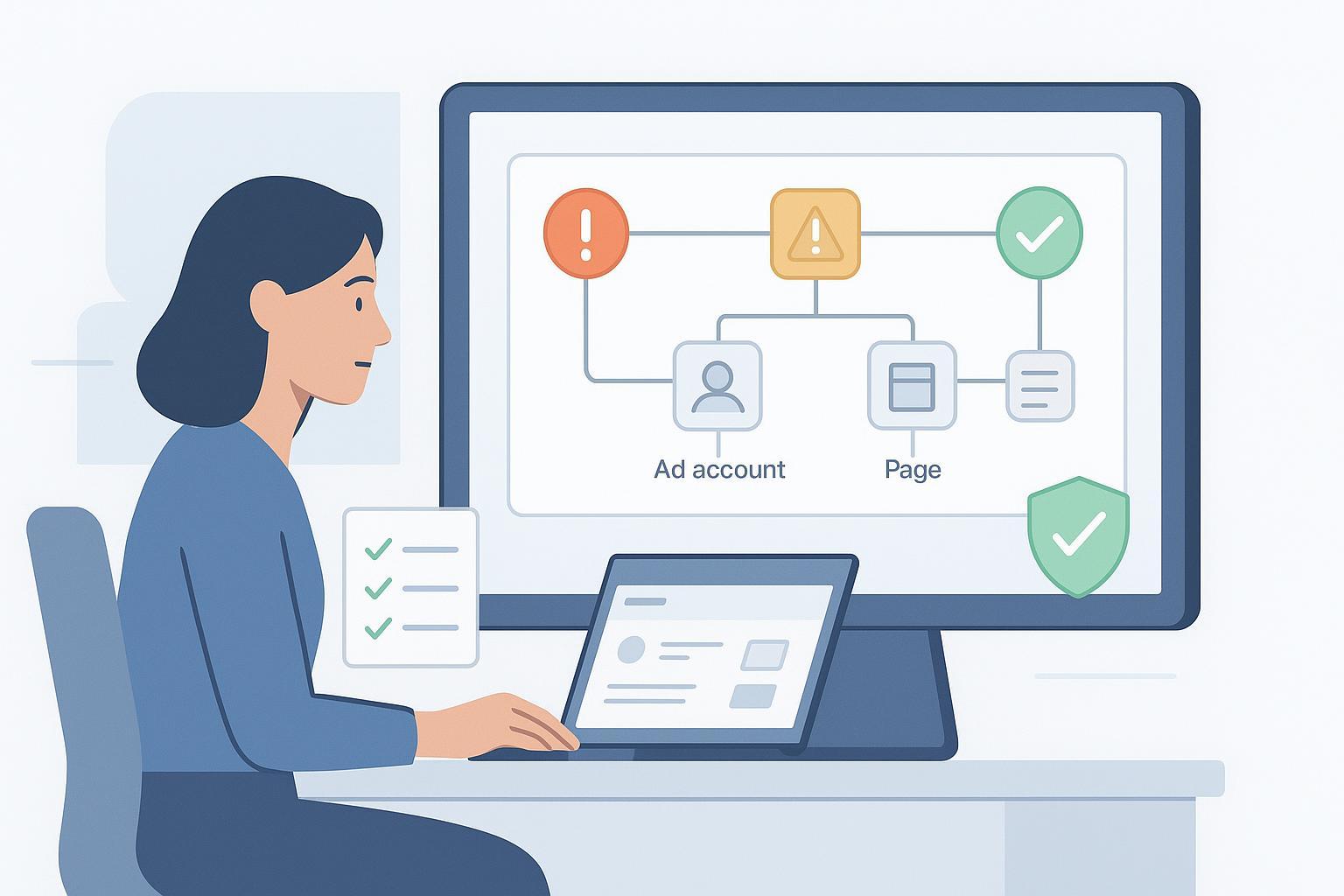
Are Facebook (Meta) ad accounts easily banned in practice?
Short answer: They’re not “easy” to ban, but restrictions happen more often than most advertisers expect—especially when policies, verification, payments, or asset hygiene are neglected. Meta uses automation plus human review to enforce its rules. A few repeated or serious violations, or integrity concerns, can quickly lead to loss of advertising access.
For context, Meta describes graduated enforcement and strike systems in its Transparency Center. According to the publisher’s 2025 explanation in “Restricting accounts”, violations and deceptive behaviors can limit your ability to use features, including ads, sometimes across multiple assets.
Restriction vs. ban: What’s the difference—and what can get restricted?
- Restriction usually means temporary loss or limitation of specific features (e.g., creating ads), with a path to request review.
- Ban typically refers to more severe or permanent loss of advertising access.
Meta can apply enforcement at different asset levels:
- User profile (personal account): The individual may be unable to advertise. Others in the Business may still run ads if not linked to the violation.
- Ad account: Blocks ads in that specific account.
- Page: Prevents ads from running from the Page.
- Business assets (Business Manager): A Business-level action can cascade across Pages, ad accounts, catalogs, and more.
To see scope and details, use the in-product Account Quality dashboard (Meta Business Suite/Ads Manager). The entry point is Account Quality (Meta, 2025), where available “Request review” options will appear per asset and violation.
What are the most common causes of restrictions and bans?
Here are patterns we’ve observed, aligned with Meta’s official guidance:
- Policy violations (content/claims)
- Prohibited content and misleading or discriminatory claims can trigger enforcement. Meta outlines requirements in its Ads Standards—see Meta Ads Standards (2025). Repeated disapprovals tend to escalate the risk.
- Suspicious or integrity signals
- Unusual activity, fake/misrepresented identity, or association with flagged assets may lead to restrictions. Meta’s 2025 overview of graduated actions is in “Restricting accounts”.
- Verification failures
- Missing or inconsistent business verification or advertiser identity documentation can limit ads access. Manage verification in Business settings (Security Centre) and ensure names/addresses match official documents. See the entry path via Business settings security (Meta, 2025).
- Payments and billing issues
- Declined cards, expired methods, or unpaid balances can pause delivery and sometimes disable ad accounts until resolved. While Meta’s help docs are fragmented, you can typically diagnose in Billing and then contact support if errors persist via Business Support Home (Meta, 2025).
- Sensitive categories mishandling
- Certain verticals (e.g., housing, employment, financial products & services, social issues/elections/politics) require strict targeting limits and disclosures under Special Ad Categories. Not following these rules is a common trigger (more below).
What changed in 2024–2025 that affects enforcement?
-
Targeting exclusions removal (2024–2025): Industry reporting indicates Meta removed detailed targeting exclusions (phased from July 2024 through early 2025). That reduces your ability to carve out segments via exclusions. See the 2024–2025 coverage by Social Media Today: “Meta removes detailed targeting exclusions” (2024), and practitioner details from Jon Loomer: “Detailed targeting exclusions” update (2024–2025). Always check in-product notices in Ads Manager for your account.
-
Special Ad Categories update (Jan 2025): The legacy CREDIT category has been deprecated, with advertisers required to use Financial Products & Services where applicable. See Meta’s developer out-of-cycle changes: OCC 2025 (Meta Developers).
-
Health & Wellness enforcement context (2024–2025): Meta’s Ads Standards include restrictions around weight loss, cosmetic, and adult/reproductive health. Refer to Health & Wellness restricted standards (Meta, 2025). Several industry analyses in early 2025 discuss tighter optimization/data constraints; treat these as directional and monitor Events Manager for account-specific impacts.
How do Special Ad Categories change the rules?
Special Ad Categories exist to prevent discrimination and add transparency. If your ads relate to housing, employment, financial products & services, or social issues/elections/politics, you must:
- Declare the category at campaign setup.
- Accept targeting limits (e.g., no age/gender targeting and reduced geographic granularity, depending on category).
- Follow creative/disclosure policies.
Meta’s 2025 Ads Standards overview is the canonical reference: Meta Ads Standards (2025), with developer context updates in OCC 2024 and OCC 2025.
Prevention: What routine should I follow to avoid restrictions?
Think in layers—policy, verification, payments, and asset hygiene.
-
Policy & creative hygiene
- Avoid exaggerated claims, personal attributes (“you are depressed”), and restricted content.
- Make sure landing pages reflect the claims in the ad and include required disclaimers and contact info.
- If you’re in a sensitive category, declare the Special Ad Category and comply with targeting limits.
- For crafting clear, compliant copy, see this practical primer on content quality scoring and clarity.
-
Verification & security
- Complete business verification proactively; ensure all admins enable 2FA.
- Verify your domains; keep business documents up to date and consistent with your legal name and address.
-
Payments & billing hygiene
- Maintain at least one valid backup card; avoid frequent payment method changes.
- Monitor Billing for failed charges and clear balances promptly.
-
Asset hygiene & role management
- Remove unknown or unused admins; separate client assets; avoid linking to risky shared pixels or Pages.
- Keep a record of ad account IDs, Page IDs, and Business Manager IDs for faster troubleshooting.
-
Messaging alignment
- Align ad promises with what users will see post-click to reduce disapprovals. This guide on keywords, intent, and expectations can help you sanity-check your messaging.
Troubleshooting: What exactly should I do when restricted?
Follow a structured playbook:
-
Diagnose in Account Quality
- Open Account Quality (Meta, 2025) and identify which assets are impacted (user, ad account, Page, Business).
- Capture violation text, IDs, and any “Request review” availability.
-
Fix the cause before appealing
- Update or remove non-compliant creatives and landing pages.
- Enable 2FA; complete or correct business/identity verification.
- Resolve payment issues (update card, clear balance) and record timestamped screenshots of remediation.
-
Request review (if offered)
- Use the in-product “Request review” with a concise explanation: what changed, evidence you fixed the issue, and contact details.
-
Escalate via Business Support Home when needed
- If the review button is missing or a decision is final, contact support through Business Support Home (Meta, 2025).
- Include: ad account ID, Business Manager ID, violation screenshots, timestamps, and your remediation steps.
-
Oversight Board (content decisions only)
- For certain content decisions after Meta’s internal appeals are exhausted, Meta may provide a reference number to submit to the Oversight Board. See Appealing to the Oversight Board (Meta, 2025).
-
Asset unlinking or rebuild
- Remove risky asset linkages (old shared pixels, Pages with prior violations). If a personal profile remains restricted and blocks operations, consider rebuilding assets under a verified Business with clean admin roles.
Payments & verification: Do failed charges or missing documents really cause issues?
-
Payments: Failed charges commonly pause delivery and can disable an ad account until the balance is cleared. Because Meta’s public documentation is scattered across billing topics, treat payment remediation as urgent and confirm resolution in Billing; if charges keep failing, contact Business Support Home (Meta, 2025).
-
Verification: Missing or mismatched documents often limit advertising tools, especially in sensitive categories. Ensure your business legal name, address, and domain ownership match what’s submitted in Business settings security (Meta, 2025).
My personal profile is restricted—can my business still advertise?
Sometimes yes, but beware of cascade risks:
- If the restriction is specific to the user profile, other admins may retain access. However, business-level actions can affect all assets.
- To reduce risk: separate admin roles, enforce 2FA, keep verified identities, and avoid linking your Business Manager to Pages or pixels with a history of violations.
- If your profile cannot be restored, rebuild with a verified Business, clean admin list, and fresh assets. Document the transition to support any future reviews.
What if Meta misclassified my ad or business?
Misclassifications happen. Here’s how to correct them:
- In Account Quality, find the specific violation and use “Request review” with a clear, factual explanation (cite policy sections you believe you comply with).
- For Special Ad Category labeling, ensure the correct category is declared and explain why (e.g., you’re offering general financial education vs. a specific product).
- Use Events Manager and delivery diagnostics to spot odd optimization or data constraints affecting certain verticals. If impacts persist and you believe they’re incorrect, capture evidence (screenshots, timestamps) and contact Business Support Home with details.
Examples: Compliant vs. risky ad claims
-
Compliant
- “Free webinar on first-time home buying. RSVP to learn budgeting basics.” (If housing-related, declare Special Ad Category.)
- “Save 10% on our fitness coaching plan. See results in 8–12 weeks with consistent effort.”
-
Risky
- “Guaranteed mortgage approval—apply now.” (Financial claims are heavily restricted; avoid guarantees.)
- “Target women 25–35 in ZIP 12345 for open roles.” (Employment ads are subject to anti-discrimination constraints; do not target by age/gender.)
- “This supplement cures anxiety overnight.” (Health claims must avoid medical guarantees; many categories are restricted.)
For crafting ethical, expectation-aligned messaging, this short guide to creative best practices in social ads can help you sanity-check imagery and tone.
How long do reviews take, and what’s realistic to expect?
- Timelines vary. Simple ad-level reviews can resolve within hours to a couple of days; account-level or business verification issues can take longer (days to weeks), especially if documents require manual checks.
- If your appeal is denied, refine your remediation and re-submit with clearer evidence. Keep a log of IDs, dates, and support case numbers.
Quick checklists you can copy
-
Prevention checklist
- Review Ads Standards and declare Special Ad Categories when applicable.
- Align ad claims with landing pages; add contact and legal info.
- Complete business verification; enable 2FA for all admins.
- Maintain valid payment methods and clear balances promptly.
- Clean up asset linkages; remove unknown admins and risky shared pixels.
-
Recovery checklist
- Diagnose in Account Quality; capture violation IDs.
- Fix creatives, landing pages, payments, and verification gaps.
- Request review with a concise remediation summary.
- Escalate via Business Support Home with documentation.
- If applicable, consider Oversight Board after internal appeals.
Official resources and updates (handy anchors)
- Meta’s enforcement overview: “Restricting accounts” (Transparency Center, 2025)
- Meta Ads Standards (policies): Ad Standards (2025)
- Special Ad Categories and developer changes: OCC 2024, OCC 2025
- Restricted vertical guidance: Health & Wellness (Ads Standards, 2025)
- In-product checkpoints: Account Quality (Meta, 2025), Business Support Home (Meta, 2025), Business settings security (Meta, 2025)
If you follow the prevention routines and submit well-documented appeals, most legitimate advertisers can restore access or at least receive clear guidance on what to fix next. Stay current by monitoring Ads Manager notices and Meta’s Transparency Center, and maintain a disciplined approach to policy, verification, payments, and asset hygiene.
