Beginner’s Guide to DIY SEO

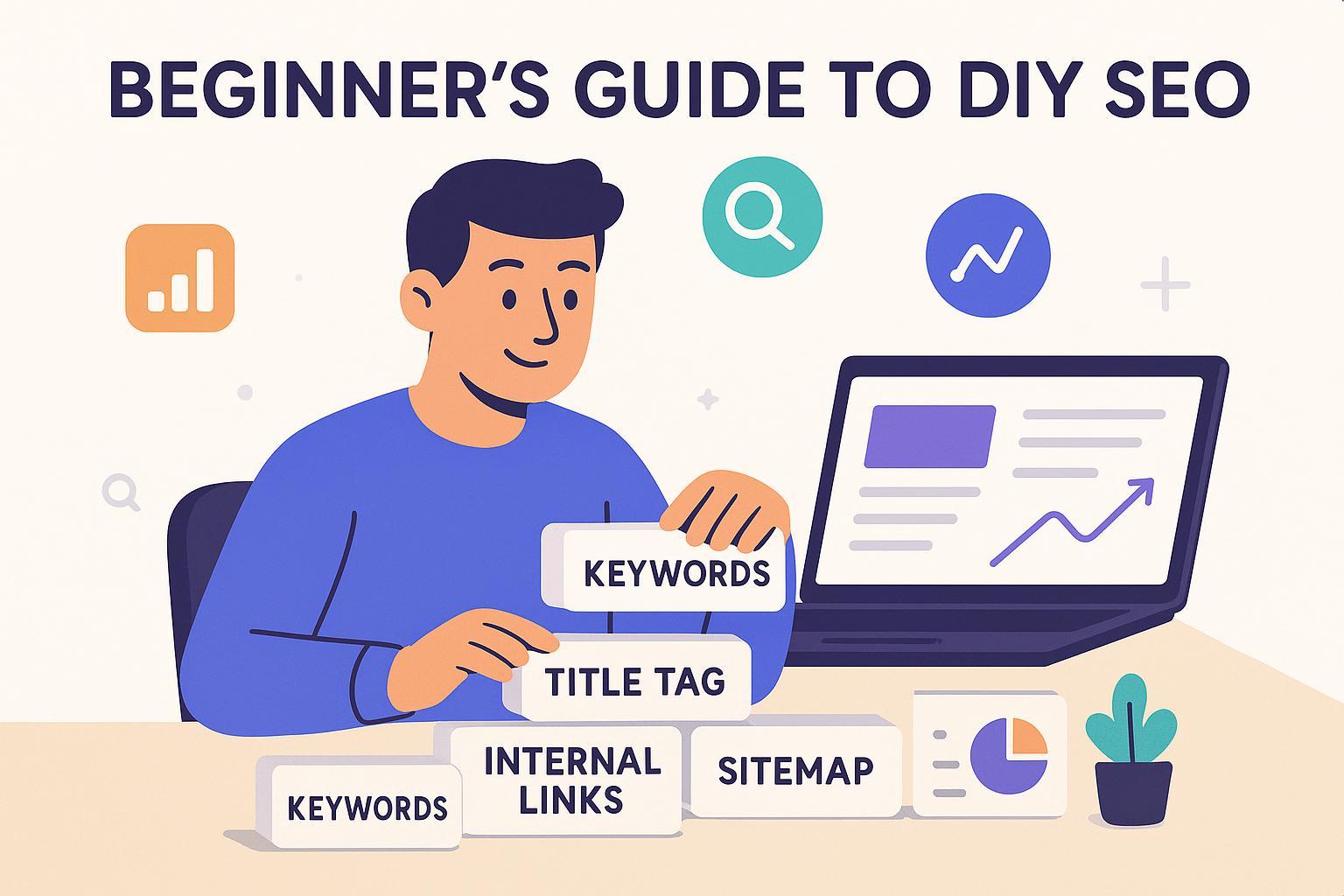
If you’re a growth‑focused small business marketer, DIY SEO can feel intimidating—too many tools, too much jargon, and not enough time. Good news: you don’t need a big budget or deep technical skills to make real progress. With a simple, 30‑day plan and a focus on long‑tail searches, you can start earning impressions and clicks while building durable visibility.
We’ll keep everything in plain English and show you exactly what to do each week. You’ll set up measurement, publish a few intent‑matched posts, optimize your key pages, and link everything together so Google can understand your site.
What SEO Is (and Why It’s Not Just for “Web Geeks”)
Search engine optimization helps people find your pages when they’re looking for what you offer. At a beginner level, three things matter most:
Can Google find and index your pages?
Do your pages match what searchers want (search intent)?
Are your pages easy to understand (clear titles, headings, links) and fast on mobile?
For fundamentals like how Google discovers pages, writes titles/descriptions, and why site structure matters, Google’s own documentation is a helpful compass. See the concise guidance in the Google SEO Starter Guide (2024).
If you’d like a friendly primer on core concepts, this overview of SEO explained provides additional context for beginners.
Search Intent in One Minute
Think of search intent as the “job” behind a query. Someone searching “best CRM for small law firms” wants a comparison; “how to migrate Shopify to WooCommerce” wants a tutorial; “[tool] alternatives” wants options to evaluate.
Match your page to what the top results show—if they’re mostly guides and checklists, create a guide; if they’re product pages, consider a focused landing page. Leading practitioners recommend reading the current results to identify content type, format, and angle before you draft. You can learn practical patterns from resources like the Backlinko SEO checklist and Ahrefs’ on‑page SEO checklist.
For a deeper walkthrough of mapping terms to intent, see Aligning keywords for improved search intent.
Quick recap: Intent first. Before you write, look at the SERP and mirror the winning format while adding your unique expertise.
Measurement Setup (15–30 Minutes)
You can’t improve what you don’t measure. Do these two setups on day one:
Google Search Console (GSC)
Add and verify your site (domain or URL‑prefix), then submit your XML sitemap. Google explains how in Build and submit sitemaps.
Learn the Performance report metrics—impressions, clicks, CTR, and average position—outlined in Google’s Search Console Performance report. You’ll check these weekly.
Google Analytics 4 (GA4)
Set up GA4 and ensure your website sends data. Start with the Traffic acquisition report so you can see organic sessions. Google’s help center covers the Traffic acquisition report in GA4 and how to mark key events as conversions if you track leads.
Why this matters: Within a few weeks, you’ll see whether your new pages are appearing for the right queries and which titles/meta deserve tweaks.
The 30‑Day DIY SEO Plan (Ship, Learn, Repeat)
You’ll publish four long‑tail posts and optimize five core pages, supported by simple internal links and technical basics. Expect 2–4 hours per week.
Week 1: Foundations and Focus
Health basics: Confirm HTTPS, mobile responsiveness, and that your sitemap is submitted in GSC. Keep page experience in mind; Google highlights Core Web Vitals thresholds—LCP ≤ 2.5s, INP ≤ 200ms, CLS ≤ 0.1—in its Core Web Vitals overview (2024). INP replaced FID in 2023; see web.dev’s INP introduction for details.
Pick 2–3 keyword clusters: Choose specific, lower‑competition topics close to your buyer. For example, “how to audit SaaS churn data,” “Shopify email pop‑up best practices,” or “[tool] alternatives for agencies.” If you’re brand new to the concept of keywords, that primer breaks it down.
Outline 4 posts that match intent: Study the top results and sketch H2s that cover the necessary sub‑topics.
Optimize two core pages now: Update each Title tag, H1, meta description, and add 3–5 relevant internal links.
Common mistake: Chasing broad, high‑competition head terms. Quick fix: Filter for longer, specific phrasing and buyer‑adjacent angles (e.g., “for nonprofits,” “for startups,” “checklist,” “vs,” “alternatives”).
Week 2: Publish Post #1, Strengthen On‑Page Basics
Publish Post #1: Make the title compelling but descriptive; ensure the H1 matches the promise; use H2s that reflect sub‑intents; include a simple checklist or comparison table.
Add internal links: From existing relevant pages, add 5–8 contextual links pointing to Post #1 using descriptive anchor text. Google’s guidance on links emphasizes using crawlable links with clear anchors; see Make your links crawlable.
Optimize three more core pages: Titles/H1s/meta, plus FAQs where they genuinely help users. Note: FAQ rich results in Google were limited in 2023 to authoritative government and health sites, but the content can still clarify your page; see Google’s notice on FAQ rich results changes (2023).
Common mistake: Keyword stuffing. Quick fix: Write naturally for readers; place the main phrase in the title, H1, early intro, a few H2s where it fits, and in alt text where relevant—without forcing it. Ahrefs’ on‑page SEO checklist is a helpful reference.
Week 3: Publish Posts #2 and #3, Add Structure
Publish two more long‑tail posts: Keep mirroring the SERP’s content type and format.
Add FAQ content if helpful: Short Q&A blocks can answer related sub‑queries, even if they don’t always generate rich results.
Interlink across the cluster: Link the three posts together and back to your relevant service/product pages.
Common mistake: Ignoring page speed and image weight. Quick fix: Compress images, lazy‑load below‑the‑fold assets, and avoid heavy scripts that slow interaction—these support the Core Web Vitals targets Google outlines in the Core Web Vitals overview.
Week 4: Publish Post #4, Iterate from Data
Publish Post #4 and tighten internal links: Ensure each post links to the others and to a relevant core page. Add fresh links from older posts.
Review GSC data: In the Performance report, filter by each new page. Note impressions, clicks, average position, and top queries over the last 28 days (definitions in Google’s Performance report). Tweak titles/meta for queries where you’re already getting impressions but CTR is low.
Plan the next 4 posts based on queries you’re actually appearing for.
Common mistake: Over‑prioritizing backlinks early. Quick fix: Build topical coverage and internal links first; as you ship more useful content, outreach for mentions can come later.
A Simple On‑Page Checklist (Use This for Every New Post)
One clear topic and intent that matches the top results’ format
Descriptive Title tag and matching H1
Logical H2s that cover sub‑questions
Plain‑English intro that states the problem and the promise
Relevant internal links (5–10) from older pages to the new post
Short, readable paragraphs and scannable lists
Compressed images, meaningful alt text
Optional short FAQ that reflects on‑page content
You can compare your work against reputable guides like the Backlinko SEO checklist and Ahrefs’ on‑page SEO checklist.
Practical Example: Drafting One Long‑Tail Post Fast
You can use an all‑in‑one workflow to speed up research and drafting once you’re comfortable with the basics. For instance, the platform QuickCreator can help you generate an outline, optimize titles/H1s/meta, and nudge on E‑E‑A‑T elements as you write. Disclosure: QuickCreator is our product. If you want a step‑through of the workflow, see this step‑by‑step guide to using QuickCreator for AI content.
Example flow (keep to ~20–30 minutes):
Paste your target keyword and choose a content type that mirrors the top results.
Generate an outline; adjust H2s to match sub‑intents you saw on the SERP.
Draft the intro and a short checklist; add 5–8 internal links from related posts.
Export and publish, then submit the URL for indexing in GSC.
Important: Tools accelerate, but intent, clarity, and usefulness win. Use the checklist above each time.
Technical Basics (The Minimum You Need to Care About)
Sitemap and indexing: Ensure your XML sitemap is submitted in GSC; see Google’s Build and submit sitemaps. If a page isn’t indexing, check robots.txt and internal links.
Robots.txt: Don’t block important pages accidentally; learn the basics in Google’s Create a robots.txt file.
Core Web Vitals: Aim for LCP ≤ 2.5s, INP ≤ 200ms, CLS ≤ 0.1 per Google’s Core Web Vitals overview (2024). For INP details, web.dev’s INP article is handy.
CMS considerations: Whatever platform you use, confirm it supports clean URLs, meta tags, and speed basics. This checklist of CMS SEO best practices outlines the essentials.
Why this matters: These steps make it easier for Google to crawl, understand, and prioritize your pages—no advanced coding required.
Your Weekly 15‑Minute Measurement Loop
Every Friday, open GSC and GA4 and log a few numbers for each target page:
Impressions, Clicks, CTR, Average position (GSC)
New queries your page started appearing for (GSC)
Organic sessions and conversions/leads (GA4)
Definitions and how to find them are in Google’s Search Console Performance report and GA4’s Traffic acquisition report.
If impressions are rising but CTR is low, test a sharper title that matches the query phrasing. If a page gets impressions for a sub‑topic you didn’t cover, add a section or an FAQ.
Troubleshooting: Common Beginner Pitfalls
“My new post isn’t indexed.” Check that it’s linked from other pages, included in the sitemap, and not blocked by robots.txt. Request indexing in GSC.
“I’m not ranking for the big keyword I want.” Start with specific long‑tails. As your site covers the topic, broader phrases may follow.
“My pages are slow.” Compress images, simplify scripts, and monitor CWV targets from Google’s Core Web Vitals documentation.
“I don’t know which keywords to pick.” Use autocomplete, People Also Ask, and look at competitors’ H2s. For niche discovery, you can also explore communities—this intro to finding terms on Reddit via Keyworddit can help: Beginner’s guide to keyword research on Reddit.
What Success Looks Like in 30 Days
Leading indicators
More impressions for your target queries in GSC
New pages appearing in the index and showing early average positions
Better CTR on optimized titles/meta
Lagging indicators
More organic clicks
Early form fills or demo requests from organic traffic (if you track conversions in GA4)
Remember: timelines vary by site and competition. Early signs often show up in GSC within a few weeks; rankings and clicks typically stabilize over time.
Next Steps
You’ve laid the groundwork—now keep the cadence: one long‑tail post per week, interlink it, and review GSC/GA4 every Friday. If you want help streamlining outlines and on‑page elements as you scale, you can try QuickCreator. It can help you draft and optimize beginner‑friendly posts without juggling multiple tools.
