Clearscope Review (2025): Does it actually help you ship rankable content faster?

Disclosure: We’re not affiliated with Clearscope and received no compensation to write this review. Pricing and features can change; always confirm on the official site.
TL;DR verdict
If you manage multiple writers (in‑house or agency) and need consistent on‑page quality with post‑publish monitoring, Clearscope is one of the most reliable optimization platforms I’ve used for taming briefs, aligning drafts, and keeping published pages from decaying. It’s also premium‑priced. Public editorials typically cite plans starting around $189/month for Essentials and ~$399/month for Business; confirm current figures because they do move over time, as noted by the 2024–2025 TechRadar editorial overview of pricing and tiers (TechRadar review).
Best for: content leads and agency SEOs coordinating multiple contributors who need clean guidance and lightweight monitoring without adopting a full SEO suite.
Not for: very lean solo creators on tight budgets, or teams expecting an all‑in‑one SEO platform (backlinks, technical crawls, etc.). Brafton’s overview is clear that Clearscope focuses on content optimization rather than the entire SEO stack (Brafton Clearscope review).
What Clearscope is (and isn’t)
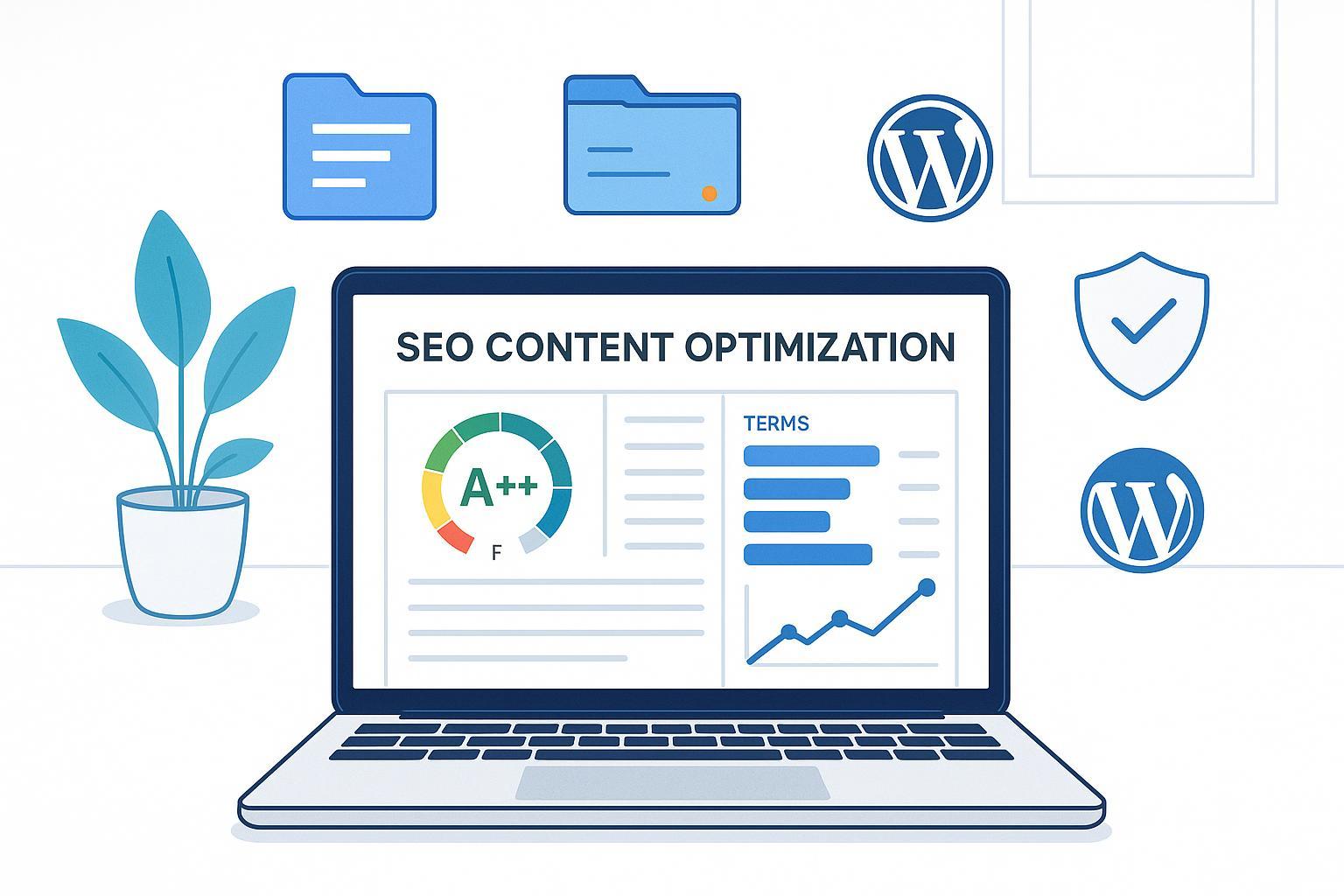
Clearscope is an AI‑assisted content optimization platform designed to help you write, refine, and monitor content so it better matches searcher intent. Its core experience happens in the editor—live content grading (F through A++), term suggestions, structure prompts, and readability/word‑count guidance described in the company’s support docs for the editor (“Content Grade” and term coverage) (Clearscope Support — Getting started with the editor).
Key modules you’ll actually use:
Write/Editor: real‑time content grade, suggested terms, outline and readability guidance, plus integrations (Optimize product page; the Write/Editor experience is detailed across support/product pages).
Protect + Content Inventory: connect Search Console, monitor impressions/clicks and content health, annotate updates and track performance over time (Getting started with Content Inventory).
It integrates where writers work. The official support article walks through the Google Docs add‑on, including how “Shared” reports work to let non‑account users access a brief in Docs without broader account permissions (How to use the Google Docs integration). TechRadar also notes WordPress editor integration in its 2024–2025 coverage (TechRadar review).
What it’s not: a full SEO platform. You won’t get backlink analysis or site crawling; this is about on‑page content quality and monitoring (reinforced by Brafton’s tool category context in 2024–2025) (Brafton Clearscope review).
Where it actually solves pain (problem‑solver perspective)
Four recurring workflow headaches improve meaningfully with Clearscope:
Briefing quality for non‑SEO writers
Pain: Vague briefs yield meandering drafts and rework.
How Clearscope helps: The editor’s “Content Grade,” term coverage, and “questions to answer” guidance on the Optimize page help translate SERP intent into concrete talking points, so writers know exactly which subtopics to cover (Optimize product page).
Outlining and first‑draft speed
Pain: Spinning wheels on structure; over‑or‑under covering subtopics.
How Clearscope helps: The suggested terms, headings, and competitive coverage cues surface what the top‑ranking pages consistently include, letting you map a sensible outline fast (again, detailed on the Optimize page) (Optimize product page).
On‑page optimization time
Pain: Endless pass‑backs to “sprinkle more keywords” or guess which terms matter.
How Clearscope helps: Live grading and term suggestions reduce the trial‑and‑error loop for both writers and editors (editor support doc for content grade and coverage) (Getting started with the editor).
Post‑publish predictability (and decay protection)
Pain: Publishing and praying; content silently decays.
How Clearscope helps: Content Inventory/Protect connects to Search Console, giving impressions/clicks, opportunities, and annotations so you can see what changed—and why—over time (Getting started with Content Inventory).
Subjective note: Compared to many “AI writing” tools, Clearscope’s UI feels intentionally narrow and calm. It focuses on surfacing the next best action rather than generating text for you. TechRadar’s 2024–2025 review echoes this “gets the job done” stance while acknowledging premium pricing (TechRadar review).
A simple playbook to ship rankable content faster (skeptic’s endorsement in practice)
I’m wary of over‑marketed SEO promises. The way Clearscope wins me over is less about “magic scores” and more about orchestrating a predictable team workflow. Here’s a repeatable sequence I recommend:
Pick a realistic target and create your report
Choose a primary keyword where page‑1 competition includes similarly authoritative sites. Generate a Clearscope report from that keyword.
Outline inside the editor
Use the suggested terms and questions to decide sections. Don’t chase every term; prioritize concepts that clarify intent (Optimize page explains these recommendation types) (Optimize product page).
Draft in Google Docs with the add‑on
Turn on the Docs add‑on, share the report link (set to Shared) so your writer can access the brief without needing a login (support article covers this behavior) (Google Docs integration guide).
Edit to a sensible grade, not perfection
Aim for a strong grade (e.g., A or A+), but stop when the piece reads naturally. The editor page explains A++ as a ceiling; you don’t need to max it out if it hurts clarity (Getting started with the editor).
Publish and monitor
Push via WordPress; add an internal “annotation” in Content Inventory indicating the publish date and any changes. The Inventory guide shows how to track impressions/clicks and surface opportunities over time (Getting started with Content Inventory).
Tip: For refreshes, document “before” metrics (impressions, average position) in annotations so any movement is attributable, not hand‑wavy. The Content Inventory support doc highlights annotations and recurring scans (Content Inventory guide).
How to test it yourself (transparent methodology you can replicate)
Because public case studies with hard numbers are sparse, the fairest way to evaluate ROI is to run a mini‑trial on your own site:
Time window: 8 weeks total
Scenarios: 1 new article, 2 refreshes, 1 freelancer assignment
Metrics to capture: time to outline, time to first draft, editor pass count, content grade pre/post (for refreshes), rank deltas at weeks 2/4/8, and Search Console clicks/impressions deltas
Tools: Clearscope editor and Content Inventory with GSC connected; Google Docs add‑on; WordPress
Documentation: use Inventory annotations for each change; keep a simple spreadsheet for timings
This mirrors the setup described in Clearscope’s own documentation for Inventory+Protect, where you can centralize performance and annotations to make decisions grounded in data rather than anecdotes (Content Inventory setup).
Pricing, credits, and value math (realistic expectations)
Clearscope is credit‑based for content reports, and inventory pages are capped by plan—then expandable with add‑ons. Two official support docs explain how credits roll and how add‑ons are billed:
Credits behavior: monthly vs annual billing, 90‑day expiration window for monthly credits (How do Clearscope credits work).
Add‑ons: concrete examples of inventory page add‑on pricing (e.g., +200 pages for +$50 on Essentials) and different rates on Business (How do plan add‑ons work).
Public editorial ranges in 2024–2025 put Essentials near $189/month and Business around $399/month, with Enterprise customized—again, always verify current pricing directly (TechRadar — Clearscope review).
A quick way to think about ROI:
If an editor or strategist costs $60/hour fully loaded, and Clearscope reduces per‑article optimization/briefing time by even 30 minutes, that’s $30 saved per piece. At 20 articles/month, you’ve offset $600—before considering any uplift from better alignment and fewer draft iterations. This is directional math for planning, not a performance guarantee.
Alternatives: SurferSEO, MarketMuse, and Frase (when to choose which)
All four tools help with on‑page content. Your choice will hinge on price tolerance, team workflow, and monitoring needs.
Scenario | Choose Clearscope if… | Consider SurferSEO if… | Consider MarketMuse if… | Consider Frase if… |
|---|---|---|---|---|
Budget and volume | You can afford premium credits and want clean briefs + monitoring | You want lower entry pricing and higher monthly article quotas at mid tiers | You want research depth/strategy mapping and can handle a steeper learning curve | You need an affordable brief/AI‑assist combo for smaller teams |
Writer alignment | You need non‑SEO writers to follow concise, low‑noise guidance | You prefer Surfer’s content editor + SERP analyzer style | You value topic modeling and strategy modules | You want quick AI‑assisted outlines and FAQ ideas |
Monitoring | You want Inventory+annotations tied to GSC | You rely more on separate rank/GSC tools | You focus on planning more than monitoring | You’ll monitor elsewhere; prioritize creation |
Integrations | You work heavily in Google Docs/WordPress | You’re already invested in Surfer’s ecosystem | You want topic research and briefs across large sites | You want a friendly price for Docs‑centric writing |
Helpful links to verify current pricing/features:
SurferSEO’s published plan tiers and quotas, updated regularly on their site (Surfer pricing).
MarketMuse offerings and plan details; pricing pages shift, so confirm directly (MarketMuse site).
Frase’s pricing for Solo/Basic/Team and Pro Add‑On info (Frase pricing).
For an additional editorial comparison that acknowledges trade‑offs but is not a primary source, see MarketerMilk’s roundup of alternatives; use it to gather options, then verify on official pages (MarketerMilk alternatives list).
Pros and cons (evidence‑backed)
Pros
Clean editor with real‑time grading and intent‑aligned term suggestions; practical guidance like “questions to answer” and citations (Optimize product page; Editor support).
Google Docs add‑on enables easy collaboration with shared report links; WordPress support confirmed in independent editorial testing (GDocs integration guide; TechRadar review 2024–2025).
Content Inventory + Protect keeps a pulse on impressions/clicks and lets you annotate changes—useful for refresh cycles (Content Inventory setup).
Plans are not typically seat‑limited according to TechRadar, which helps agencies with many contributors (TechRadar review).
Cons
Premium pricing and credit caps can constrain experimentation; add‑ons add up (TechRadar review; Plan add‑ons support).
Not an all‑in‑one SEO suite (no backlink or technical crawler modules) (Brafton review).
Limited public, quantified first‑party case studies; you’ll likely rely on your own testing to validate impact (general observation; corroborated by the emphasis on Inventory/annotations in support docs rather than outcome case pages) (Content Inventory setup).
Who should (and shouldn’t) buy
Choose Clearscope if: you run an editorial pipeline with multiple writers and want predictable briefs, faster optimization passes, and a light monitoring layer tied to Search Console.
Consider an alternative if: you need a cheaper per‑article cost (SurferSEO, Frase) or a content strategy mapper that goes deep into topic modeling (MarketMuse). Verify current quotas and pricing on each vendor’s official pricing pages (Surfer pricing; MarketMuse site; Frase pricing).
Final word
Clearscope won’t write content for you—and that’s a feature, not a bug. It concentrates on the moments where teams typically lose hours: unclear briefs, bloated outlines, endless optimization passes, and untracked refreshes. If you can afford the credits, its editor guidance and Content Inventory give you a tidy system to plan, ship, and monitor with fewer surprises. For budget‑constrained teams, start with a small pilot and document outcomes in Inventory so your go/no‑go decision is grounded in your own data, not vendor promises.
