Commonly Used AI Site-Building, Page Editing, and Catalog Plugins for WordPress (2025)

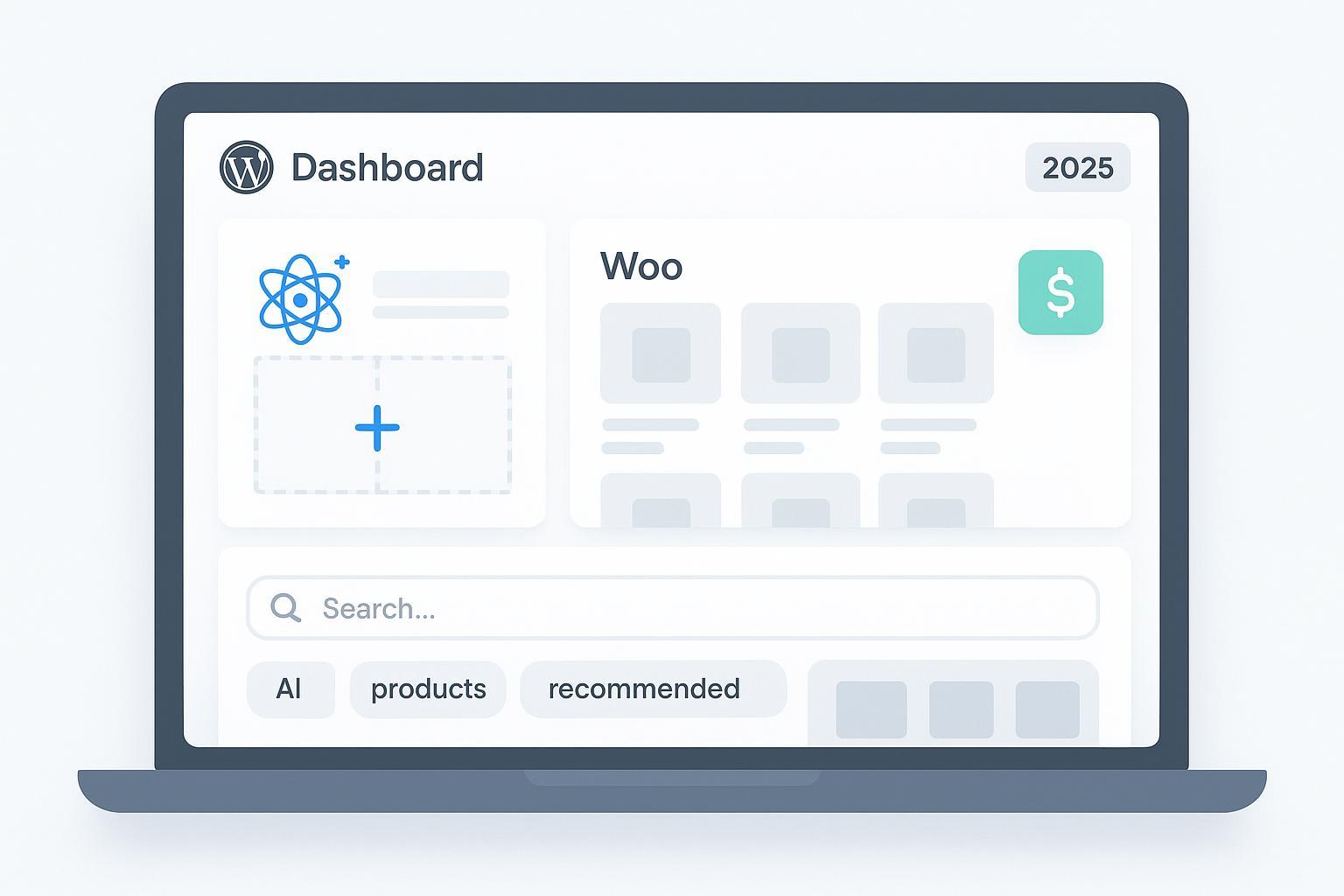
If you’re refreshing a WordPress or WooCommerce stack in 2025, you’re likely weighing three decisions at once: an AI-capable page builder/editor, a catalog-mode/display solution for your products, and AI search/recommendation that helps customers find the right items. This guide curates reliable options in each category, with who-it’s-for guidance, pricing ranges (subject to change), and key cautions like performance and vendor lock-in.
How we chose: We scored tools on capability fit (30%), learning curve (15%), ecosystem adoption (15%), performance/reliability (15%), evidence quality (10%), and overall value (15%). We link to primary docs or product pages for verification and keep comparisons vendor-neutral.
Pro tip: Your builder/search choices affect SEO and content workflows. If you’re still establishing editorial systems, skim our plain-language overview of what “keywords” are and why they matter in search before committing to a plugin stack: what keywords mean in SEO.
Part 1 — AI Site-Building and Page Editing Tools
These options range from Gutenberg-native builders to classic visual editors. Expect some mix of AI writing, image generation, and even layout scaffolding. Always validate credit limits and plan tiers.
1) Elementor AI — inside the popular visual builder
- Key capabilities
- Generate and refine text/code inside widgets, translate/adjust tone, and scaffold page structure with container prompts.
- Create images without leaving the editor.
- Best for: Teams already on Elementor who want AI directly in the canvas. Not for: Those avoiding credit-based models or long-term builder lock-in.
- Pricing: AI plans reportedly start around $3.99/month billed annually, with separate credit pools for text/code, images, and layout prompts; AI is billed separately from Elementor Pro licenses (pricing subject to change). See the official breakdown in the Elementor AI plans and FAQ (2025).
- Considerations: Monitor credit consumption—image and layout actions can burn through quotas faster than text; migration away from any visual builder can be time-consuming.
2) Divi AI — AI creation with “Quick Sites”
- Key capabilities
- AI generation for copy, images, and code; can create sections, layouts, and pages. “Quick Sites” rapidly scaffolds a site.
- Best for: Divi users who prefer an integrated AI experience; agencies that value extensive layout/design packs. Not for: Performance minimalists who want near-pure Gutenberg.
- Pricing: Elegant Themes emphasizes that Divi AI unlocks “unlimited” generations within membership bounds; bundles such as Divi Pro include AI options (confirm the current offer and fair-use terms). See the official updates from Elegant Themes in their Divi AI sections announcement (2024–2025).
- Considerations: While “unlimited” is attractive, check any fair-use policies; add caching/CDN and speed auditing to control page weight.
3) Kadence AI — Gutenberg-native with on-brand starter sites
- Key capabilities
- AI-guided starter templates and content that map into the Kadence Design Library for a quick on-brand base.
- Inline content generation via blocks; ability to regenerate site sections.
- Best for: Builders who prefer Gutenberg’s performance profile and want AI assistance without leaving the block editor. Not for: Users who depend on the deepest third‑party widget ecosystems of classic builders.
- Pricing: Included in Kadence bundles with annual AI credit allotments; free tier has limited credits (pricing and credits subject to change). The Kadence documentation explains the system in What is Kadence AI (2025).
- Considerations: Credit pools can constrain heavy use; review per‑action consumption details and 2025 plan/licensing changes before committing.
4) Spectra (Gutenberg blocks) — performance‑minded block suite
- Key capabilities
- A robust set of Gutenberg blocks and templates designed to work smoothly with Astra; great for lean builds.
- Best for: Teams standardizing on Gutenberg who want a mature block library. Not for: Anyone expecting built‑in AI features (use external AI writing/design tools alongside Spectra).
- Pricing: Spectra Pro is paid; confirm current tiers on its site.
- Considerations: No native AI module at publication time; pair with your preferred AI content tools.
5) SeedProd — AI website generator and assistants
- Key capabilities
- An AI-driven website setup flow; AI writing assistant for multiple tones; AI image generation/editing within the Image block.
- Best for: Marketers who need fast landing pages or full sites without heavy design time. Not for: Teams wanting granular Gutenberg-only control on every page detail.
- Pricing: AI features are available from Pro tier and up; the free version does not include AI (limits/caps not publicly specified; subject to change). See the official SeedProd AI website builder (2024–2025).
- Considerations: Verify the exact Pro tier features you need and any AI usage caps before purchase; WooCommerce features live in higher tiers.
6) 10Web AI Builder — hosted platform with Elementor editing
- Key capabilities
- Text‑to‑website generation, AI content/images, migration helpers, and a performance stack (Google Cloud + Cloudflare Enterprise) with WooCommerce support.
- Best for: Teams comfortable with managed WordPress hosting who want an all‑in‑one AI builder + infra. Not for: Those needing plugin-only solutions on their existing host.
- Pricing: Plans scale by visitors/storage and AI word limits; requires 10Web hosting (pricing subject to change). See the official overview in 10Web’s AI Builder 2.0 release (2024–2025).
- Considerations: Platform lock‑in—export/migration paths are important to review; weigh total cost vs. your current hosting + plugin stack.
7) Kubio AI — Gutenberg builder with AI sections
- Key capabilities
- Prompt‑based page/section generation; AI text and images; rich library of blocks and sections.
- Best for: Users leaning into full‑site editing who want AI scaffolding but prefer staying in the Gutenberg ecosystem. Not for: Advanced animation/effects typical of classic builders.
- Pricing: Freemium with Pro plans that include annual AI credits; confirm latest credit tables and plan names on the pricing page (subject to change).
- Considerations: Ensure template variety covers your brand’s needs and check credit consumption patterns during heavy builds.
Workflow note: Align your AI content process with your builder choice. If your team is formalizing prompts, role handoffs, and editing standards, you may find it useful to skim our Help Center’s overview of AI blog writing workflows to set expectations around human editing, tone, and SEO checks.
Part 2 — WooCommerce Catalog-Mode and Display Plugins
“Catalog mode” means showing products without prices or checkout—useful for B2B, distributors, and quote‑first workflows. Display plugins emphasize fast browsing and bulk ordering.
8) YITH WooCommerce Catalog Mode — flexible rules and quote flow
- Key capabilities
- Hide prices and Add to Cart, disable checkout, display custom CTAs, schedule catalog mode, set role/location rules, and integrate with a request‑a‑quote companion.
- Best for: Stores that switch between catalog and ecommerce modes or need granular role/country rules. Not for: Sites that only need a simple “hide price” toggle.
- Pricing: Premium typically from around $79.99/year (subject to change). See details on the YITH WooCommerce Catalog Mode product page (2025).
- Considerations: Hiding prices/cart can alter template structure—ensure critical content remains indexable for SEO.
9) ELEX WooCommerce Catalog Mode, Wholesale & Role‑Based Pricing — pricing by role/location
- Key capabilities
- Hide prices/cart, role‑based and customer‑specific pricing, country‑based rules and currencies, request‑a‑quote button, and CSV import.
- Best for: B2B sellers with negotiated or regional pricing structures. Not for: Simple B2C catalogs without pricing complexity.
- Pricing: Single‑site licenses commonly start near $79/year (subject to change). Review features and pricing on ELEX’s official page.
- Considerations: Test compatibility with caches and translation/multicurrency plugins; train staff on rule precedence to avoid mispricing.
10) Barn2 WooCommerce Product Table — fast tables for large catalogs
- Key capabilities
- Searchable, sortable product tables; attribute/taxonomy filters; variation dropdowns or per‑variation rows; bulk add‑to‑cart with AJAX.
- Best for: Wholesale and technical catalogs where quick scanning and bulk ordering are key. Not for: Stores that rely on highly visual, card‑based galleries.
- Pricing: Single $99/year, 5‑site $199/year, 20‑site $399/year (subject to change). Barn2 outlines options on the WooCommerce Product Table page (2025).
- Considerations: Ensure table views complement rather than replace your brand’s visual PLP; pair with caching and pagination for speed.
11) Ultimate Product Catalog — standalone, non‑WooCommerce catalogs
- Key capabilities
- Multiple layouts (grid/list/table) with dynamic switching, robust filtering/sorting, breadcrumbs, and template customization.
- Best for: Sites needing a catalog display separate from WooCommerce (e.g., portfolio‑style catalogs). Not for: Stores that require checkout and inventory management.
- Pricing: Free on WordPress.org; premium tiers available from the developer (subject to change). Confirm latest pricing on the vendor site.
- Considerations: Great for content‑first catalogs; if you move to selling, plan for migration to WooCommerce.
12) WooCommerce PDF Catalog — printable/downloadable catalogs
- Key capabilities
- Generate PDF catalogs for the whole store or selected categories; include cover/index pages, headers/footers, and layout controls (features differ by plugin).
- Best for: Sales teams and B2B buyers who need offline or shareable product references. Not for: Stores that change pricing/specs too frequently.
- Pricing: Options include free plugins with pro upgrades or premium‑only tools (subject to change). Verify on your chosen vendor’s page.
- Considerations: PDFs can go out of date quickly—add clear “Last updated” stamps and automate rebuilds on schedule when possible.
Part 3 — AI Search and Recommendation Add‑ons for WooCommerce
Hosted search and AI recommendations can sharply improve findability and average order value, but they add external dependencies and recurring cost. Evaluate privacy, indexing scale, and long‑term TCO.
13) Searchanise — Smart Search, filters, and AI recommendations
- Key capabilities
- Typo‑tolerant predictive search, advanced filters, AI recommendation widgets, merchandising rules, and analytics that surface “no-results” queries.
- Best for: SMB to mid‑market stores that want an all‑in‑one search + filter + recommend layer with straightforward onboarding. Not for: Highly bespoke headless builds.
- Pricing: Free trial; paid plans typically start around the low‑$20s/month with tiers scaling by index size/features (subject to change). The features are outlined on the Searchanise site search solutions page (2025).
- Considerations: Plan your sync cadence and facet taxonomy; use analytics to consolidate synonyms and reduce zero‑result searches.
14) Doofinder — NLP search with banners and redirects
- Key capabilities
- NLP/semantic search, autocomplete, typo/synonym handling, faceted filtering, promotional banners, redirect rules, recommendation carousels, and analytics.
- Best for: Stores that need merchandising‑friendly controls (banners/redirects) without building a custom search stack. Not for: Enterprises standardizing on in‑house vector search.
- Pricing: Freemium with paid tiers often in the ~$29–$39/month range depending on searches/index size (subject to change). Consult Doofinder’s pricing page for current tiers.
- Considerations: Review data handling and traffic‑based pricing; throttle crawlers to avoid inflated search counts.
15) Klevu — enterprise‑leaning AI search and navigation
- Key capabilities
- NLP‑driven, self‑learning search; personalized recommendations; smart category navigation and merchandising; reporting.
- Best for: Stores with complex catalogs and enterprise requirements around relevance tuning and governance. Not for: Very small budgets or micro‑catalogs.
- Pricing: 14‑day trial typically available; public pricing often behind “contact sales” and usage‑based (subject to change). Plan implementation time for governance and tagging.
- Considerations: Expect a more involved onboarding; align stakeholders on merchandising rules and QA processes.
16) Algolia (via WP Search with Algolia) — high‑performance hosted search with AI
- Key capabilities
- Instant search/autocomplete, faceted filtering, AI re‑ranking and Insights, plus “Recommend” for product suggestions; broad index configurability.
- Best for: Performance‑sensitive shops comfortable integrating a hosted API; teams with developers who can map indices and analytics. Not for: Owners who prefer purely plugin‑native search.
- Pricing: Varies by indexed records and search operations; free tiers exist for small sites, with Pro/Enterprise tiers for scale (subject to change). For WordPress integration notes, see the WP Search with Algolia plugin listing (2025).
- Considerations: Requires careful planning for indexing and UI; budget for ongoing analytics and relevance iteration.
Quick comparison: where each category shines
| Category | Best fits | Typical trade‑offs |
|---|---|---|
| AI builders/editors | Fast launches, on‑canvas AI generation, rich template libraries | Credit limits, performance overhead, migration lock‑in |
| Catalog mode/display | B2B catalogs, quote‑first sales, bulk ordering flows | SEO impacts from hidden prices/cart, rules complexity |
| AI search/recommend | Large or growing catalogs, higher AOV/UX, merchandising | Recurring cost, external dependency, data/privacy reviews |
Performance, SEO, and governance tips
- Measure first: Use Lighthouse and WebPageTest before/after adding builders or search to catch CLS and LCP regressions.
- Minimize assets: With visual builders, disable unused widgets/modules and defer animations. Pair with a solid caching/CDN strategy.
- Avoid lock‑in surprises: Test content portability; keep a “rollback” theme/page template ready.
- Govern AI content: Set prompt templates, brand voice guides, and editorial review checklists. Maintain a content log for what was auto‑generated and when it was human‑edited.
- Catalog SEO: If you hide prices or cart, confirm that headings, descriptions, and internal links remain crawlable. Add schema and descriptive CTAs.
- Hosted search privacy: Document data flows and retention in your privacy policy; limit PII exposure in search/event logs.
Methodology and sources
We prioritized official documentation and product pages for capability and pricing verification, with representative examples linked inline above. For instance, Elementor’s AI plan structure is outlined in the Elementor AI plans and FAQ (2025). Divi’s AI sections and creation flows are described in Elegant Themes’ Divi AI sections announcement (2024–2025). Kadence’s AI overview is captured in the Kadence “What is Kadence AI” docs (2025). SeedProd summarizes its AI builder on the AI website builder page (2024–2025). 10Web’s builder capabilities are summarized in their AI Builder 2.0 release (2024–2025). YITH explains catalog‑mode rules on the YITH WooCommerce Catalog Mode page (2025). Barn2 details product tables on the WooCommerce Product Table page (2025). Searchanise outlines site search/recs on the site search solutions page (2025). For Algolia, the WordPress integration is described on the WP Search with Algolia plugin page (2025).
Link density note: We intentionally limited external links for readability; always confirm current pricing/features on vendor pages as they can change.
Next steps: pick your stack and test on a staging site
- Start with your must‑haves: Gutenberg vs classic builder; role‑based pricing vs simple catalog; hosted search vs plugin‑native.
- Build a small prototype on staging: one PLP, one PDP, search results, and a top‑task landing page. Measure speed and UX.
- Lock governance early: Define who owns prompts, copy approval, and search relevance tuning.
If you need to operationalize content production alongside your plugin stack, consider using QuickCreator to draft and optimize blog content, then publish to WordPress in one click. Disclosure: QuickCreator is our product. For deeper how‑tos on scaling AI writing collaboratively, scan our Help Center’s AI blog writing workflows, and for add‑on tooling, this guide to the best AI SEO Chrome extensions for 2025.
