Using AI for On-Page SEO Optimization: A 2025 Playbook for Real Results

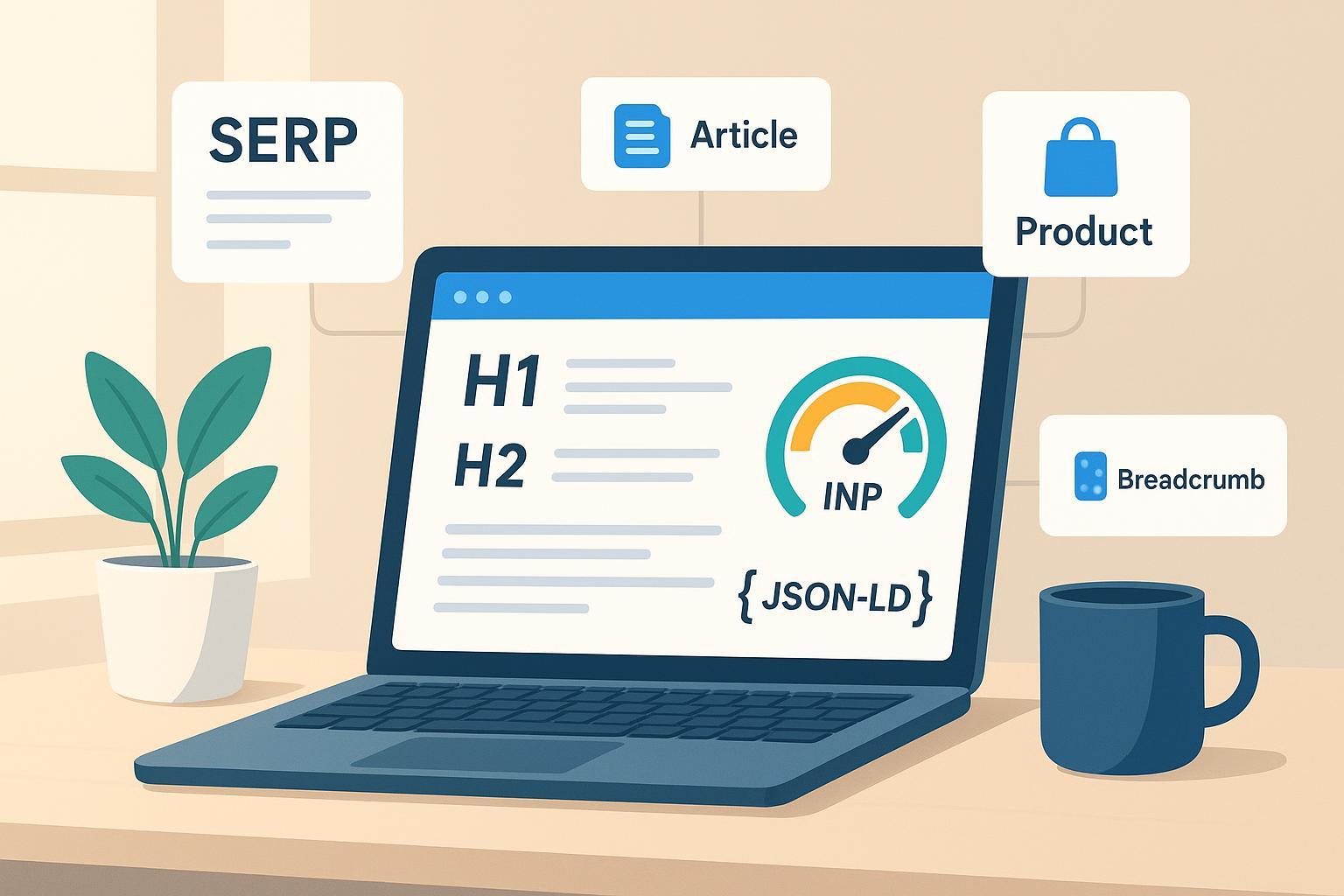
If your content still revolves around “sprinkle the keyword three times and call it a day,” you’re leaving performance on the table. AI now helps teams map intent, cover entities, generate structured data, and guard Core Web Vitals—all while keeping E‑E‑A‑T front and center. The trick isn’t to crank out more pages. It’s to ship pages that read like they were written by experts for real people, then iterate with data.
What AI actually changes about on-page SEO
The biggest shift is from isolated keywords to searcher intent and entity coverage. Google’s guidance prioritizes helpful, people-first content, and it’s been folded into core ranking systems. That puts the spotlight on authorship, citations, and original value. For a policy grounding, see Google’s discussion of helpful, people-first content in the integrated system described in the 2023 update to helpful content guidance, summarized in Google Search Central’s post: Helpful content integrated into core ranking systems.
At the same time, Google’s March 2024 update clarified spam risks around scaled or low-value content, regardless of whether it’s produced by humans or automation. The message: automation is fine; manipulation isn’t. Review the scope and examples in Google’s March 2024 core update and spam policies to set safe guardrails for AI-assisted workflows.
AI doesn’t replace judgment; it accelerates it. Think of AI as the teammate that clusters queries by intent, suggests entities and questions you might miss, drafts a baseline, and flags gaps—so you can inject real expertise, nuance, and proof.
A practical on-page workflow (step-by-step)
- Model intent and build an entity checklist
- Use AI to cluster keywords by intent (informational, commercial, transactional) and to extract entities, questions, and attributes the top results cover. Each page should serve one primary intent with comprehensive but non-duplicative coverage. Ask: What would satisfy the searcher in one visit?
- Draft, then edit like a subject-matter pro
- Have AI propose an outline, section talking points, and a first draft with constraints: target entities, reading level, brand voice, and compliance notes. Then a human editor tightens claims, adds original examples, cites primary sources, and aligns tone. Include a byline and short bio to reinforce E‑E‑A‑T.
- Add structured data and internal links
- Generate JSON‑LD for supported types (e.g., Article, Product, Review snippet, Organization/Logo, Breadcrumb, Video) that match visible content. Validate before publishing. Add a few descriptive internal links to hubs and related nodes to pass context and help users explore.
- Protect UX and performance (especially INP)
- Keep the page responsive: reduce main-thread blocking, break long tasks, and defer non-critical scripts. Maintain a crisp reading experience with predictable layouts and accessible media.
- Publish, validate, monitor, and iterate
- Validate schema and rich results eligibility, check Core Web Vitals, then watch Search Console for impressions/CTR and SERP features. Refresh content on a predictable cadence or when decay and SERP shifts appear.
Structured data that still moves the needle
Schema is not a magic switch, but it clarifies meaning and can unlock visibility where eligible. Prioritize types that align with your content and Google’s current support:
- Article: headline, author, datePublished, and image help interpret your content.
- Product and Review snippet: for commerce pages with accurate price, availability, and authentic reviews.
- Organization/Logo: reinforce brand identity with name, logo, and sameAs.
- Breadcrumb: clarify site hierarchy for humans and crawlers.
- Video: if you embed original video, include thumbnailUrl, uploadDate, and duration.
Always align markup with visible content, prefer JSON‑LD, and validate changes. The best single reference is Google’s Structured data Search gallery. Note that FAQPage display is restricted and HowTo rich results were deprecated; keep or remove those markups based on whether they aid understanding without expectations of rich results, as outlined in Google’s FAQ and HowTo changes.
INP-focused performance quick wins for content teams
Interaction to Next Paint (INP) is now the responsiveness Core Web Vital. Aim for under 200 ms. You don’t need a front-end rewrite to get meaningful wins:
- Trim JavaScript: defer non-critical bundles, remove unused code, and split long tasks.
- Simplify event handlers: keep them small, avoid forced synchronous layouts, and debounce appropriately.
- Prefer transform/opacity animations; use CSS containment to reduce layout thrash.
- Prioritize interactivity: hydrate progressively and delay non-essential scripts until after user input.
These patterns come straight from Google’s performance guidance in web.dev’s INP overview. Your readers may not notice the code changes, but they will feel the difference.
Example (disclosed): Running this workflow in QuickCreator
Disclosure: The following is a neutral example using QuickCreator, an AI blogging platform from our team.
- Start with intent: In QuickCreator, seed a primary topic. The platform suggests related queries and entities, then drafts an outline that mirrors real SERP coverage.
- Draft and refine: Generate a draft with constraints (tone, reading level, entity checklist). Use the block editor to add real examples, quotes, and sources. Bring in multimedia via integrations, then run the built-in SEO suggestions for gaps and readability.
- Schema and links: Toggle JSON‑LD for Article and Breadcrumb, and let the tool surface internal link suggestions to your hub pages. You can also export and validate schema in external testers if you prefer.
- Publish and monitor: Publish to the hosted blog or push to WordPress. Check the integrated analytics and compare with Search Console for impressions, CTR, and coverage of target queries.
If you’re evaluating tools, review the capability fit—not just copy quality, but also SERP analysis, schema assistance, internal linking recommendations, and multilingual support. For a top-to-bottom overview, see QuickCreator’s AI Blog Writer and the walkthrough Step-by-Step Guide to Using QuickCreator for AI Content.
Pitfalls and guardrails
Avoid scaled content abuse. If you spin up hundreds of near-duplicate pages that add little for users, you’re squarely in policy risk territory. Keep a human in the loop to validate claims, cite primary sources, and add firsthand experience. Maintain schema hygiene—never mark up content that users can’t see—and keep your internal links descriptive, not generic or stuffed.
Accessibility matters. Use semantic headings, descriptive alt text, and clear contrast ratios. And don’t sacrifice responsiveness for flashy scripts; if a widget hurts INP, it hurts user trust.
For information architecture, many teams benefit from topic hubs and clusters. If that’s new to you, this explainer on mastering SEO silo structure offers a practical way to organize pages around intent and entities without creating duplication.
Measure and iterate for AI-Overview era SERPs
On-page optimization is no longer “set it and forget it.” Track which features your queries trigger, how AIO/AEO appearances correlate with CTR, and which entities or questions competitors are adding. Independent analyses suggest that when AI Overviews appear, classic organic CTR can dip. For context, Seer Interactive’s 2025 study reported lower CTR where AIOs showed, with organic click‑through around 0.61% for queries with AIO vs. 1.62% without, based on 100k+ queries over nine months; see Seer Interactive’s AIO impact analysis (2025). Treat such data as directional, and validate against your own analytics.
As you gather evidence, refresh content every 60–90 days or when signals change: add new data, tune headings and internal links, expand sections that drive engagement, and prune material that’s redundant or thin. It’s an ongoing conversation with your audience and the SERP.
Ready to put this playbook into action? You can model intents, generate AI-assisted drafts, add schema, and publish in one place—then iterate with data. Explore QuickCreator’s AI Blog Writer to test the workflow on a single page before scaling. (Disclosure: We created QuickCreator.)
