What Is a Storefront‑in‑Bio? Definition, Examples, and How It Works

The one‑link problem, solved
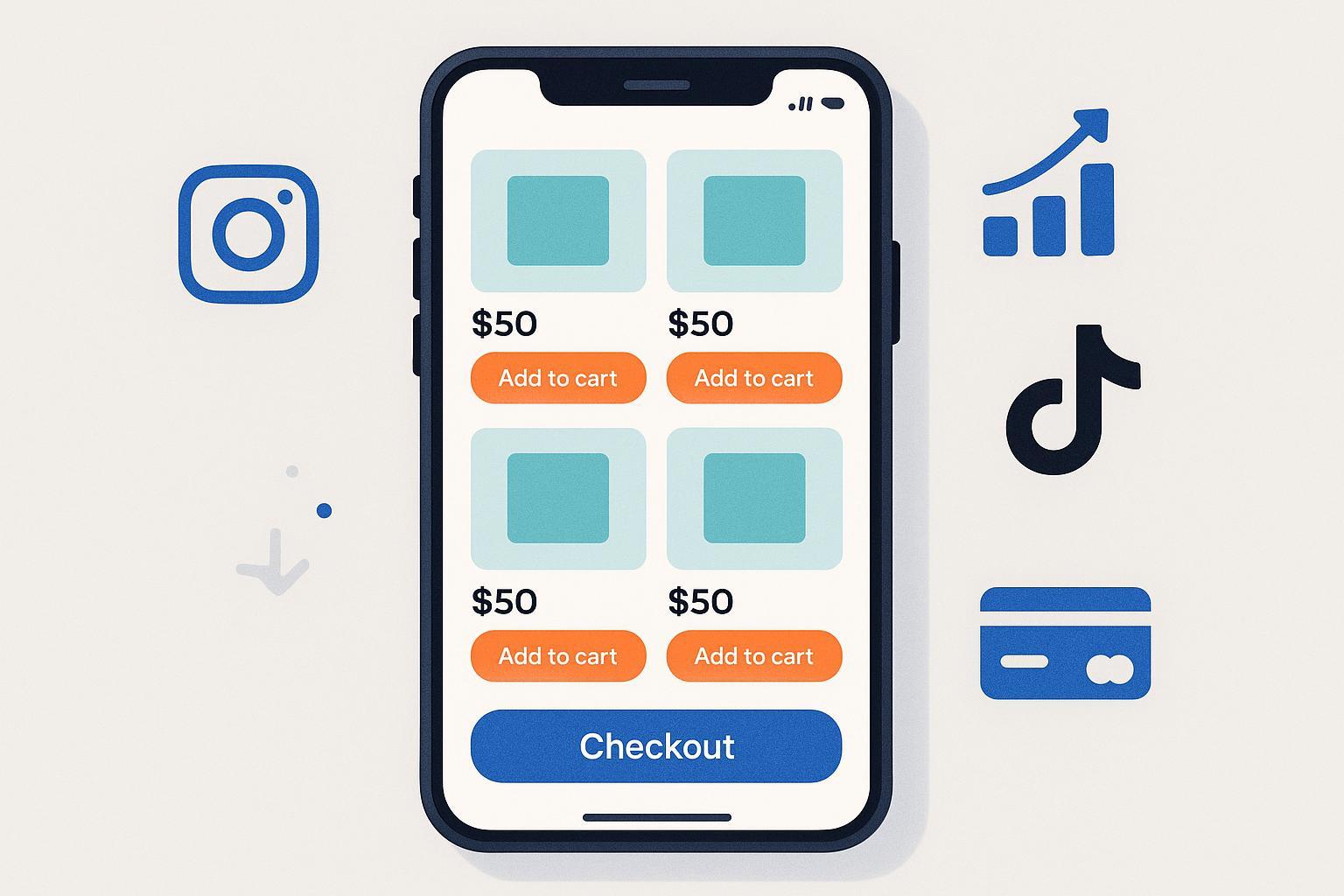
On Instagram, TikTok, and similar platforms, you typically get a single link in your profile. If your goal is to sell—physical products, digital downloads, coaching sessions, or affiliate picks—sending people to a generic link list forces extra taps and loses impulse buyers on small screens. A Storefront‑in‑Bio fixes that by turning your bio link into a mini store, built for mobile browsing and conversion in one tap.
Definition (and what it isn’t)
- Core definition: A Storefront‑in‑Bio is a mobile‑optimized, shoppable landing page placed behind the single link in your social profile. Instead of a basic link hub, it curates products or services with images, pricing, and buy buttons, and often supports shoppable links or checkout plus analytics.
- What it is: A focused, conversion‑oriented microsite for social traffic—fast to launch, easy to maintain, and designed for small‑screen shopping UX.
- What it isn’t: A full multi‑page ecommerce site with deep navigation, nor a plain link list that simply routes to other pages without a shopping experience.
Think of it like a pop‑up shop at the entrance to your social profile: tightly curated, fast to browse, and only a tap away from a purchase.
Why it emerged
- Social platforms limit linking in posts and prioritize mobile experiences. A single, shoppable bio link bridges social content and commerce with minimal friction.
- Creator and SMB monetization diversified: affiliate curation, digital products, bookings, and on‑platform shops all benefit from a dedicated, mobile‑first storefront.
How it works (tap‑to‑buy flow)
- A visitor taps your bio link on Instagram or TikTok.
- They land on a storefront page optimized for mobile.
- They browse featured products or collections.
- They buy directly (if checkout is supported) or follow a shoppable link to complete checkout on your merchant site.
Typical capabilities
- Product tiles with images, pricing, badges, and short descriptions
- Shoppable links or synced catalogs (e.g., Shopify products)
- Direct checkout or payment handoff to providers such as Stripe
- Design controls (themes, colors, fonts), brand elements, and media blocks
- Analytics: traffic, clicks, and sometimes sales attribution
- Integrations: ecommerce platforms, email capture, scheduling/booking, affiliate links
- No‑code setup suitable for creators and small teams
Examples of Storefront‑in‑Bio platforms
- Linktree Shops: Linktree offers shopping‑oriented modules for curating products and affiliate items, with Stripe payouts and guided setup. See the official guidance in the Linktree Shops: How to guide (2024–2025).
- Shopify Linkpop: Shopify positions Linkpop as a shoppable link‑in‑bio tied to your Shopify identity and product catalog, supporting streamlined shopping experiences; see Shopify’s guide to crafting a link in bio with Linkpop (2023/2024).
- Beacons: Creator‑first blocks for digital products, store layouts, appointments, and payments documented in the Beacons Help Center.
- Stan Store: Emphasizes selling digital products, coaching, and bookings for creators; see the Stan Store blog’s 2024 creator‑economy overview (2025).
- Koji: App‑style modules for monetization (e.g., tips, paid downloads); see the Koji Docs and Koji Help Center.
When to use a Storefront‑in‑Bio vs. a full site
Choose a Storefront‑in‑Bio if:
- Most of your traffic originates from social platforms
- You want a fast, lightweight page to monetize followers quickly
- You mainly curate affiliate or multi‑merchant links, or offer a small set of services
Choose a full ecommerce site if:
- You need deep catalog navigation, advanced search/filters, or complex checkout flows
- You rely on extensive content (blogs, support, account areas) or custom integrations
Platform comparison at a glance
| Platform | Best for | Checkout model | Strengths | Considerations |
|---|---|---|---|---|
| Linktree Shops | Curated affiliate picks + simple selling | Stripe payouts; some flows redirect to merchant checkout | Fast setup; familiar link‑in‑bio UX; affiliate‑friendly modules; documented setup in the Linktree Shops guide (2024–2025) | Limited deep catalog features; brand control is template‑based |
| Shopify Linkpop | Shopify merchants | Tied to Shopify catalog and checkout | Native catalog sync; streamlined shopping tied to Shopify; see Shopify’s Linkpop guide (2023/2024) | Best for existing Shopify users; less ideal for non‑Shopify stacks |
| Beacons | Creators selling digital goods, memberships, bookings | Payments via supported processors; digital delivery blocks | Creator‑centric blocks (Store, Digital products, Appointments) per the Beacons Help Center | App‑like flexibility can add complexity; transaction terms vary |
| Stan Store | Coaches, course sellers, creators | Streamlined funnels for digital products and services | Emphasis on coaching and funnels, highlighted in the Stan Store blog (2025) | Documentation varies by feature; evaluate fees and delivery |
| Koji | Interactive monetization applets | Payment‑enabled applets (e.g., paid downloads) | Modular, app‑style experiences; see Koji Docs | Applet ecosystem; ensure the exact modules you need are supported |
Compliance and platform rules you shouldn’t skip
- Instagram linking and content rules: You can add a website link in your profile, but linked commerce must follow Meta policies. Start with the Instagram Community Standards (2024) and then consult Meta’s Commerce policies if you use on‑platform shopping.
- TikTok Shop policies: If you’re using TikTok Shop, review onboarding and seller obligations, such as those outlined in TikTok’s “How To Set Up Your TikTok Shop” newsroom guidance (2025) and the Global Selling Seller Terms of Service (2025).
- FTC endorsement disclosures: If you earn commissions or have sponsors, your storefront needs clear, conspicuous disclosures near decision points. See the FTC’s Endorsements, Influencers, and Reviews guidance (updated 2025) and the FTC’s Endorsement Guides FAQs (2023).
- Payments and PCI DSS: If you fully outsource payments to validated providers, you can reduce PCI scope (often to SAQ A), but you still owe due diligence. See the PCI Security Standards Council document library (PCI DSS v4.0 and SAQs).
- Privacy and cookies: If you use analytics or advertising cookies, present a compliant consent choice (no pre‑ticked boxes; balanced accept/reject). See the UK ICO’s cookie compliance updates (2024) and detailed cookie banner concerns (PDF, 2023).
- Accessibility (mobile): Ensure tappable targets meet WCAG 2.2, focus indicators are visible, and dragging isn’t required where a simpler gesture suffices. See WCAG 2.2 criteria for Target Size (Minimum), 2.5.8 AA, Focus Appearance (Minimum), 2.4.11 AA, and Dragging Movements, 2.5.7 AA.
Optimization checklist (evidence‑backed)
- Merchandising
- Feature 3–8 best‑sellers or high‑intent offers above the fold.
- Use concise, benefit‑led titles and high‑contrast thumbnails.
- Speed and Core Web Vitals
- Preload or prioritize hero images (LCP) and keep JavaScript light.
- Improve interaction latency (INP) by reducing long tasks and unnecessary scripts. See web.dev’s guidance on the most effective ways to improve Core Web Vitals (2024) and optimizing INP (2023), plus Fetch Priority API usage (2023).
- Analytics and attribution
- Tag outbound links with consistent UTM parameters; validate in GA4. See Google’s traffic‑source dimensions and manual tagging (updated 2025).
- Review storefront analytics weekly; prune or reorder underperformers.
- Trust and disclosures
- Place clear affiliate/sponsor disclosures near product modules; don’t rely solely on platform badges. See the FTC Endorsement Guides FAQs (2023).
- Design and accessibility
- Ensure sufficient color contrast and obvious focus states; adhere to WCAG 2.2 Target Size (Minimum), 2.5.8 for touch targets.
Practical use cases
- Creator/Influencer: Curate affiliate picks plus a couple of signature digital products; disclose commissions; test placements weekly.
- Coach/Consultant: Sell intro sessions, packages, and downloadable frameworks; embed a booking flow; add testimonials and refund terms.
- SMB Retailer: Spotlight 4–8 best‑sellers tied to your ecommerce catalog; run seasonal swaps; track UTMs to gauge social ROI in GA4.
- Nonprofit/Community: Feature donation links, event tickets, and volunteer sign‑ups; ensure accessibility and clear privacy notices.
FAQs
- Is a Storefront‑in‑Bio the same as a link‑in‑bio? Not exactly. A link‑in‑bio could be any landing page of links. A Storefront‑in‑Bio specifically emphasizes shopping UX with product tiles, shoppable links, and often checkout.
- Can I check out directly on the storefront page? It depends on the platform. For example, Linktree supports payouts via Stripe in its Shops setup per the Linktree Shops guide (2024–2025), while Shopify’s Linkpop experience is tied to your Shopify catalog and checkout per Shopify’s Linkpop guidance (2023/2024).
- Do I need to disclose affiliate commissions? Yes—use clear, conspicuous disclosures near decision points per the FTC’s 2025 guidance and its Endorsement Guides FAQs (2023).
- What about cookies and data privacy? If you use analytics or ads cookies, present a compliant consent choice; see the ICO’s cookie compliance update (2024). Also consider regional laws like CCPA/CPRA for California.
- How do I keep it fast on mobile? Compress images, limit third‑party scripts, and prioritize LCP/INP improvements with web.dev’s Core Web Vitals guidance (2024).
- Will it help with SEO? Storefront‑in‑Bio pages are primarily for social traffic, not search indexing. Focus on conversion and user experience; keep your main site for broader SEO strategy.
As of 2025‑09‑21, platforms and policies continue to evolve. Revisit official documentation periodically to ensure your storefront stays compliant and high‑performing.
