How to Optimize Your Website for AI Agents (2025)

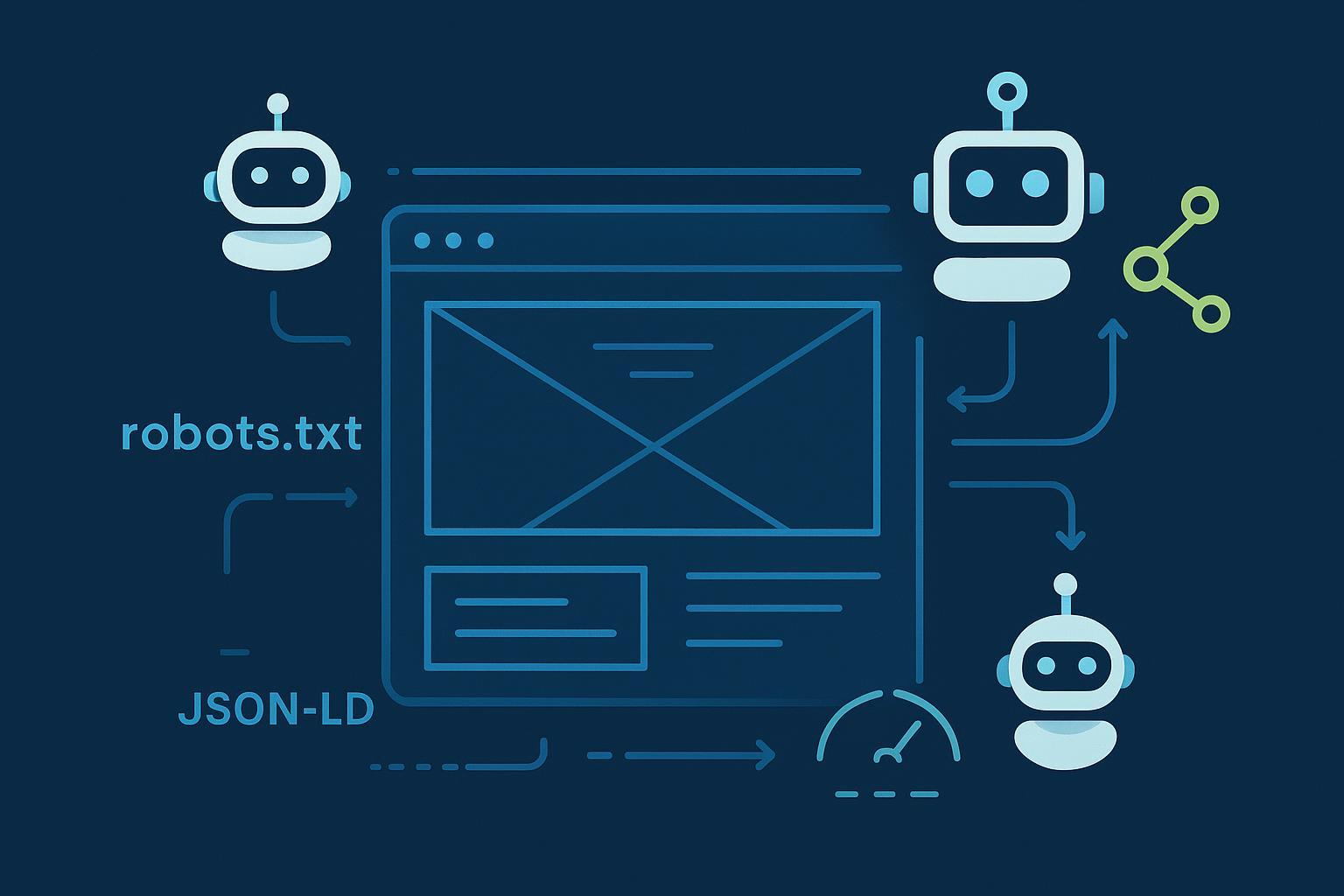
If an AI agent landed on your homepage right now, would it find clear meaning, permission to proceed, and a fast path to the facts? Optimizing for agents isn’t a buzzword exercise—it’s a rigorous blend of access control, machine-readable structure, answerable content, and performance discipline. Think of agents as tireless power users with a headless browser: they respect rules, seek precise signals, and favor pages that are easy to parse and cite.
1) Access and control: set the ground rules
Agents and answer engines discover pages through declared crawlers and, sometimes, indirect tools. Start with robots.txt and layer verification and rate controls. OpenAI documents GPTBot and how to opt out in robots.txt; see the official guidance in the OpenAI page on GPTBot and robots control, which includes examples and scope limits in the OpenAI GPTBot documentation. Google explains general crawling/indexing controls and technical requirements for AI features eligibility (no special markup required beyond standard Search eligibility) in Google’s AI features and your website (Search Central, ongoing updates).
Recommended robots.txt patterns (apply only if they match your policy):
# Allow by default; explicitly control AI crawlers
User-agent: *
Disallow:

# OpenAI GPTBot — official
User-agent: GPTBot
Disallow: /private/

# Google-Extended — training opt-out (industry pattern; see caveat)
User-agent: Google-Extended
Disallow: /

# PerplexityBot — declared UA (see verification notes)
User-agent: PerplexityBot
Disallow: /internal/

# Anthropic — commonly observed tokens (no single canonical spec page)
User-agent: ClaudeBot
Disallow: /
User-agent: anthropic-ai
Disallow: /
Caveats you should document publicly on your site’s AI interaction policy page:
- Google-Extended’s robots directive is an industry pattern; Google’s pages are dispersed. Treat this as provisional until there’s a consolidated spec on Search Central (see their robots.txt intro and updates for context).
- Some investigations allege certain crawlers may not always honor robots.txt. Cloudflare’s 2025 review discusses undeclared or stealth crawlers; see the discussion in Cloudflare’s bot traffic analysis (2025) and follow-on reporting. Where strict blocking is required, add IP verification at the edge.
Quick control matrix
| Agent/Crawler | Common UA token(s) | robots.txt control | Verify/notes |
|---|---|---|---|
| OpenAI | GPTBot | Policy-based allow/Disallow | Follow official patterns and scope; confirm via reverse DNS/IP when needed |
| Google training | Google-Extended | Disallow (if training opt-out) | Industry pattern; monitor for official consolidation |
| Perplexity | PerplexityBot | Allow or Disallow by path | Consider WAF/IP checks due to reports about undeclared crawlers |
| Anthropic | ClaudeBot, anthropic-ai | Disallow or scoped allow | No single canonical spec; treat as conservative controls |
2) Make meaning machine-readable with the right schema
Agents latch onto unambiguous entities and relationships. Keep schema accurate, consistent with the visible page, and validated. Google’s structured data hub and Search Central updates continue to emphasize types like Organization, Article/NewsArticle, Product, FAQPage, HowTo, Review/Rating, and recent organization-level policies such as returnPolicy (see Google structured data docs and updates).
A compact Organization + sameAs pattern:
{
  "@context": "https://schema.org",
  "@type": "Organization",
  "name": "Example Corp",
  "url": "https://www.example.com",
  "logo": "https://www.example.com/logo.png",
  "sameAs": [
    "https://www.wikidata.org/wiki/Q42",
    "https://www.linkedin.com/company/example",
    "https://x.com/example"
  ],
  "returnPolicy": {
    "@type": "MerchantReturnPolicy",
    "applicableCountry": "US",
    "returnPolicyCategory": "https://schema.org/MerchantReturnFiniteReturnWindow",
    "merchantReturnDays": 30
  }
}
Tips that reduce ambiguity and improve citation chances:
- Use one canonical name per entity and maintain it across schema, headings, and internal links.
- For FAQPage, stick to genuine user questions; for HowTo, include step lists and required supplies.
- Map Product to Offers with price, availability, and return policy. Validate in Rich Results Test; monitor enhancements in Search Console.
3) Write for answer engines: reduce hallucinations by design
Agents summarize. Help them quote you precisely.
- Open with a crisp, one-paragraph answer that stands alone. Expand afterward with sources, definitions, and edge cases.
- Normalize terminology, define acronyms, and add a lightweight glossary for ambiguous terms.
- Add provenance boxes or inline citations to primary sources. Google notes that to be included as a supporting link in AI features, you only need to be indexable and snippet-eligible; see Google’s AI features and your website again for clarity.
- Keep freshness signals strong: last updated labels, version notes, and changelogs.
Want more context on agent workflows and where they cite? This primer on how AI agents work explains perception, reasoning, and tool use. For practical opportunities, review AI agent SEO use cases to align content with common agent tasks.
4) Technical SEO for agent rendering: JS, SSR/ISR, and performance
Agents often use headless browsers. If your content requires heavy client-side rendering, add server-side rendering (SSR) or incremental static regeneration (ISR) for top templates. Keep Core Web Vitals strong at the 75th percentile: LCP < 2.5s, INP < 200ms, CLS < 0.1, as documented in web.dev’s Core Web Vitals overview (maintained with Google Developers references).
Operational guidance that pays off:
- Improve LCP by trimming TTFB (CDN, server tuning), preloading hero resources, and using modern image formats (AVIF/WebP).
- Improve INP by breaking up long JS tasks, deferring non-criticals, and using web workers for heavy logic.
- Improve CLS by reserving space for media/ads and stabilizing fonts (
font-display), and by delaying layout-shifting widgets.
5) Measure AI traffic and citations
There’s no single standard, so combine server logs, referrer heuristics, and analytics custom dimensions. Practical walk-throughs from reputable teams show how to detect AI agent traffic using UA strings and referrers; for example, Seer outlines methods to identify traffic from OpenAI’s Operator and similar sources in Seer Interactive’s guide to detecting AI agent traffic (2025), while lists of AI user agents are tracked by industry publishers like Search Engine Journal’s AI crawler UA list (Dec 2025).
A simple GA4 setup pattern via GTM:
// GTM Custom JavaScript variable: navigator.userAgent
function() {
  return navigator.userAgent || '';
}
- Create a GA4 custom dimension for “User-Agent,” send it with every pageview.
- Build segments for referrers like chatgpt.com, perplexity.ai, copilot.microsoft.com, and gemini.google (heuristics, not absolutes).
- Track KPIs separately for “AI referrals” vs. “AI crawler hits”; correlate with server log spikes and any publisher/citation programs.
6) Governance and compliance: privacy-forward and documented
Document your stance on AI interactions: what’s allowed, what’s rate-limited, and what’s prohibited. Publish it next to your robots.txt and terms of use. When training opt-outs matter, pair robots directives with WAF rules and legal terms. For evolving crawler behavior and opt-out mechanisms, monitor official documentation and industry analyses such as Cloudflare’s 2025 bot traffic review. Also keep an eye on policy hubs from major vendors (e.g., OpenAI’s data usage controls and retention notes in OpenAI’s “Your data” documentation) so your public policy is accurate.
Short governance checklist:
- Publish an AI interaction policy explaining allowed/blocked uses and contact channels.
- Maintain an audit trail of robots/headers changes and rate limit rules; review quarterly.
- Ensure privacy notices explain any model interactions and data flows; avoid storing sensitive content in public endpoints.
7) Vertical playbooks
Different industries have different “answer” patterns and compliance realities.
Ecommerce
- Use Product, Offer, AggregateRating, Review, BreadcrumbList, and sitewide
returnPolicy. Provide sizing, compatibility, and “what’s in the box” FAQs; include alt text and captions for media. For an overview of where agents help ecommerce, see this roundup of agentic AI trends and SEO impact.
B2B SaaS
- Mark up Organization and Product/SoftwareApplication; add Article/HowTo for implementation guides and ROI models. Publish security and compliance FAQs with clear ownership. Include architecture diagrams and integration steps agents can quote.
Healthcare/Finance (regulated)
- Use appropriate medical/financial schema subsets where applicable, plus Organization, Article, and FAQPage. Display reviewer credentials and link to governing guidelines. Avoid individualized advice; keep disclaimers prominent.
8) Action checklist and implementation snippets
You can implement a robust baseline in a sprint.
- Access and control: declare crawler policies in robots.txt; add IP verification at the edge for sensitive paths; ensure meta robots/X-Robots-Tag coverage for files and APIs.
- Structured meaning: deploy Organization on all pages; Product/Article/FAQPage/HowTo on relevant templates; validate monthly.
- Answerability: add a concise “short answer” atop key pages; include sources and disambiguation below; maintain changelogs.
- Measurement: add a GA4 User-Agent dimension and AI referrer segments; build an “AI referrals and citations” dashboard.
- Performance: set budgets to LCP < 2.5s, INP < 200ms, CLS < 0.1 at p75; enable alerts on regressions.
- Governance: publish your AI interaction policy; review bot behavior and WAF rules quarterly; keep privacy language aligned with vendor policy changes.
9) The continuous optimization loop for the agentic web
Ship the baseline, then iterate. Monitor citations and AI referrals, inspect crawl logs weekly, and refine schema and “short answer” sections based on what agents actually quote. When policies or crawler specs change, update robots.txt and your public AI interaction page the same day. And if you’re building internal automation, think in workflows—if agents are your readers and referrers, they’re also your QA. Ready to put this to work? Let’s dig in.
