Best Tools Like Notion AI for Content Teams (2025)

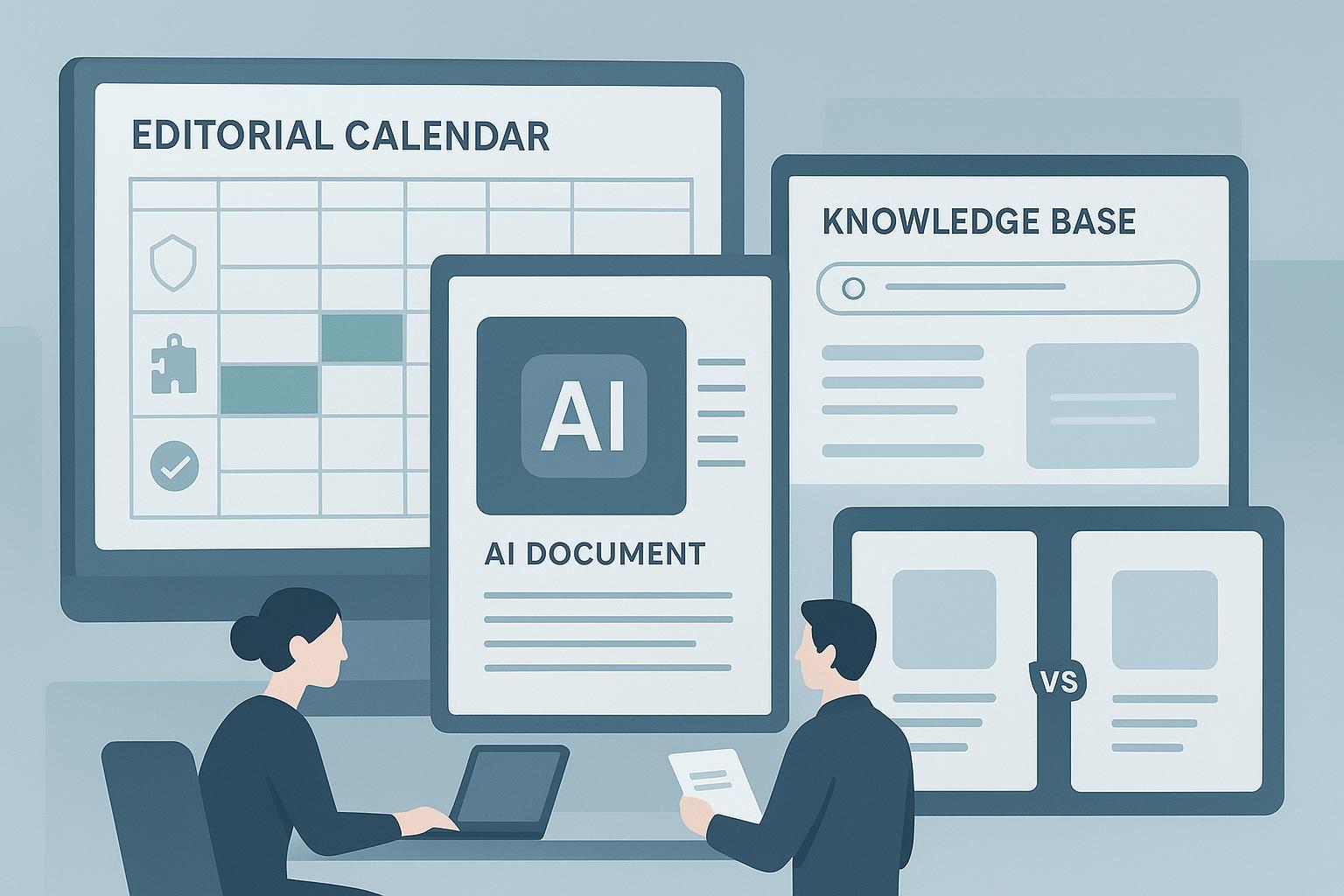
When teams say “tools like Notion AI,” they usually want three things in one place: faster first drafts that stay on-brand, a shared editorial workspace that keeps work moving, and trustworthy search across their knowledge. This guide compares credible alternatives through a content-operations lens—so you can pick based on workflows, guardrails, and integration fit rather than hype.
Quick context: Notion’s Business and Enterprise plans now include its AI features, with enterprise search and permission-aware connectors across apps. That makes staying put attractive for many programs, but it doesn’t solve every editorial need. According to Notion’s own materials, Business/Enterprise include “unlimited usage of Notion AI,” and Enterprise offers zero data retention with model providers; see the announcement in Notion’s 05/13/2025 release notes and the security posture in Notion’s AI security practices.
How we evaluated alternatives (through content-ops jobs)
- Content quality and brand control: Does AI respect style guides, term banks, and tone? Are citations or retrieval-grounded answers available to reduce fact risk?
- Collaboration and approvals: Can editors set roles, track versions, manage multi-stage approvals, and comment in context without chaos?
- Knowledge search and reuse: Is there unified search across docs and connected apps, with permission-aware results and, ideally, citations?
- Governance, security, and compliance: SOC 2/ISO evidence, SSO/SCIM, audit logs, data retention options, admin controls.
- Integrations and publishing: CMS/SEO tooling, Slack/Teams, Google/Microsoft, Jira/Asana, and export pathways that don’t add friction.
- Cost and migration: Transparent pricing, predictable AI usage, and realistic paths to import content or run side-by-side during a pilot.
At-a-glance comparison
| Tool | Best fit for content teams | Collab/approvals | Knowledge search/RAG | Governance snapshot | Pricing note |
|---|---|---|---|---|---|
| Coda (with Coda AI) | Structured briefs and calendars in doc–table hybrids | Real-time comments; granular controls | Packs + cross-tool sync | SSO/SCIM on Enterprise; SOC 2 posture | Maker billing; AI credits vary by plan |
| ClickUp + Brain | Editorial pipelines tied to tasks and docs | Strong task approvals and templates | Workspace Q&A and summaries | SOC 2/ISO (per trust pages); SSO/SCIM on higher tiers | Brain is a paid add-on; confirm current rates |
| Confluence + Rovo | Enterprise wiki aligned to Jira workflows | Robust workflows via automation/Jira | Rovo chat/agents with connectors | SOC 2/ISO; Rovo not HIPAA | AI rollout tied to plan level |
| Jasper | Brand-led marketing content at scale | Team projects; automated workflows | SEO via integrations | SOC 2; SSO/SCIM | Tiered; Enterprise custom |
| Grammarly Business/Enterprise | Editing guardrails and brand tone across apps | Cross-app suggestions; style guides | Works across apps; no unified wiki | SOC 2; ISO 42001; BYOK option | Pro seats public; Enterprise via sales |
| Copy.ai | No-code AI workflows for GTM teams | Workflow builder; briefs | Broad connector ecosystem | SOC 2 posture; SSO readiness | Seats + workflow credits |
| Guru | Verified knowledge base with AI answers and citations | Verification owners; RBAC | Slack/Teams answers with sources | SOC 2; SSO/SCIM; audit logs | Tiered with AI credits |
| Taskade | Lightweight agents for ideation and planning | Real-time docs and mind maps | App automations | Security program; SOC 2 in progress | Free + paid tiers |
| Mem | Semantic notes and agentic drafting | Team chat and collections | Semantic search across notes | Security page; maturing compliance | Free + Pro plans |
Note: Pricing and availability shift; validate current details during procurement.
The best Notion AI alternatives for content teams
Coda (with Coda AI)
Coda combines documents with database-like tables, so you can keep briefs, editorial calendars, and status reporting in one place without losing structure. Its AI features assist with drafting and summarizing in the context of your tables, and “Packs” connect to tools like Slack, Jira, and Google. Enterprise plans support SSO/SCIM and admin controls. A practical nuance: Coda bills by “Doc Maker,” and AI credits vary by plan, which can be cost-efficient for teams with many readers but few creators. For official details, see Coda’s pricing. Skip it if you need baked-in SEO briefs or out-of-the-box multi-stage approvals.
ClickUp with ClickUp Brain
ClickUp is a work management platform that meshes tasks, Docs, Whiteboards, and chat. For content ops, that means briefs, drafts, reviews, and publishing checklists can live on one timeline. ClickUp Brain adds summaries, AI meeting notes, and Q&A across your workspace, which helps editors triage and unblock. Approvals and status transitions are first-class in tasks. Verify pricing and limits on the official page: ClickUp Brain pricing. If your writers dislike working inside a task-first UI, adoption may drag.
Atlassian Confluence with Atlassian Intelligence (Rovo)
For teams already running Jira or needing rigorous approvals, Confluence plus Atlassian’s AI (Rovo) can be compelling. You get structured pages, automation, and alignment with issue tracking—useful for complex reviews. Rovo adds summaries, drafting aid, and agents with connectors to other data sources. Atlassian documents plan-by-plan AI availability and data handling; start with Rovo availability and activation guidance. If you want a flexible, database-style content hub, Coda or Notion-like tools may feel friendlier than Confluence’s page hierarchy.
Jasper
Jasper focuses on marketing teams that care about consistent brand voice, SEO briefs, and collaboration around campaigns. It offers brand voice controls, multi-agent workflows, and integrations (including Surfer SEO), which can shrink the time from outline to publish-ready drafts—assuming your team brings strong product knowledge. Governance details (SOC 2, SSO, GDPR) are outlined on its trust page: Jasper Trust. If you’re building a general-purpose editorial wiki or need deep approvals in-doc, Jasper is better as an add-on rather than your primary workspace.
Grammarly (Business and Enterprise)
Grammarly’s strength is cross-application guardrails: style guides, brand tones, blocked terms, and on-the-fly suggestions wherever writers work. Generative prompts help with outlines and rewrites, while Enterprise controls and encryption options satisfy risk teams. For details on its enterprise governance model and controls (including BYOK), see Grammarly’s enterprise-grade AI governance overview. It won’t replace your editorial hub or calendar, but it can lift quality and consistency across the stack.
Copy.ai
Copy.ai positions itself as a no-code AI workflow platform for go-to-market teams, with brand voice controls, brief generators, and automations that connect to thousands of apps. For content ops, it’s a way to templatize research, outlines, and first passes—especially when paired with your CMS and analytics. Pricing uses seats plus workflow credits, so model total cost before scale. See Copy.ai pricing. If your editors want a document-first system with native approvals, choose ClickUp, Confluence, or Coda instead.
Guru
Guru is a knowledge base built for verified, cited answers—perfect for editorial SOPs, product facts, and style guidance. Editors assign verification owners and cadences, so AI answers in Slack or the web app come with sources and status. That guardrail reduces hallucinations in production copy. Governance and identity controls (SOC 2, SSO/SCIM, audit logs) are documented in Guru’s resources; start with security and compliance docs. Guru won’t write your blog posts; it makes them safer and faster to produce by keeping truth centralized.
Taskade
Taskade blends lightweight docs, mind maps, and custom AI agents. It’s handy for ideation, topic clustering, and early-stage planning when you don’t need heavy governance. Editors can create agent-powered checklists and research helpers that kick-start briefs. The company outlines encryption and a zero-trust architecture and notes a SOC 2 Type II program in motion on its security page: Taskade Security. If you need strict attestations or deep RBAC today, consider Guru, Atlassian, or Grammarly Enterprise.
Mem
Mem is a semantic notes app with agentic drafting and a knowledge graph. It shines when teams want quick capture and retrieval with minimal structure—think idea banks, voice-of-customer snippets, and personal-to-team knowledge flows. Teams can collaborate in Collections and use Mem Chat to query their notes. Compliance is still maturing; review the security and privacy pages before moving sensitive content: Mem security. If you plan to run formal approvals or large cross-team calendars, it’s better as a companion to your main system.
Should you stay with Notion AI—or switch?
Stay if your team already runs on Notion databases/templates, adoption is strong, and IT is comfortable with the security posture (including enterprise search with connectors). Notion’s AI living inside docs and databases is efficient and reduces tool switching.
Consider switching—or pairing—if you need any of the following:
- Stricter governance or data controls (e.g., BYOK, specific certifications) that your compliance team mandates.
- Deeper editorial workflows (multi-stage approvals, granular versioning) or tighter alignment to Jira-style processes.
- Verified answers and source citations across Slack/Teams to reduce fact risk.
- SEO-specific briefs and brand voice enforcement at scale.
If you like Notion’s flexibility but hit those limits, a pragmatic path is pairing: keep Notion as the workspace; add Grammarly for guardrails and Guru for verified knowledge.
How to choose (and pilot without chaos)
- Define two to three critical workflows to test, such as “SEO brief → draft → two-stage review → CMS handoff” and “Stakeholder Q&A → verified answer in Slack.”
- Measure output quality (brand/style adherence), review latency, and edit churn. If you can, track rework percentage per draft in a simple sheet.
- Require permission-aware search with citations during the pilot—even if you plan to keep humans-in-the-loop. It’s the fastest way to spot governance gaps.
- Map migration early. If you’re moving off Notion, test imports with 50–100 records, then check formula/relations parity and URL behavior. If you’re running side-by-side, set clear rules for “system of record.”
- Involve IT/security before shortlisting. You’ll save weeks by confirming SSO/SCIM, audit logs, and data retention policies upfront.
Bottom line
There’s no single “Notion AI clone.” Think of your choice as a bundle of tradeoffs between drafting speed, editorial control, knowledge trust, and governance. If your team lives in briefs and approval chains, ClickUp or Confluence may fit best. If you prize structured docs and maker-friendly pricing, Coda is strong. If quality and consistency across apps matter most, add Grammarly. Need trustworthy answers? Bring in Guru. Think of it this way: the best stack is the one your editors will actually use—with the guardrails your business will actually enforce.
