Live Ops for Creators: Field-Tested Best Practices for Sustainable Growth (2025)

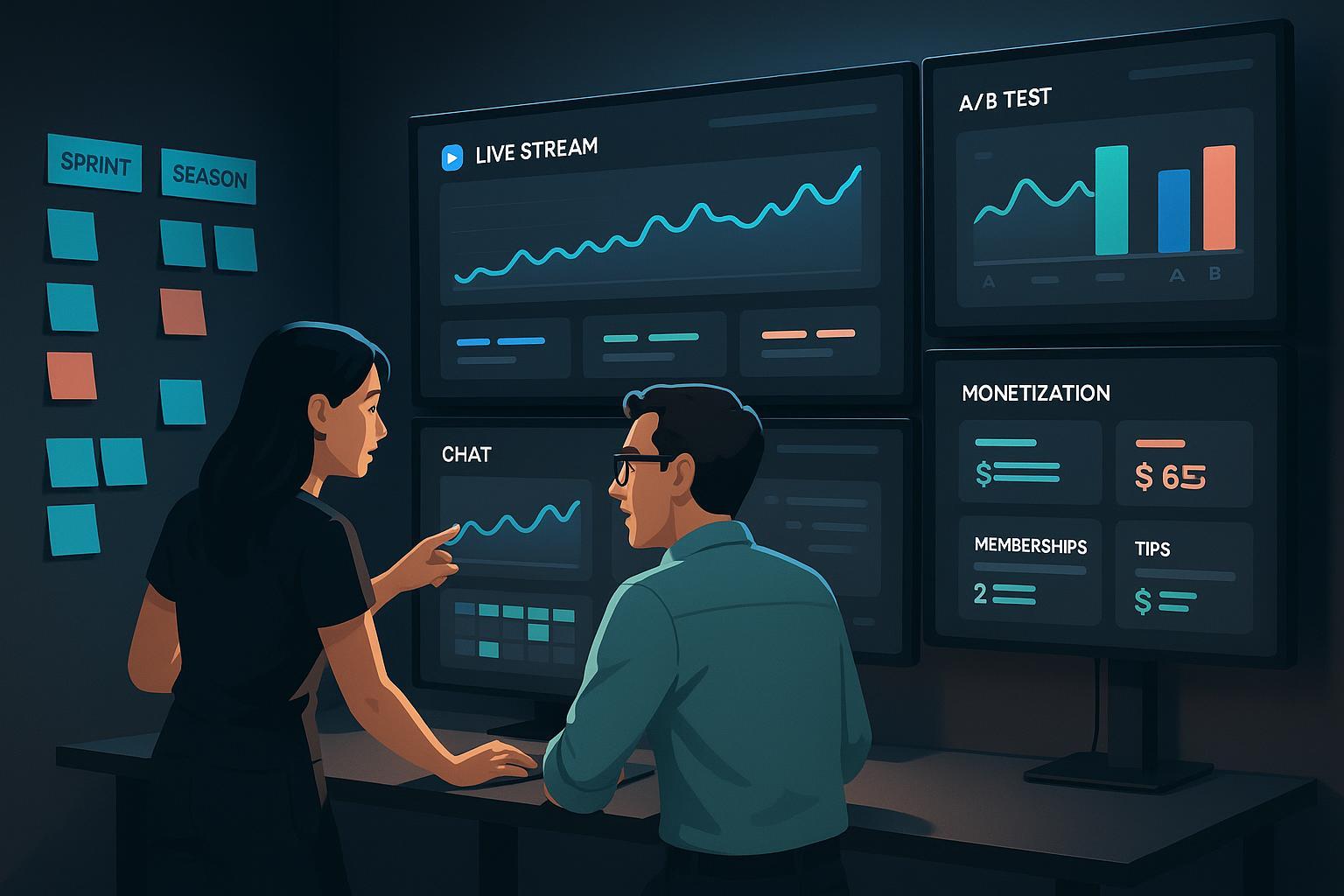
Live Ops isn’t just for games anymore. For creators, it’s the operating system for sustained engagement and income: plan seasonal events, run small experiments, listen to the community, and iterate without burning out. In this guide, I’ll share the playbooks and guardrails that consistently work in 2025—across streaming, YouTube, newsletters/webinars, and member communities—backed by current platform docs and industry benchmarks.
What “Live Ops” Means for Creators (in practice)
In gaming, Live Ops means continuous post‑launch optimization via events, offers, personalization, and experiments. The same discipline maps cleanly to creator work: time‑boxed livestreams or challenges, limited‑time perks, targeted content variants, and relentless iteration. Adjust’s 2025 overview of live‑ops emphasizes event cadence, segmentation, and experimentation as the power trio for retention and monetization, which creators can adapt directly to channels like YouTube, email, and Discord, as outlined in Adjust’s 2025 Live Ops explainer. Game studios’ maturity here is useful reference—Unity’s case library shows measurable impact from event cadences and controlled tests, such as the Metacore A/B uplift example (Unity, 2025) demonstrating outsized gains from structured experimentation.
Creator translation:
- Events → livestreams, drops, collabs, community challenges.
- Economy → memberships, bundles, limited‑time discounts, gifts.
- Personalization → segments by interest/time zone; differentiated perks.
- Experiments → thumbnails, titles, formats, offers; ship small, learn fast.
The KPI Taxonomy You’ll Actually Use
Choose a compact set of KPIs so weekly iteration stays focused.
-
Streaming (Twitch/YouTube LIVE)
- Inputs: stream days/week, start times, simulcast vs single‑platform
- Engagement: average concurrent viewers (ACV), chat velocity, watch time, returning viewer rate
- Conversion: follows/subs per stream, gift events, tips per 1,000 viewers, off‑platform clicks
- Directional context comes from quarterly industry snapshots like the Streamlabs & Stream Hatchet Q4 2024 report and their Q3 2024 report.
-
YouTube (VOD + LIVE)
- CTR, average view duration (AVD), retention curve shape, returning viewers, membership joins, LIVE Supers volume
- Native thumbnail experiments via YouTube Studio’s Test & Compare help you pick winners by watch time share, per YouTube’s 2024–2025 Test & Compare rollout note.
-
Email/newsletters (events/webinars)
- Open rate, CTR, unsubscribe, spam complaint, registration→attendance rate, replay views
- As a sanity check, many creators see open rates in the high‑30s to low‑40s and CTR around low single digits; Campaign Monitor’s guidance and benchmarks provide helpful ranges and deliverability practices in Campaign Monitor’s small business email guide and its core metrics explainer.
Tip: Avoid KPI sprawl. Define one primary KPI per initiative (e.g., ACV for a tentpole stream; attendance rate for a webinar), plus two supporting metrics.
The Event Sprint: A 2–4 Week Playbook (Livestream Focus)
This is the backbone cadence I’ve seen work repeatedly for creators and small teams.
- Define the goal and guardrails
- Example goal: “Lift average concurrent viewers by 20% and achieve a 3% membership conversion among live viewers.”
- Guardrails: max stream length; no more than one new format element per stream; moderation coverage.
- Pull audience signals
- Returning vs new viewer mix; top geos/time zones; typical drop‑off points; chat velocity bands.
- Use platform analytics and prior stream notes; if simulcasting, compare platform retention curves.
- Design a time‑limited offer
- A lightweight perk that doesn’t punish non‑payers, e.g., members‑only Q&A after the stream or a downloadable template. Ladder value so the free layer remains healthy.
- Craft the content and promo plan
- 3 promo clips, 1 teaser Short/Reel, 2 community posts, 1 email reminder. Stage releases to maximize anticipation (48h, 24h, 1h pre‑live).
- Prep the technical runbook
- OBS/Streamlabs scenes and hotkeys; backup RTMP; latency mode selection; safety and escalation SOP; mod staffing and roles. Twitch has solid documentation for Extensions and analytics that can inform interactive overlays; see Twitch’s Extensions developer docs.
- Experiment small
- Use YouTube’s native Thumbnail Test & Compare with 3 variants. For titles, ship Variant A this sprint and Variant B next sprint—compare retention and CTR.
- Run the show with interaction beats
- Hit an interaction every 5–7 minutes: polls, redemptions, quick audience prompts, or a mini‑challenge.
- Post‑live packaging (within 24 hours)
- Chapters on VOD; pin key moment; 2–3 clips for Shorts/TikTok; a brief recap post with the replay link.
- Retro and next step
- Review ACV, retention at 5/15/30 minutes, chat velocity, gifts/subs per 1k viewers, and off‑platform clicks. Choose one variable to change next sprint.
Why it works: It operationalizes the Adjust‑style Live Ops loop (events + experiments + segmentation), which Adjust’s 2025 overview and GameAnalytics’ trend pieces highlight as core to retention.
Newsletter + Webinar Cadence (Monthly)
A reliable owned‑channel engine that strengthens community and drives monetization without algorithm risk.
- Calendar it
- One flagship webinar per month; pre‑ and post‑event newsletters; evergreen replay page with opt‑in.
- Segment lightly
- Persona tags for interest; localize send times to top 2–3 time zones. Don’t fragment small lists.
- Run an A/B pilot
- Use 10% of the list for a subject‑line test (Mailchimp/ConvertKit support this natively); send the winner to the remaining 90%. See Mailchimp’s A/B testing overview and ConvertKit’s experiment docs.
- Aim for healthy benchmarks
- Open 35–45%, CTR 2–5%, unsubscribe <0.3%, spam <0.1%. Campaign Monitor’s resources offer ranges and tactics in their metrics explainer.
- Repurpose and monetize gently
- Clip highlights for short‑form; publish an actionable recap post; end with a soft CTA (membership tier, Patreon, or a sponsor code). Preserve value for non‑payers.
Platform‑Native Experimentation That Matters
- YouTube: Test & Compare thumbnails (up to three variants); winner chosen on watch time share. See YouTube’s rollout note (2024–2025).
- Twitch: Most experimentation happens through Extensions and feature configuration; Extensions Analytics provide engagement stats for overlays and interactive components; see Twitch’s Extensions docs.
- Email: A/B subject lines, content blocks, and send times—available in mainstream platforms per Mailchimp’s A/B docs and ConvertKit’s guidance.
Constraints:
- Keep tests small and conclusive; small lists and short windows can create false positives.
- Avoid “test everything” chaos—one meaningful variable per sprint.
Monetization Playbook (Policy‑Aligned, 2025)
-
YouTube
- Monetization options include ads, memberships, and LIVE features like Supers and gifting. Always consult the YouTube Partner Program hub and feature help pages for current eligibility and payout mechanics, including Channel Memberships, Super Chat & Super Stickers, and Shorts monetization. YouTube has also expanded virtual items and gifts incentives; see YouTube’s virtual items overview (2025).
-
Twitch
- Subscriptions and Partner Plus: Twitch removed the historical cap on 70/30 revenue share for eligible streamers in 2024 and made other payout updates, per Twitch’s Jan 2024 payout update and 2025 CEO letter highlights. Bits continue to pay at a base rate of roughly one cent each; see program details in Twitch docs and blog.
-
TikTok LIVE
- Rewards and payouts flow through Diamonds and program eligibility; specifics vary by region and program. See TikTok’s Creator Rewards overview and How rewards work.
-
Patronage & off‑platform
- Patreon platform fees for new creators moved to a standard 10% by mid‑2025, with payment processing and currency conversions additional; Apple’s in‑app fees apply to iOS purchases. Check Patreon’s fee and payout documentation and policy updates. Ko‑fi keeps direct donations fee‑free and charges on shop sales unless on Ko‑fi Gold, per Ko‑fi’s pricing page.
Monetization guardrails:
- Ladder value (free → supporter perks → premium) to avoid backlash.
- Disclose sponsorships and affiliate links per FTC/local rules.
- Pilot changes; watch churn and sentiment before scaling.
Toolbox: Building Your Creator Live Ops Stack
- Planning/automation: QuickCreator for AI‑assisted drafting, block‑based post‑event recaps, and SEO publishing alongside peers like Buffer/Hootsuite for scheduling.
- Streaming & interactivity: Streamlabs for scenes/alerts; Crowd Control for game‑driven interactions; Restream for simulcasting.
- Monetization & community: Ko‑fi for donations/shops; Patreon for tiered memberships.
Disclosure: We have a commercial relationship with QuickCreator.
Choose based on workflow: need AI drafting and blog recap speed (QuickCreator), deep streaming overlays (Streamlabs), simulcast (Restream), cross‑network scheduling (Buffer/Hootsuite), or direct patronage (Ko‑fi/Patreon).
Micro‑Workflow Example: Post‑Event Content Packaging
After a tentpole stream, draft a recap post, embed clips, and schedule a newsletter in one sitting. For teams that publish recaps to a blog, QuickCreator can speed the outline→draft step and push SEO‑optimized posts to web or WordPress; teammates can tweak blocks and add multimedia before publishing.
Community Heartbeat: Keep the Loop Alive
- Weekly: 30–45 minute office hours or AMA; rotate time zones and formats (Discord stages, text Q&A).
- Monthly: Themed challenge with a lightweight prize; spotlight winners in a short video.
- Quarterly: A simple survey, plus a roadmap update and a changelog‑style post to keep expectations aligned.
This cadence creates predictable touchpoints while avoiding “feature fatigue,” a risk commonly noted in game Live Ops. Adjust’s Live Ops primers and GameAnalytics’ trend guidance (2024/2025) both emphasize modularity and sustainable pacing.
Pitfalls, Trade‑offs, and How to Avoid Them
-
Burnout and overscope
- Cap your cadence; pre‑build two or three reusable show segments. Schedule a low‑intensity week every 6–8 weeks to recover.
-
Over‑segmentation
- Splitting a small audience into many segments dilutes value. Segment only where you can deliver differentiated perks.
-
Monetization backlash
- Sudden paywalls lead to churn. Pilot perks in public, communicate roadmaps, and maintain a meaningful free layer.
-
Noisy experiments
- Tiny samples and short windows cause false positives. Let tests run to significance; document hypotheses and outcomes.
-
Quality drift in frequent updates
- Use checklists and pre‑flight reviews. In practice, modular workflows help small teams sustain output without bottlenecks, as discussed in Adjust’s Live Ops overview (2025).
Proof it Works: Case Snapshots and Data Signals
-
Controlled experiments move revenue
- Unity documents a Metacore test showing a roughly 5x uplift in monetization from a controlled change, underscoring why disciplined A/B beats guesswork; see Unity’s Metacore case (2025).
-
Continuous event cadence sustains interest
- Unity highlights how coordinated Live Ops events kept content fresh in idle titles like Mighty Kingdom’s Power Rangers: Mighty Force, which maps cleanly to creator “seasonal events.” See Unity’s Mighty Kingdom case.
-
AI‑assisted, modular workflows speed iteration
- Creator and studio operations benefit when drafting, packaging, and releasing are modular and partially automated—consistent with patterns described by Live Ops consultancies and resources like Adjust’s Live Ops primer (2025) and the emphasis on operational systems in VirtuIRL’s workflow consultancy page.
-
Multi‑channel monetization is more resilient
- Diversified revenue—ads, subscriptions, patronage, direct support—tends to be more sustainable as platform policies change, a point echoed in Umbrex’s overview of the digital content industry (2025).
2025 Trends You Should Plan For
- AI‑native ops: More personalization, automated offers, and real‑time experimentation loops, reflected in Adjust’s AI in mobile gaming analysis (2025).
- First‑party resilience: Email lists and membership communities hedge against algorithm volatility; a long‑running theme in industry outlooks.
- Modular content blocks: Reusable scenes, block‑based posts, and seasonal calendars make consistency achievable for small teams—an approach supported by game‑industry Live Ops norms and tooling ecosystems such as Unity and Adjust resources.
Implementation Checklist (Print This)
Weekly
- Pick one KPI to move this week (e.g., ACV, CTR, attendance rate)
- Ship at least one small experiment (thumbnail, segment, or offer)
- Run one community touchpoint (office hours, challenge, or AMA)
- Document learnings and next week’s single change
Per Event Sprint (2–4 weeks)
- Goal + guardrails defined
- Offer designed (value ladder preserved)
- Promo assets ready (clips, posts, email)
- Technical runbook checked (scenes, backup RTMP, moderation)
- One experiment scoped (thumbnail or title cadence test)
- Post‑event packaging within 24 hours (chapters, clips, recap)
- Retro held; next experiment chosen
Quarterly
- Audit cadence vs capacity; schedule a recovery week
- Survey the community; publish a roadmap/changelog
- Review monetization mix; test one perk or tier improvement
Final Thought
Live Ops is a discipline, not a feature. Start with one cadence, one offer, and one experiment. Document the results, then iterate. The compounding effect—backed by steady events, thoughtful monetization, and respectful community rhythms—is what separates creators who spike from those who endure.
