How to Use Creator Whitelisting 2.0: Comprehensive Step-by-Step Guide (2025)

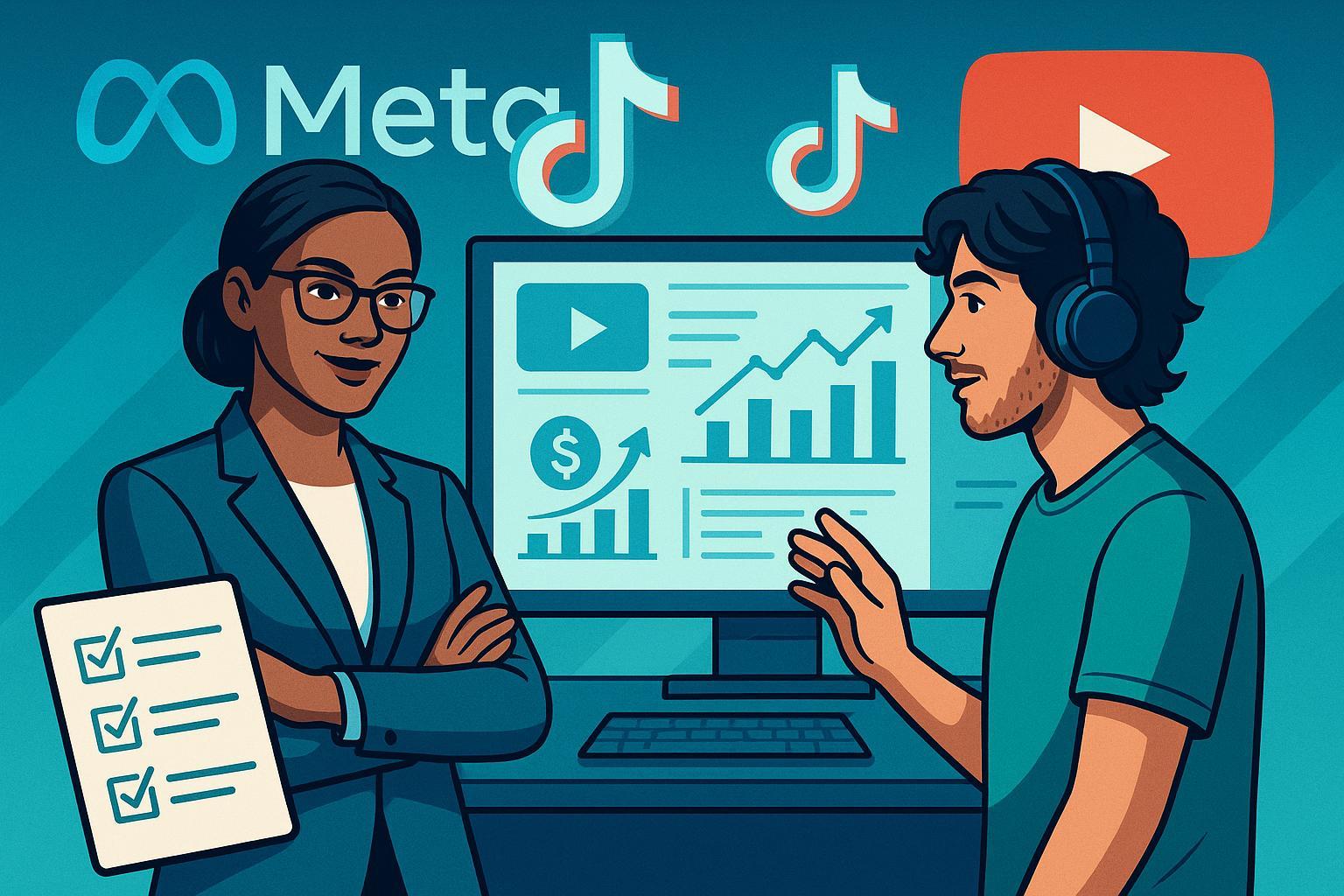
Welcome to the most actionable how-to guide for Creator Whitelisting 2.0 in 2025. Whether you’re a marketing manager, agency lead, or creator ready to scale with brands, this playbook delivers the step-by-step, platform-specific tactics, contract tips, troubleproofing, and modern best practices for campaign success.
Quick Overview:
Creator Whitelisting 2.0 lets brands run highly optimized ads using creators’ handles, unlocking greater reach, targeting, and credibility. In 2025, it’s more professionalized than ever: airtight contracts, deeper creator-brand partnerships, real-time permissions, and strict privacy/compliance demands. This guide breaks down hands-on workflows for Meta (Facebook/Instagram), TikTok, and YouTube, plus legal, risk, and optimization essentials.
Table of Contents
- What’s New in Creator Whitelisting 2.0 for 2025?
- Pre-Launch Preparation
- Building a Rock-Solid Whitelisting Agreement
- Platform Walkthroughs: Meta, TikTok, YouTube
- Monitoring, Optimization & Campaign Health
- Risk Management & Troubleshooting
- Downloadable Resources & Checklists
- FAQs & Best Practices Checklist
What’s New in Creator Whitelisting 2.0 for 2025?
- Deeper Collaboration: Gone are the days of “just grant access.” Brands and creators now co-design campaigns, define permissions, and set explicit IP and content boundaries—often with recurring partnerships.
- Contract Focus: With tighter privacy (FTC, GDPR/CCPA), every campaign needs clear, enforceable contracts covering rights, compensation, and compliance.
- Platform Automation: Meta, TikTok, and YouTube have evolved with time-boxed controls, code-based permissions, automated asset linking, and robust reporting.
- Result: If set up right, whitelisting 2.0 drives higher ROAS (3x+), lower CPAs, and unlocks powerful retargeting audiences with genuine creator trust.
Pre-Launch Preparation
Before you touch a single platform:
- Define Campaign Goals.
- What do you want—sales, awareness, content, or follower growth? Set clear KPIs (e.g., CPA, ROAS, reach).
- Select Ideal Creators.
- Look for audience-brand match, demo/psychographic fit, engagement rates (aim for 2-5%), and content authenticity. Use vetting tools (Lumanu, The Cirqle).
- Upfront Alignment Meeting.
- Walk creators through your campaign’s “why”—what’s in it for both sides? Discuss deliverables, permissions, and timelines. (Trust is the #1 success predictor.)
- Assign Roles & Timeline.
- Map out who does what, by when (assets, approvals, campaign draft, go-live), and build in a buffer for permission hiccups. A typical cycle: 1-3 weeks.
Pro Tip: Never skip the alignment call. It uncovers confusion and prevents “last-second” permission blocks.
Building a Rock-Solid Whitelisting Agreement
A clear, mutual agreement is the backbone of protection—legally and reputationally.
1. Must-Have Clauses
- Parties, Platforms, and Handles: Exactly who is involved, on which platforms, with what assets.
- Permissions Granted: Detail the ad types, dates, duration, and access level (e.g., can you edit, pause, reuse content?).
- Compensation: Base pay, performance bonus (e.g., for ROAS), and late fees (if applicable).
- Content Usage Rights: Where, how long, edits, reposts, license terms.
- Approval Rights: Creator’s right to approve/decline edits or new creative.
- Compliance & Termination: FTC/GDPR clauses, opt-out/termination for breaches, indemnity.
2. Sample Contract Clause
“The Creator grants [Brand] permission to use their Instagram handle for Branded Content Ads from [date] to [date], including rights to repurpose, edit, and adjust as agreed. All uses must comply with FTC, GDPR, and CCPA regulations. Content edits require Creator’s prior approval.”
3. Downloadable Templates & Checklists
Checklist: Always have contracts fully signed before any access is granted.
Platform Walkthroughs: Meta, TikTok, YouTube
META (Facebook & Instagram, 2025)
1. Granting Whitelisting Permissions
- Step 1: Creator opens Instagram app, selects the campaign post, goes to Advanced Settings, and enables "Allow Partner to Promote". This generates an 8-digit Authorization Code.
- Step 2: Creator securely shares this code with the brand manager.
- Step 3: Brand logs into Meta Business Manager, clicks Assets > Instagram Accounts, selects Add New, enters the code, and requests Advertiser permission.
- Step 4: Confirm the status in Shared Assets > Permissions Dashboard. Wait for creator’s approval notification.
- Step 5: In Ad creation, select Branded Content Ad, pick the creator’s handle, enter the code, apply targeting, and launch.
2. Key Error Checkpoints
- Invalid Code? Ensure the creator shared it within 72 hours—expired codes are a top cause of delays.
- Wrong Handle Linked? Double-check creator username spelling. It’s a frequent, hard-to-detect mistake.
- Permission Not Showing? Ask creator to check their Collabs Manager for new requests.
3. Monitoring & Troubleshooting
- Regularly review the Branded Content dashboard for asset linking, policy/approval errors, and campaign reach.
- If denied, revisit permissions in Meta Collabs Manager or contact Meta Support.
From experience: Meta’s permissioning is powerful, but even pros get tripped up by code expiry or asset mismatches—double-confirm every code before launch.
TIKTOK (2025)
1. Setting Up Spark Ads Whitelisting
- Step 1: Brand triggers whitelisting request in TikTok Creator Marketplace or connects directly (if relationship exists).
- Step 2: Creator receives the request in their dashboard, clicks Grant Permission for Spark Ads and generates an Authorization Code.
- Step 3: Creator securely sends this code to the brand (note: TikTok now prompts two-factor confirmation for extra security).
- Step 4: Brand logs into TikTok Ads Manager, selects Spark Ads > Use Authorization Code, enters code, and links desired content.
- Step 5: Preview, apply targeting, and launch campaign.
2. Key Error Checkpoints
- Invalid/Expired Code: Regenerate in-app and re-share. TikTok codes are now only valid for 48 hours.
- Content Not Appearing? Double-check that the creator’s video is public and eligible for promotion.
3. Monitoring & Troubleshooting
- Use the Proof Library and “Live Preview” tools to verify ad rendering and click activity.
- For revocation/errors, escalate via the TikTok Creator Marketplace support channel or consult TikTok's official help resources for assistance.
Pro tip: TikTok’s interface has frequent minor updates—the most current walkthroughs always live in their official help center.
YOUTUBE (2025)
1. Gaining Ad Rights on Creator Content
- Step 1: Get written permission (in contract or email) from the creator to use a specific video for YouTube ads. Ensure video is public/unlisted with monetization enabled.
- Step 2: In Google Ads, build a campaign using the YouTube video URL as a creative asset.
- Step 3: (Optional) If more control is required, license raw content from the creator and upload to your brand’s channel.
2. Key Error Checkpoints
- Not Ad-Eligible? Has the creator enabled monetization? Is video copyright/brand safe?
- Access Not Granted? Verify permission details with creator. Only brand-run ads are supported for now—YouTube does not permit direct handle takeover.
3. Monitoring & Troubleshooting
- Track performance/approval status in Google Ads dashboard.
- For copyright/disputes, use YouTube BrandConnect or escalate via Google Partner Support.
Monitoring, Optimization & Campaign Health
- Daily Checks: Review ad delivery, CPM/CPA/ROAS, and comments for platform or audience issues. Typical success: CPA $10–$50 (e-com), ROAS 3x+, Engagement Rate 2–5%, CTR 1–3% (Stack Influence).
- Weekly Audits: Pause underperformers, scale top creatives/audiences, and rotate content for freshness.
- Compliance Reviews: Double-check for FTC/industry disclosures and data privacy (e.g., if running in the EU/California).
- Proof of Success:
- On Meta, ads show ‘Paid Partnership’ and are visible in creator’s Collabs/Branded Content dashboard.
- On TikTok, Spark Ads display as ‘Sponsored’ from creator profile.
- On YouTube, brand ad analytics are visible in your Google Ads dashboard.
Verification Tip: Always confirm your creative is running live from the right handle before reporting to management or clients.
Risk Management & Troubleshooting
Top Risks (and Solutions)
- Content/brand misuse: Use contract clauses to limit asset use to defined platforms, dates, and campaigns.
- Policy violations: Audit each ad for platform compliance before launch.
- Lost permissions: Download or document every code/approval, and use dashboards for regular monitoring.
- Creator/brand reputation: Moderate comments, have escalation procedures, and only work with pre-vetted partners.
- Account or payment issues: Always double-check ad account funding/verification status before whitelisting setup.
Common Scenarios
- Creator revoked access mid-campaign: Pause ads, contact creator ASAP, revert to backup creatives/accounts if needed.
- Permission codes not working: Request regeneration. Sometimes, platform bugs clear after simple refreshes or re-invite.
- Disapprovals: Fix policy/copyright or request manual review.
Downloadable Resources & Checklists
- Meta Whitelisting Walkthrough & Compliance (Cloudflight)
- TikTok Spark Ads Step Guide (MagicBrief)
- GetSaral Contract Templates
**Some downloadable files require email signup or agency access. Always check platform documentation for the most current policies/templates.**
FAQs & Best Practices Checklist
Frequently Asked Questions
Q: What should a creator/brand NEVER do?
A: Never launch ads before all contracts are signed and permissions verified. Never skip compliance reviews.
Q: How do I confirm my campaign is actually running from the creator’s handle?
A: Meta: Look for ‘Paid Partnership’ label. TikTok: Spark Ad displays as ‘Sponsored’ from creator. YouTube: Check Google Ads analytics for proper source attribution.
Q: What are typical permission/approval failure rates?
A: 90–95%+ success with clear instructions/contracts; most issues arise from code expiry, misspelled handles, or incomplete permissions.
Q: Are there tools that help automate or scale whitelisting?
A: Yes—Lumanu, Insense, CreatorIQ, and The Cirqle streamline permissions and reporting, particularly for large/multi-influencer ops.
Ultimate Best-Practices Checklist (Print/Copy!)
- [ ] Conduct campaign/creator alignment call
- [ ] Build, sign, and archive a detailed whitelisting contract
- [ ] Verify all ad asset eligibility (public, compliant, monetized)
- [ ] Obtain and test permission codes BEFORE launch date
- [ ] Confirm ad delivery via platform dashboards and creator profiles
- [ ] Monitor comments, spend, and approval status daily
- [ ] Audit for FTC/GDPR/CCPA/industry-specific declaration
- [ ] Prepare contingency plan for revoked permissions or errors
- [ ] Run post-campaign review with all parties
Further Reading & Resources
- Influencer Hero Full Guide
- Stack Influence: Scaling Whitelisting Ads
- MagicBrief’s Platform-specific Workflow
- GetSaral Academy – Legal Templates
From experience: The best whitelisting campaigns happen when contracts, permissions, and alignment are handled before creative goes live. Rushed setups or “winging it” almost always backfire—so follow this guide, stay proactive, and you’ll protect both ROI and relationships.
Good luck—and if you hit a snag, revisit the troubleshooting above or seek expert support. The landscape keeps evolving, so stay vigilant, keep learning, and optimize relentlessly!
