How to Use AI to Turn Podcasts Into Blog Posts

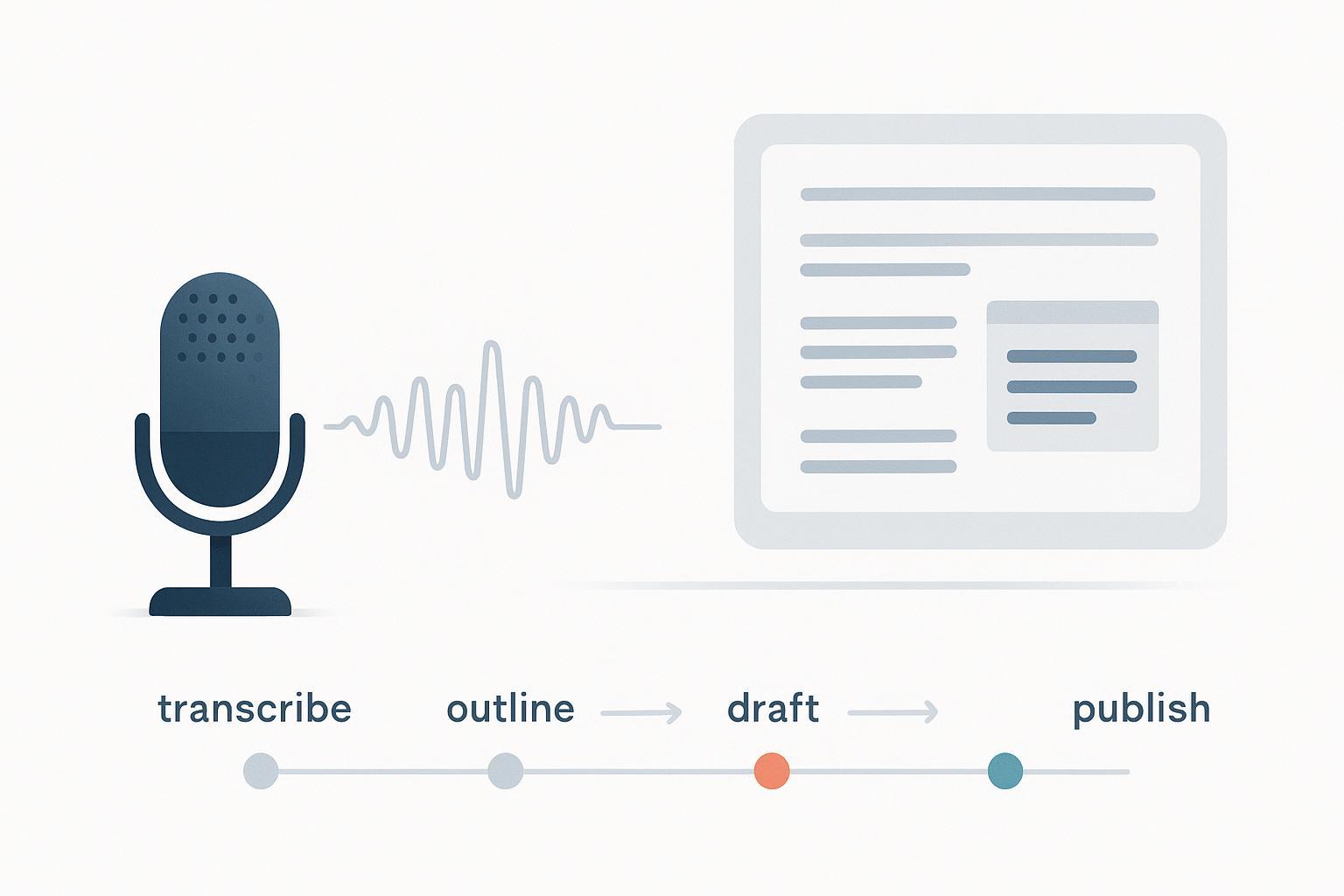
If you publish a podcast, you’re sitting on a goldmine of written content. The challenge is turning unscripted conversation into a clean article without losing the guest’s voice, introducing errors, or creating duplicate content headaches. This guide walks you through a practical, repeatable workflow—transcription, structure extraction, AI-assisted drafting, human editing, SEO and accessibility checks, compliance basics, and measurement—so every episode can become a credible, searchable blog post.
1) Prepare Your Inputs (quick wins before you touch AI)
Clean inputs produce better outputs. Record in quiet rooms, keep mics steady, and, when possible, capture separate tracks per speaker and export a high‑quality format (e.g., 48 kHz WAV). Confirm permissions: your guest release should explicitly allow repurposing into written articles. Gather assets up front—the episode audio, working title, show notes, any slides or links mentioned, and your preferred style guide. A few minutes here reduces hours of cleanup later.
2) The Step‑by‑Step Workflow
2.1 Transcribe with timestamps and speaker labels
Choose a transcription approach that balances accuracy, budget, and turnaround. Always keep timestamps and diarization (who said what) to enable quote verification and linkbacks to moments in the audio.
Decision criteria snapshot:
| Criterion | Why it matters | What to look for |
|---|---|---|
| Accuracy on your domain | Proper nouns, acronyms, and numbers must be correct | Custom vocabulary, model hints, human review option |
| Speaker diarization | You need reliable “who said what” | Multi‑speaker labeling; support for overlapping speech |
| Timestamps | Power quote verification and deep links | Phrase‑ or word‑level timestamps exported with text |
| Turnaround & cost | Affects per‑episode scalability | Clear pricing, batch processing, reasonable latency |
| Privacy controls | Avoid leaking sensitive info | Redaction, retention controls, SOC2/ISO claims (verify) |
Two practical tips to raise accuracy: feed the service separate tracks when possible, and keep a dictionary of names/terms to correct consistently across episodes. When diarization confuses speakers in crosstalk, mark uncertain spots for a human pass.
2.2 Extract a structure that reads like a story
Transcripts are linear; good articles have shape. Skim once for “chapters” (topic shifts), then outline in one of three patterns based on the episode’s nature:
- Narrative recap: a story arc that threads the main argument with selective quotes.
- Q&A: cleanly attributed host questions and guest answers with timestamps.
- How‑to: a sequence of steps, each grounded in what the guest actually said.
Flag segment start times; they’ll anchor your quotes and help readers jump back to the audio.
2.3 Draft with AI—prompts that preserve intent
Great prompts constrain the model to the transcript and prevent invented facts. Here are three concise patterns you can paste into your drafting tool. Replace items in brackets with your details.
Narrative recap prompt
You are an editor turning a podcast transcript into a narrative article for [audience].
Constraints: Do not invent facts. Quote only text from the transcript. For every direct quote, include a [hh:mm:ss] timestamp. Attribute claims to speakers.
Output: 1,300–1,600 words; H2/H3 headings; brief intro; smooth transitions; a short “What we don’t know yet” note at the end.
Transcript: [paste transcript]
Q&A format prompt
Convert the transcript into a clean Q&A.
Rules: Preserve speaker voices. Attribute each answer to the correct person. Add a timestamp at the start of each question. No new information.
Transcript: [paste transcript]
How‑to article prompt
Extract actionable steps from the transcript to create a how‑to article.
Rules: Use H2s for stages and H3s for sub‑steps. Include definitions only if present in the transcript. For any direct quote, include a [hh:mm:ss] timestamp and speaker attribution.
Transcript: [paste transcript]
Add a final instruction to list “Uncertainties or items to verify” so your editor knows exactly what to check.
2.4 Human edit and fact‑check
AI can draft quickly, but your credibility comes from human editing. Verify every quote against its timestamp; fix names, figures, and links; and trim filler. Attribute opinions to the speaker rather than stating them as universal truths. Where the conversation references outside studies, add the original sources or rephrase to avoid implying citations that don’t exist. If numbers or product claims feel shaky, note them for follow‑up rather than forcing certainty. It’s better to say “the guest suggested” than to hard‑claim something the transcript doesn’t support.
2.5 SEO and accessibility essentials
Pick one canonical URL per episode’s content cluster (episode page, transcript, derivative article) and make the others point to it with rel="canonical". Google treats canonicals as hints; choose the page that best represents the primary asset and reinforce that choice with consistent internal links. See Google’s guidance on how to consolidate duplicate URLs with rel="canonical". From the canonical page, link contextually to its companions using descriptive anchors—“Read the full transcript,” “Listen to the episode”—in line with Google’s internal link best practices.
Add structured data that matches the page type and validate it. For your article, implement Article/BlogPosting with headline, author, description, image, and date fields as recommended in Google’s Article structured data documentation.
Keep accessibility in scope from the start. Use proper headings for navigation, write meaningful alt text for images (or empty alt for purely decorative images), and ensure sufficient color contrast. The WCAG 2.1 Quick Reference summarizes these success criteria and is handy for quick checks.
2.6 Compliance: permissions, licensing, privacy
This section is general information, not legal advice. Consult counsel for your situation.
Confirm your guest release allows repurposing the audio into text articles and grants the rights you need (record, edit, distribute, and publicize). As a reference point, see this institution‑backed podcast guest release example from Columbia University. If you include music excerpts, ensure you have appropriate licenses; performing rights organizations provide primers such as BMI’s digital licensing overview. When using AI tools, review vendor data‑use and retention policies, avoid uploading sensitive or personally identifiable information without consent, and follow any disclosure requirements your organization sets.
2.7 Publish and measure
Create a consistent CMS template with your standard headings, image styles, and byline format. Validate your schema and double‑check your canonical. After publishing, monitor performance: clicks and impressions in Search Console, and on‑page actions (plays, subscribes, inquiries) in analytics. In GA4, define the events that matter to you and treat them as conversions; Google’s GA4 conversions overview explains setup patterns. Set a refresh cadence—review each article after it collects data to add clarifications, new internal links, or updated examples.
3) Two Ways to Implement It: No‑Code or API‑First
No‑code stack
Start with your recording tool and export multitrack audio. Upload to a transcription service that supports diarization and timestamps. Use prompt templates (like those above) in your preferred AI drafting tool, then paste the draft into your CMS. Add Article structured data, check headings and alt text, set your canonical, and publish. For light automation, connect your RSS or cloud storage to your transcription tool using a workflow app so new episodes trigger transcription automatically and drop a draft into your workspace.
API‑first pipeline
For teams processing dozens of episodes, build a queue‑based pipeline: object storage receives the audio; a worker sends it to your ASR with diarization; you post‑process with a constrained LLM that only sees transcript chunks; then your CMS API creates a draft with metadata and schema. Add retries and backoff, store timestamps and speaker maps for audit, and notify an editor for the human pass. Think of it as a factory line: predictable inputs, logged transformations, and a sign‑off step before anything ships.
4) Troubleshooting: Quick Answers to Common Snags
Why are speaker labels wrong in crosstalk?
Diarization models struggle when people talk over each other. Mitigate by recording separate tracks and encouraging turn‑taking. During QA, review overlaps at reduced playback speed and fix labels; note uncertain spots for a second reviewer.
How do I stop the model from inventing facts?
Constrain inputs to the transcript only, forbid outside knowledge, and require timestamps for every direct quote. Add a mandatory “Uncertainties to verify” section in the output and run a human fact‑check pass against those items first.
Our episode page, transcript, and article compete in search. What now?
Choose one canonical per cluster and make internal links point to it consistently. Avoid circular canonicals. If your article adds the most original value, use it as canonical and link the episode and transcript as companions.
Search Console flags structured data errors. Where should I look first?
Validate with Google’s Rich Results Test. Ensure you used Article for articles, and that required fields are present. Keep schema aligned with what’s visibly on the page and fix typos in property names.
Wrap‑Up: Your first run action plan
- On your next episode, record clean audio and export separate tracks.
- Transcribe with diarization and timestamps; keep a term dictionary for names and acronyms.
- Choose a structure (narrative, Q&A, or how‑to) and draft with a constrained prompt.
- Do a human edit, verify quotes against timestamps, and attribute opinions.
- Add structured data, set a single canonical, write alt text, and check contrast.
- Publish, then track Search Console and GA4 signals. Improve the article after a few weeks with what you learn.
One final thought: repurposing isn’t just about efficiency; it’s about respect for your audience. They discover you in different formats. When your words read as well as they sound, you’ll grow listens and clicks together.
