How to Use AI to Expand Short Blog Posts

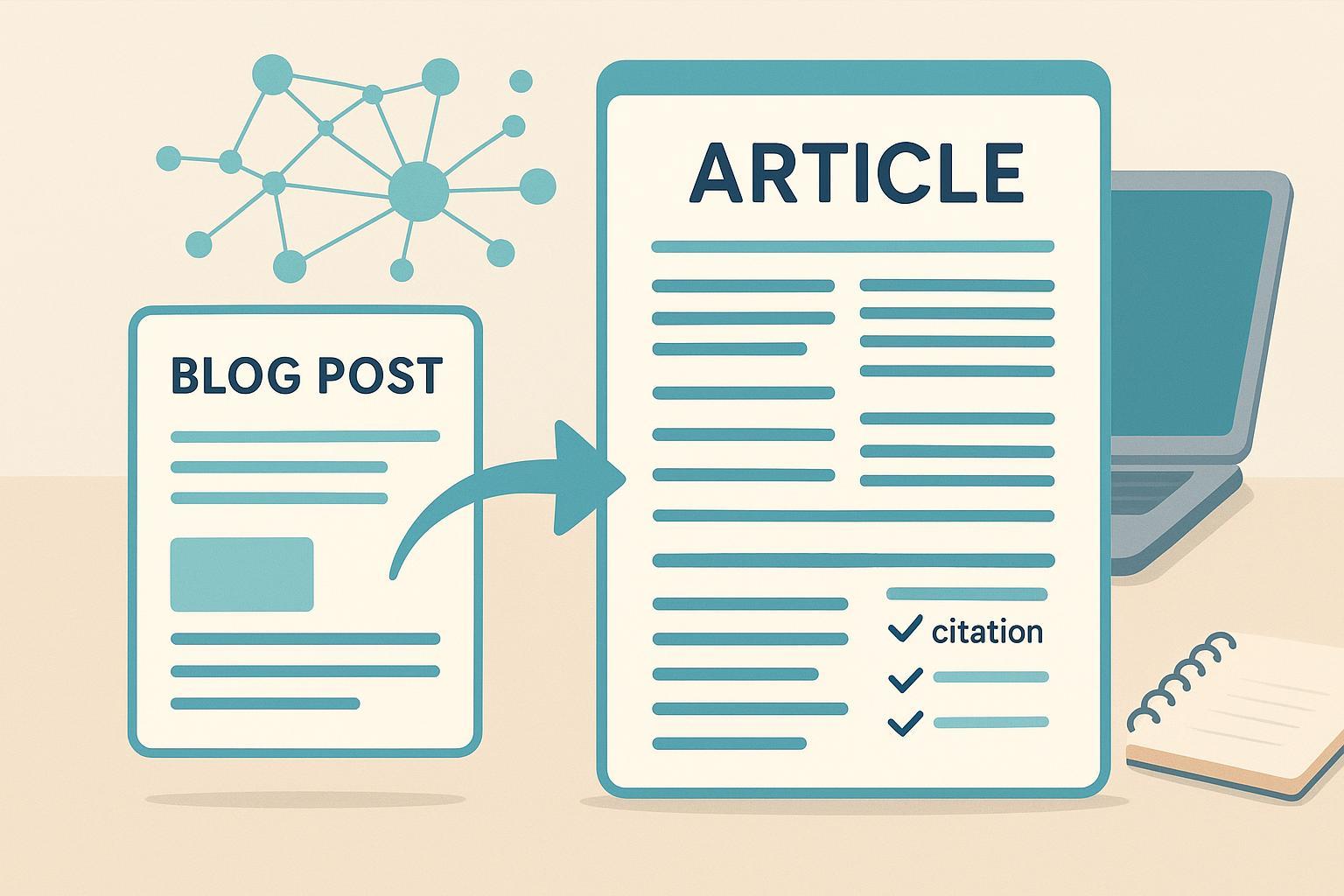
Short posts lose readers when they skim past questions, skip examples, or ignore context. Expansion isn’t about piling on words—it’s about closing gaps so a reader can complete a task, understand a concept, or make a decision. In this guide, you’ll get a repeatable workflow to turn a thin article into a useful, verifiable resource—with AI as a careful assistant, not an autopilot.
1) Decide Whether Expansion Is the Right Move
Before you touch prompts, audit the post.
- Match intent: What query or problem should this post solve? If the original topic targets “how to price handmade candles,” does your content actually help a reader set a price, or just list factors?
- Find gaps: Compare your post against top sub-intents (steps, formulas, examples, FAQs, risks). Note missing sections and thin explanations.
- Choose the path: Refresh if the skeleton is good but outdated; consolidate if you have two overlapping posts; expand if intent is unmet and readers need depth.
This upfront judgment keeps you aligned with people-first content and helps you avoid scaled low-value automation. Google’s March 2024 guidance warns against mass-produced pages that provide little value, regardless of how they’re created. See Google’s explanation in the March 2024 core update and spam policies and how AI-surfaced content works in AI features and your website.
2) Build a Lightweight Source Pack (Grounding/RAG)
Think of a source pack as the “ingredients” you feed the model so it cooks something accurate. You don’t need a full engineering pipeline to reap the benefits.
What to collect
- Your notes and prior posts
- Vendor or product documentation (if relevant)
- Standards, government pages, or primary research
- 5–15 short excerpts with titles, authors, and dates
No‑code options
- Keep it simple: paste excerpts directly into your prompt, grouped by source.
- If you want a light retrieval step later, organize snippets in a doc with headings and citations.
Instruction tip: Tell the model to use only the provided sources and to flag “insufficient evidence” when the pack doesn’t cover a claim. This dramatically reduces hallucinations.
3) Set Voice, Style, and Guardrails
Create a mini style sheet the model can reference.
Voice cues
- Tense and person (e.g., present tense, second person)
- Tone traits (e.g., expert, approachable, no fluff)
- Preferred terms and banned words
Format norms
- Heading structure (H2/H3), sentence variety, short paragraphs
- Citation style: inline descriptive links in the sentence, no bare URLs
- Accessibility basics (alt text, clear link labels, contrast)
Disclosure policy
- If your audience expects transparency, add a brief note such as: “This article used AI tools for outline and draft refinement; all facts were verified.” Keep it concise, consistent, and on-brand.
4) The Plan → Expand → Verify Loop (Prompt Templates)
Here’s the core engine of your workflow. Run each section through the loop, one at a time.
Planning prompt
You are an editorial strategist. Goal: expand our short post on [topic] for [audience].
Primary intent: [task the reader is trying to complete].
Use the style sheet below and only the source pack that follows.
Propose a section outline that covers steps, examples, FAQs, and risks.
For each section, include 1–2 sentences explaining the reader outcome.
Style sheet: [paste].
Source pack: [paste excerpts with titles/authors/dates].
Section expansion prompt
Write the [section name] in our voice using only the source pack.
Requirements:
- Explain how to do it, not just what it is.
- Include 2–3 original examples (draw from our experience or notes).
- Insert descriptive, authoritative links in sentences for any statistics or claims.
- If sources are insufficient, state “insufficient evidence” and suggest what to research.
Verification prompt
Extract every statistic, named entity, date, and specific claim from the draft.
For each, provide an authoritative source link.
Flag any contradictions or missing citations.
Add 1–2 counterpoints or edge cases readers should know.
Counterfactual prompt (optional but powerful)
Challenge the draft: what would be wrong or misleading if a key assumption fails?
Suggest corrections or caveats and where they belong in the article.
5) Fact-Checking and Citations
Keep the burden of proof high for names, numbers, and time‑sensitive claims. Add links only when they genuinely help readers, and prefer primary sources.
- Cite official docs for policy or technical statements.
- Name the publisher/author and the document in your prose.
- Avoid link stuffing: one or two authoritative links per claim are enough.
For search policy context, Google clarifies acceptable AI use in AI features and your website. For U.S. copyright and human authorship (Jan 2025), see the U.S. Copyright Office’s Copyrightability of AI‑Assisted Works (Part 2).
6) Protect Originality and Preserve Your Voice
AI can accidentally echo common phrasing. Keep your perspective front and center.
- Insert firsthand experience: results from a small test, screenshots, or mini case notes.
- Run an overlap check (manual or with a tool) and rewrite derivative passages.
- Use “rewrite to match sample” prompts with 2–3 short in‑voice excerpts.
- Replace generic examples with your own specifics (numbers, steps, constraints).
7) On-Page SEO and Accessibility
Expansion should help readers and search understand your content.
- Title and meta: Craft clear, intent‑aligned titles and meta descriptions (~150–160 characters) that describe the outcome.
- Headings: Map H2/H3 to sub‑intents (how‑to steps, examples, FAQs, risks).
- Internal links: Connect to relevant posts that help complete the task.
- Image alt text: Describe images briefly and meaningfully; follow WCAG best practices in the Web Accessibility Initiative overview.
- Canonical: When syndicating or consolidating, set canonical URLs to avoid duplicate confusion.
8) Publishing on WordPress, Medium, Substack, Ghost
Tool-agnostic steps
- Paste the edited draft into your platform’s editor.
- Set title, meta, alt text, and canonical (if needed).
- Add your author byline and any required disclosure.
Platform notes
- WordPress.com: Jetpack’s AI Assistant can help with drafting and refining. Review outputs carefully, set SEO fields, and add alt text. See Create Better Content with Jetpack AI.
- Medium: Community reports indicate disclosed AI‑generated writing may have distribution constraints and cannot be paywalled under certain program rules; verify current policies before publishing. A summary of 2024 changes appears in PlagiarismToday’s overview of Medium’s AI policies.
- Substack: You can import posts from other platforms and edit them for originality and clarity. See Substack’s import guide.
- Ghost: Set SEO meta, canonical, and image alt text directly in the post editor. See Ghost’s post editor SEO settings.
9) Final QA Checklist (People-First, E‑E‑A‑T, Legal/Ethical)
- Intent match: Does the post help a reader complete the task it promises?
- E‑E‑A‑T: Are firsthand examples, credible sources, and a clear byline present?
- Factuality: Are names, dates, and stats verified against authoritative sources?
- Originality and voice: Is phrasing distinct and aligned with your style sheet?
- On‑page SEO: Titles, meta, headings, alt text, internal links, canonical set?
- Accessibility: Alt text meaningful; link labels clear; avoid decorative-only links.
- Disclosure: If applicable, a brief, consistent statement about AI assistance.
- Final edit: Read aloud for clarity and flow; remove fluff; fix cadence.
10) Troubleshooting Common AI Output Issues
Hallucinations
- Tighten instructions: “Use only the source pack; if missing, say ‘insufficient evidence.’”
- Add citations for specific claims; prefer primary docs and standards.
Repetitiveness
- Lower temperature or increase constraints; ask for varied sentence structures.
- Provide a sharper outline and explicit section goals.
Off‑topic drift
- Restate objectives and audience per section; remind the model to ask for clarification if unsure.
- Trim irrelevant sources and re‑index your excerpts.
Voice drift
- Paste short, high‑signal samples and require “match this style.”
- Replace generic examples with your own scenarios and numbers.
11) Time and Effort
Estimate how long each stage may take and what skills help.
| Stage | Time (mins) | Primary skills |
|---|---|---|
| Pre‑expansion audit | 30–60 | Content strategy, intent mapping |
| Source pack curation | 45–90 | Research, judgment |
| Plan→Expand→Verify (per section) | 20–40 | Prompting, editing |
| Fact‑check and citations | 30–60 | Research, verification |
| SEO & accessibility pass | 20–40 | On‑page SEO, WCAG basics |
| Final human edit | 30–60 | Editorial craft |
Here’s the deal: sustainable expansion comes from a simple rhythm—ground your knowledge, write to help one reader at a time, and keep a human editor in the loop. Run one short post through this workflow this week, then iterate with what you learn. When you’re ready, move the cadence up—quality first, quantity second.
