How Creators Can Turn Scripts Into Articles

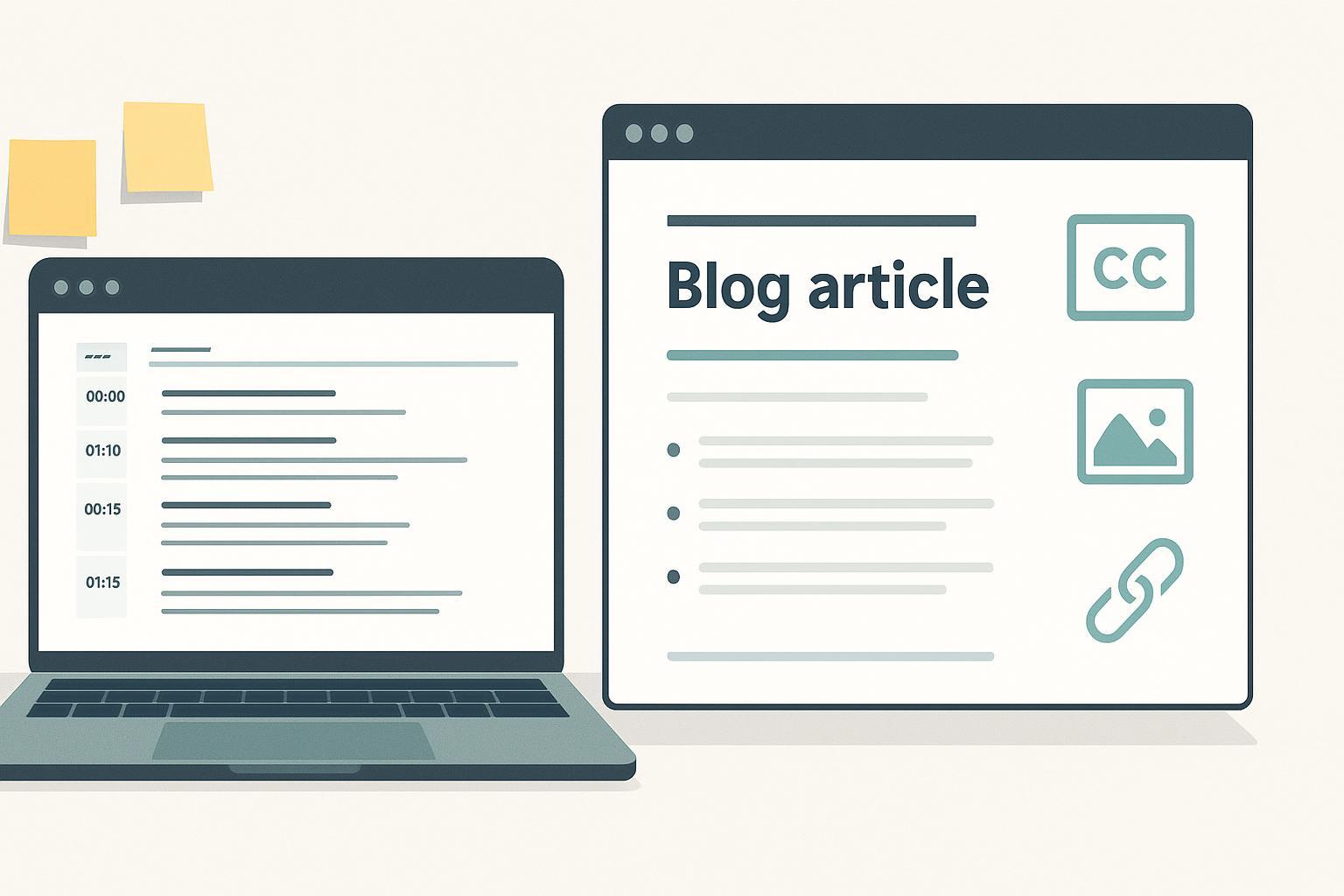
Ever record a great video or podcast and think, “This should be a blog post”? You’re right. But scripts are built for ears and timing; articles are built for eyes and scanning. Below is a field-tested workflow to turn your scripts or transcripts into accessible, SEO‑safe articles—without publishing a raw transcript that sends readers bouncing.
What Actually Changes from Script to Article
Scripts and articles serve different reading behaviors. Use this quick snapshot to set expectations.
| Dimension | Script (spoken-first) | Article (reading-first) |
|---|---|---|
| Structure | Loops, callbacks, asides; time cues | Linear sections with clear headings |
| Tone | Conversational, filler words OK | Concise, evidence‑backed, de‑oralized |
| Pacing | Built for timing and delivery | Built for skimming and scanning |
| Evidence | Implied, often verbal | Linked, cited sources |
| Accessibility | Captions/transcript optional in recording | Alt text, logical headings, captions/transcripts when embedding |
A useful mental model: the article should feel like the “director’s cut” of your piece—crisper, better structured, and easier to quote and share.
The Workflow
1) Get a clean transcript and permissions
Start with a full, time‑stamped transcript of the episode or video, and confirm you have the rights to republish any quotes or third‑party material. Automated tools are fine, but plan a human pass for names, stats, and jargon.
2) Run a de‑oralization pass
Strip away what works only in speech so the text reads smoothly. Here’s a compact checklist:
- Remove fillers (um, like, you know), repeated phrases, and platform‑only CTAs.
- Collapse tangents and rhetorical loops; merge duplicate points.
- Convert spoken metaphors into plain statements; expand implied steps.
- Replace vague claims with specific, sourced facts; link to the original media for context.
Raw transcript dumps are hard to read and usually underperform; substantive editing is essential, as noted by the team at Author Media in their advice to avoid publishing transcripts without restructuring and context. See the practical guidance in the Author Media podcast‑to‑post guide (interview format, guidance updated in recent years).
Tiny before/after example
Spoken‑style (before):
And, you know, this is kind of the part where things get tricky because like, uh, the algorithm—well, it changes a lot, right? So what I like to do is, you know, test stuff and see what happens.
Article‑style (after):
The platform’s ranking signals change often. Run small tests (titles, thumbnails, publishing times) and compare results over a two‑week window before expanding the winning variant.
3) Restructure for linear reading
Group related points into single sections so readers don’t encounter the same idea three times. Sequence sections by reader task or question (“What should I do first?” → “How do I verify it worked?”). Build a semantic heading hierarchy (H2/H3) that mirrors searcher language and the order of operations.
4) Add context, sources, and visuals
Creators often speak in shorthand. Fill in missing definitions or steps, add one or two authoritative citations for any claims, and include simple visuals where they clarify process (a diagram of the workflow, a labeled screenshot). Keep visual filenames and captions descriptive.
5) Format for scannability and accessibility
- Headings and labels should describe the section’s purpose, in logical order. This aligns with WCAG Level AA guidance on headings and labels; see WCAG 2.2’s headings and labels criterion for the spirit of this requirement.
- Keep line length comfortable. Usability research suggests around 45–65 characters per line on desktop is easiest to read (treat as guidance, not a rigid rule). See UXPin’s overview of optimal line length for practical ranges and mobile considerations.
- Provide concise, purpose‑driven alt text for images. When you embed video, include captions; for audio‑only, offer a transcript. These practices support inclusive reading and align with WCAG’s Level A requirements for non‑text content and time‑based media, summarized in WCAG 2.2.
6) SEO and technical hygiene
- Canonicalization: If you have a transcript page and an article on the same topic, treat them as distinct pages with unique value. Use self‑referencing canonicals on each and cross‑link contextually. Google explains how to consolidate duplicate URLs and set a canonical; remember that canonical tags are hints, so keep signals consistent across sitemaps and internal links.
- Linking: Add selective internal links (if you have relevant pages) and a couple of authoritative external sources. Avoid stuffing.
- Metadata: Write a descriptive meta title and meta description that reflect searcher language and the article’s promise.
- Structured data: When appropriate, add Article structured data and validate it before publishing. Use Google’s Rich Results Test to catch errors.
7) Editorial QA and legal checks
Do one structural edit (flow, heading order, de‑duplication), then a copy edit (grammar, clarity, voice), and finally a proofread. Fact‑check names, numbers, and quotes. Confirm you have rights for any third‑party images or embedded media, and that attributions are correct.
8) Publish and validate
Before you hit publish, spot‑check on mobile and desktop: heading order, alt text, captions, and line length. After publishing, validate structured data, then submit or inspect the URL in Search Console, and verify that Google has selected the intended canonical.
Measurement: Did the article actually work?
Track outcomes that prove the article is useful—not just pageviews. In GA4, “engaged sessions” are sessions that last more than 10 seconds, have a conversion (key event), or include at least two pageviews. Google documents this under GA4 user engagement and engagement rate. Practical signals to watch:
- Engagement: engagement rate, average engagement time, and the proportion of sessions with scroll depth to the main how‑to section.
- Search: impressions and click‑through rate for your core “script to article” queries in Search Console.
- Conversions: newsletter signups, inquiry/demo clicks, or other key events you mark as conversions in GA4.
- Assisted traffic: clicks from the article back to the original video or podcast page.
If one post underperforms, compare it to a stronger one: Is the intro longer? Are headings less descriptive? Are the citations thin? Fix the weakest signals first.
Common Pitfalls and Quick Fixes
- Publishing the raw transcript. Fix: Rewrite with headings, merge duplicates, add context, and cite sources (see de‑oralization checklist above).
- Canonical confusion. Fix: Use self‑referencing canonicals, keep internal links and sitemaps consistent, and verify the selected canonical in Search Console after publishing.
- Accessibility gaps. Fix: Add captions/transcripts for media, write purpose‑driven alt text, and confirm logical heading order per WCAG guidance.
Mini Troubleshooting (FAQ)
Q: My article is still repetitive after de‑oralization—what now?
A: Map repeated themes to one section each. Keep the clearest version and redirect other mentions with a brief sentence (“As noted in Step 2…”). Trim anecdotes unless they add new insight.
Q: Can I make multiple articles from a single long script?
A: Yes. Split by tasks or audience segments. Ensure each piece stands alone with its own intro, headings, and conclusion; cross‑link them. Watch for duplication and keep each page’s canonical self‑referencing.
Q: How long should these articles be?
A: Long enough to fully teach the task without padding. Many strong pieces from a 30–60‑minute episode land between 1,200 and 1,800 words once repetitive speech is removed and explanations are added.
Your 10‑minute starter plan
- Pick one episode with clear steps. Generate its transcript and skim for obvious filler and repeated points.
- Draft a quick outline (H2/H3) in the order a reader would tackle the task.
- Rewrite one section using the before/after pattern above. Add one citation to an authoritative source.
- Drop in alt text for one image and confirm your captions/transcript plan.
- Publish a pilot version, validate structured data with the Rich Results Test, and check GA4 engagement after one week. Iterate.
If you follow this workflow, you’ll convert spoken‑word ideas into articles people can read, act on, and share—while staying accessible and search‑friendly. Here’s the deal: your next script already contains a solid blog post. Give it structure, evidence, and accessibility, and hit publish.
