How to Turn Q&A Into Searchable Content

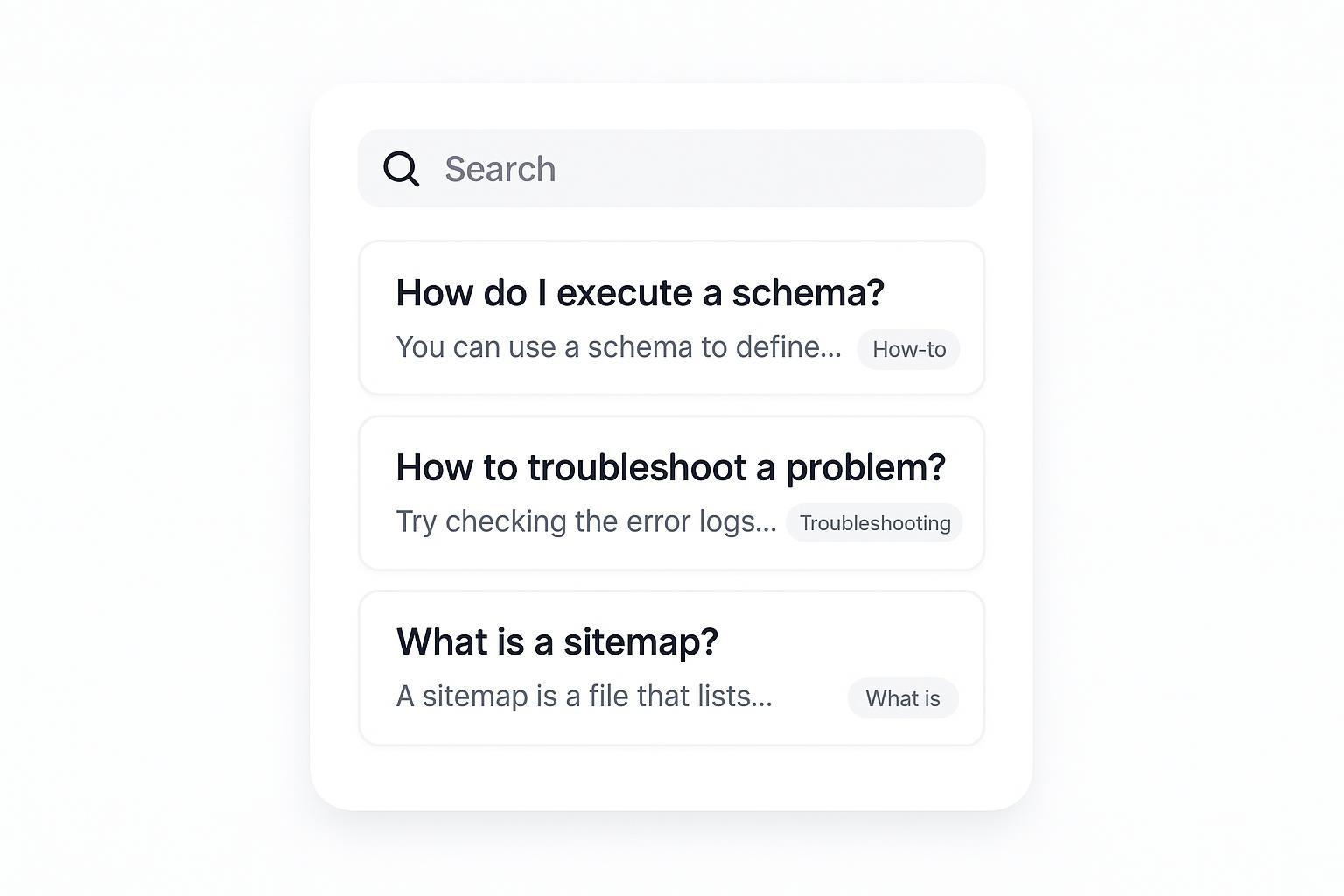
Teams sit on a goldmine of questions—support tickets, sales call notes, webinar chats—but users still can’t find answers when they search. The fix isn’t more pages. It’s a deliberate system that turns raw Q&A into content people and search engines can actually discover.
This guide walks you through a practical workflow: capture and normalize questions, cluster by intent, route them to the right place in your information architecture, rewrite answers people-first, add the right structured data, keep your technical SEO tight, and measure outcomes.
Capture real questions without the noise
You need representative, recent questions—not one-off edge cases. Pull 6–12 months of inputs and standardize them so patterns emerge. Export support tickets (subject, summary, resolution), CRM/sales call transcripts, community/forum threads, and webinar/live chat Q&A. Strip PII and account specifics.
Normalize each question into plain language, active voice, and consistent tense. Combine branded jargon with generic phrasing so queries match how users search. Then tag each entry with product area, persona, and lifecycle stage (evaluation, onboarding, power user). This speeds routing and prioritization.
Example: “URGENT: ACME—Jane can’t regain access after SSO outage” becomes “How do I sign back in after an SSO outage?”
Deduplicate and cluster by search intent
Near-duplicates dilute coverage and split signals. Merge them and choose the clearest phrasing. Start with exact match, then use fuzzy logic on verbs and objects (reset vs change password) and keep the version with broader wording. Cluster questions by intent—How-to (task), Troubleshooting (error), What is (definition), Which/Compare (decision), Why/When (concept). This dictates content format and destination. Prioritize clusters by frequency, support impact, search potential (look for People Also Ask presence), and business importance.
Example merge: “How can I change my login?” + “How do I reset my password?” → canonical question: “How do I reset my password?”
Route each question to the right place
If everything becomes a blog post, you’ll bury the useful bits. Match question types to the page type and site section that users expect.
| Question type | Best page type | Schema to consider | Where it should live |
|---|---|---|---|
| How-to (task) | Step-by-step article; may include screenshots | None or HowTo for structured steps; FAQPage only if a multi-Q page | Knowledge base / docs |
| Troubleshooting (error) | Error-specific article with causes/fixes | None; optionally FAQPage on an index page | Knowledge base / docs |
| What is (definition) | Concept primer or glossary entry | None | Blog / learning hub |
| Which/Compare (decision) | Comparison or buyer’s guide | None | Blog / product comparison hub |
| Why/When (concept) | Explainer/decision guide | None | Blog / learning hub |
| Common quick questions | Aggregated FAQ page | FAQPage | Support/FAQ hub; product/pricing pages for concise in-page FAQs |
| Community thread with multiple answers | Single-question thread with user answers | QAPage | Forum/community |
Canonicals keep this clean. If an in-page FAQ and a KB article both answer “How do I reset my password?”, choose one canonical (usually the KB article). Point duplicates to it with rel=canonical, make your internal links reference the canonical, and include only the canonical in your XML sitemap. See Google’s official documentation for policy and troubleshooting: Canonicalization overview.
Rewrite answers people-first
Lead with the answer, then expand. Readers and search systems both benefit from a crisp first sentence.
Pattern: direct answer in 1–2 sentences; steps or options, then caveats and links to deeper guides; version notes and limits where relevant.
Before → After
- Before (ticket): “User can’t export data; clicking export does nothing.”
- After (answer): “You can export data from Settings > Export. Choose CSV or JSON and select Export. If the button’s disabled, check that you have admin permissions.”
Quick rubric: helpful (does the first sentence resolve the main task? are steps verifiable? are links descriptive? is the language plain and inclusive?) and trustworthy (correct for the current product version? last reviewed date present? authoritative references cited when needed?).
Use structured data correctly (FAQPage vs QAPage)
After Google’s August 2023 change, FAQ rich results are shown primarily for well-known, authoritative government and health sites. For most sites, you shouldn’t expect those rich snippets, but the markup still helps search systems understand your content. See the announcement: Changes to HowTo and FAQ rich results (Google, 2023).
- Use FAQPage when a page lists multiple questions with single, site-provided answers and users can’t submit answers. Official docs: FAQPage structured data.
- Use QAPage when one page centers on a single question with multiple user-submitted answers (forums). Official docs: QAPage structured data.
Example JSON-LD for an aggregated FAQ page
{
  "@context": "https://schema.org",
  "@type": "FAQPage",
  "mainEntity": [
    {
      "@type": "Question",
      "name": "How do I reset my password?",
      "acceptedAnswer": {
        "@type": "Answer",
        "text": "Go to Account Settings > Security > Reset password. Check your email for a reset link and follow the prompts."
      }
    },
    {
      "@type": "Question",
      "name": "Can I export my data?",
      "acceptedAnswer": {
        "@type": "Answer",
        "text": "Yes. Go to Settings > Export. Choose CSV or JSON and click Export."
      }
    }
  ]
}
Validate your markup in the Google Rich Results Test. Only mark up content users can see on the page, and follow Google’s structured data policies.
Technical SEO hygiene that keeps Q&A discoverable
Structure and signals determine whether your answers get crawled, indexed, and surfaced.
- Headings and anchors: Make each question an H2/H3. Add jump links at the top of long pages. Keep link text descriptive. Follow Google’s guidance: Crawlable links and anchor text best practices.
- Canonicals and sitemaps: Choose a single canonical per answer; ensure the canonical URL is indexable (HTTP 200) and included in your XML sitemap. Keep
accurate. See Google’s documentation: Sitemaps overview. - Avoid duplication: Don’t paste identical Q&A blocks across dozens of pages. Centralize common answers and link contextually.
- Accessibility: Use semantic headings, descriptive alt text, and sufficient contrast; avoid hiding critical content behind interactions that block rendering.
Publish, measure, and maintain
Treat FAQs like a product with owners, SLAs, and metrics. Track discovery (impressions and clicks for question-like queries in Search Console; percentage of Q&A URLs with valid structured data), engagement (time on page, scroll depth, and “related questions” clicks), support deflection (ticket volume for covered topics; self-serve success ratings), and internal search (top queries, zero-results rate, and exits after search).
Cadence: assign an owner and SME reviewer; audit quarterly or on version changes. Log changes and sunset or consolidate overlapping entries. Enable feedback (“Was this helpful?”) and monitor internal search to find gaps.
Troubleshooting quick wins
FAQ snippets not showing? That’s expected for most sites after 2023; keep markup for clarity and focus on strong headings, anchors, and internal links. Duplicate answers in multiple places? Pick a canonical (often the KB article), set rel=canonical on alternates, remove duplicates from the sitemap, and update internal links to the canonical. Markup errors flagged? Validate in the Rich Results Test, fix missing required properties or incorrect types, and re-test after template changes. Orphaned Q&A entries? Add links from topic hubs and high-traffic related pages; ensure navigation exposes FAQ/KB hubs.
Pick 50–100 questions, run this play, and you’ll build a durable Q&A system that deflects tickets and earns discovery—without creating a maze of duplicate pages.
