How to Turn Notes Into Full Articles

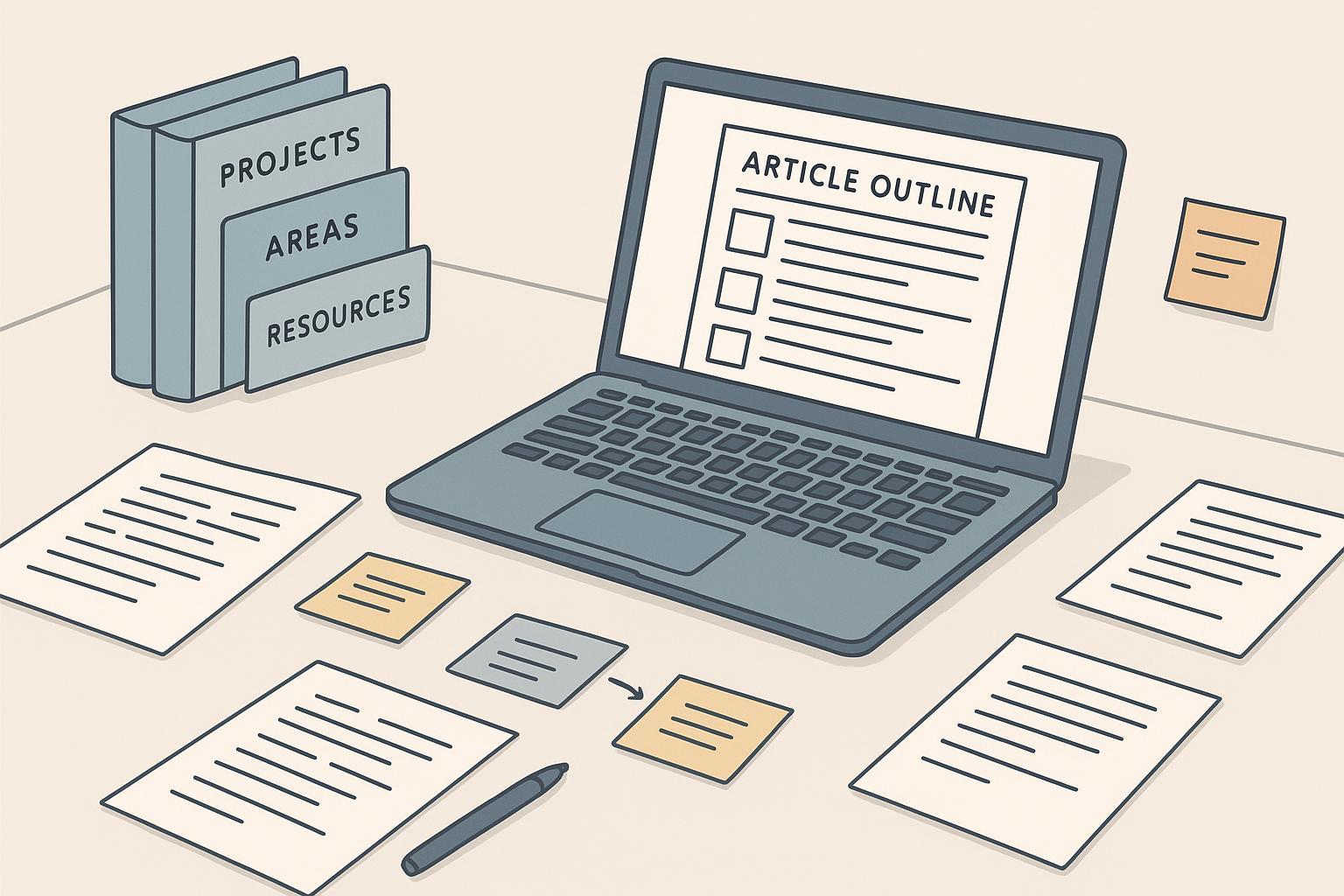
If your notebook or app is overflowing with highlights, quotes, and half-thoughts, you’re in the perfect place to start. This guide shows you a practical, repeatable workflow to turn scattered notes into a clear, publishable article—without getting lost or spending days on busywork.
Step 1: Prepare your notes (input hygiene)
A clean input speeds up every downstream step. Think of it like mise en place for writing.
- Digitize and normalize: Scan handwritten pages (use OCR where possible), convert audio to text, and consolidate everything into searchable files (Markdown, docx, or PDFs). Keep raw sources in one container.
- Use consistent file names: Adopt ISO dates and identifiers so you can trace material fast. Pattern:
ProjectName_YYYYMMDD_SourceKey.ext(e.g.,ClimatePolicy_20250115_IPCC_AR6.pdf). Institutional reproducibility guides emphasize predictable naming for easier retrieval; see The Turing Way’s section on metadata and documentation in “Reproducible Research: RDM Metadata”. - Capture citation metadata early: As you take notes, record author(s), title, publication date, URL/DOI, and access date. You’ll prevent end-of-draft scrambles. Zotero’s Quick Start Guide and Styles overview explain how to grab and format references.
- Route notes with PARA: Sort material into Projects (time-bound outcomes), Areas (ongoing responsibilities), Resources (reference topics), and Archives (inactive). PARA reduces decision fatigue and makes retrieval faster. For a deeper primer, Forte Labs’ PARA overview and implementation guide across apps are excellent.
Micro-example: a 30-minute cleanup
- Consolidate class notes into a single folder.
- Rename five messy files to
CourseName_20250201_Lecture3.md,CourseName_20250115_Smith2020.pdf, etc. - Create four top-level PARA folders and drop each file where it belongs.
- Open your notes and add missing author/title/URL to the first page.
Step 2: Distill with Progressive Summarization
Don’t jump straight into drafting. First, compress your notes in layers so key ideas are easy to scan.
- Pass 1: Highlight the most relevant sentences.
- Pass 2: Bold the few insights that truly matter.
- Pass 3: Write a concise executive summary in your own words.
- Pass 4: Create a concept note that integrates across sources.
Progressive Summarization (from Building a Second Brain) is a simple, layered way to reduce cognitive load and create reusable scaffolds. If you want background, see Forte Labs’ BASB overview in “Building a Second Brain”.
Concept note example (short)
- Title: “Why atomic notes speed drafting”
- Thesis relevance: Shows how smaller notes make outlines easier.
- Key insights:
- One-idea-per-note keeps links meaningful.
- Clusters surface natural sections.
- Drafting becomes copy-and-adapt rather than starting from scratch.
- Sources: Zettelkasten.de atomicity overview; Atlassian primer.
Step 3: Cluster themes and craft a thesis
Now group your concept notes into 3–5 themes and draft a one-sentence thesis. Then map each claim to supporting notes and sources.
- Cluster by tags or link paths (Obsidian/Notion make this convenient, but pen-and-paper works too).
- Write a thesis in one sentence: “X happens because Y; therefore we should Z.”
- List 3–5 claims that support the thesis; link each claim to the relevant concept notes and source files.
- Validate with SIFT and CRAAP: Stop, investigate the source, find better coverage, and trace claims to originals. University libraries summarize these methods well—see the University of Chicago’s SIFT explainer (2025) and Southern Utah University’s CRAAP guide.
Why this step matters
You’re reducing risk early. Weak or outdated sources are removed before outlining, saving you rewrites later.
Step 4: Convert clusters into an outline
Turn clusters into headings and add “evidence slots” under each one.
- Choose a simple flow: Problem → Analysis → Solution → Implications.
- Under each heading, list the facts, quotes, and citations you plan to include.
- Use descriptive headings for accessibility and scannability. If you draft in Google Docs, heading styles and the outline pane help you maintain structure; see this educational overview on headings in Google Docs accessibility.
Quick outline sketch
- H2: The problem with messy notes
- Evidence slot: Examples of duplication; missing metadata.
- H2: A layered synthesis workflow
- Evidence slot: Progressive Summarization and concept notes.
- H2: From themes to thesis (and claims)
- Evidence slot: SIFT/CRAAP validation results.
- H2: Drafting, revising, and citing
- Evidence slot: Zotero insertion steps; formatting guidance.
Step 5: Draft in sprints
Here’s the deal: write section by section, pasting citations as you go, and mark gaps to fill later.
- Sprint 1: Draft “The problem” section from your outline.
- Sprint 2: Draft “Workflow” using concept-note summaries (paraphrase; cite sources).
- Sprint 3: Draft “Thesis and claims,” weaving validated evidence.
- Sprint 4: Draft “Revision and citation,” adding examples and steps.
AI can help with structure suggestions or consistency checks, but don’t let it invent sources or claims. Keep human verification in the loop.
Step 6: Run layered revision passes
Multiple short passes beat one marathon edit. Aim for five quick checks.
- Structure pass: Reorder sections for flow; remove redundancy; make sure every part supports the thesis.
- Clarity pass: Prefer plain language and active voice; unify tense and tone.
- Evidence pass: Fact-check each claim; trace quotes to original context; reject dubious sources.
- Style and formatting pass: Apply consistent heading hierarchy; ensure clear, descriptive link text; add alt text to images.
- Compliance pass: Respect copyright; paraphrase with citations; run a plagiarism scan if appropriate; include any required disclosures.
Step 7: Manage citations without headaches
Pick one style and stick to it. APA, MLA, and Chicago are common choices with official guidance.
- APA Style: author-year in text; References list. See APA Style.
- MLA Style: author-page in text; Works Cited. See MLA Style Center.
- Chicago Style: notes-and-bibliography (footnotes + bibliography) or author-date. See Chicago Manual’s citation guide.
If you use a manager like Zotero, the Quick Start covers capture, insertion, and bibliography creation. You can switch styles late in the process, but it’s smoother to decide early.
Troubleshooting: quick fixes when you’re stuck
| Problem | Symptom | Quick Fix |
|---|---|---|
| Overwhelm & fragmentation | Too many notes, no structure | Consolidate, normalize, and route with PARA; schedule short Progressive Summarization passes. See PARA overview. |
| Unclear thesis | Claims feel scattered | Write one-sentence thesis; craft 3–5 claims; map each to concept notes; validate with SIFT and CRAAP. |
| Citation gaps | Missing author/date/URL/DOI | Capture metadata during note-taking; use Zotero’s Add by Identifier; see Zotero Quick Start. |
| AI hallucination | Unverifiable claims or references | Require human verification; don’t accept AI-generated citations without checking; follow publisher policies. |
| Workflow stalls | Drafting drags or derails | Timebox section sprints; mark gaps; revise in passes; use document version history to roll back. |
Templates you can copy
Filename pattern
ProjectName_YYYYMMDD_SourceKey.ext
Example: NotesToArticle_20250129_FortePARA.md
Concept note template
- Title
- Thesis relevance
- 3–5 bullet insights (in your own words)
- Source list (DOI/URL)
- Links to related atomic notes
For background on atomic notes, Zettelkasten.de’s principle of atomicity is foundational; see “Atomicity: one idea per note” and a discussion of implementation nuance in “Principle vs. implementation”. A practical overview is also available in Atlassian’s Zettelkasten method guide.
Bibliography capture template
- Author(s)
- Title
- Publication
- Year
- DOI/URL
- Accessed (date)
- Notes
- Tags
Put it to work today
Pick a small batch of notes—say, three sources—and run them through this workflow: prepare → distill → cluster → outline → draft → revise → cite. What surprised you when you compressed your notes into concept summaries, and how did that change your thesis? Give it one afternoon, then iterate next week with a bigger set. You’ve got this.
