How to Turn Emails Into SEO Blog Posts

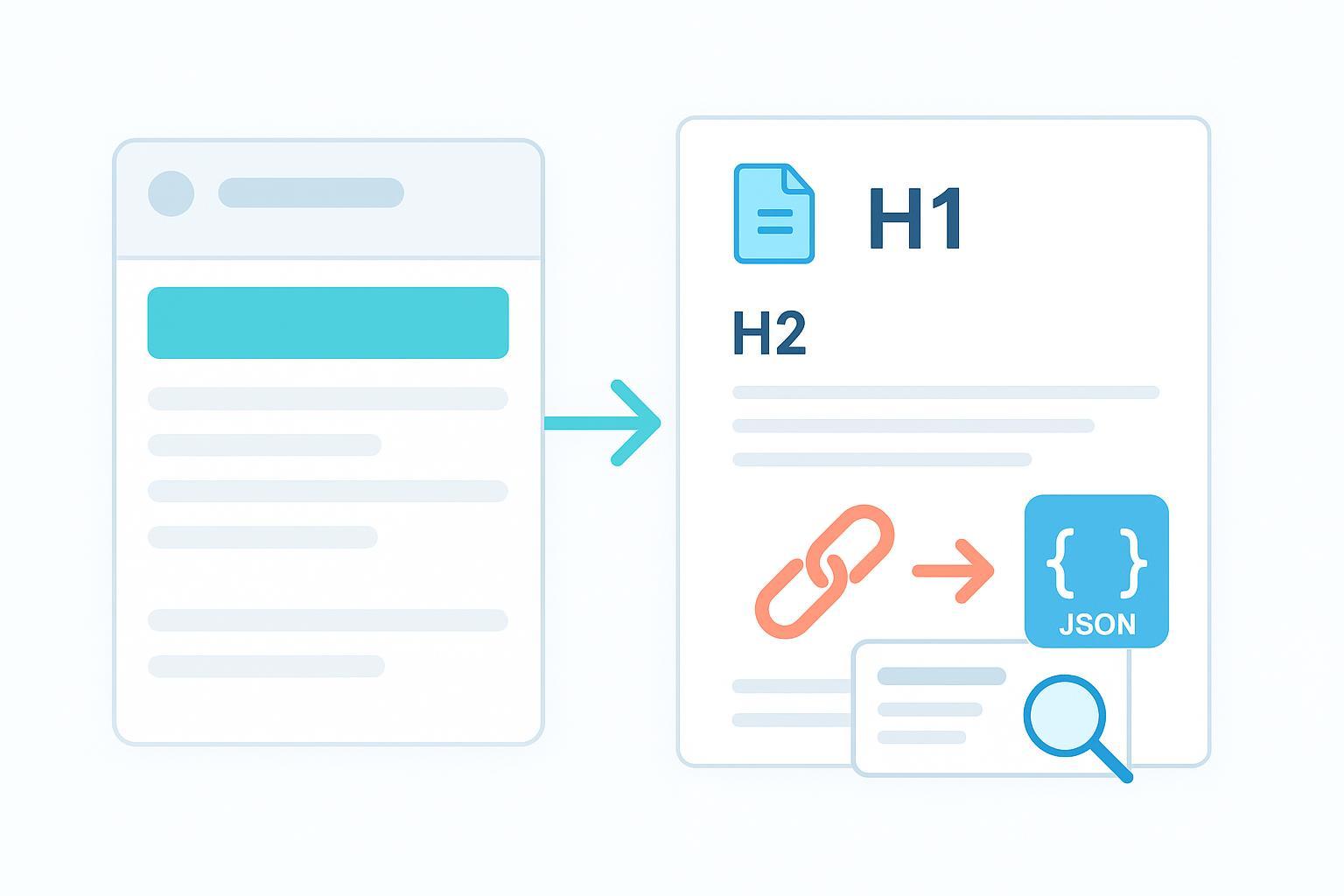
If your inbox is full of helpful newsletters and campaign updates, you’re sitting on a goldmine of content. The trick is turning those emails into SEO‑friendly blog posts that rank—and doing it without creating duplicate content headaches. Below is a practical workflow I use with teams to repurpose emails into search‑ready articles, complete with keyword mapping, internal linking, schema, and canonical controls.
The Email‑to‑SEO Workflow (Step‑by‑Step)
-
Extract the email’s core topic and questions
- Skim for the main theme, the pain point it solves, and any FAQs. Pull out any data points, quotes, or short tips worth expanding.
- Decide whether the email exists publicly (e.g., on a newsletter archive). If it does, you’ll need to materially adapt the content (don’t paste 1:1).
-
Map keywords and search intent
- Assign one primary keyword and 2–3 closely related long‑tail phrases. Make sure the intent (informational, transactional‑support, how‑to) matches what searchers expect.
- Build a simple outline where each section naturally supports the mapped terms.
-
Outline H2/H3s and expand for web readers
- Turn short email bullets into fuller explanations: steps, examples, screenshots, or mini‑case notes.
- Add an intro that directly promises the outcome, then move into clear subsections.
-
Write the draft with examples and visuals
- Use descriptive subheads, short paragraphs, and varied sentence length for scan‑ability.
- Include at least one visual (diagram, screenshot). Compress images and add alt text with context.
-
Optimize on‑page elements (title, meta, URL, headers)
- Craft a human‑readable H1 and a compelling meta title/description aligned with your primary keyword.
- Use a clean URL slug (e.g., /turn-emails-into-seo-blog-posts/). Keep H2/H3 hierarchy logical and consistent.
-
Add internal links to pillars/related posts
- Link to 2–3 relevant pillar pages and 2–3 related articles. Use concise, descriptive anchor text (avoid “click here”).
- Internal links are a key signal of topic relevance and help avoid orphan pages. For auditing and testing improvements, the walkthrough in Screaming Frog’s internal linking audit tutorial is practical.
-
Implement structured data (Article + optional FAQ)
- Add Article schema as your baseline to help search engines understand the page type. Google’s documentation explains required and recommended properties in Article structured data.
- If you include a genuine FAQ section, you can add FAQPage schema for UX, but note Google limits FAQ rich results visibility since August 2023; typical sites shouldn’t expect rich results. Details in Google’s FAQ and How‑to rich results update (2023).
-
Canonicalization and duplication control
- Always include a self‑referencing canonical on the blog post to reinforce the preferred URL.
- If a public email archive contains similar content, either noindex the archive, set a canonical to the blog post, or (preferably for consolidation) redirect the archive to the article. Canonical is a strong hint, but redirects are stronger consolidation signals. See Google’s canonicalization troubleshooting.
-
QA, publish, and promote via the next newsletter
- Validate structured data, check mobile usability, confirm images and internal links work, and ensure canonical alignment.
- Publish and feature the article in your next email with a teaser that links back to the post.
On‑Page Essentials You Shouldn’t Skip
A crisp on‑page setup helps search engines and readers. Here’s what to prioritize:
- Hierarchy and metadata: Keep one H1, logical H2/H3s, and write a meta title/description that sets accurate expectations.
- Images and alt text: Use descriptive alt text that fits the page context (not keyword stuffing). Compress files for speed.
- URL slug: Short, readable, and aligned with the primary keyword.
- Internal linking and topic clusters: Weave links naturally into paragraphs using anchors like “internal linking strategy for topic clusters” rather than generic text. For testing improvements, the walkthrough in Screaming Frog’s guide to finding and testing internal link changes is practical.
Structured Data That Helps Search Understand Your Page
Structured data gives machines a clearer picture of your content. For most repurposed email articles, Article schema is enough. If you add an FAQ section for readers, include FAQPage markup for UX—even though rich results are limited for most sites.
{
  "@context": "https://schema.org",
  "@type": "Article",
  "headline": "How to Turn Emails Into SEO Blog Posts",
  "author": {"@type": "Person", "name": "Your Name"},
  "datePublished": "2025-11-29",
  "hasPart": {
    "@type": "FAQPage",
    "mainEntity": [
      {
        "@type": "Question",
        "name": "Should I paste emails 1:1 into a blog post?",
        "acceptedAnswer": {
          "@type": "Answer",
          "text": "No. Expand and adapt for the web; add examples, visuals, and unique sections. Use a self-referencing canonical on the blog post and avoid duplicates."
        }
      }
    ]
  }
}
Validate your markup with Google’s Rich Results Test and, if needed, cross‑check in Schema Markup Validator. For implementation guidance, see Google’s Article structured data documentation.
Canonicalization & Duplicate Content: Make the Right Call
Think of canonical tags as signposts and redirects as locked doors. If you must keep duplicates accessible (say, a print page), a canonical tells Google which URL you prefer. But when you want to consolidate permanently—like moving from email archive snippets to full blog articles—a 301 redirect is cleaner.
- Self‑referencing canonical: Add
<link rel="canonical" href="https://yourdomain.com/blog/post-slug/">on the canonical page to reinforce preference. Best practices are detailed in Google’s SEO Starter Guide. - Redirects vs canonical: Use redirects for permanent consolidation; use canonical when variants must stay accessible. Troubleshooting steps and the reminder that canonical is a hint appear in Google’s canonicalization troubleshooting.
- Public newsletter archives: If you host archives, either expand the blog article significantly and set archive to canonicalize to the blog, or apply noindex on the archive, or redirect the archive to the article depending on your governance and UX needs. Confirm signals in Search Console’s URL Inspection (compare user‑declared vs Google‑selected canonical).
Platform Tips: WordPress and HubSpot
-
WordPress
- Canonicals: Common SEO plugins output self‑referencing canonicals by default. Verify in source and adjust as needed with plugin settings. See Yoast’s canonical URL guide or Rank Math’s canonical URL docs.
- Article/FAQ schema: Both plugins offer Article schema and FAQ blocks. Always validate after publishing.
-
HubSpot
- Canonicals: Set canonical URLs per page/post and enable self‑referencing canonicals in SEO & Crawlers settings. Documentation: HubSpot’s guide to canonical URLs for duplicate content.
- Structured data: Add JSON‑LD via header HTML or template head. Validate in Rich Results Test.
Troubleshooting: Common Pitfalls and Fixes
- Canonical conflicts: Multiple canonicals or a canonical pointing to a non‑indexable URL. Fix by ensuring a single absolute canonical to a 200, indexable page.
- Google‑selected canonical differs from yours: Strengthen signals—redirect duplicates, link internally to the preferred URL, ensure your XML sitemap lists only the canonical.
- FAQ rich results not appearing: Expected for most sites after Google’s 2023 update. Keep FAQ content for UX; don’t rely on rich result visibility.
- Orphan pages: Add contextual internal links from relevant posts and include the page in your sitemap. Re‑crawl and compare link metrics after updates.
- Schema errors: Use the Rich Results Test to identify missing or invalid fields; ensure markup matches visible content.
Quick QA Checklist Before You Publish
- Does the article materially expand the original email? (examples, steps, visuals, FAQ)
- Is a self‑referencing canonical present on the blog post?
- Are meta title/description aligned with the primary keyword and intent?
- Do internal links use descriptive anchors and point to canonical, sitemap‑listed pages?
- Does Article schema validate cleanly? (FAQPage only if you have a real FAQ section)
- Are images compressed, with descriptive alt text?
- Mobile and speed checks pass; no broken links.
| Stage | Estimated Time | Difficulty |
|---|---|---|
| Extract topic & questions | 15–20 min | Easy |
| Keyword mapping & outline | 20–30 min | Easy‑Medium |
| Drafting & expansion | 60–90 min | Medium |
| On‑page optimization | 20–30 min | Easy |
| Internal linking | 15–25 min | Easy |
| Structured data | 15–25 min | Easy |
| Canonicalization & QA | 20–30 min | Medium |
| Publish & promote | 10–20 min | Easy |
Repurposing emails into SEO blog posts is a repeatable loop: expand the message for the web, map keywords to intent, add meaningful internal links, implement Article schema, set canonicals correctly, and validate before you publish. Try it with your next newsletter—watch how a single email can compound into lasting organic value.
